 GameWiki
GET YOUR BEARINGS
About Retrowave 2
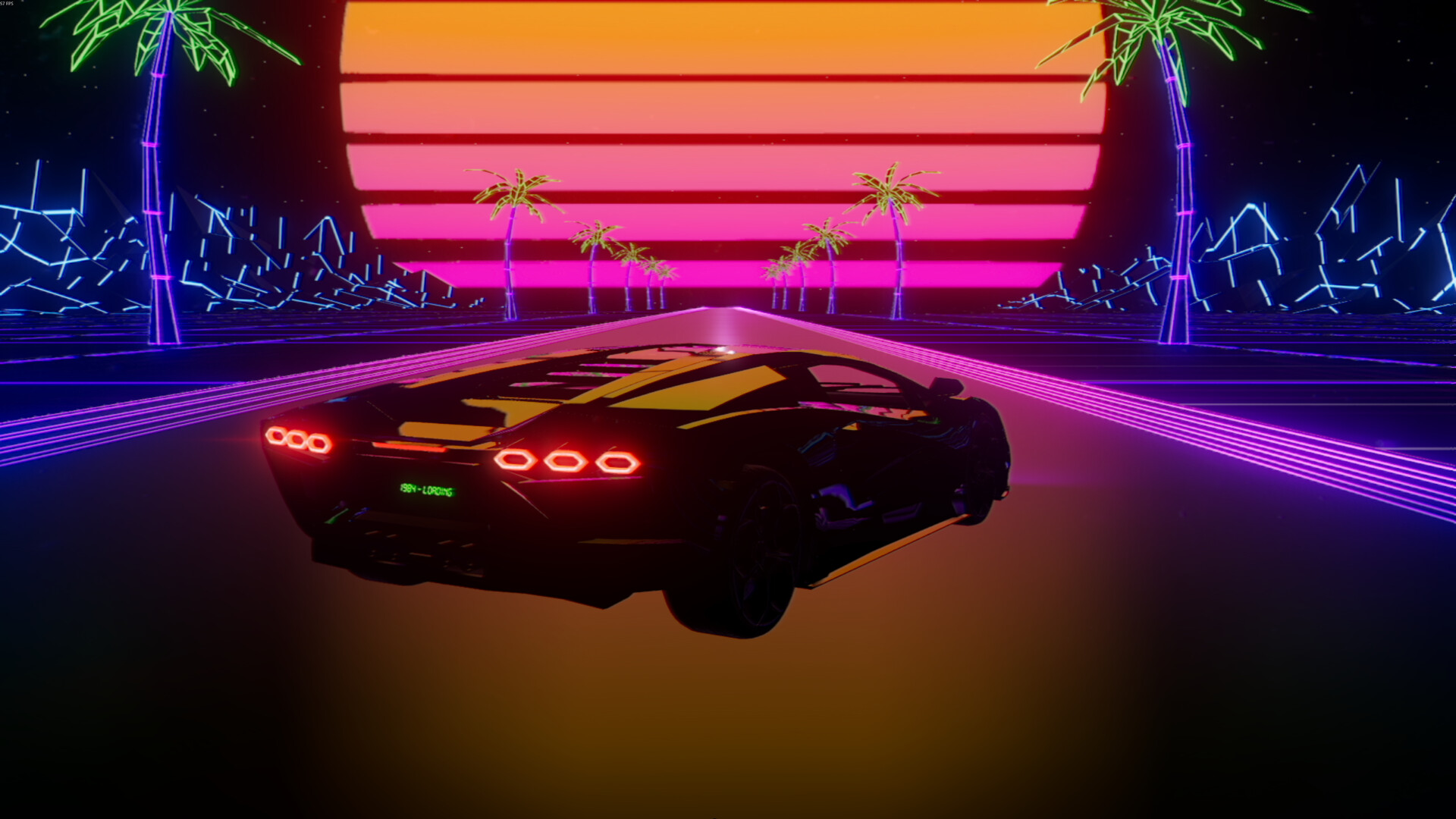
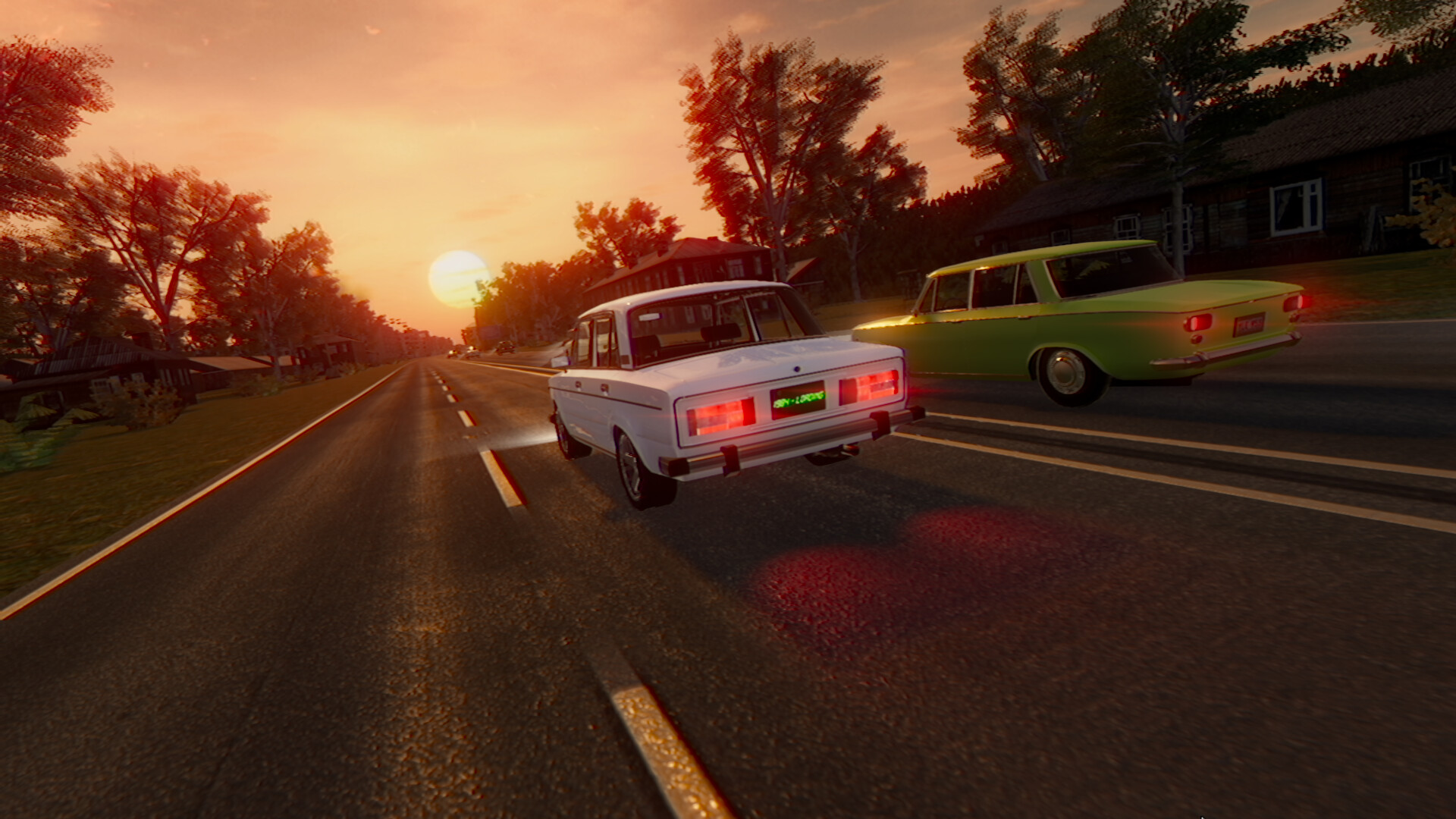
Retrowave 2 drops players into a neon‑lit, synth‑driven world that riffs on an idealized 1980s future. You begin with a single supercar and race along an endless, curving highway while soaking in a retro‑futuristic vibe.
The game supplies over fifteen cars, more than eighteen distinct universes, four game modes, and a soundtrack of fifty‑plus synthwave tracks. Performance upgrades and cosmetic options let you shape each vehicle as you progress through solo races.
01 / THE GUIDE
Car Collection
You start each session with one vehicle and can acquire additional cars using the money earned after each run. The roster contains at least fifteen cars, each styled after an ’80s supercar aesthetic.
Beyond purchasing new cars, the game offers a system for buying colors, plates, spoilers, and wheels, allowing visual customization without affecting performance.
- Compare the visual design of each car before buying to match your preferred retro look.
- Save earnings for a car whose upgrade path aligns with your racing goals.
02 / THE GUIDE
Worlds and Universes
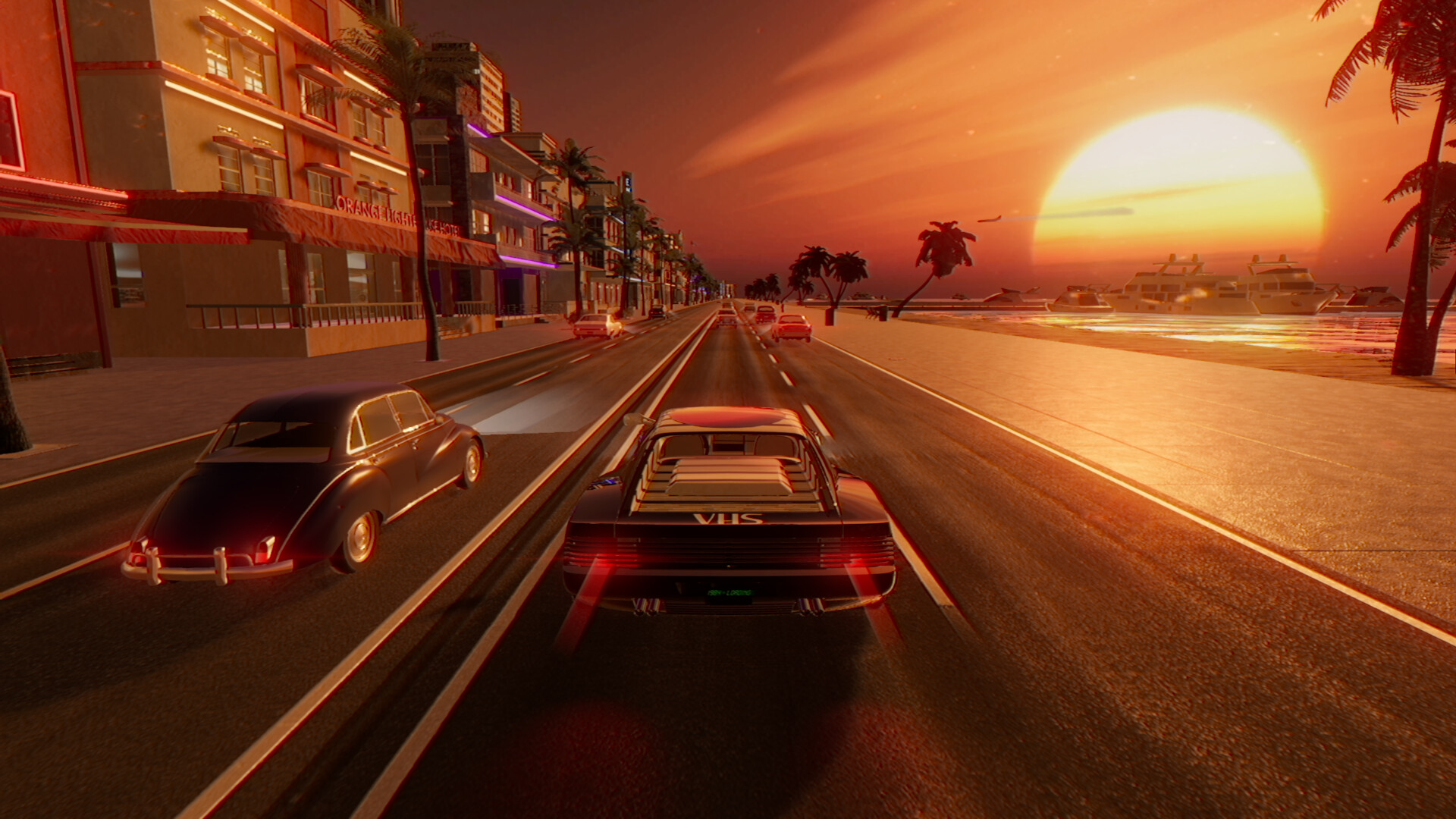
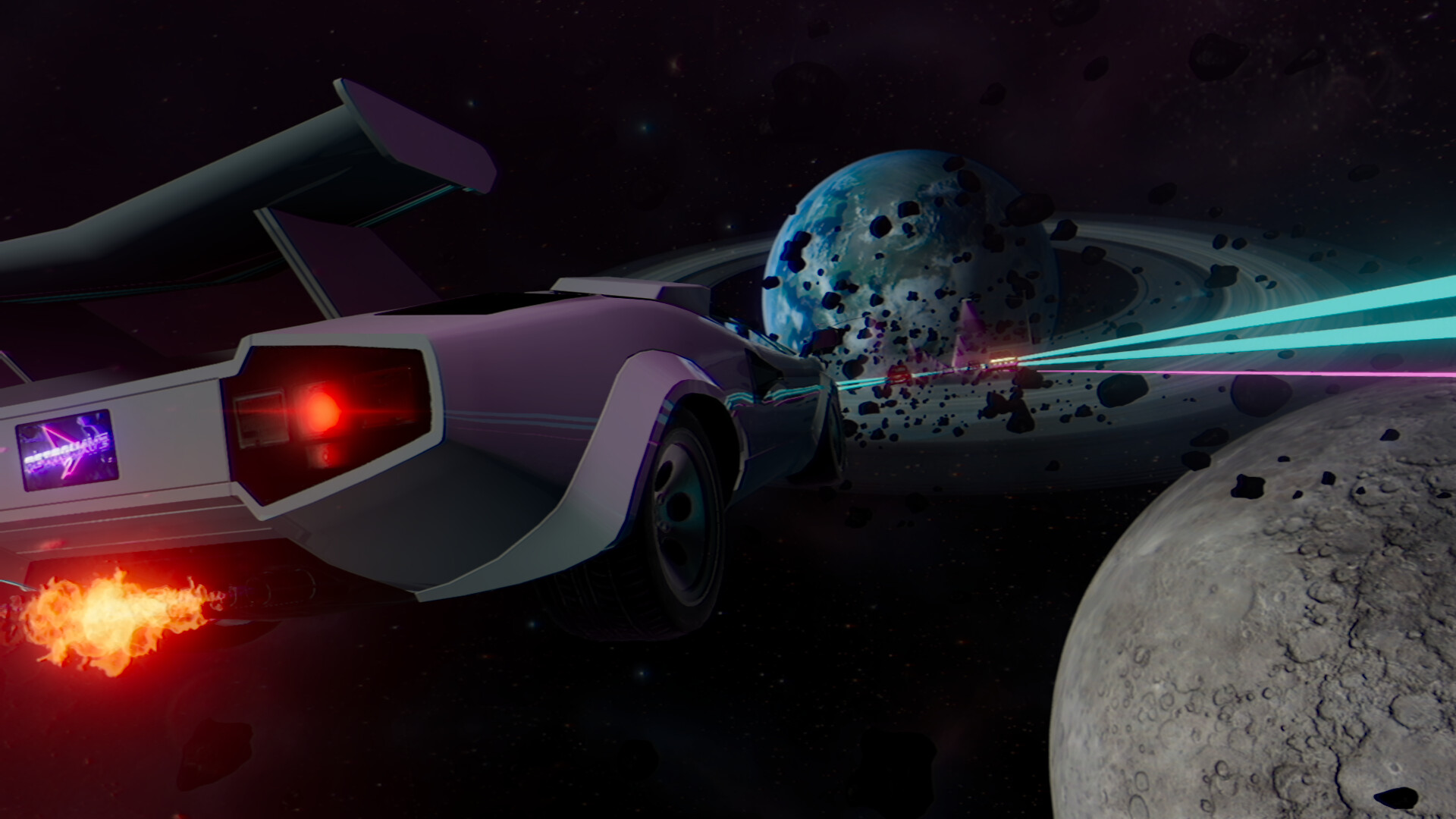
Retrowave 2 features more than eighteen different universes, each providing a unique visual backdrop such as palm‑tree‑lined highways or neon‑filled cityscapes.
All universes share a new infinite road system with curves, contributing to the retro‑futuristic atmosphere while keeping the racing path continuously extending.
- Explore several universes early to discover which scenery feels most engaging.
- Notice how different visual themes influence your perception of speed.
03 / THE GUIDE
Game Modes
Four distinct game modes are available, each built around the core mechanic of navigating the endless, curving road.
All modes operate in single‑player, letting you focus on personal performance and progression without competing against other players.
- Try each mode to see which pacing suits your play style best.
- Switch modes after mastering one to keep the experience fresh.
04 / THE GUIDE
Music and Soundtrack
The soundtrack includes more than fifty synthwave tracks, reinforcing the game's nostalgic tone.
Custom music support lets you add your own selections, letting the audio match your preferred racing rhythm.
- Create a personal playlist that matches the tempo you enjoy while racing.
- Observe how different tracks affect your sense of speed and focus.
05 / THE GUIDE
Upgrade System
After each run, earned money can be spent on performance upgrades, improving the car's performance.
Upgrades are purchased through an in‑game shop and are separate from cosmetic options like colors or wheels.
- Prioritize upgrades that address the challenges of the universe you are racing in.
- Balance performance upgrades with cosmetic choices for a satisfying visual and functional mix.

COMMUNITY
Player discussion