 GameWiki
GET YOUR BEARINGS
About RetroArch
RetroArch is an open‑source, cross‑platform frontend that lets you run classic games and media through a unified graphical interface. It supports Windows, macOS and Linux, and aims to preserve original game discs for modern PCs.
Beyond basic emulation, RetroArch offers advanced tools such as shaders, netplay, rewinding, next‑frame response, and run‑ahead to improve visual fidelity and reduce latency, catering to both solo and multiplayer experiences.
01 / THE GUIDE
Unified Frontend Framework
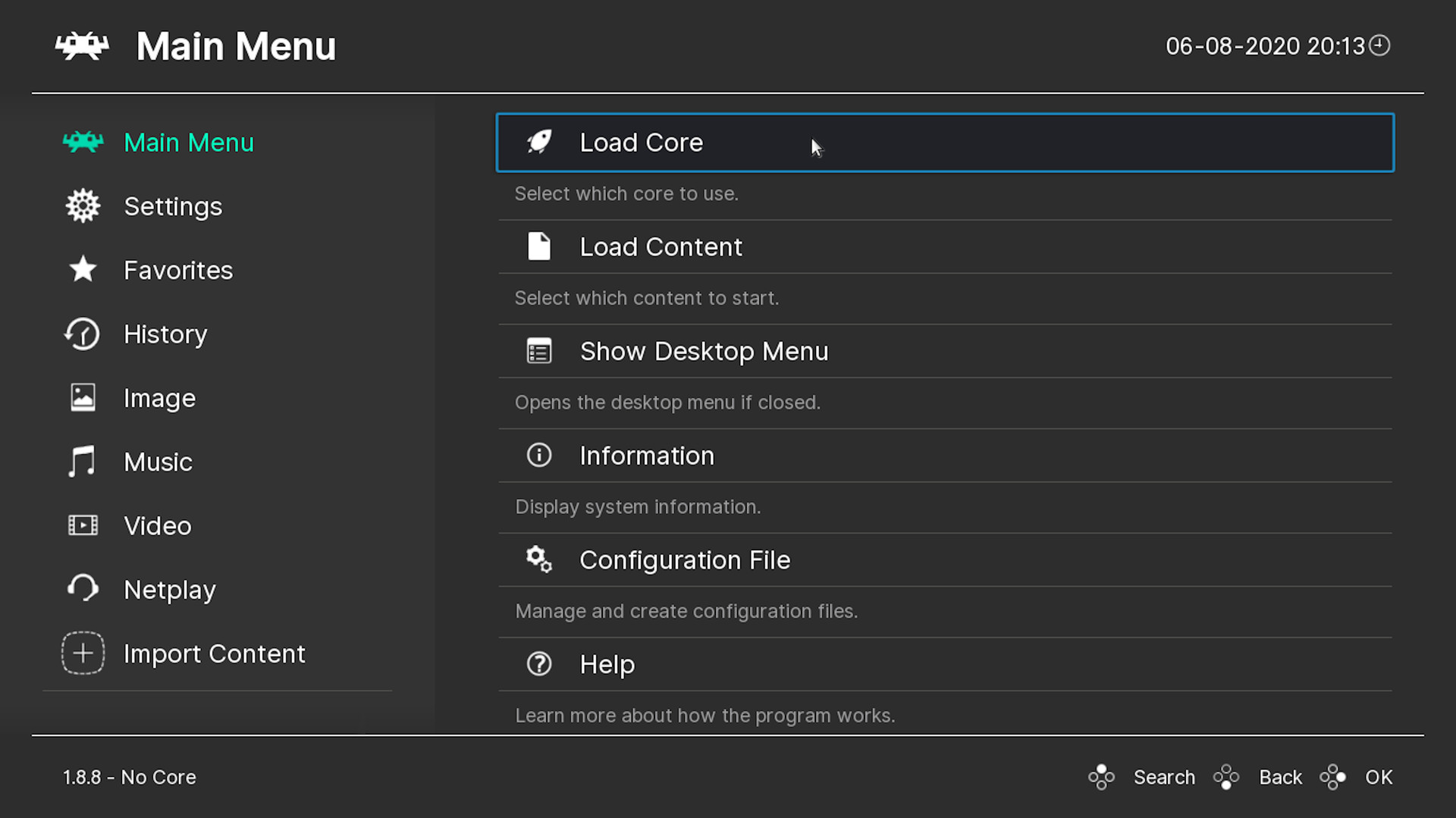
RetroArch serves as a single, slick graphical interface that brings together many game engines, video games, and media players. Configuration is centralized, meaning settings are applied once across all cores.
The framework is open source and works on multiple operating systems, allowing users to run classic titles without juggling separate emulators.
- Compare RetroArch’s unified settings with configuring each emulator individually to gauge time saved.
- Explore the open‑source repository for community‑added cores that expand compatibility.
02 / THE GUIDE
Shader Visual Customization
Shaders let you alter colors, smooth pixels, or emulate the look of older televisions. This visual tweaking helps recreate the experience of playing on a 1995 bedroom TV.
The feature is part of RetroArch’s advanced toolkit, offering both aesthetic and clarity improvements for classic games.
- Test different shader presets to find the balance between authenticity and readability.
- Use shaders to reduce eye strain when playing for extended periods.
03 / THE GUIDE
Rewind Capability
RetroArch includes a rewind function that lets you go back in time to correct mistakes, effectively giving a second chance after a misstep.
This tool operates within the emulator, independent of real‑world constraints, and can be used while playing.
- Enable rewind during challenging sections to experiment with different strategies.
- Try rewind on lower‑end hardware to see how it performs for you.
04 / THE GUIDE
Rollback‑Based Netplay
RetroArch’s netplay uses a rollback system to hide latency, allowing players to compete online with reduced lag. This keeps the experience close to local multiplayer.
PvP is supported, and the feature works over the internet as well as LAN connections.
- Test netplay with a friend on a stable connection to gauge latency handling.
- Compare netplay performance with other online emulation solutions for reference.
05 / THE GUIDE
Remote Play Across Devices
RetroArch offers Remote Play on phones, tablets, TVs, and through Steam’s Remote Play Together, extending gameplay beyond the primary PC.
Full controller support is listed for the game.
- Experiment with Remote Play on a tablet to see how the interface adapts to different screen sizes.
- Check controller compatibility on each device to ensure consistent control.
COMMUNITY
Player discussion