 GameWiki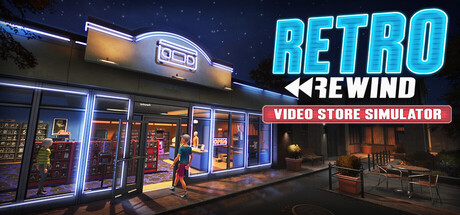
GET YOUR BEARINGS
About Retro Rewind - Video Store Simulator
Retro Rewind lets you open a nostalgic video‑store, handling rentals, sales, and daily operations. You stock VHS titles, set prices, and process returns while building a profitable business.
The game adds seasonal weather, holidays, and customizable décor, letting you expand the layout, decorate with posters, and share movies with friends via unique PC codes.
01 / THE GUIDE
Store Management
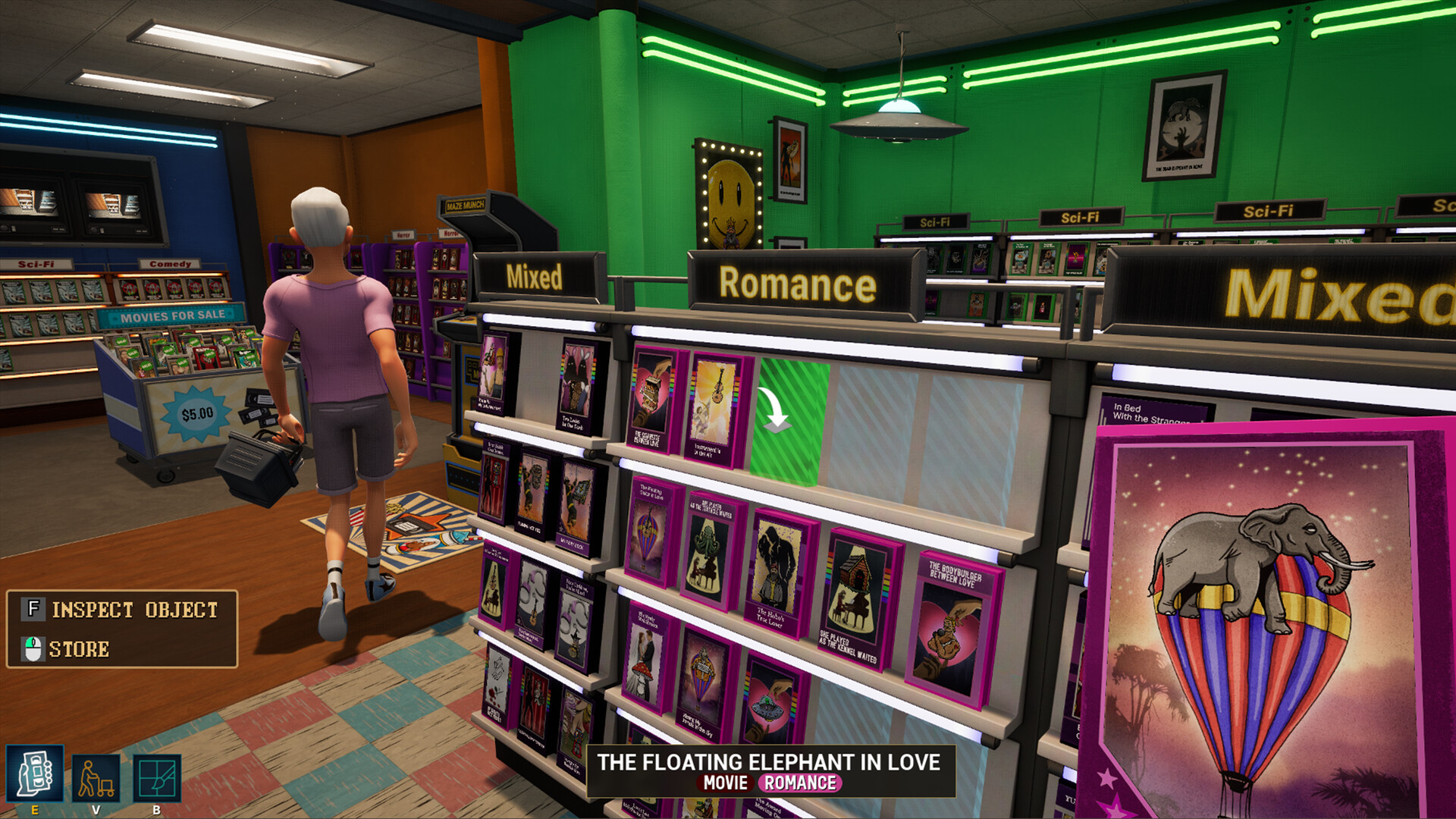
Begin by stocking shelves with VHS titles, setting prices, and processing rentals, turning each tape into a revenue source.
The system records sales, returns, and inventory changes, allowing you to adjust stock levels as demand varies throughout the week.
- Balance popular and niche titles to keep shelves attractive.
- Check the sales log regularly to spot slow‑moving genres.
02 / THE GUIDE
Hiring and Team Management
Hire staff to assist with routine duties such as checkout, shelving, and customer assistance, freeing you to focus on strategic decisions.
Each employee works alongside you in the store, handling tasks that keep daily operations running smoothly.
- Add staff before anticipated busy periods.
- Assign specific tasks to reduce checkout bottlenecks.

03 / THE GUIDE
Seasons, Weather, and Customer Demand
Four seasons cycle in the game, and weather conditions like rain directly influence how many customers visit the store.
Holidays and festivals add unique artwork and cause spikes in specific rental types; rainy Friday nights are noted as especially busy periods.
- Review the in‑game calendar to prepare for holiday spikes.
- Keep extra staff on hand for rainy Friday evenings.
04 / THE GUIDE
Movie Catalog and Ordering
The shelves hold thousands of VHS tapes, each with its own title, genre, and hand‑drawn cover art.
New releases appear each week, inspired by iconic 80s and early‑90s movies, and can be ordered on your PC using a unique code.
- Rotate older titles to make room for weekly releases.
- Use genre tags to recommend movies that match current seasonal trends.
05 / THE GUIDE
Store Customization and Expansion
You can redesign walls and floors, add posters and memorabilia, and personalize the store’s visual style to match themes.
Expanding the layout creates additional shelving space, supporting larger collections and smoother overall customer flow during peak times.
- Start with a compact layout and expand as revenue grows.
- Match décor to seasonal festivals for visual cohesion.


COMMUNITY
Player discussion