 GameWiki
GET YOUR BEARINGS
About Retro Gadgets
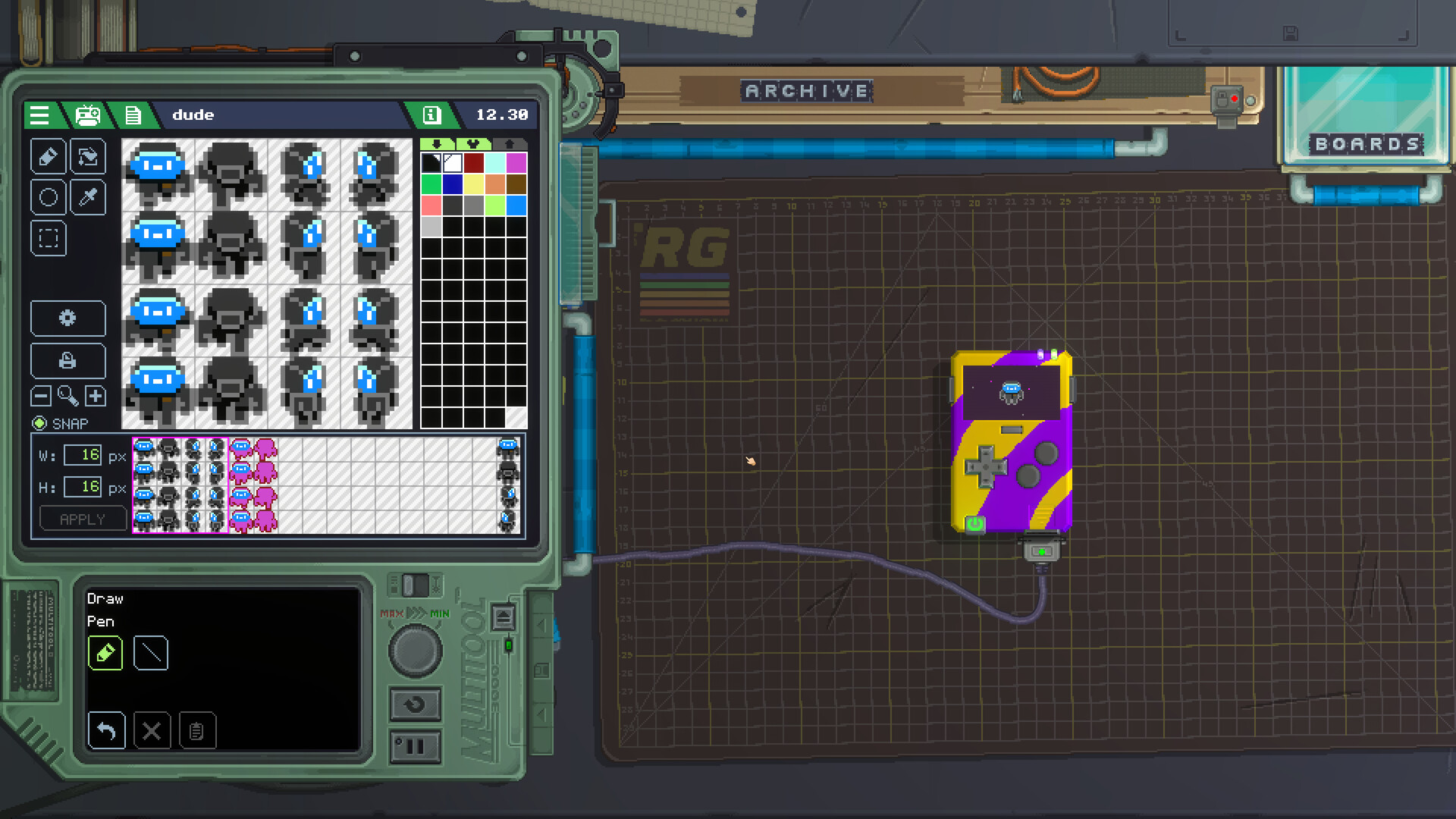
Retro Gadgets places you at a pixel‑art workbench where you can assemble fully functional electronic creations. You add components, solder, paint, and apply stickers, then power the device to hear a startup chime, see gauges flutter, and watch the screen light up.
The game supplies a growing library of parts and a built‑in Lua editor, letting you build consoles, radios, drum machines, weather stations, and more. Finished gadgets can be saved, shared via the Steam Workshop, or untethered to appear on your desktop.
01 / THE GUIDE
Building Your Gadget
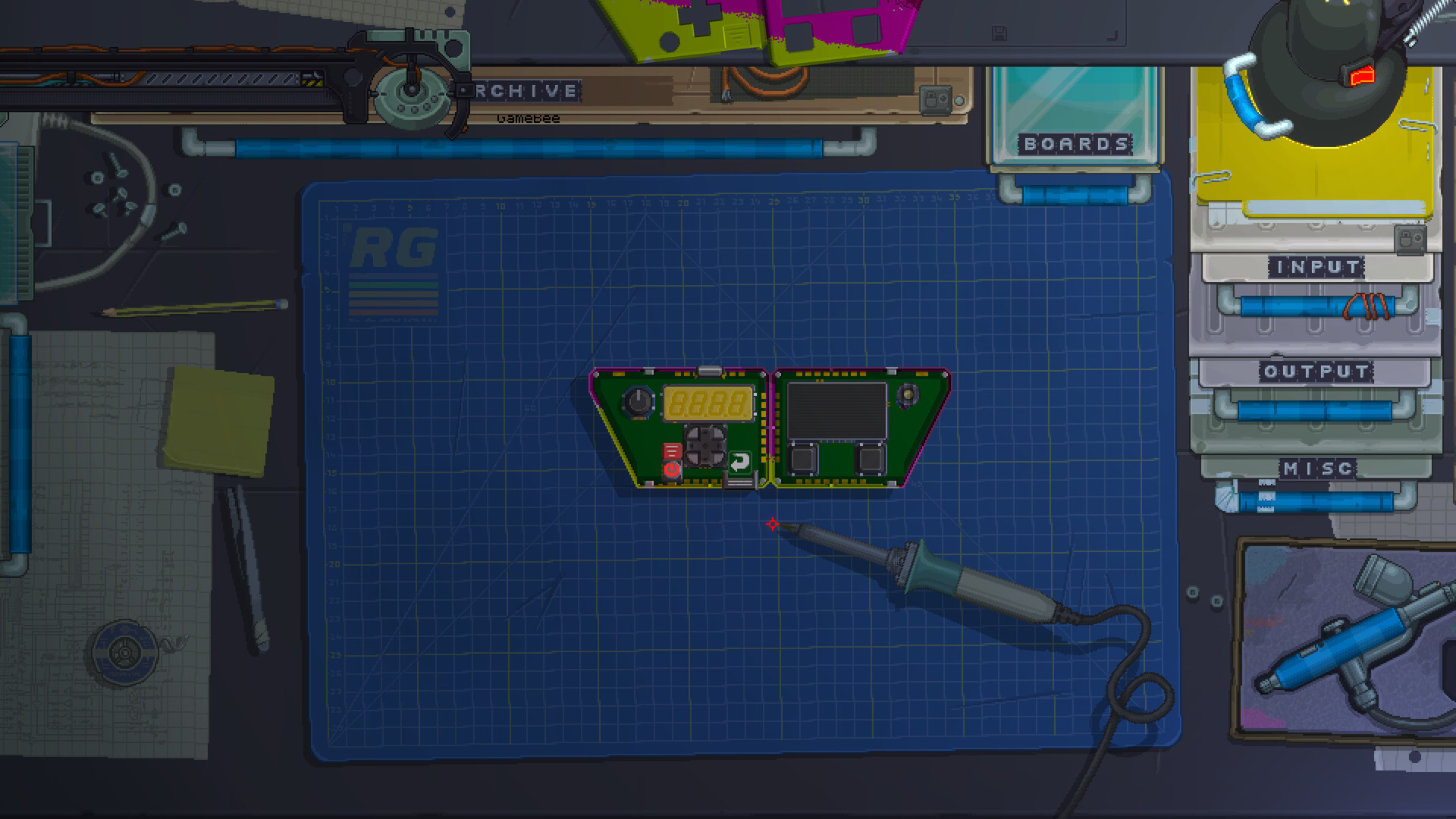
The core activity is placing parts—buttons, switches, dials, LEDs, chips—onto a board, then using the solder tool and paint sprayer to secure and customise them. Each interaction, from twisting a knob to flicking a switch, is animated to reinforce a tactile feel.
When you press the on button, the game plays a startup sound, the gauges flutter, and the screen illuminates, confirming that the assembled hardware is alive and ready for testing or coding.
- Experiment with different spray colours to make component functions visually distinct.
- Use magnetic connectors to rearrange board layouts quickly.
02 / THE GUIDE
Pixel‑Art Workbench
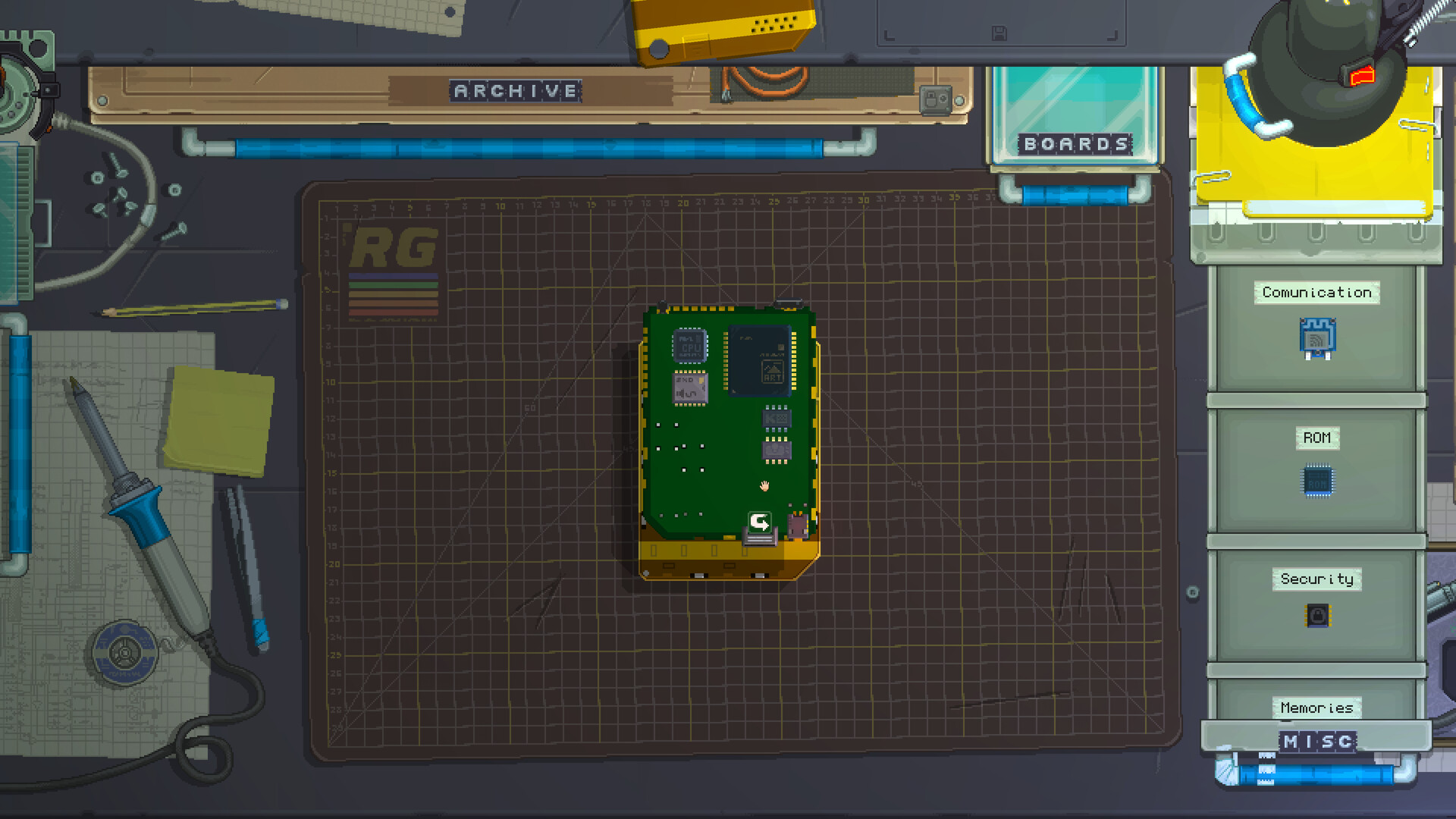
The workbench is rendered in friendly pixel art and features open drawers that hold tools and components. You can print stickers, pick them up with tweezers, and drag parts onto the board, creating a hands‑on assembly experience.
Every action—twisting a knob, tapping a button, flicking a switch—is shown with a small animation, encouraging you to lose track of time while you build and test.
- Open the drawers to find the tools and components you need.
- Take short breaks; the visual style makes it easy to resume exactly where you left off.
03 / THE GUIDE
Unbeatable Components
Retro Gadgets provides an ever‑growing collection of buttons, switches, dials, gauges, LEDs, LCDs, chips, joysticks, speakers, and circuit boards. These parts can be combined in countless ways to shape both appearance and function.
The variety lets you craft lean, efficient machines or elaborate, decorative pieces, giving each creation a distinct personality while remaining fully operational within the simulation.
- Mix component colours to improve visual feedback during testing.
- Combine multiple LEDs with different gauges for dynamic display effects.
04 / THE GUIDE
Coding with Lua
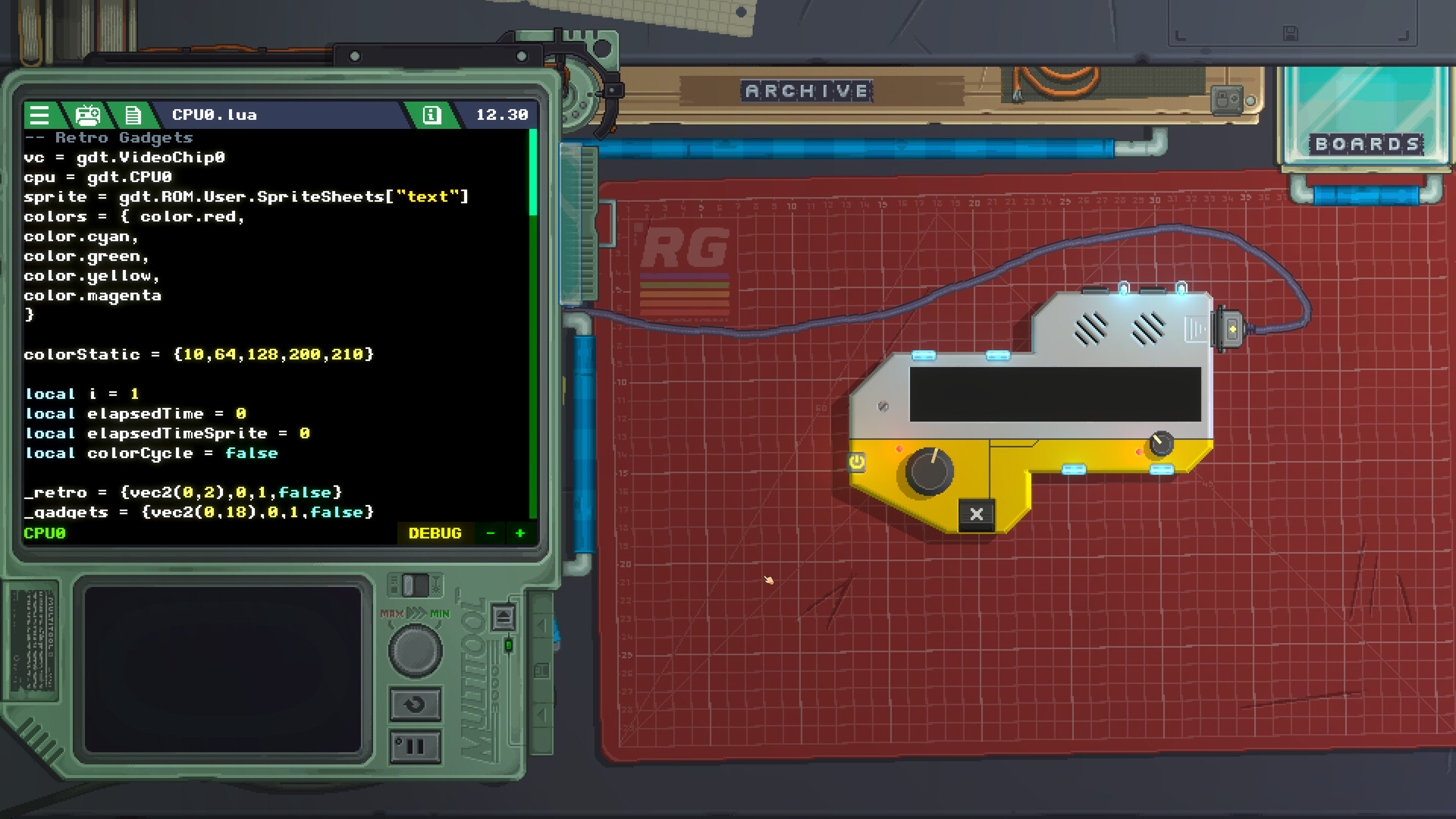
After hardware assembly, you can write or upload Lua code directly to the gadget’s CPU using the built‑in editor. The environment supports debugging, allowing you to iterate on software that controls audio, video, and inputs.
Programming is optional but adds depth; a simple script can turn a radio into a weather station, a drum machine into a game, or any other interactive experience you imagine.
- Start with a basic print statement to verify the CPU receives your code.
- Use the built-in debugging support to track down problems when a gadget behaves unexpectedly.
05 / THE GUIDE
Sharing and Archive
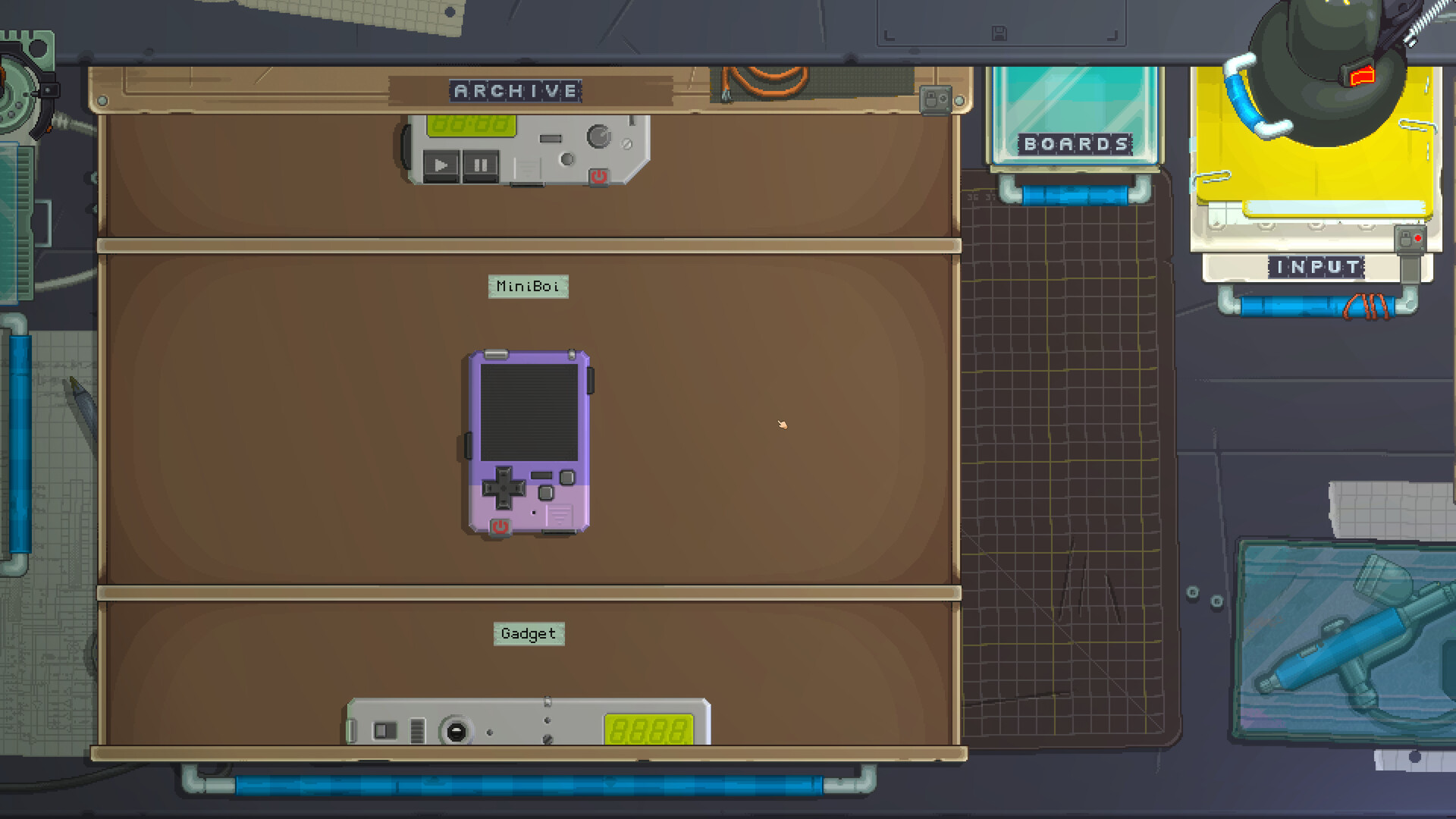
Every completed gadget can be stored in the archive drawer for later tweaks or new projects. The archive lets you pull out old creations, modify them, or start fresh without losing previous work.
Through the Steam Workshop you can download community gadgets, dissect their hardware and code, and rebuild them with personal twists. A single switch also untethers a gadget, placing it on your computer desktop for use outside the game.
- Browse the Workshop for inspiration before beginning a new build.
- Save frequently to the archive to avoid losing progress on complex projects.
COMMUNITY
Player discussion