 GameWiki
GET YOUR BEARINGS
About Retro Arcade Shop Simulator
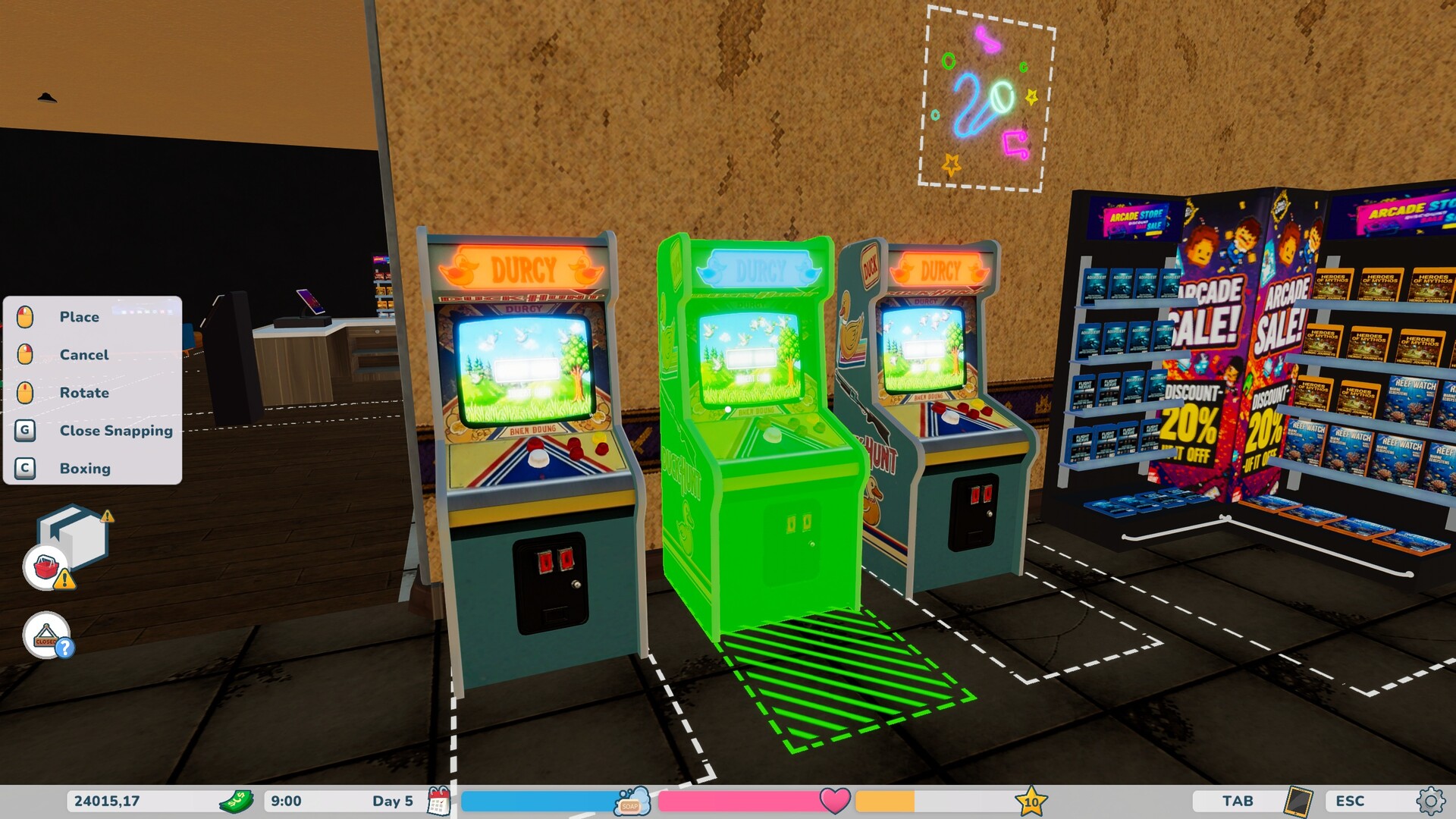
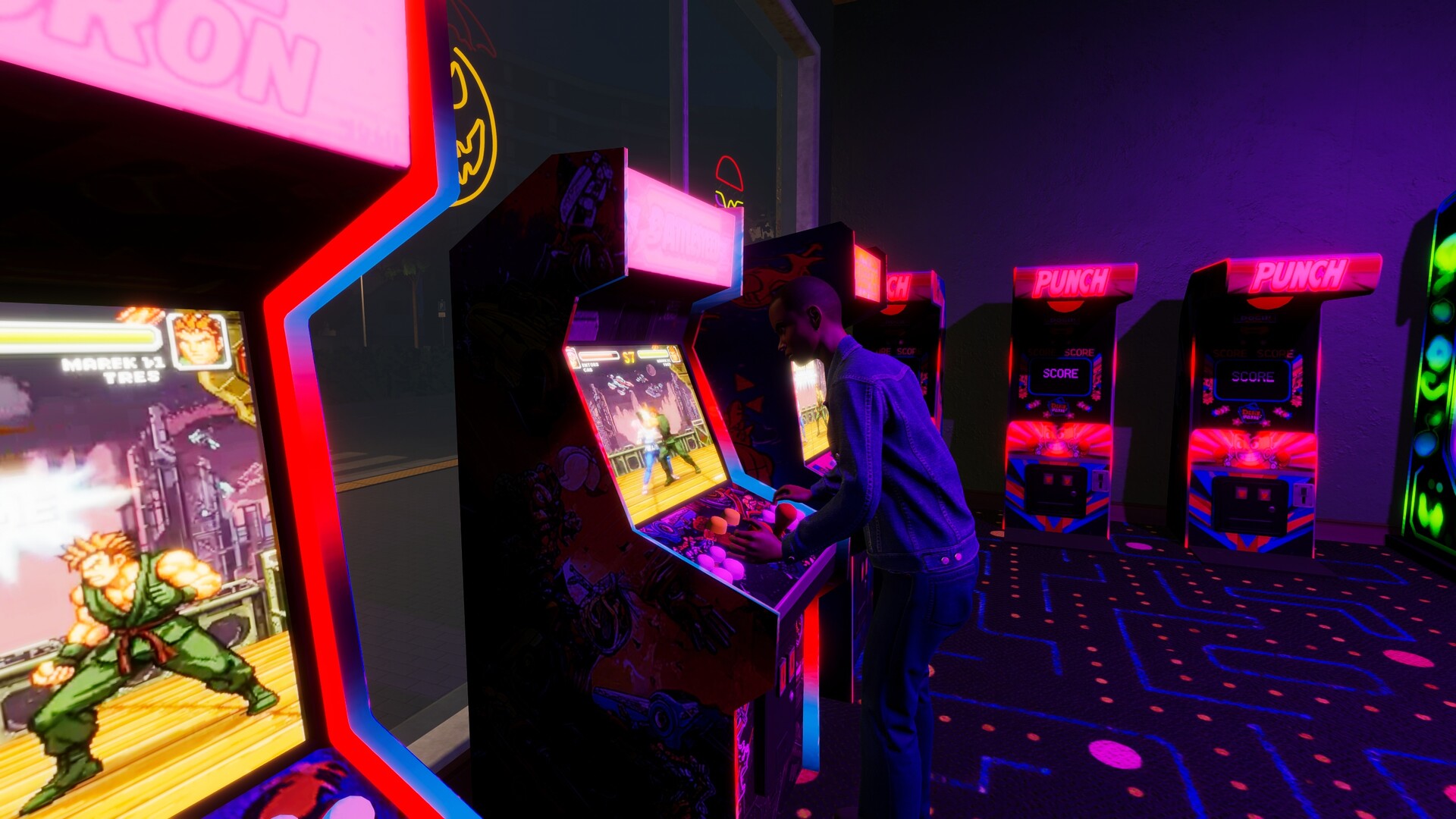
Retro Arcade Shop Simulator starts you in a modest, dusty venue where you can purchase classic arcade cabinets, pinball machines, and newer attractions such as Go‑Karts and 8D Cinemas. The game focuses on expanding the space, arranging machines, and watching tokens accumulate.
Beyond buying equipment you manage a token economy, hire staff, keep machines serviced, and customize walls, floors, neon signs, and a cafeteria. The blend of business management and nostalgic décor creates a retro‑themed tycoon experience.
01 / THE GUIDE
Expanding Your Arcade
The game lets you unlock up to ten distinct rooms, each adding floor space for additional machines and attractions. New rooms give you the option to place air‑hockey, bowling alleys, or high‑end simulators alongside classic cabinets.
Each unlocked room expands the layout possibilities, requiring you to reorganize the floor plan to accommodate more attractions and maintain a functional flow for customers.
- Review the number of rooms you have before adding more machines.
- Balance room count with the staff you plan to hire.
02 / THE GUIDE
Choosing Machines and Attractions
Retro Arcade Shop Simulator offers 28 distinct types of entertainment, ranging from classic arcade cabinets, pinball, and Whack‑A‑Mole to modern plane simulators, Go‑Karts, and 8D Cinemas. This variety lets you select a mix that fits your arcade’s theme.
Machines wear down with use, so they require service and repair. Early in the game you can perform these tasks yourself; later you may hire repair staff to keep machines operational.
- Track which machines generate the most tokens over time.
- Plan for repair time when adding high‑wear attractions.

03 / THE GUIDE
Token Economy and Finances
The arcade runs on four token currencies. You can monitor hourly income and take out multi‑tier bank loans to fund expansions such as new rooms or attractions.
Managing token collection helps maintain cash flow and supports steady growth without running into shortages.
- Check token boxes regularly to keep earnings up to date.
- Consider loan size relative to projected hourly income.
04 / THE GUIDE
Hiring and Automating Staff
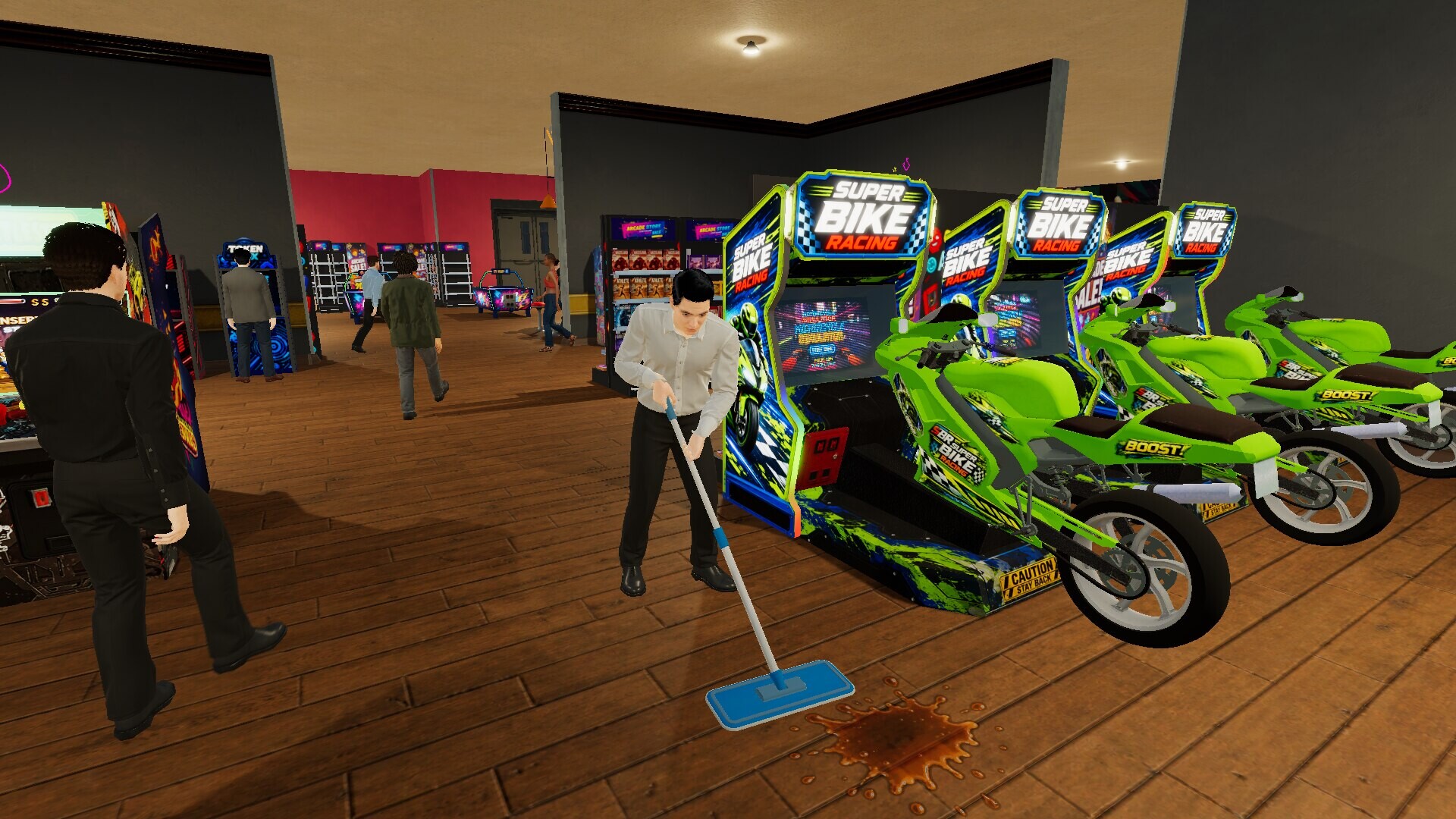
As customer numbers rise you can hire cashiers, cafeteria workers, token collectors, repairmen, and cleaners. Staff handle routine tasks, allowing you to focus on expansion and customization.
Each staff role addresses a specific need: cashiers process payments, token collectors gather earnings, repairmen fix worn machines, and cleaners maintain venue cleanliness.
- Add token collectors when token generation increases.
- Introduce cleaners after expanding to multiple rooms.
05 / THE GUIDE
Decorating and Running the Cafeteria
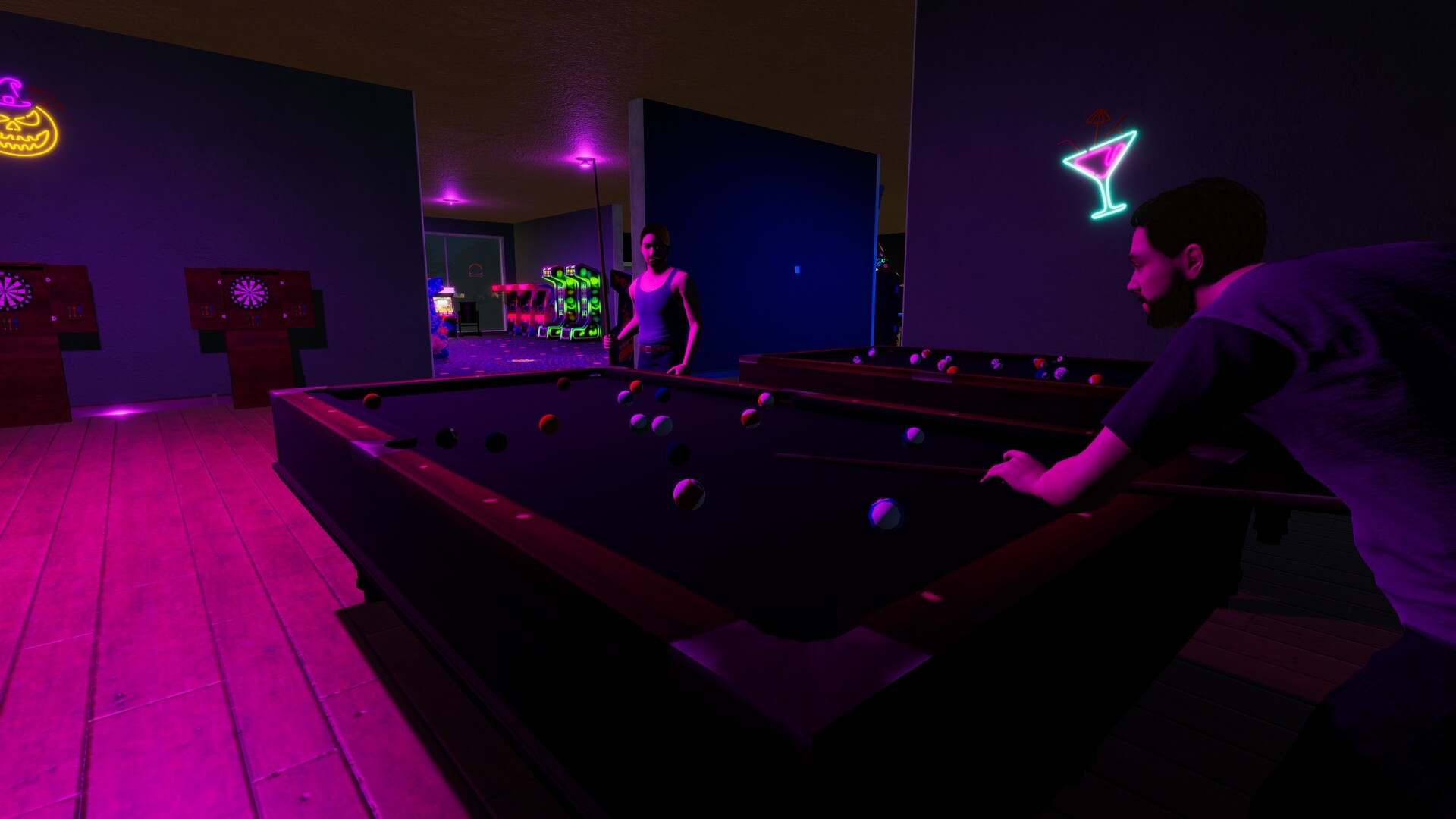
You can personalize walls, floors, lighting, graffiti murals, neon signs, and decorative plants, giving each room a unique look. The game provides 26 wall textures, 17 floor types, and various lighting options.
An on‑site cafeteria lets you serve burgers, pour drinks, and sell gaming magazines or CDs, adding an additional profit stream to daily earnings.
- Experiment with different wall and floor textures to match your arcade’s theme.
- Monitor cafeteria sales alongside token income to gauge overall profit.
COMMUNITY
Player discussion