 GameWiki
GET YOUR BEARINGS
About Retail Company Simulator
Retail Company Simulator puts you behind the counter of a first‑person retail business. You begin with a modest shop and work to grow it into a large chain by handling stock, pricing, and customer service.
The game offers both solo play and cooperative sessions for up to four friends. Each additional player brings more demanding customers, so teamwork and efficient store management become essential.
01 / THE GUIDE
Store workflow
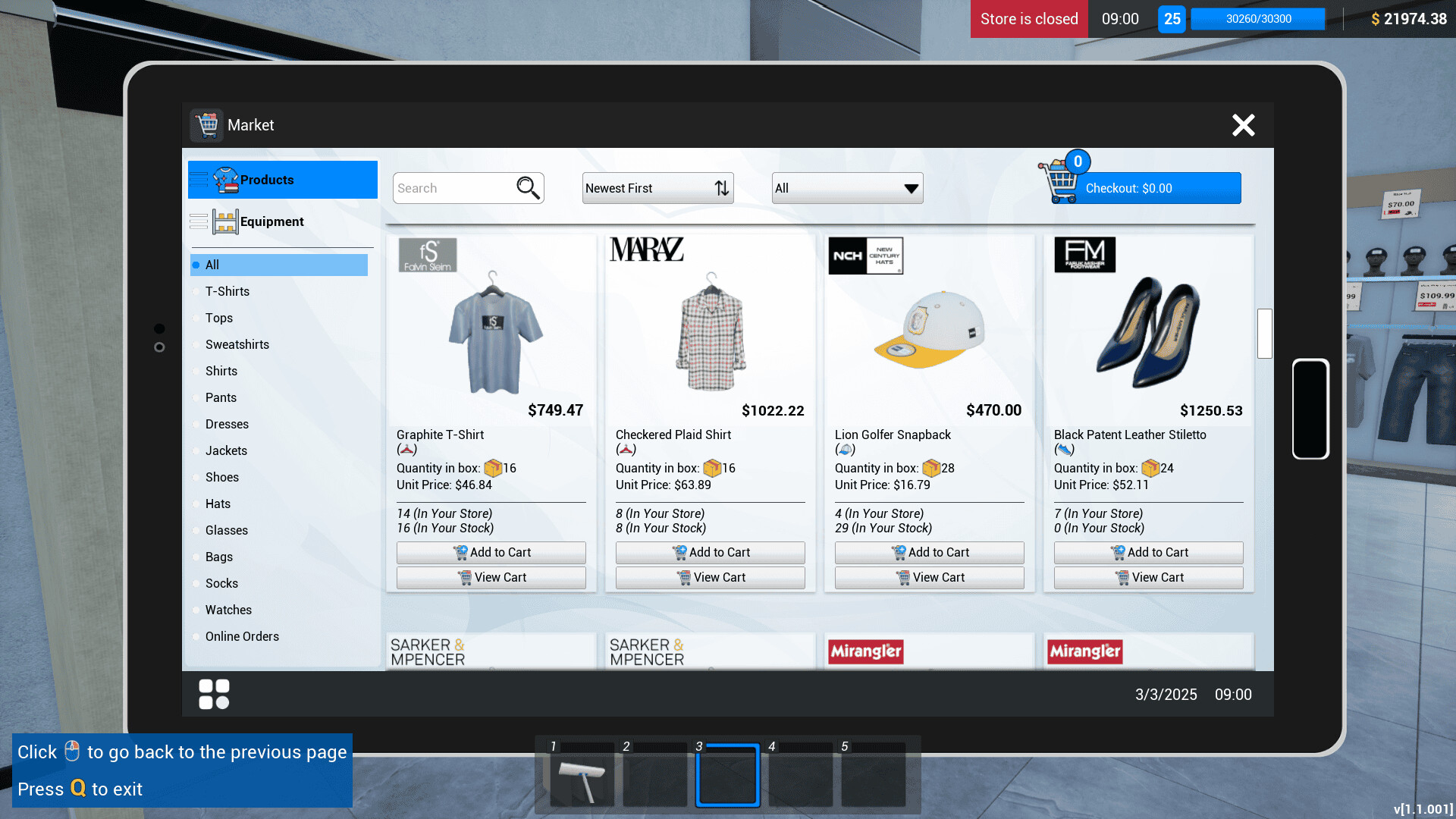
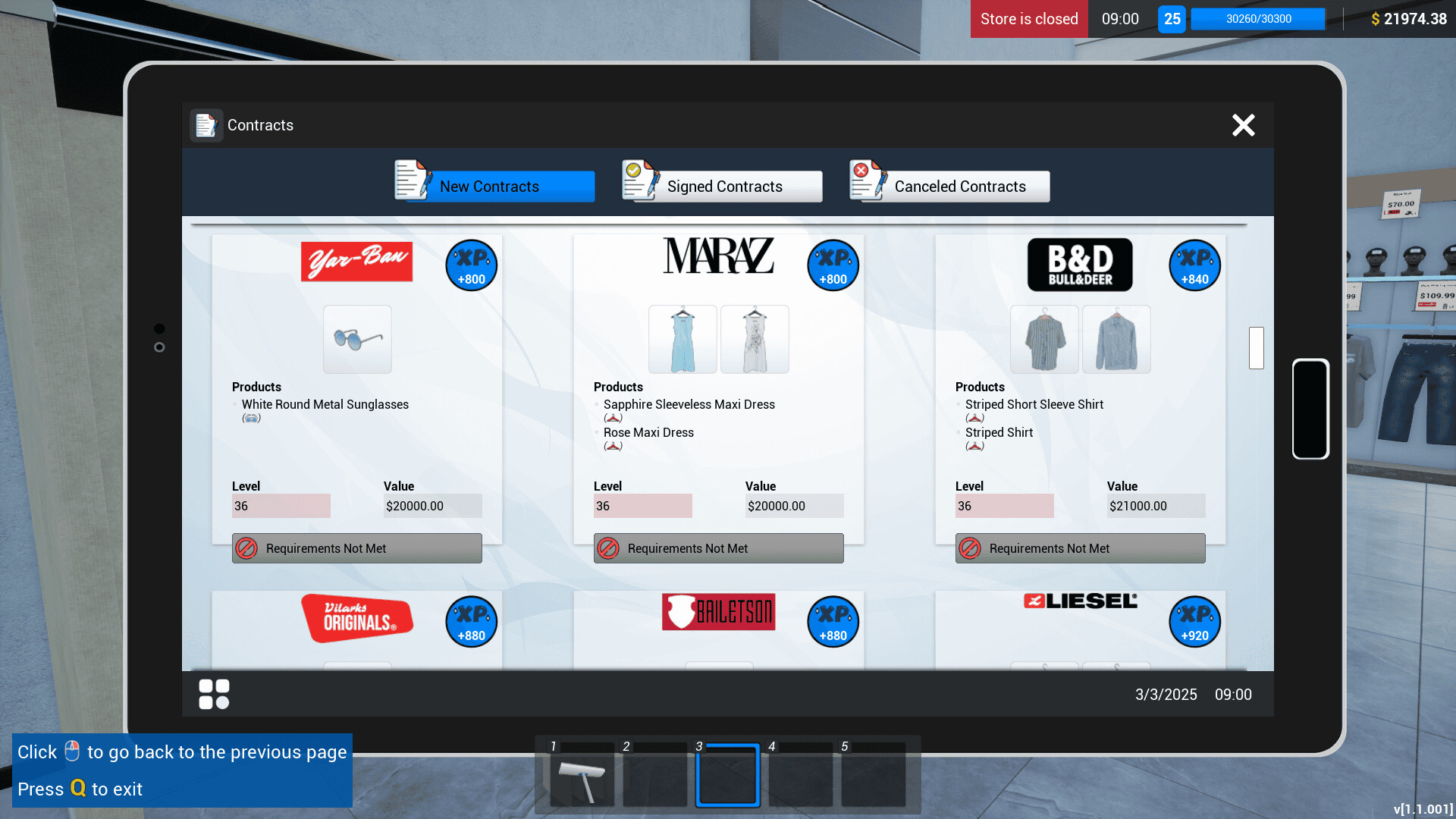
You sign contracts with leading brands, order products using an in‑game computer, unpack the boxes, and place items on shelves. Setting prices requires attention to market rates to keep customers satisfied.
Maintaining a clean floor prevents loss of patrons, while watching for thieves protects inventory and finances from box losses.
- Check contract details before ordering to avoid excess stock.
- Schedule short cleaning intervals to keep the store tidy.
02 / THE GUIDE
Co‑op mode
Up to four players can share duties in a cooperative session. Adding teammates raises the number of demanding customers that visit the store, requiring coordinated effort.
Friends can be invited at any time, letting you switch between solo and group play whenever you wish.
- Assign each player a clear role such as stocking, checkout, or cleaning.
- Communicate when a rush arrives to adjust staffing quickly.

03 / THE GUIDE
Customer interaction
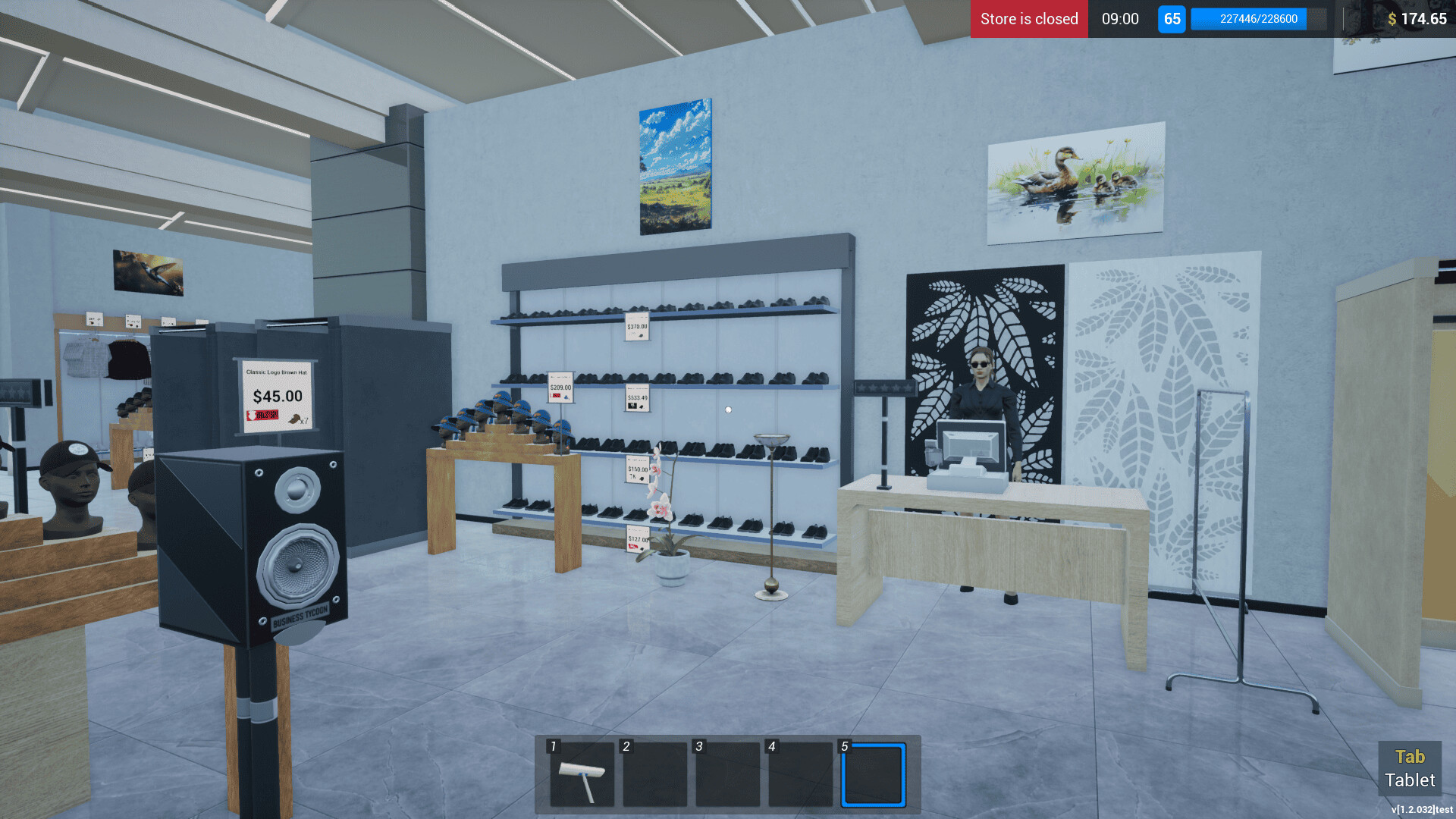
Place enough checkouts and fitting rooms to keep waiting times low. Customers pay with cash or card, and you must also fulfill online orders.
Scanning items and collecting payments are core actions that directly affect satisfaction and revenue.
- Balance the number of cash registers with expected foot traffic.
- Monitor online order queues to avoid delays.
04 / THE GUIDE
Product portfolio
Offer a wide range of apparel—shirts, jackets, pants, dresses, shoes, hats, and more—to meet diverse customer needs. Track market prices and buy more when items are cheap.
Expanding the catalog helps retain shoppers and boosts overall sales.
- Review market trends before restocking each week.
- Introduce new styles periodically to refresh the selection.
05 / THE GUIDE
Expansion and hiring
Level up your store and budget to enlarge the retail space and warehouse. Hiring stockers, cashiers, and additional cash registers reduces queues and keeps shelves stocked.
Investing in staff and infrastructure directly improves efficiency and customer flow.
- Prioritize hiring cashiers during peak sales periods.
- Upgrade the warehouse before expanding the sales floor.

COMMUNITY
Player discussion