 GameWiki
GET YOUR BEARINGS
About Restore Your Island
Restore Your Island is a slow, cozy restoration simulation where you heal a damaged island and build a peaceful home. You explore at your own pace, spotting areas that need care and choosing what to restore next.\nThe game features a loyal dog companion, mini‑games, and ambient music that encourage relaxation. Progress is shown instantly as you clean, repair, and re‑green, while hidden groves and buried treasures reward curiosity.
01 / THE GUIDE
Gameplay Mechanics
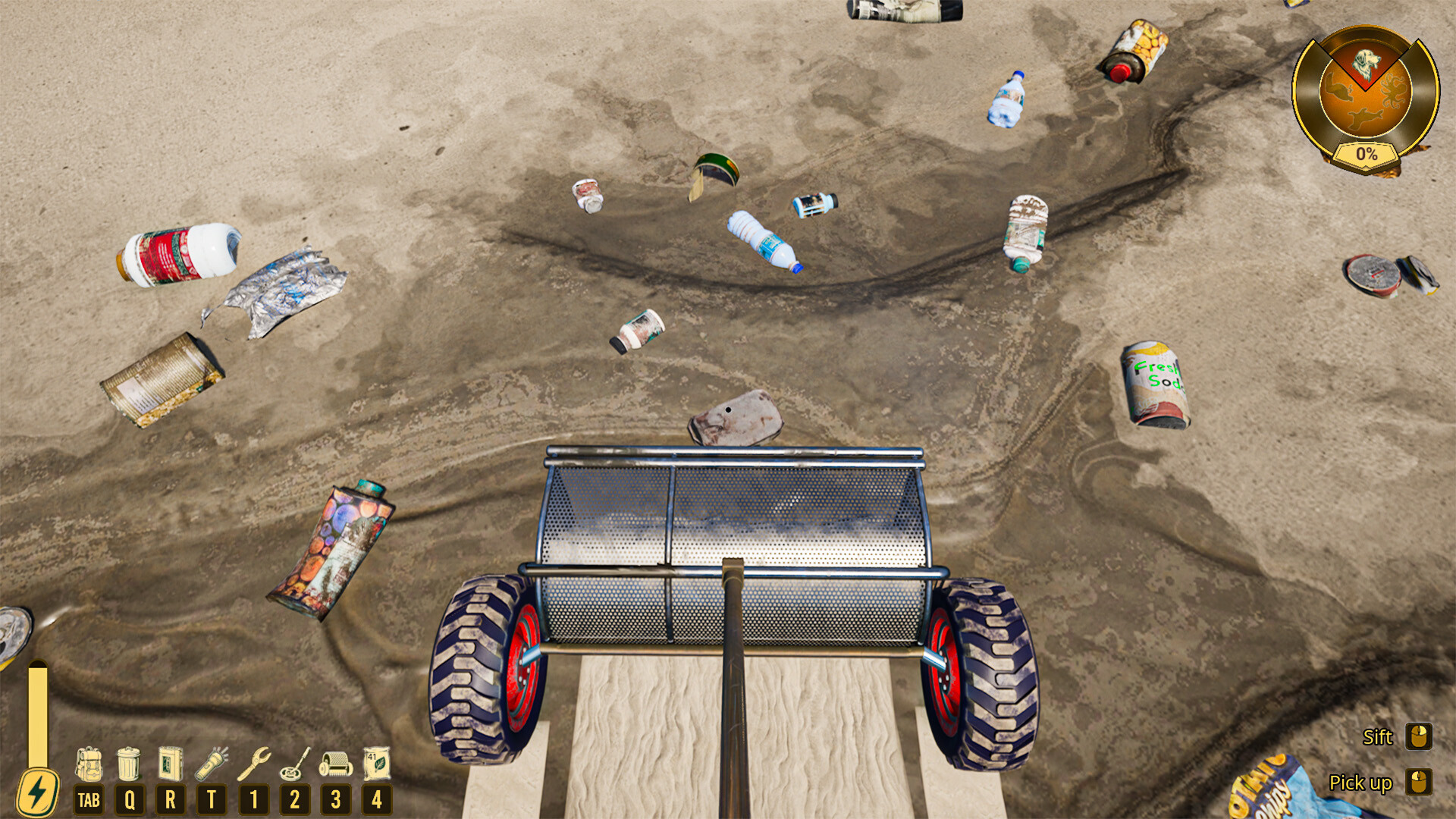
You explore the island, identify spots that need attention, and use actions like Clean & Repair, Heal Trees, and Rebuild Habitats to restore nature. Each action produces immediate visual feedback, showing the island’s recovery.\nResources such as revived trees and gathered fruit provide energy, letting you reach new areas and continue restoration. The loop of spotting, fixing, and seeing results creates a clear sense of progress.
- Take a moment to survey the area before deciding which task to tackle first.
- Collect fruit and wood early to ensure you have enough energy for later sections.
02 / THE GUIDE
Companion Dog
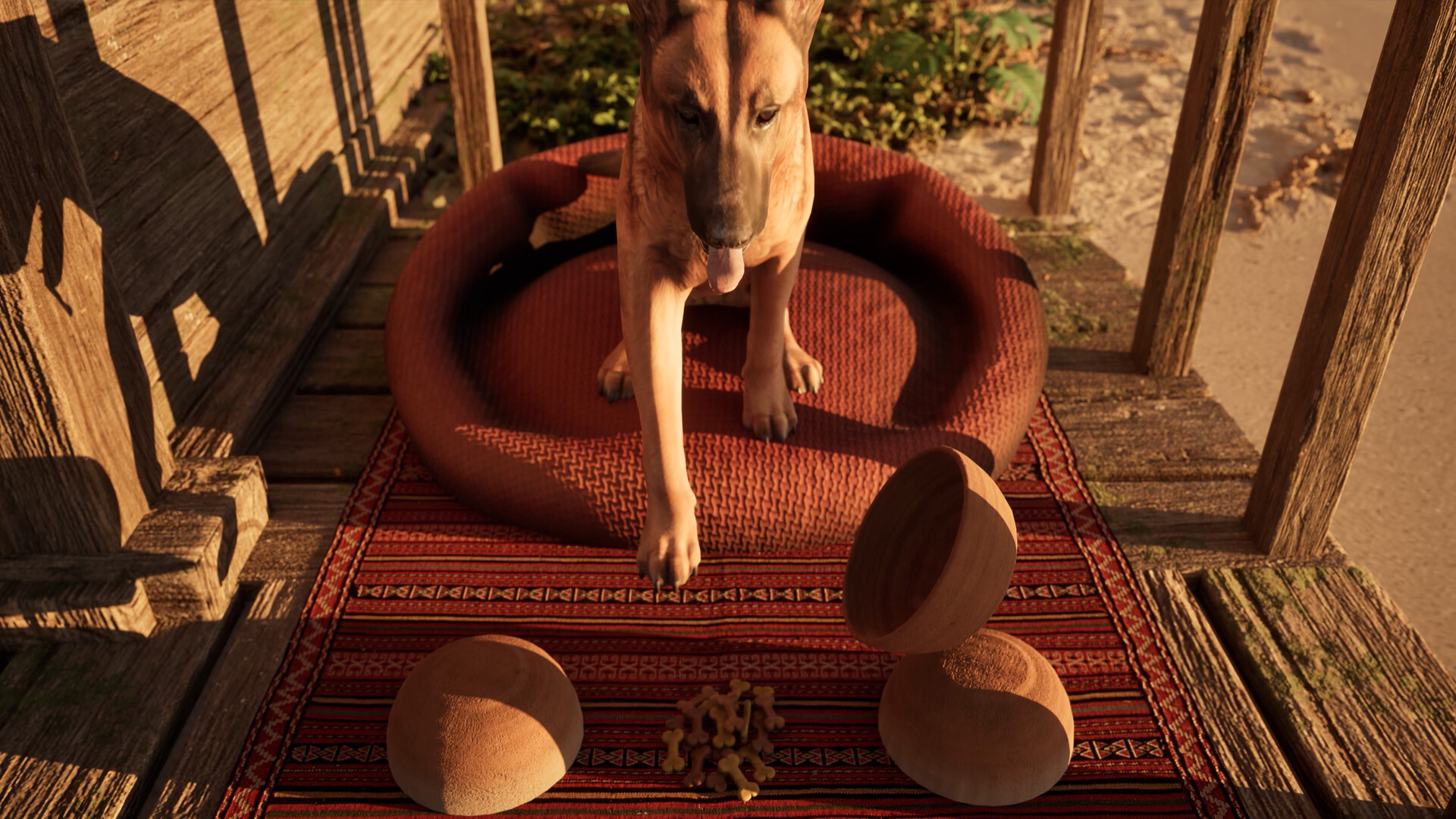
A loyal dog follows you around the island, reacting to pets and playing mini‑games. The dog adds warmth to each session and offers occasional cues or small rewards.\nInteractions with the dog are optional but enhance the low‑pressure atmosphere, making the experience feel more personal and cozy.
- Pet the dog regularly to keep its mood positive.
- Try the mini‑games for a quick break from restoration tasks.

03 / THE GUIDE
Progression & Secrets
As you restore habitats, hidden groves, buried treasures, and small environmental mysteries become accessible. These secrets reward curiosity and encourage exploration beyond the main tasks.\nUnlocking new tools and areas is tied to your restoration progress, allowing you to upgrade your capabilities and discover more of the island’s brighter future.
- Explore off‑the‑beaten path to find hidden groves.
- Check repaired structures for buried items.
04 / THE GUIDE
Accessibility Options
The game includes Adjustable Text Size, Color Alternatives, Custom Volume Controls, Adjustable Difficulty, and multiple input modes such as Keyboard Only, Mouse Only, Touch Only, and Full Controller Support. Narrated menus and Subtitle Options further aid accessibility.\nThese settings let players tailor the experience to their comfort level, ensuring the low‑pressure play style is reachable for a wide audience.
- Enable subtitles if you prefer reading dialogue.
- Adjust difficulty to match your desired challenge level.
05 / THE GUIDE
Platform Availability
Restore Your Island is currently available on Windows PCs. It is not released for macOS, Linux, or fully playable on ROG Ally platforms. Steam features such as Achievements, Cloud Saves, and Family Sharing are supported.\nThe Windows version supports both mouse/keyboard and controller inputs, aligning with the game’s flexible accessibility design.
- Use Steam Cloud to keep your progress synced across devices.
- Check the Windows system requirements before installing.


COMMUNITY
Player discussion