 GameWiki
GET YOUR BEARINGS
About Resonance of the Ocean
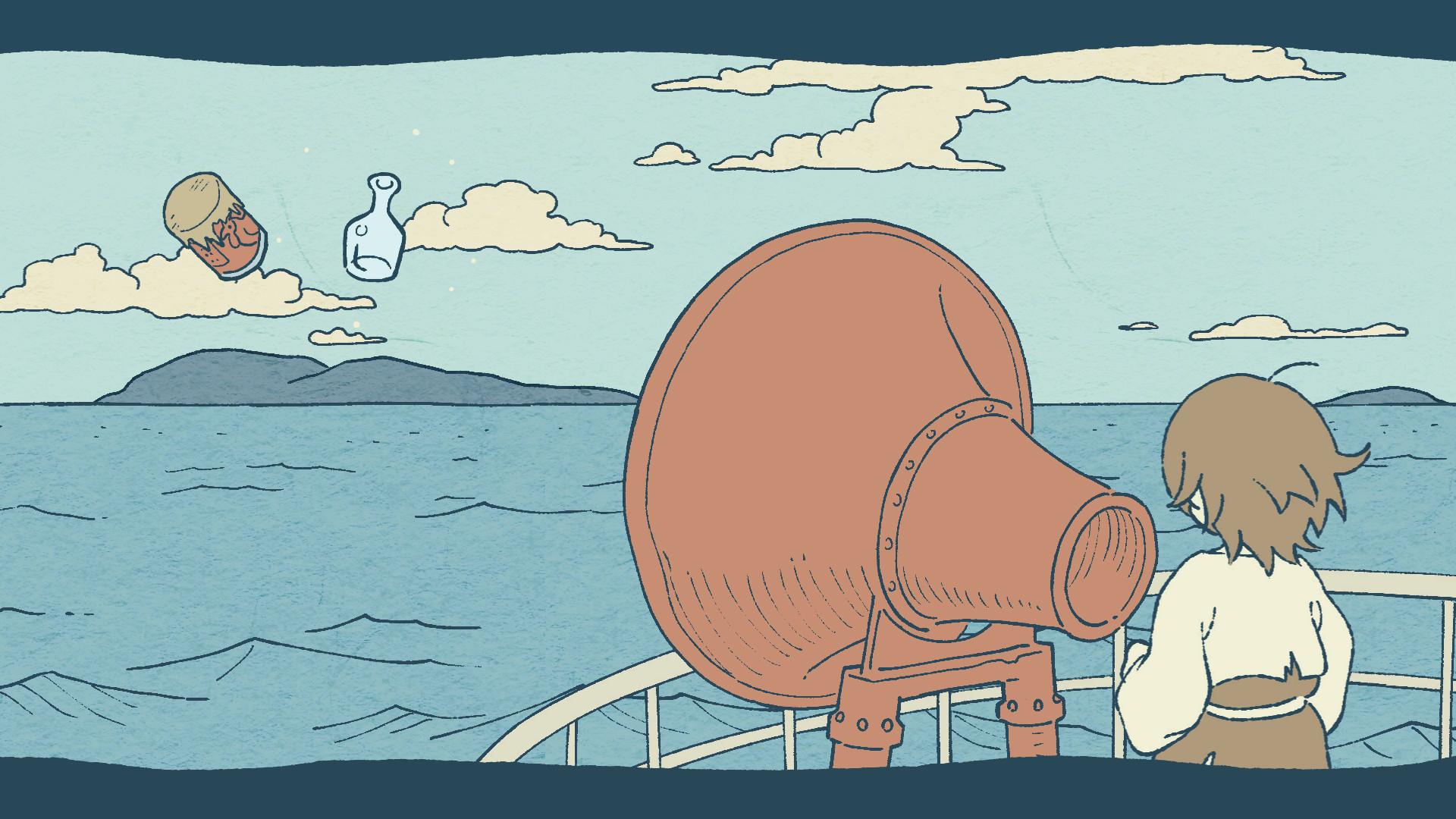
Resonance of the Ocean is a hand‑drawn adventure where players collect objects washed ashore on a desolate island and turn them into instruments. The created sounds are used to answer mysterious echoes that come from beyond the ocean. The experience lasts about ten to thirty minutes, runs on Windows and macOS, and supports only keyboard input. It was created for the 22nd unity1week jam, earning top art and sound honors and now includes an English localization.
01 / THE GUIDE
Gameplay Premise
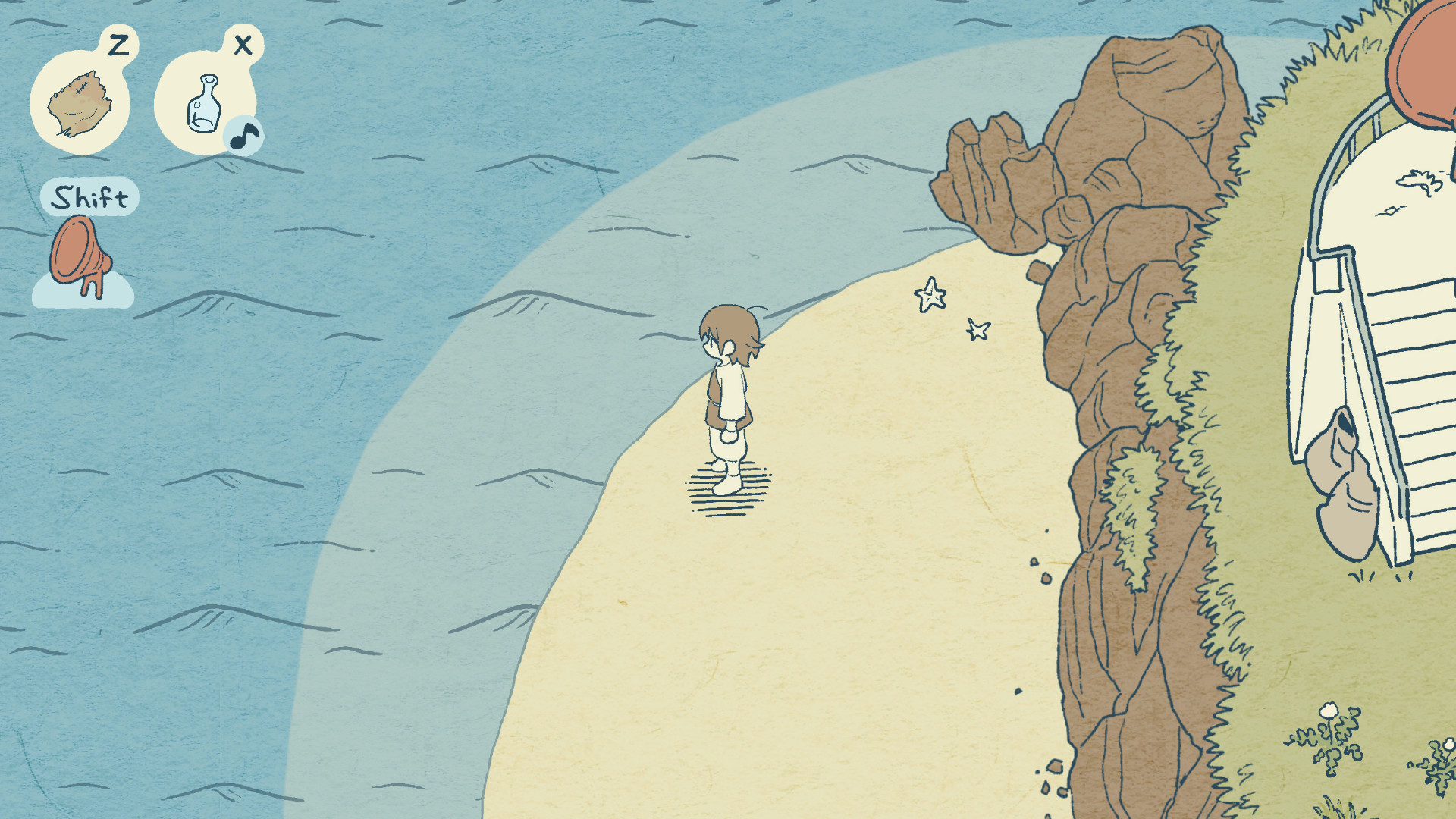
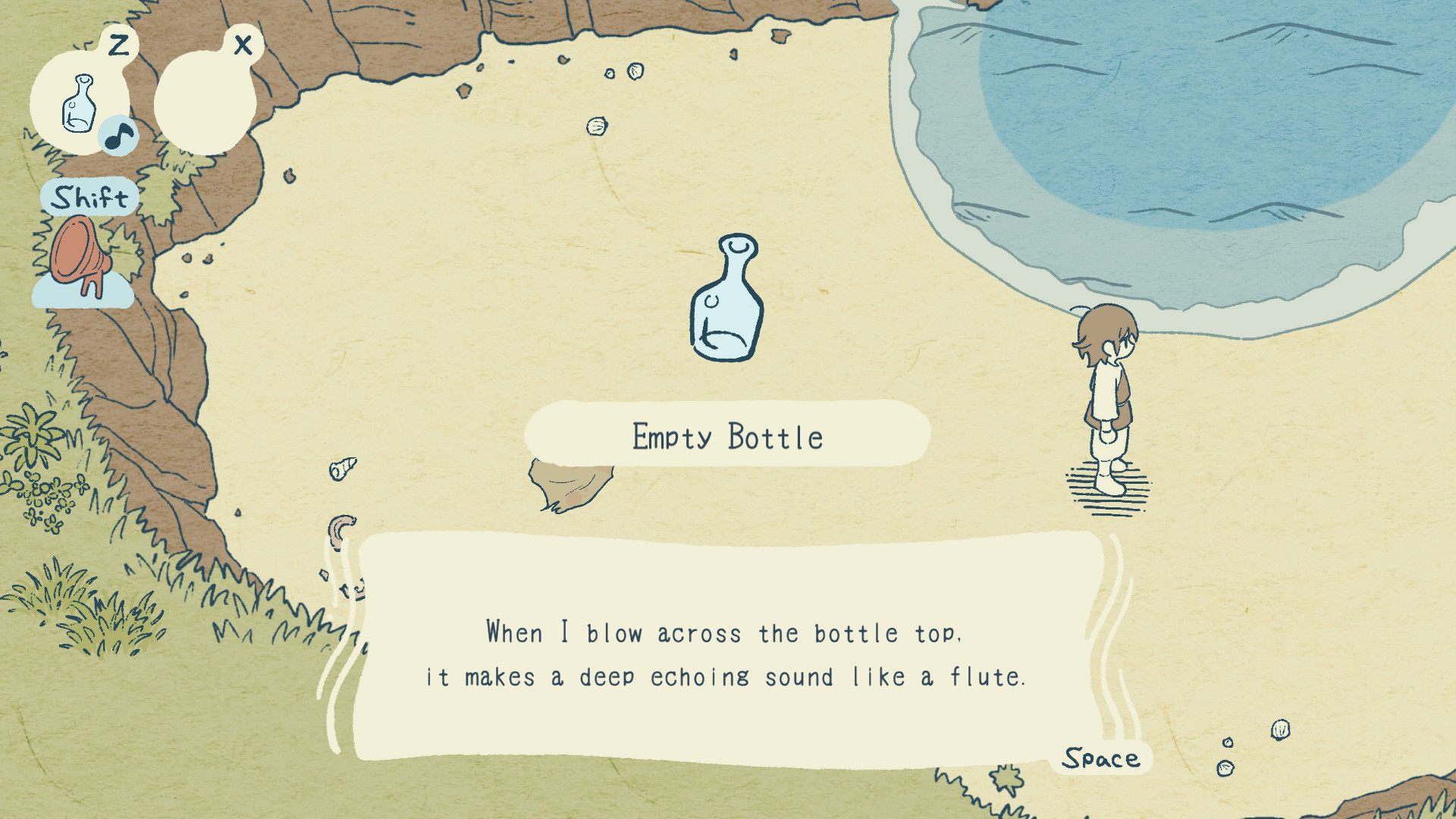
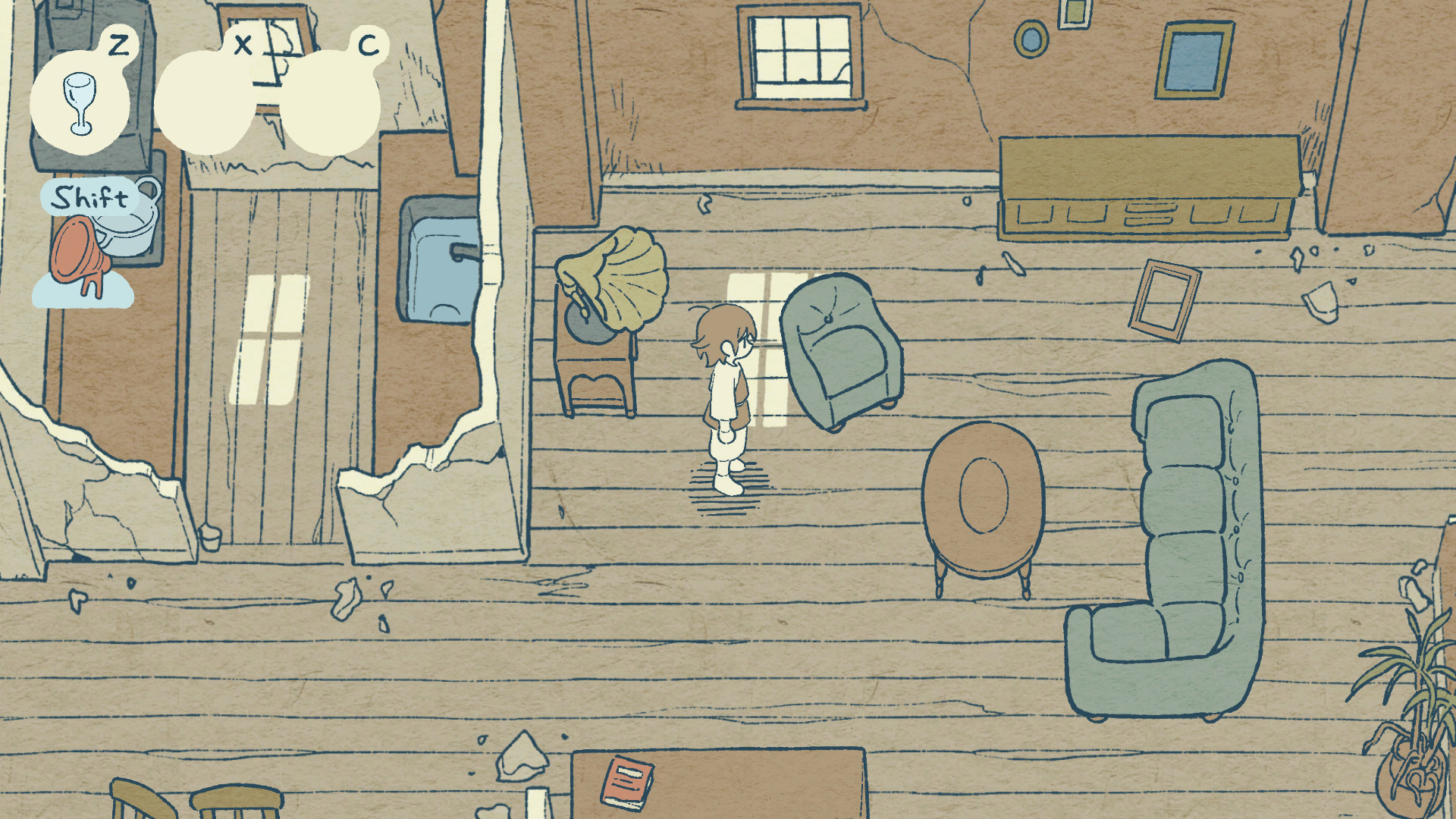
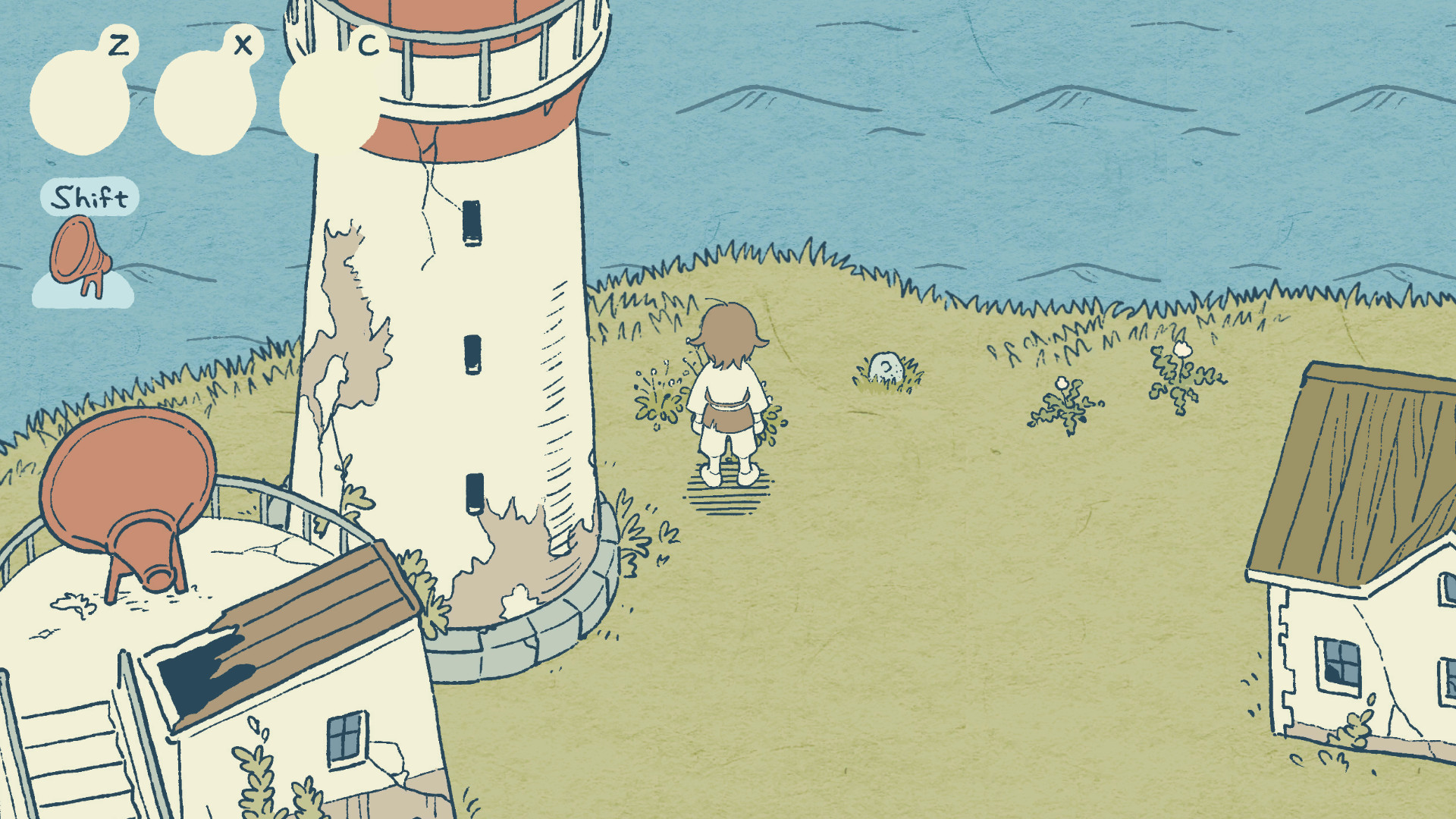
Players explore a quiet island, picking up items that the waves have deposited. Those items become makeshift instruments that produce tones needed to solve the echo puzzles. The game’s visual style is hand‑drawn, and the soundscape blends waves, footsteps, and the crafted instrument noises, creating a soothing atmosphere throughout the short adventure.
- Observe how each collected object changes the sound palette before using it in a puzzle.
- Compare the echo patterns to the instruments you have created for quicker solutions.
02 / THE GUIDE
Keyboard Controls
The game accepts only keyboard input. Arrow keys move the character, while the Space key (or Z, X, C) confirms actions. The Z, X, C keys handle picking up, replacing, throwing, and searching objects. Holding Shift moves the character toward the lighthouse. No mouse or controller support is mentioned, so all interactions rely on these keys.
- Use the Arrow keys for precise positioning when reaching objects near the lighthouse.
- Try the Z, X, C keys in different orders to discover the most comfortable pick‑up sequence.
03 / THE GUIDE
Short Duration and No Save Function
A full playthrough takes roughly ten to thirty minutes, and the game does not include a save feature. This design choice assumes players can finish the experience in one sitting. Because there is no saving, players should plan to complete the adventure without interruptions to avoid losing progress.
- Allocate an uninterrupted time slot before starting to ensure you can finish the game.
- Take brief notes on puzzle solutions in case you need to replay the session later.
04 / THE GUIDE
Art and Sound Recognition
Resonance of the Ocean placed fourth overall in the 22nd unity1week competition and earned first place for both art and sound categories. The hand‑drawn visuals and curated audio earned this recognition. These accolades reflect the game’s focus on aesthetic and auditory design rather than complex mechanics.
- Pay attention to visual details; the art style often hints at interactive objects.
- Listen closely to ambient sounds; subtle audio cues can guide you toward hidden items.
05 / THE GUIDE
Streaming Permissions
Creators grant permission to stream the game freely. When broadcasting, they request that streamers include the game’s title and the provided URL in the video description. No additional restrictions or requirements are noted, making it straightforward for content creators to share gameplay.
- Add the official URL in the video description to comply with the developer’s request.
- Mention the game’s title at the start of the stream to ensure proper credit.
COMMUNITY
Player discussion