 GameWiki

GET YOUR BEARINGS
About Resident Evil
Resident Evil returns as a remastered HD survival‑horror title. A special forces team investigates murders near Raccoon City, is attacked by dogs, and takes shelter in a mansion where supplies are scarce and danger looms.
The remake adds higher‑resolution visuals, widescreen scrolling, and remastered 5.1 audio while keeping the original’s tense atmosphere. It runs on Windows with full controller support and Steam integration such as achievements and cloud saves.
01 / THE GUIDE
Graphics Upgrade
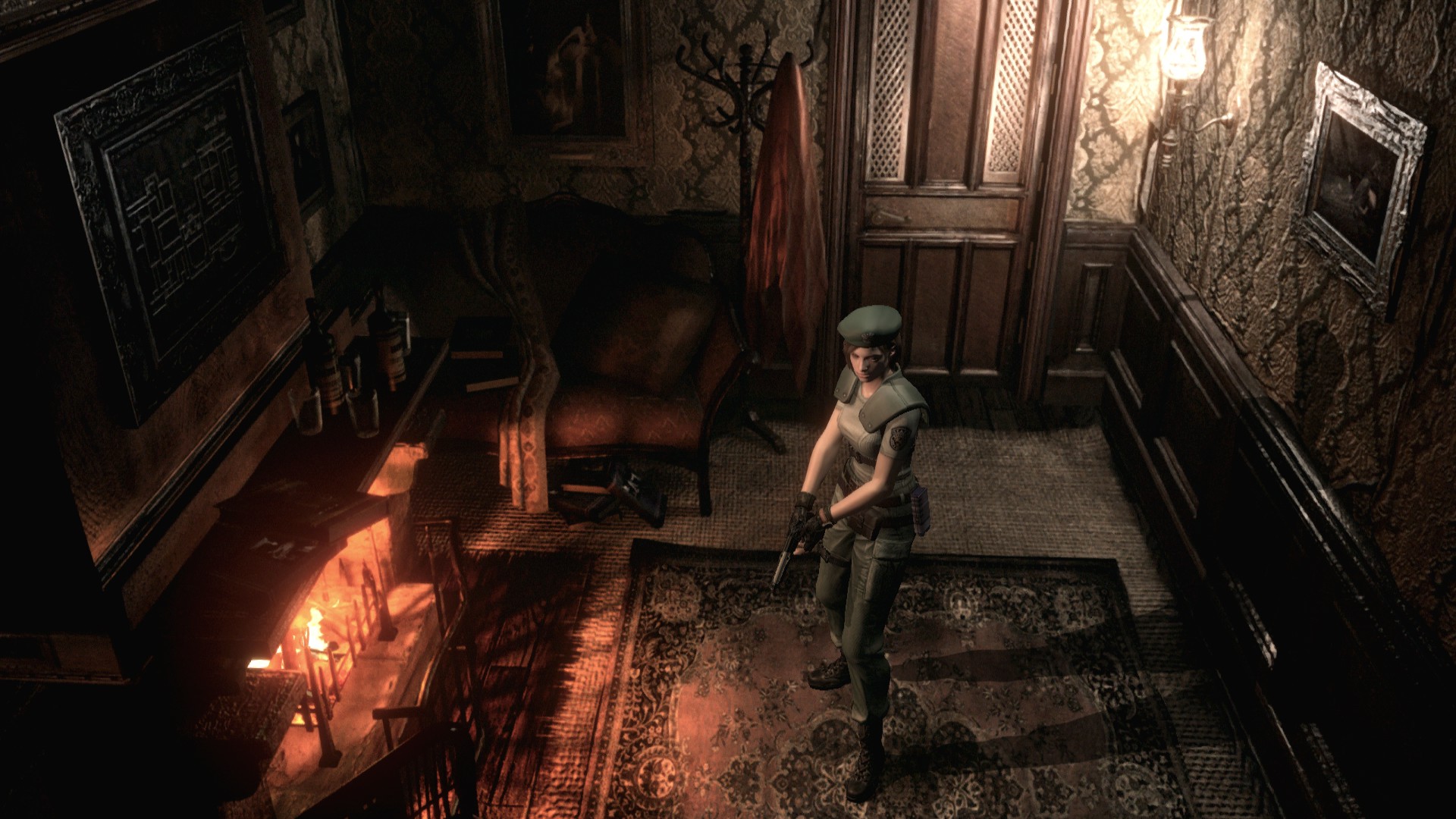
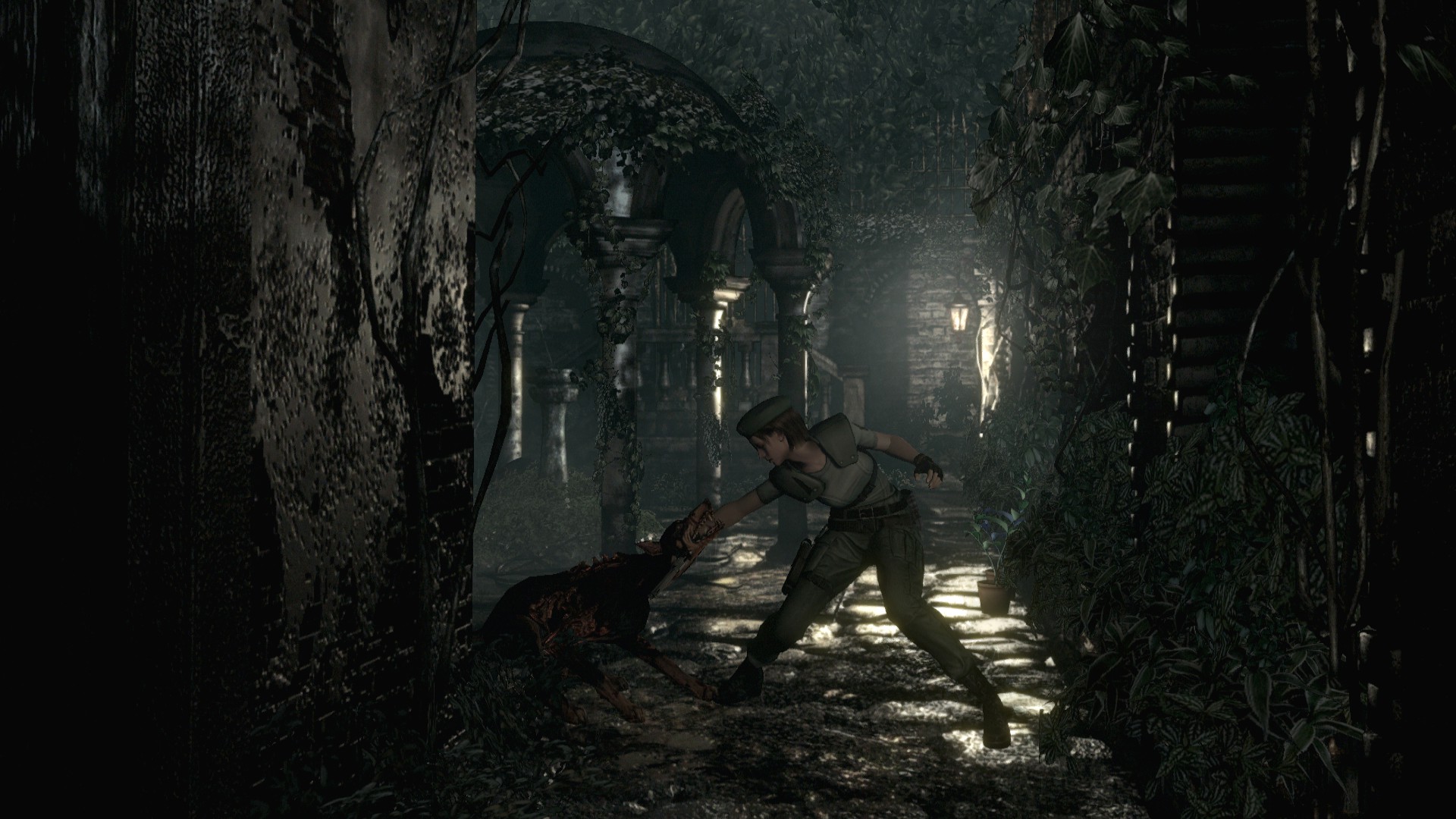
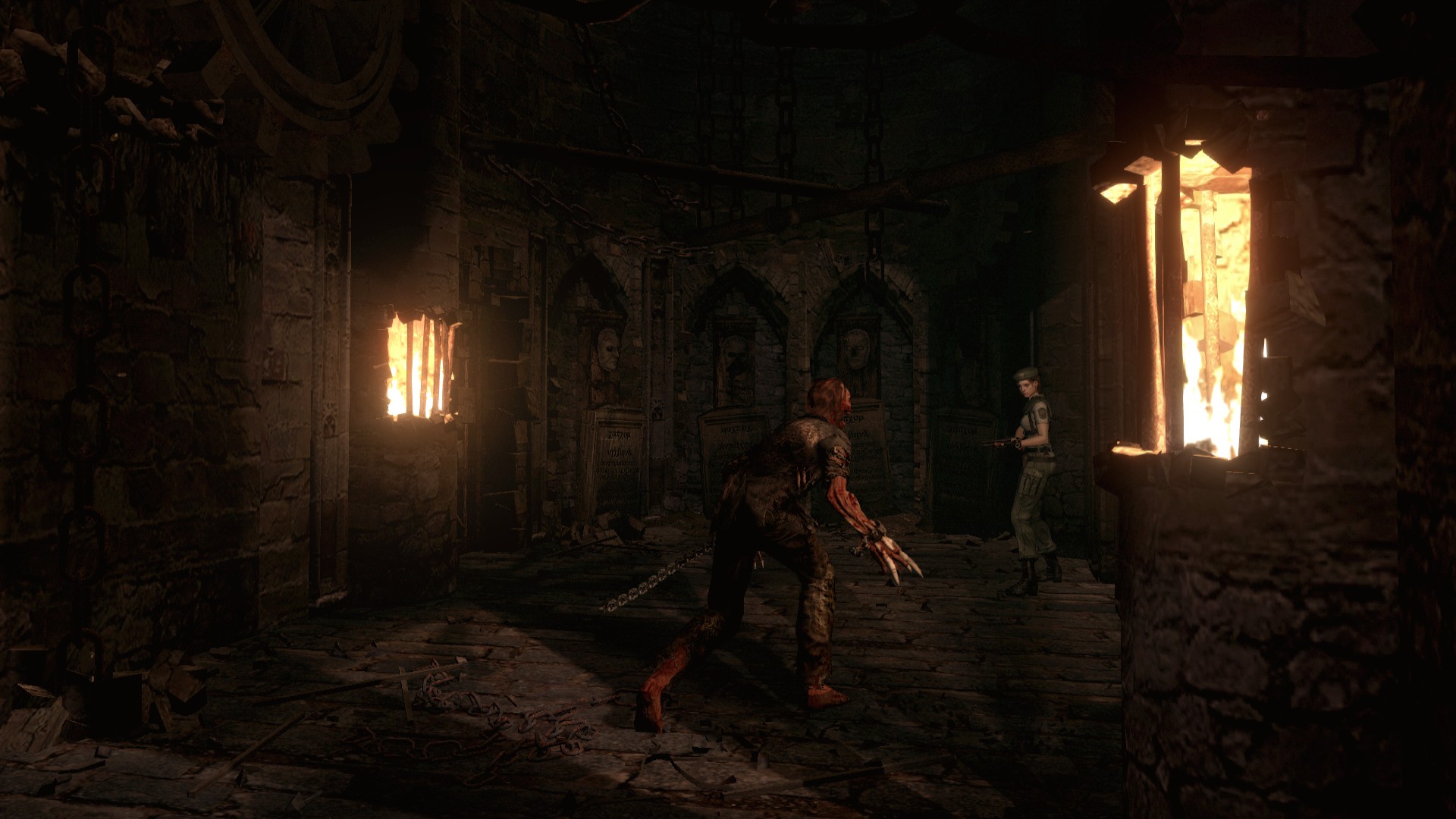
The HD version replaces many static backgrounds with high‑resolution images blended with animated 3D models, creating more detailed environments that retain the horror feel. Bloom post‑processing filters are added to enhance lighting realism.
These visual changes are visible in widescreen mode, where the view scrolls with the character, revealing more of the mansion as you move. The upgrades do not alter gameplay, only the clarity of scenery.
- Use a 16:9 monitor to experience the scrolling view.
- Observe how Bloom highlights light sources in dark rooms.
02 / THE GUIDE
Audio Remaster
Sound has been remixed with a higher sampling rate, and the game now supports 5.1‑channel output for richer ambience. This upgrade emphasizes footsteps, distant groans, and environmental cues that aid survival.
The improved audio works alongside the visual upgrades to heighten tension throughout the mansion’s corridors, but it does not change any gameplay mechanics.
- Enable 5.1 surround if your hardware supports it.
- Listen for subtle enemy cues in quiet areas.
03 / THE GUIDE
Control Schemes
Players may choose the original button layout or an alternate scheme that lets the analog stick dictate movement direction. Both schemes can be swapped during gameplay without restarting.
Real‑time switching lets you adapt to different sections of the game, such as tight corridors where analog movement may feel smoother, while classic controls remain available for precise actions.
- Try the analog‑stick scheme for smoother turning.
- Return to classic controls for precise weapon handling.
04 / THE GUIDE
Widescreen Support
The game runs in 16:9 widescreen, automatically scrolling the view as the character moves. Portions cut off at the top and bottom slide into view, preserving framing while expanding the field of vision.
Players can toggle widescreen mode at any point, allowing on‑the‑fly adjustments without affecting the core experience.
- Enable widescreen to see enemies entering from the periphery.
- Switch back to the original aspect ratio if you prefer a tighter view.
05 / THE GUIDE
Steam Features
Resident Evil integrates with Steam for achievements, cloud saves, leaderboards, and trading cards. Family Sharing lets other accounts on the same hardware play without purchasing a separate copy.
These features add community and convenience layers without altering the single‑player story or core mechanics.
- Check leaderboards to compare survival times.
- Enable cloud sync to keep progress across multiple PCs.


COMMUNITY
Player discussion