 GameWiki
GET YOUR BEARINGS
About Resident Evil 3 Nemesis (1999)
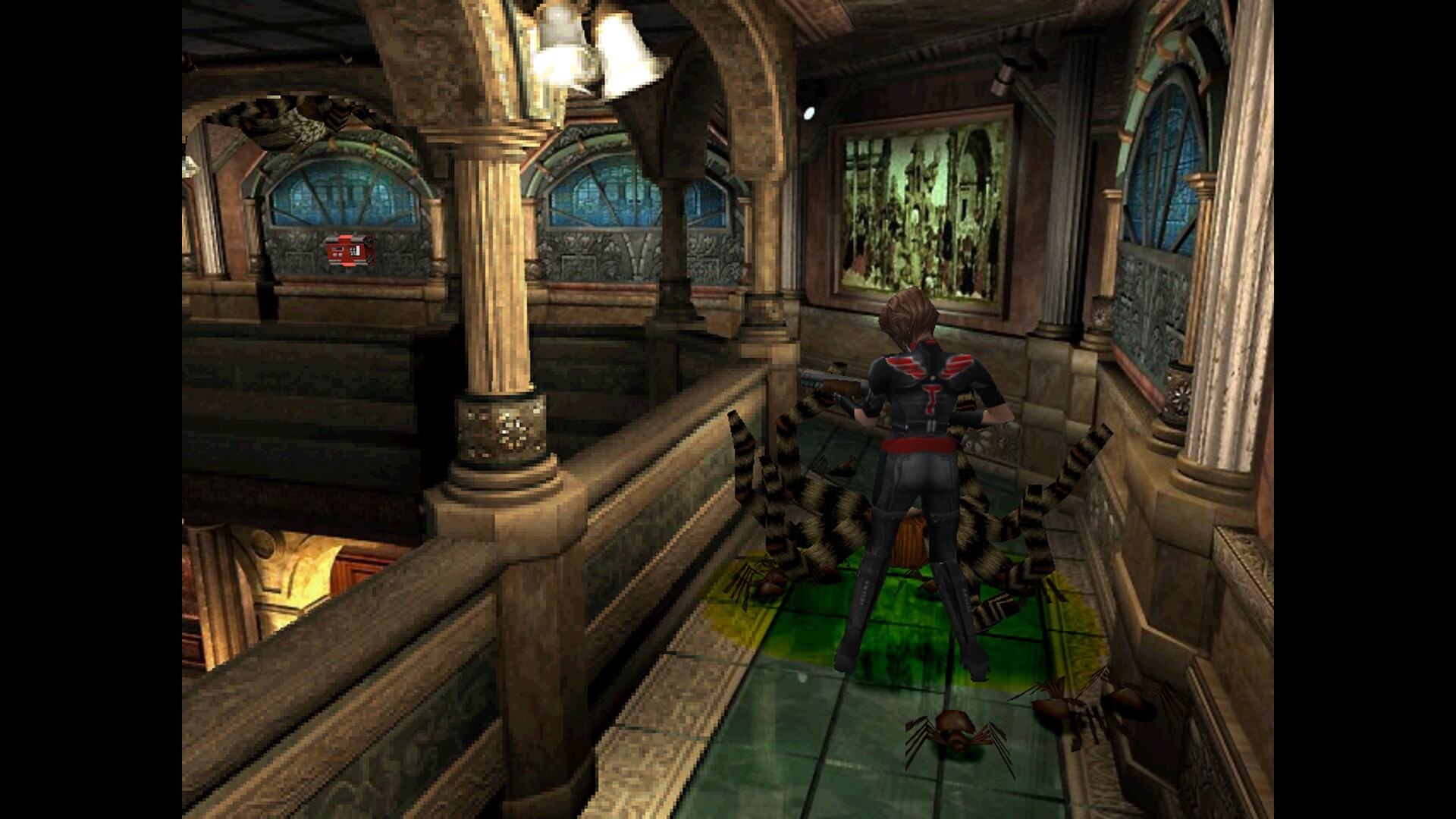
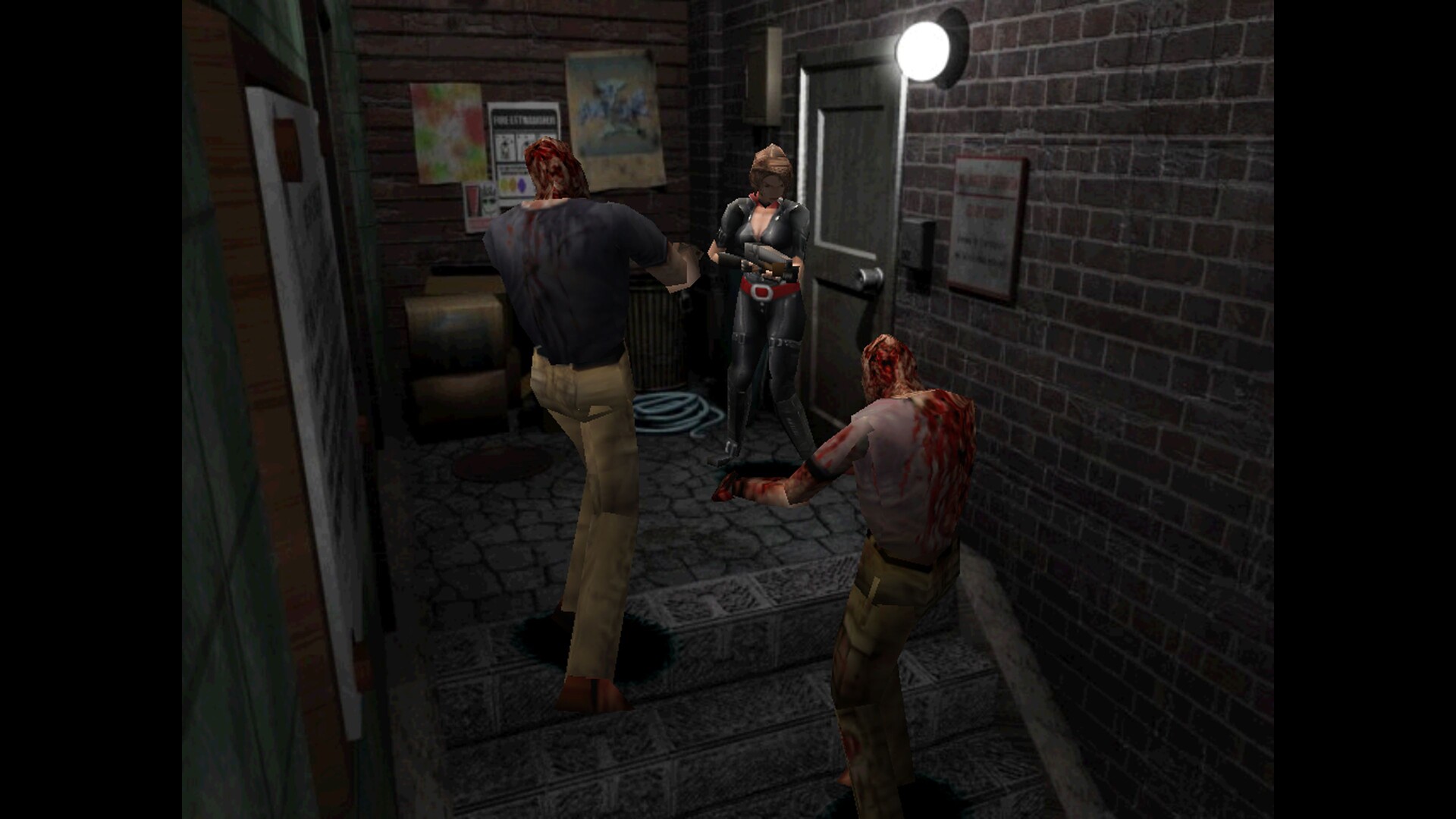
Resident Evil 3: Nemesis (1999) follows Jill Valentine as she tries to escape a zombie‑infested Raccoon City. The story unfolds just hours before Resident Evil 2, revealing more of Umbrella’s dark experiments. The re‑release adds a Mercenaries mode and a suite of graphics options, letting players adjust resolution, scaling, V‑Sync and other visual settings. Six language localizations are included, and the game runs on Windows with partial controller support.
01 / THE GUIDE
Story and Setting
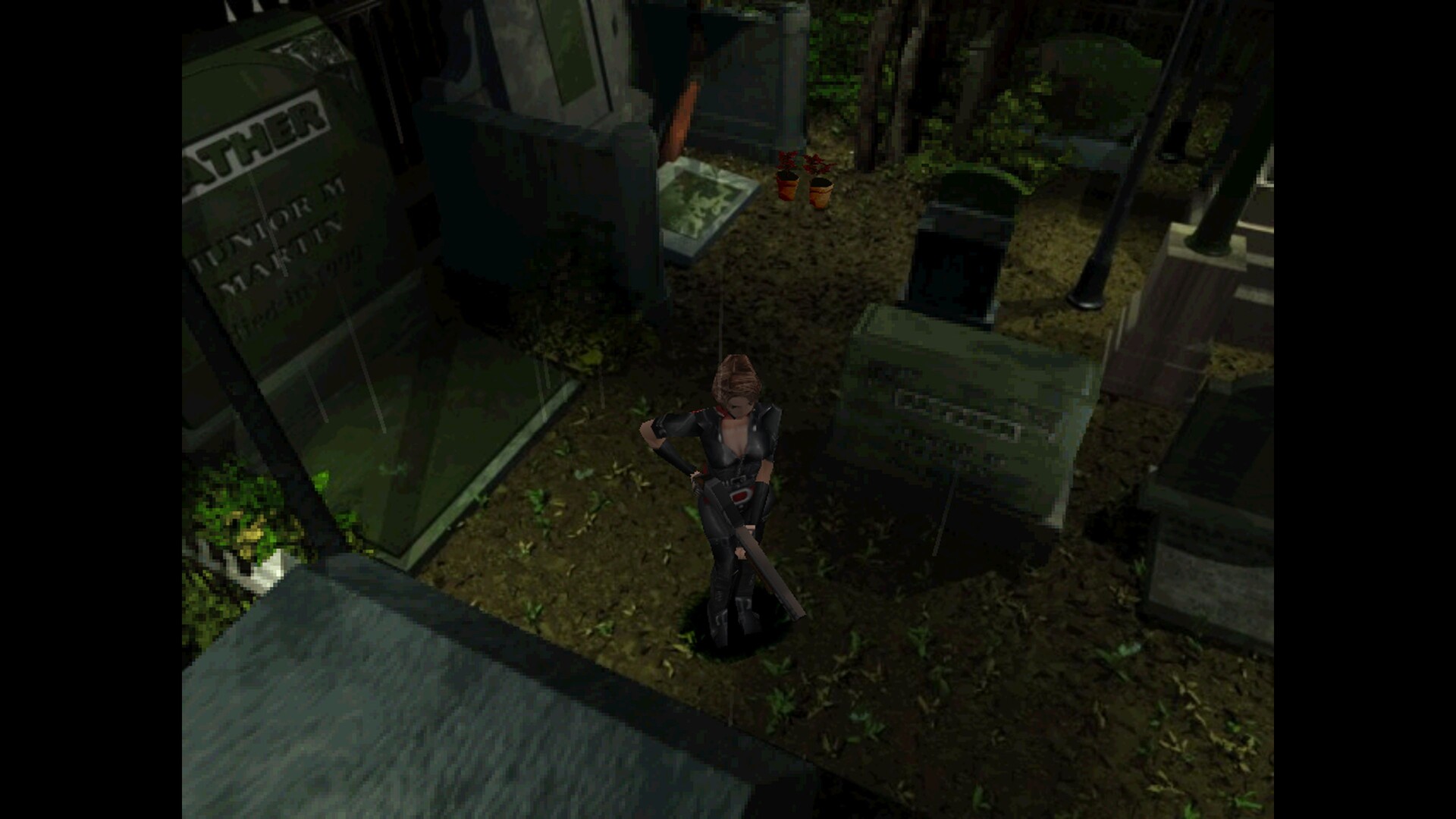
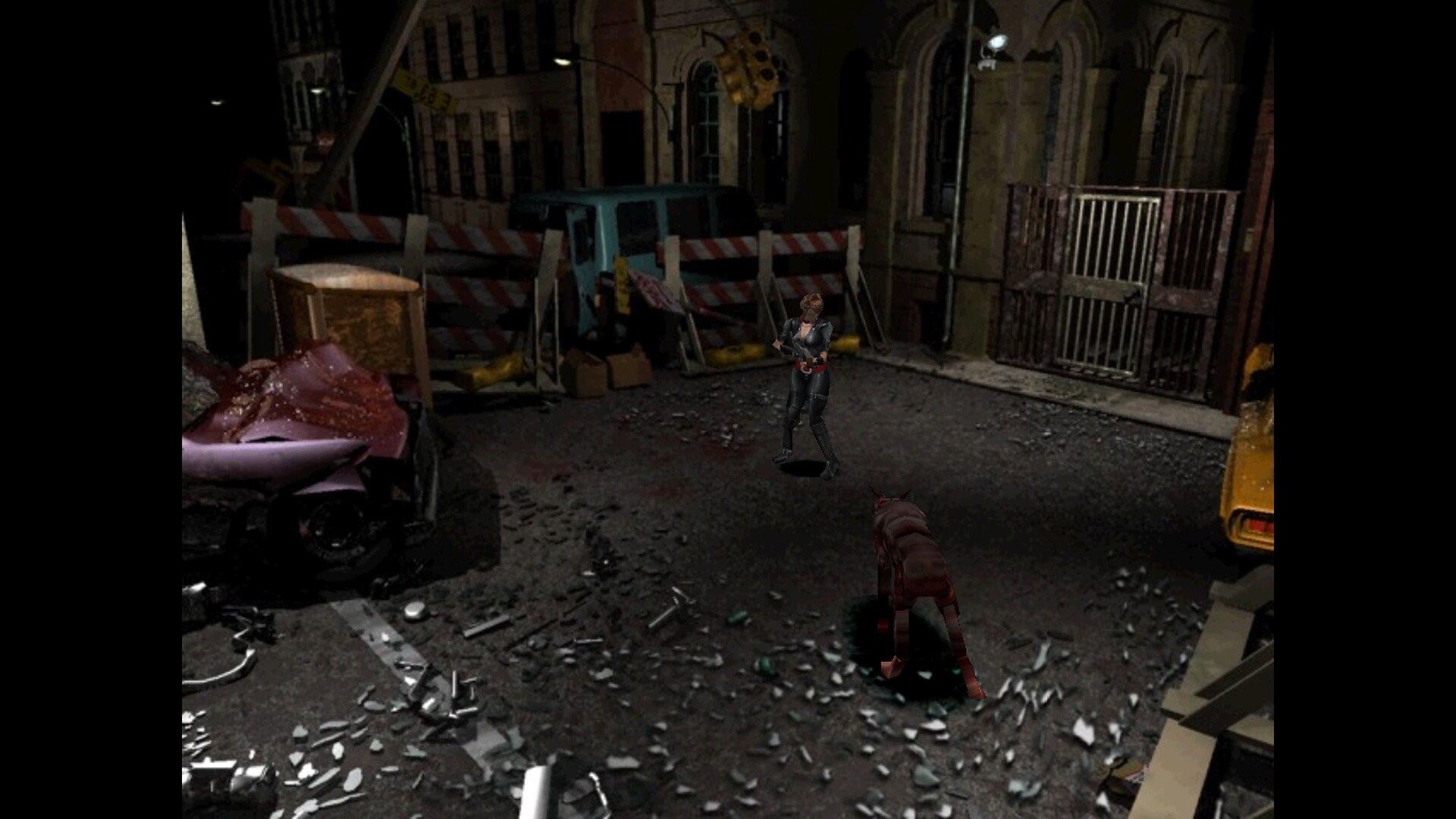
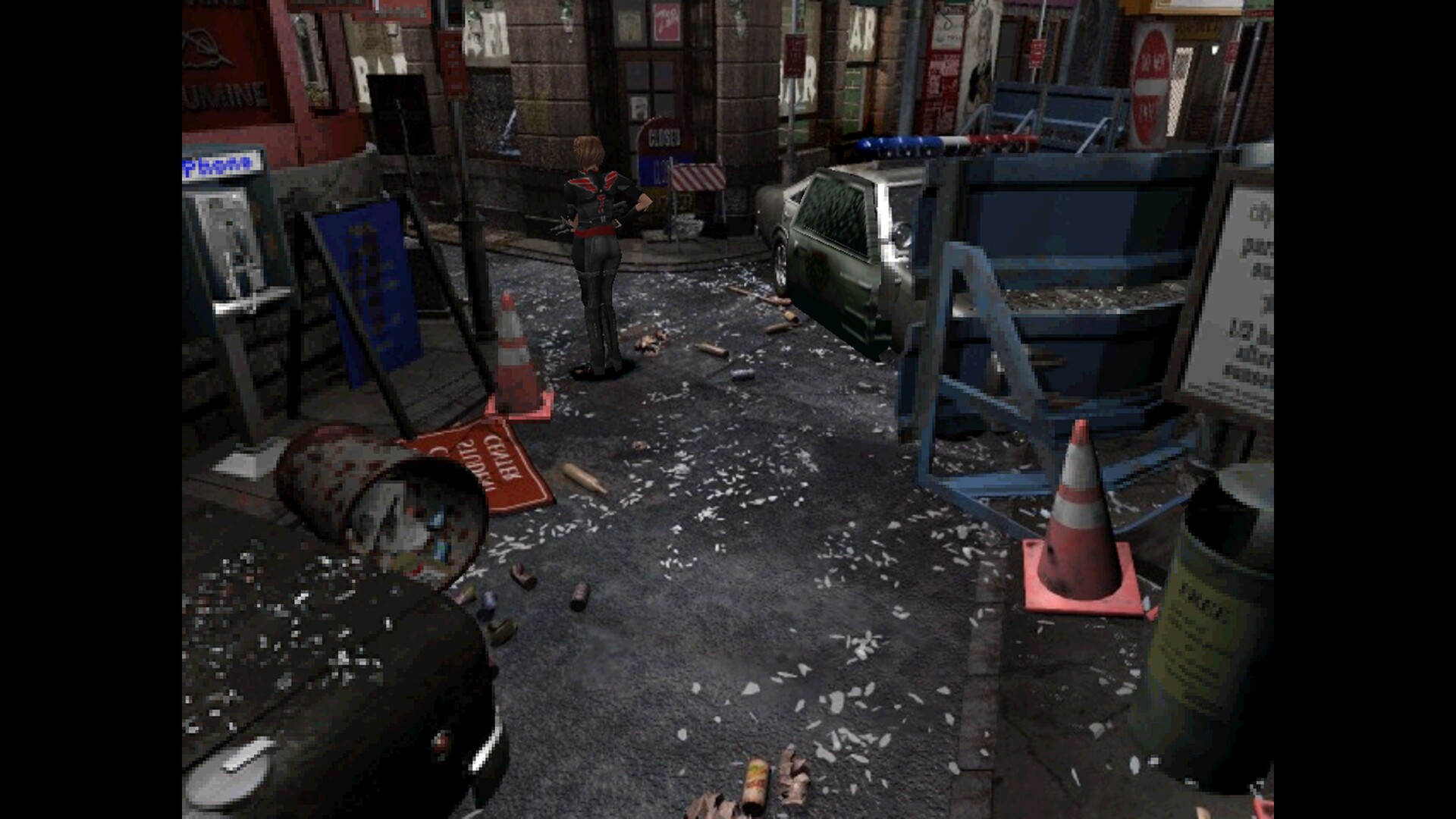
Jill Valentine, former S.T.A.R.S. member, must flee a city overrun by flesh‑eating zombies. The narrative picks up hours before Resident Evil 2, expanding Umbrella Corporation’s plot. Players encounter mutated enemies stalking the streets, adding tension to the horror‑filled adventure. The game’s sci‑fi, horror and zombie themes create a uniquely terrifying atmosphere.
- Pay attention to environmental cues that hint at hidden paths.
- Observe enemy behavior to anticipate when they might revive.
02 / THE GUIDE
Gameplay Mechanics
The title uses a third‑person perspective with both 3D and 2D graphics. Players can dodge attacks, use background objects defensively, and face enemies that can return to life at any time. Difficulty can be adjusted, and the game includes a Mercenaries mode for extra challenges.
- Use the dodge move to avoid powerful enemy strikes.
- Utilize nearby objects as temporary shields.
03 / THE GUIDE
Graphics Options
The re‑release offers an improved DirectX renderer with windowed mode, vertical synchronization, gamma correction, integer scaling and more. Players can control display mode, presentation, aspect‑ratio correction, scaling method, anisotropic filtering and anti‑aliasing to suit their monitor and preferences.
- Enable vertical synchronization to reduce screen tearing.
- Adjust gamma correction for clearer visibility in dark areas.
04 / THE GUIDE
Controls and Accessibility
The game supports keyboard‑only play and partial controller input, including DualShock and DualSense compatibility. Custom volume controls and adjustable difficulty are available, and mouse cursor visibility has been improved for smoother navigation. Family Sharing is also supported on Windows.
- Try the keyboard‑only option if a controller feels sluggish.
- Adjust difficulty to match your comfort level.
05 / THE GUIDE
Mercenaries Mode
A separate Mercenaries mode is included, offering a distinct challenge beyond the main campaign. Players can test their combat skills against waves of enemies, focusing on score and efficiency. This mode adds replay value and showcases the game’s combat mechanics in a condensed format.
- Prioritize quick kills to maximize your score.
- Learn enemy spawn patterns to stay ahead.
COMMUNITY
Player discussion