 GameWiki
GET YOUR BEARINGS
About Replicube
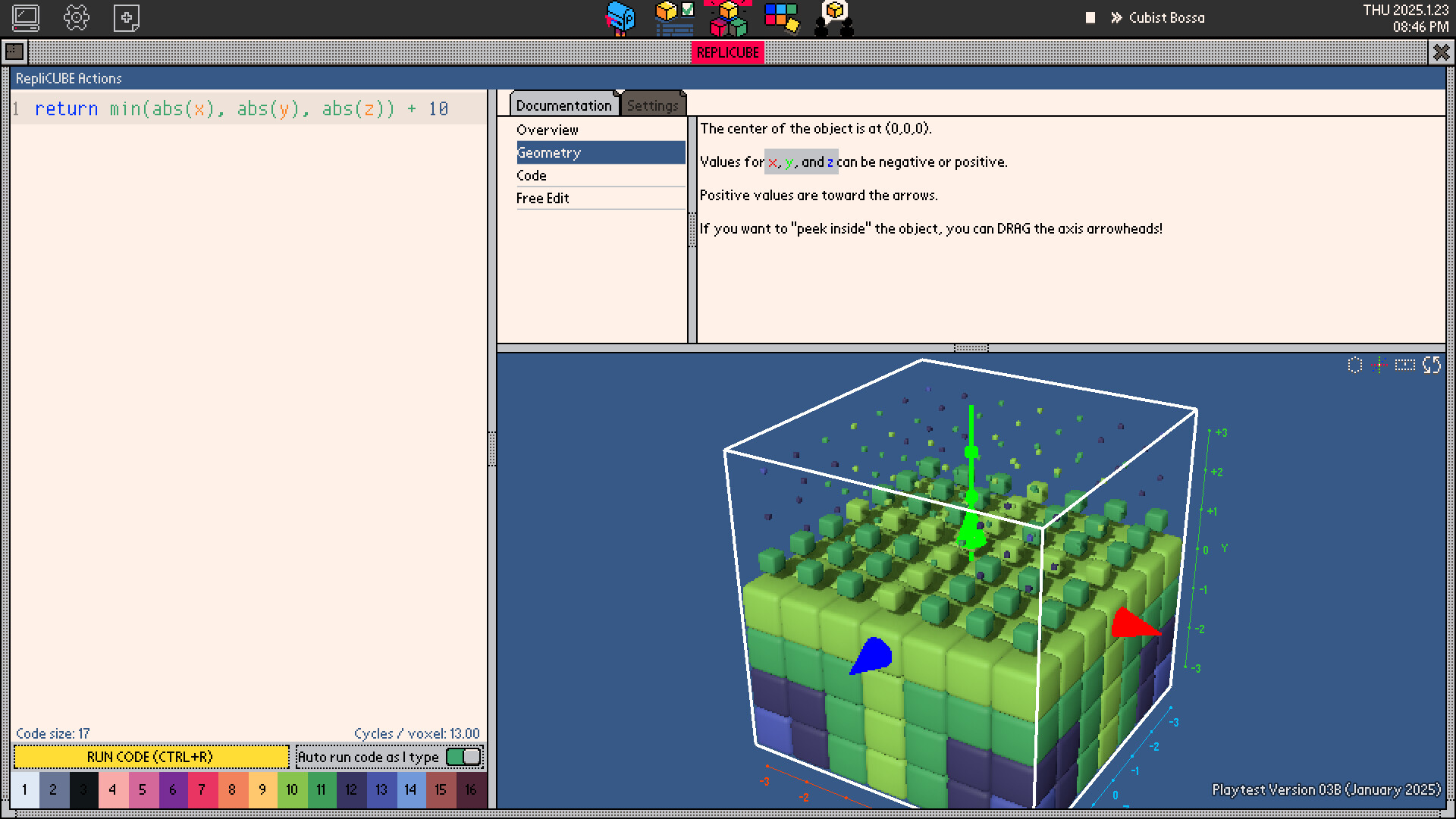
Replicube is an open‑ended programming puzzle game where players write code to recreate 3D voxel objects. The core challenge is matching a reference shape; any code that produces an identical voxel model is accepted. Beyond puzzles, the game offers a free‑edit voxel tool, a 2D image editor for GIFs, and community features such as leaderboards, an in‑game forum, and export options for both 3D and 2D creations.
01 / THE GUIDE
Puzzle Solving
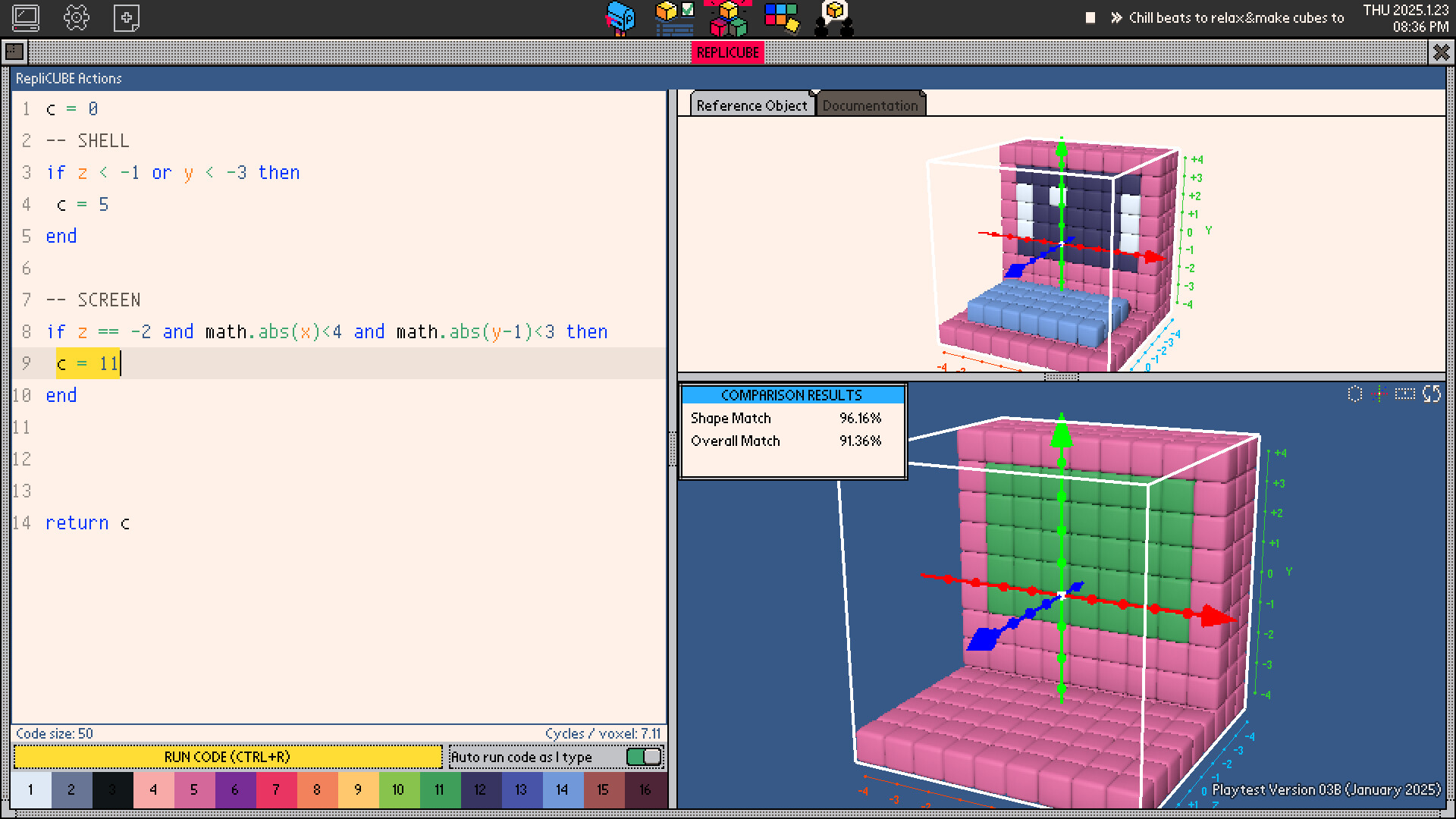
Each puzzle presents a reference voxel object and requires the player to write code that replicates it. There is no single correct solution; any script that yields the same object satisfies the puzzle. The puzzles are measured by two leaderboards—one for source‑code size and another for execution efficiency—encouraging players to optimise different aspects of their programs.
Optimising for a smaller code footprint often reduces execution speed, and vice‑versa, creating a trade‑off that drives creative problem‑solving. Players can compare their rankings on both leaderboards to see where they excel.
- Try simplifying repetitive patterns in your code to shrink size without drastically affecting speed.
- Benchmark your script on a few runs to gauge execution efficiency before submitting.
02 / THE GUIDE
Free Edit Mode
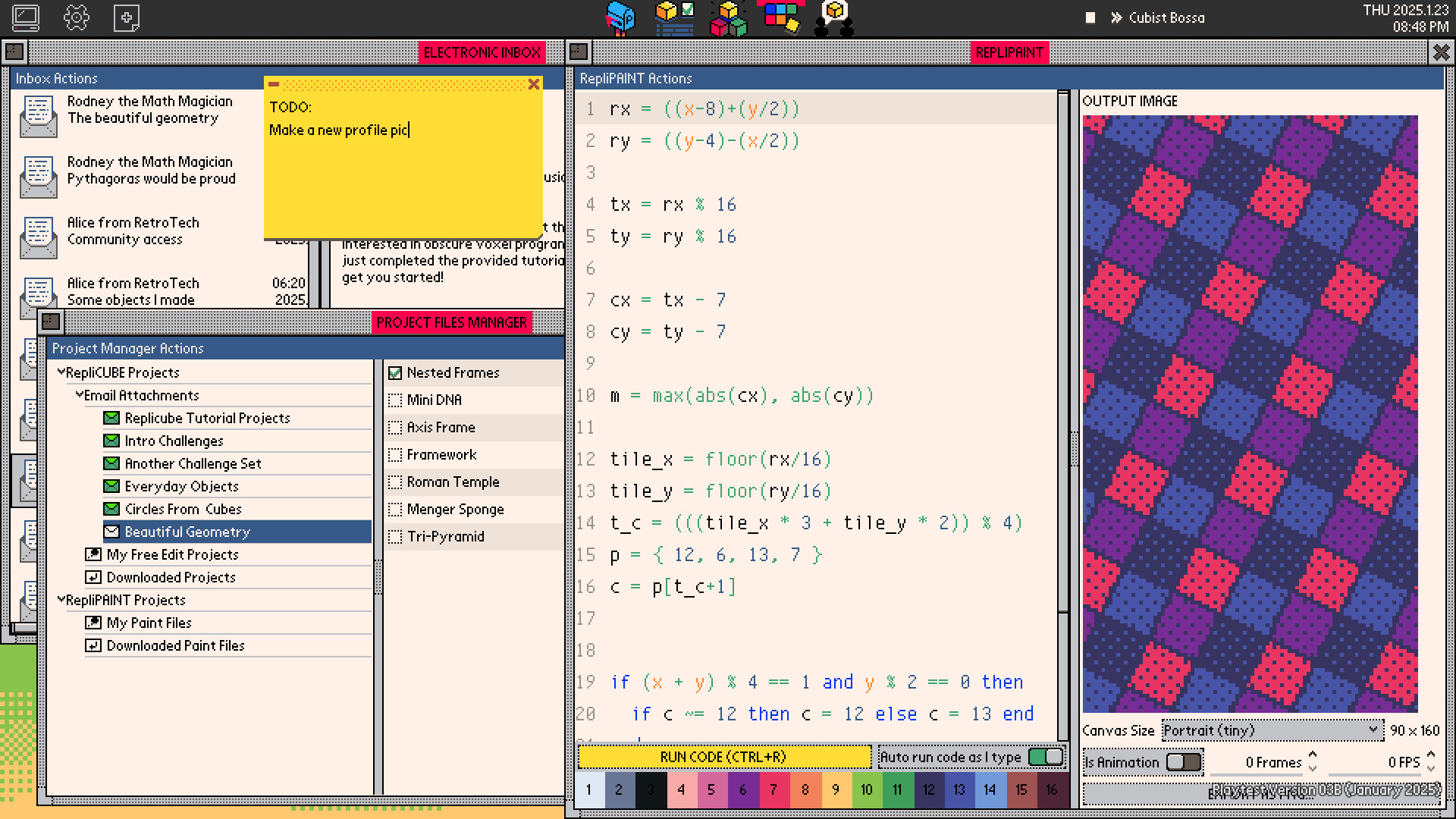
The voxel tool includes a "free edit" mode where players can build any structure without puzzle constraints. This sandbox encourages experimentation and learning of the game's coding language. A separate 2D image editor lets users generate pictures and GIF animations, which can be saved as background images within the game's OS interface.
Both editors operate independently of the puzzle system, allowing unrestricted creative expression. Users can switch between 3D and 2D tools at any time.
- Use the 2D editor to prototype patterns before implementing them in 3D.
- Save interesting backgrounds to personalise the in‑game OS.
03 / THE GUIDE
Community Features
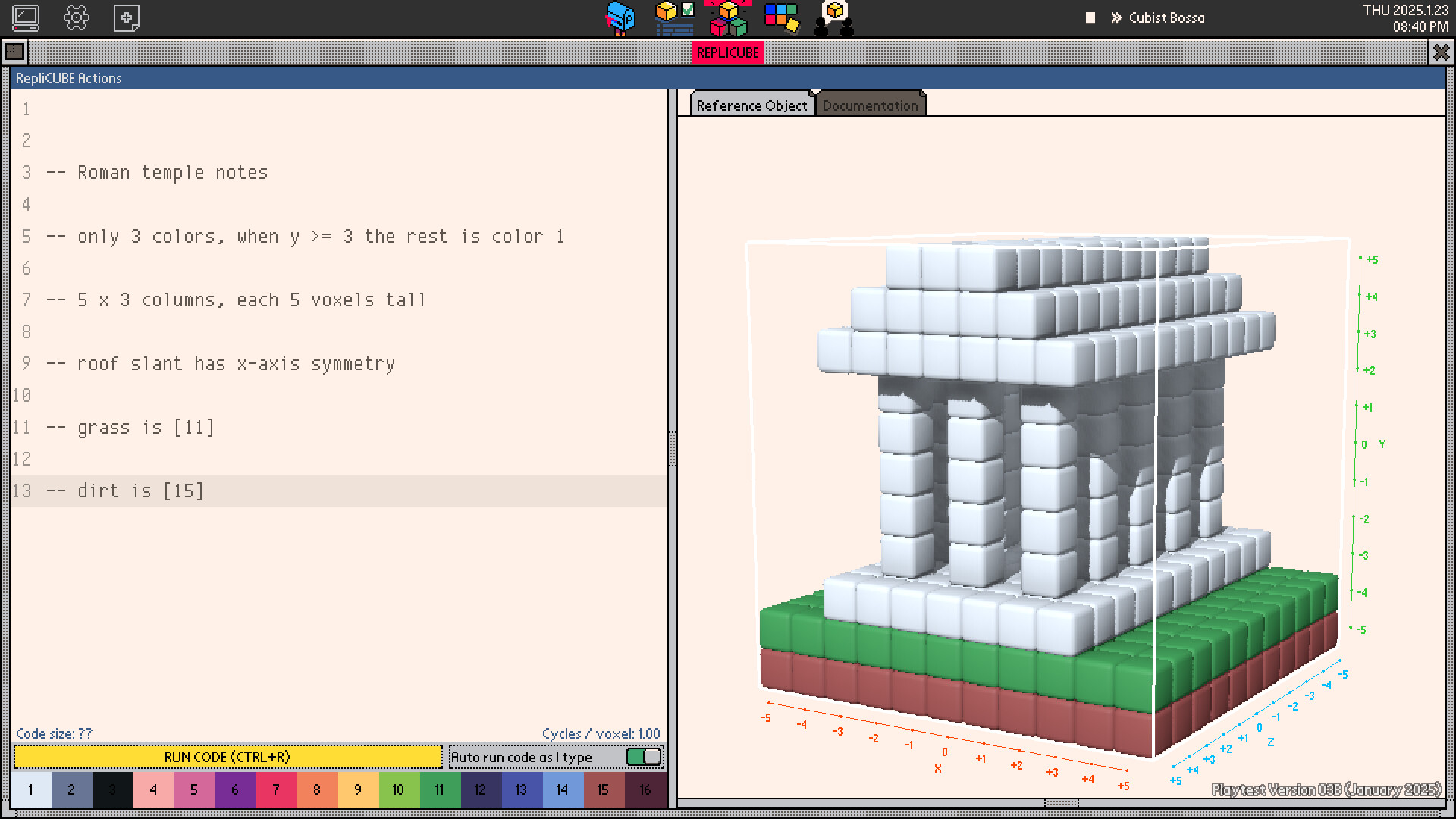
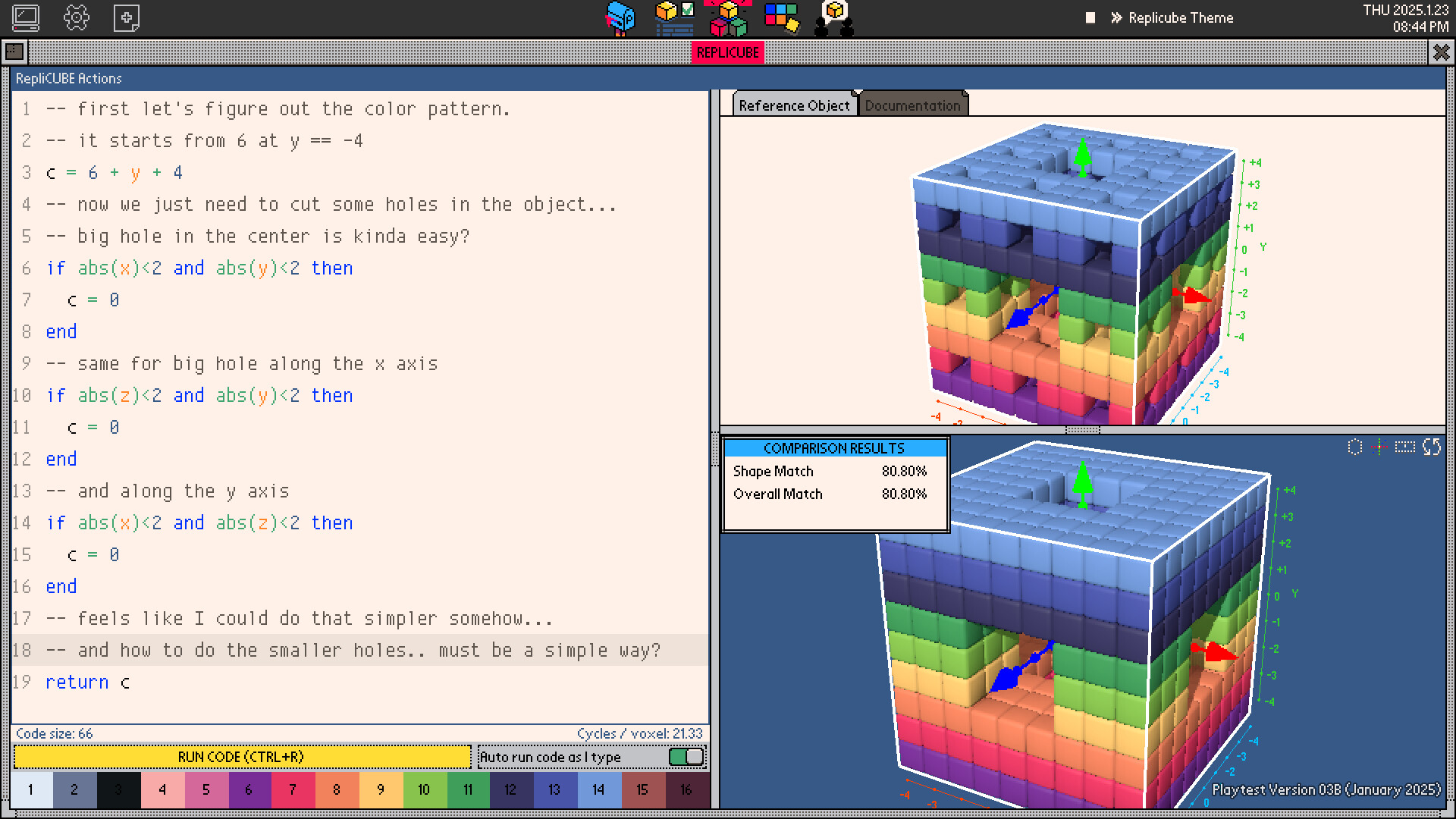
Replicube hosts an in‑game online forum where players share voxel creations and issue challenges for others to replicate. The forum is presented in an old‑school wrapper, giving a retro feel. Leaderboards for each puzzle provide a competitive element, tracking both code brevity and runtime performance.
The community aspect extends beyond competition; users can discuss strategies, post solutions, and inspire new puzzle ideas through shared creations.
- Browse the forum for novel coding techniques used by top players.
- Participate in challenges to test your skills against community‑generated objects.
04 / THE GUIDE
Export Options
Generated 3D voxel objects can be exported into common formats for use in other 3D creation tools. Likewise, 2D images and GIF animations can be saved as PNG or GIF files for online sharing. These export functions let players take their in‑game work into external projects or showcase them on social platforms.
Exported assets retain the visual fidelity of the in‑game models, ensuring that creations look the same outside the Replicube environment.
- Export your best‑scoring creations to build a personal portfolio.
- Convert voxel models to other formats for use in animation or game engines.
05 / THE GUIDE
Platform Support
Replicube runs on Windows, macOS, and Linux, offering cross‑platform accessibility. The game supports Steam Cloud, allowing progress to sync across devices. It also includes a level editor and supports Family Sharing, enabling multiple accounts to access the same library copy.
These features make Replicube convenient for a wide audience, from solo players to families sharing a single purchase.
- Enable Steam Cloud to keep your puzzles and creations backed up.
- Use Family Sharing to let friends or relatives try the game without extra purchases.
COMMUNITY
Player discussion