 GameWiki
GET YOUR BEARINGS
About Remote Reaper: FPV Combat Drone Simulator
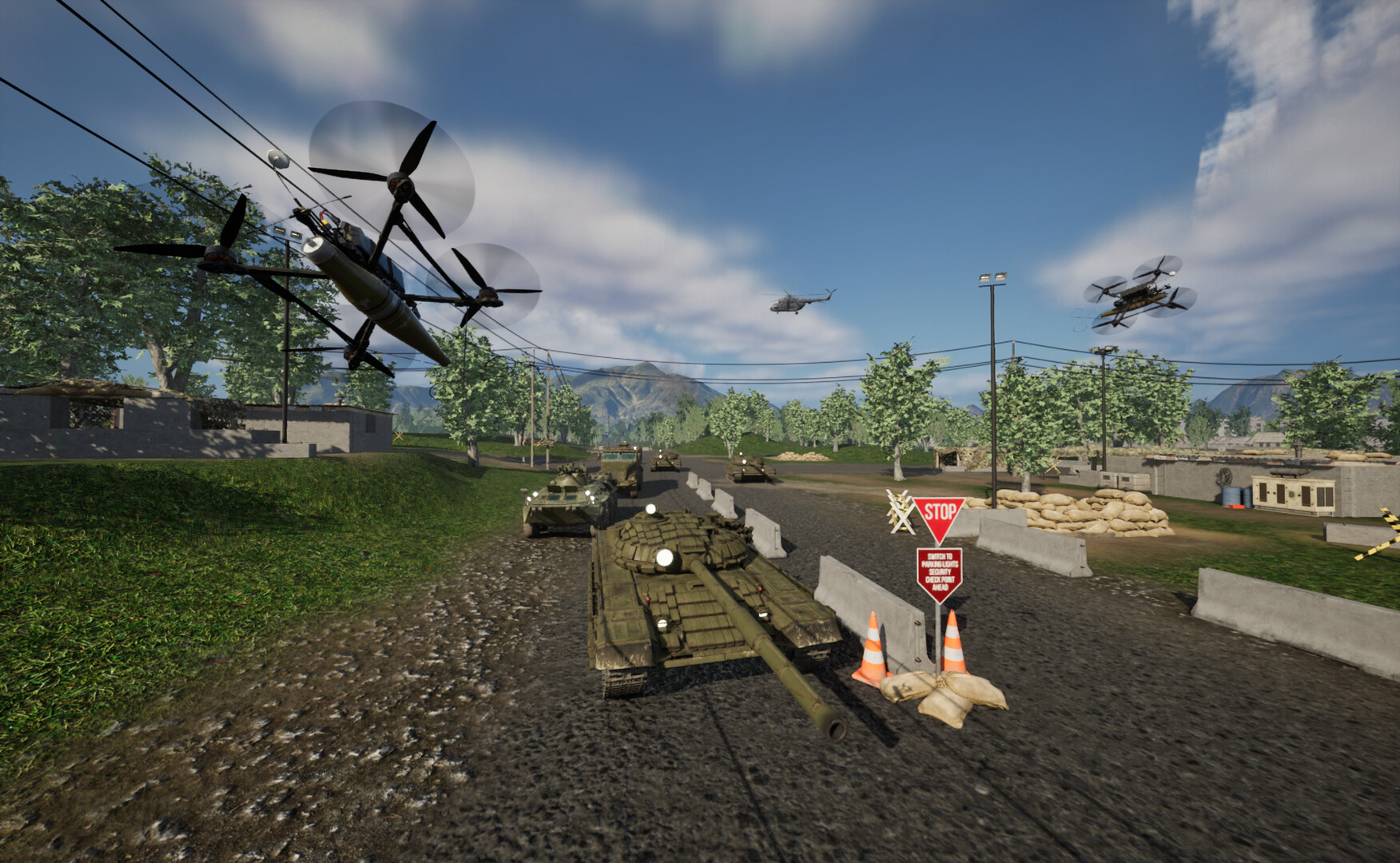
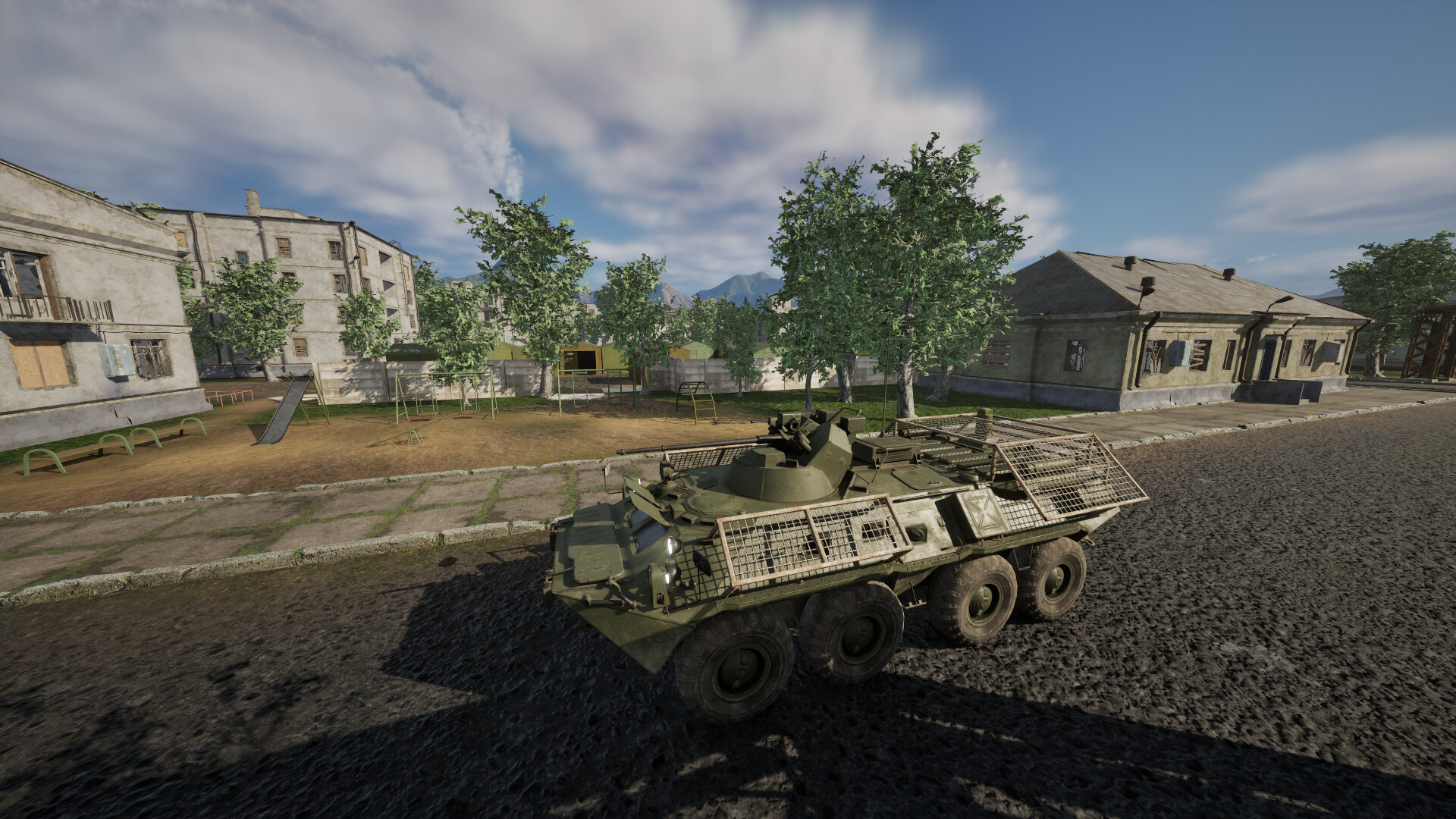
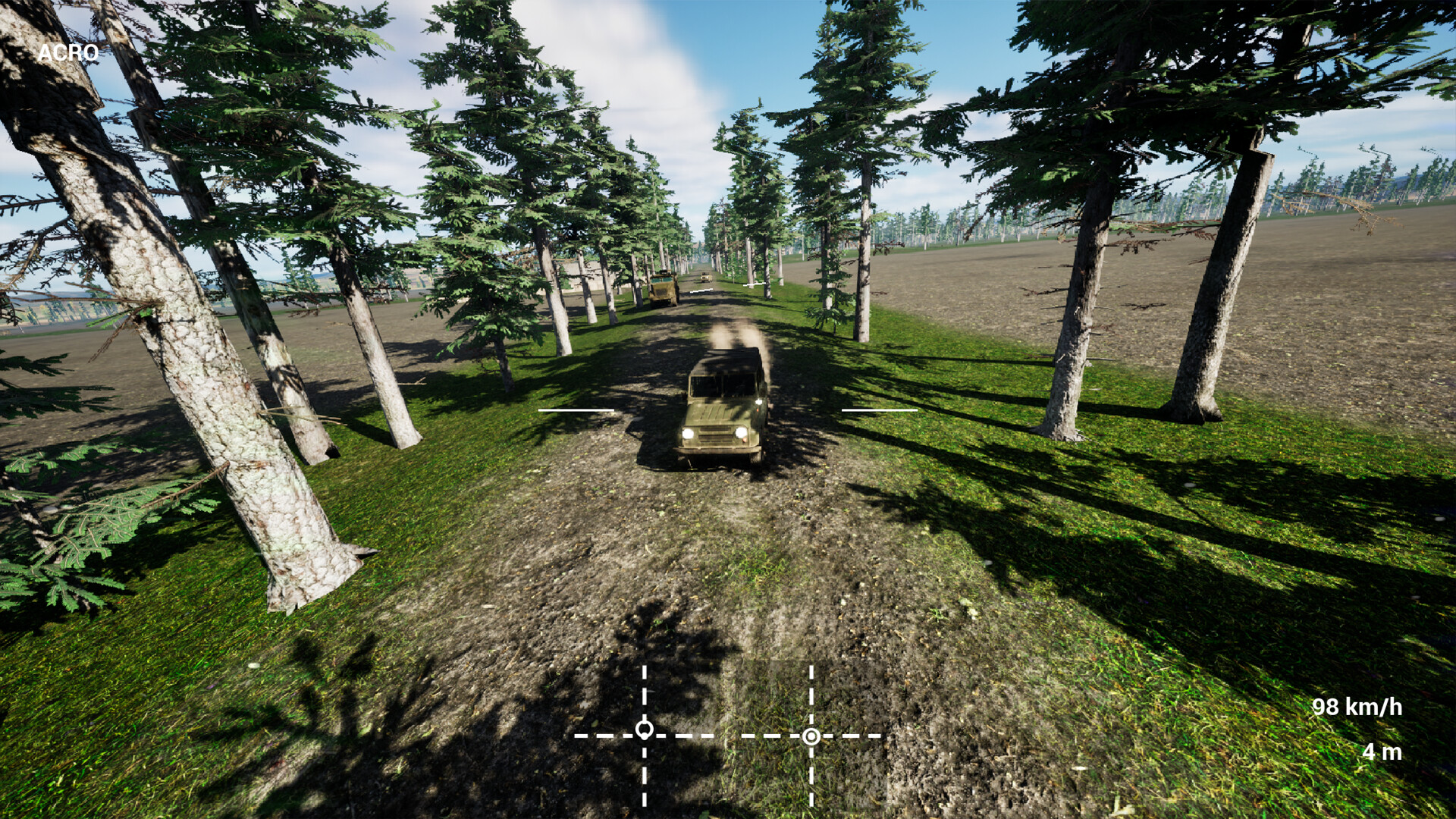
Remote Reaper: FPV Combat Drone Simulator puts you in the seat of an FPV combat drone operator, working with active military pilots to model realistic drone behavior. You locate targets, assess the situation, and strike with a variety of warheads while contending with enemy defenses.
The game offers a modular drone editor, multiple control schemes, dynamic weather, and online co‑op missions. It runs on Windows with broad controller compatibility and supports Steam Cloud and workshop content for sharing creations.
01 / THE GUIDE
Drone Editor
In the built‑in editor you choose frame size, motors, props, camera, antenna, and warhead. Options include 7" and 10" frames, coaxial motor mounts, and three warhead types for different targets.
Saved builds can be loaded with a single click before takeoff, letting you tailor each mission to the intended target and your preferred flight style.
- Experiment with coaxial motors for extra thrust when facing heavily armored targets.
- Keep an eye on charge consumption; larger builds drain power faster.
02 / THE GUIDE
Enemy Radio and Electronic Warfare
Enemy jamming can disrupt both video and control links, forcing you to fly through static and reduced responsiveness. Different EW patterns target the control and video channels separately.
Terrain and obstacles between the ground station and the drone also weaken the link, adding another layer of difficulty to each run.
- Watch for sudden loss of video; it may indicate a control‑link jam as well.
- Plan routes that minimize line‑of‑sight obstacles to preserve link strength.
03 / THE GUIDE
Dynamic Weather
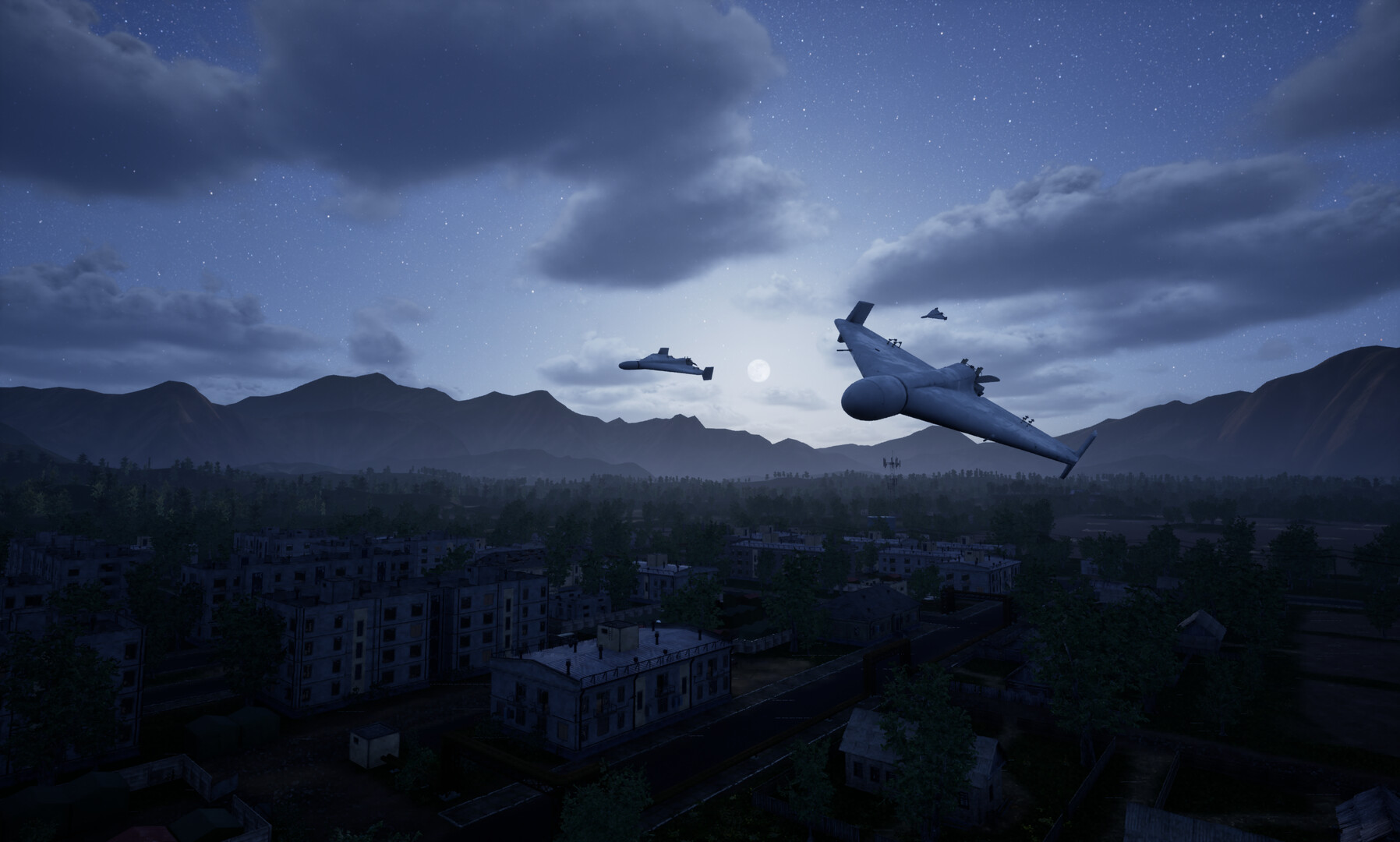
Rain, fog, and wind affect visibility and flight path. Rain and fog cut visual range, while gusting wind can push the drone off course during ingress.
Time of day also changes lighting, altering how the ground reads and influencing target identification.
- Consider a coaxial motor setup for extra thrust when facing strong wind.
- Adjust your attack angle in fog to compensate for reduced depth perception.
04 / THE GUIDE
Control Options
The flight model supports radio controllers, gamepads, and keyboard input. Realistic mode delivers full physics on a controller or gamepad, mirroring true FPV flight.
Simple mode uses keyboard and mouse, with altitude hold and a boost function to aid newcomers.
- Try realistic mode with a supported controller for the most authentic feel.
- Switch to simple mode if you prefer a steadier altitude while learning.
05 / THE GUIDE
Online Co‑op Missions
Team up with other pilots to run combat missions together, coordinating approaches and dividing targets. You can also join a mission already in progress.
Co‑op play lets you cover each other's strikes, adding tactical depth beyond solo runs.
- Communicate target assignments early to avoid overlapping fire.
- Join an ongoing mission to observe experienced pilots' tactics.

COMMUNITY
Player discussion