 GameWiki
GET YOUR BEARINGS
About Regular Human Workshop
Regular Human Workshop is a 2D physics sandbox where players place objects and watch them interact without preset goals. The experience centers on ragdoll bodies, variable gravity, automation wiring, time control, and a copy‑paste save system.
The game runs on Windows and offers single‑player play, Steam Workshop integration, Steam Cloud storage, and Family Sharing, giving users flexibility to experiment and preserve their creations.
01 / THE GUIDE
Human Ragdolls
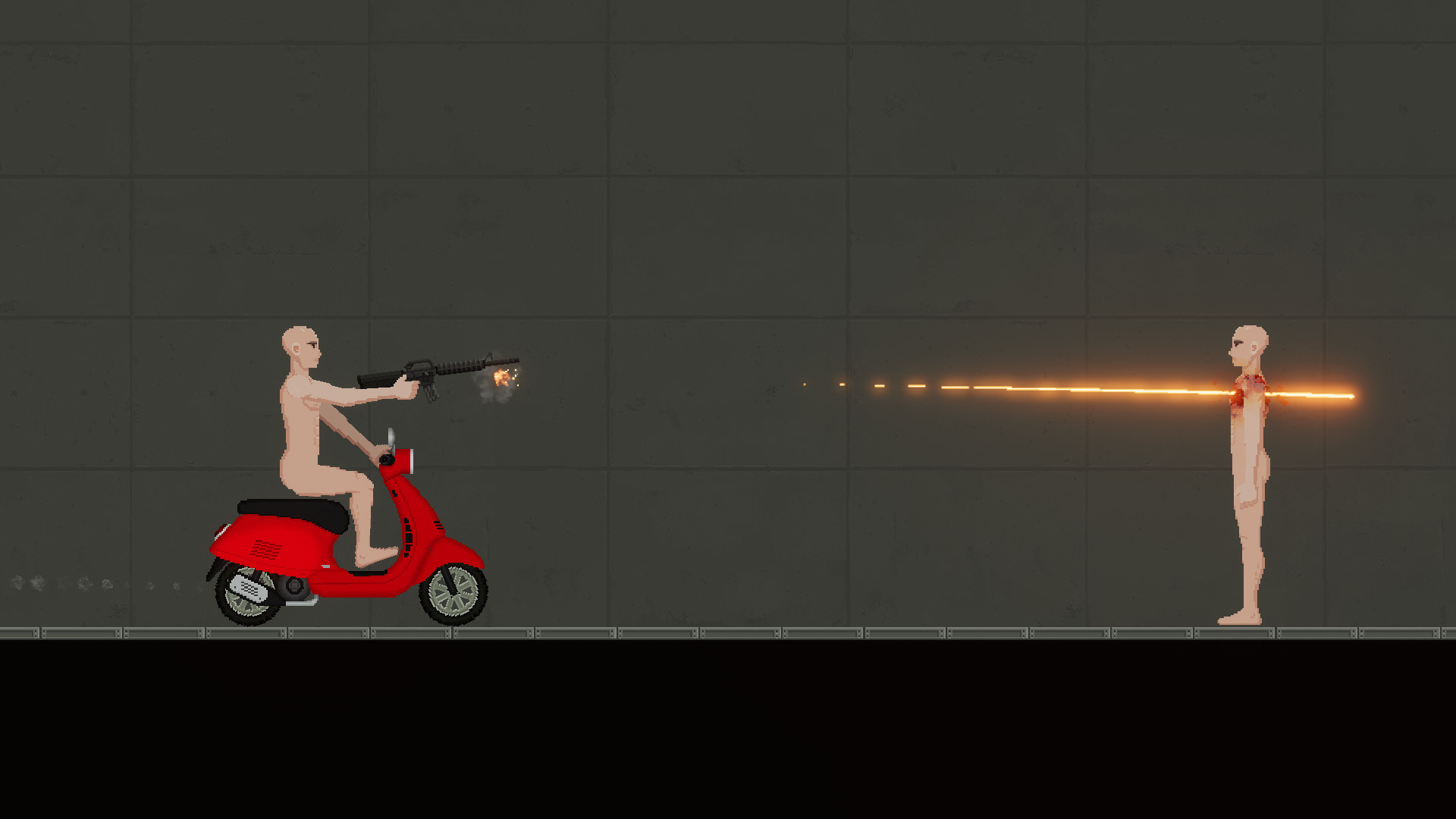
The ragdoll simulation models a human body that can balance on two feet and be forced into walking, sitting, or squatting poses. Players may also apply violent actions such as stabbing, shooting, burning, beating, or tearing the ragdoll apart.
Each ragdoll includes simulated blood circulation, a basic sense of consciousness, and a reaction to pain, which affect how the body moves and reacts to forces.
- Observe how the ragdoll reacts to gentle pushes before applying stronger forces.
- Compare the visual outcome of a stabbing action versus a shooting action to see different damage patterns.
02 / THE GUIDE
Gravity Variations
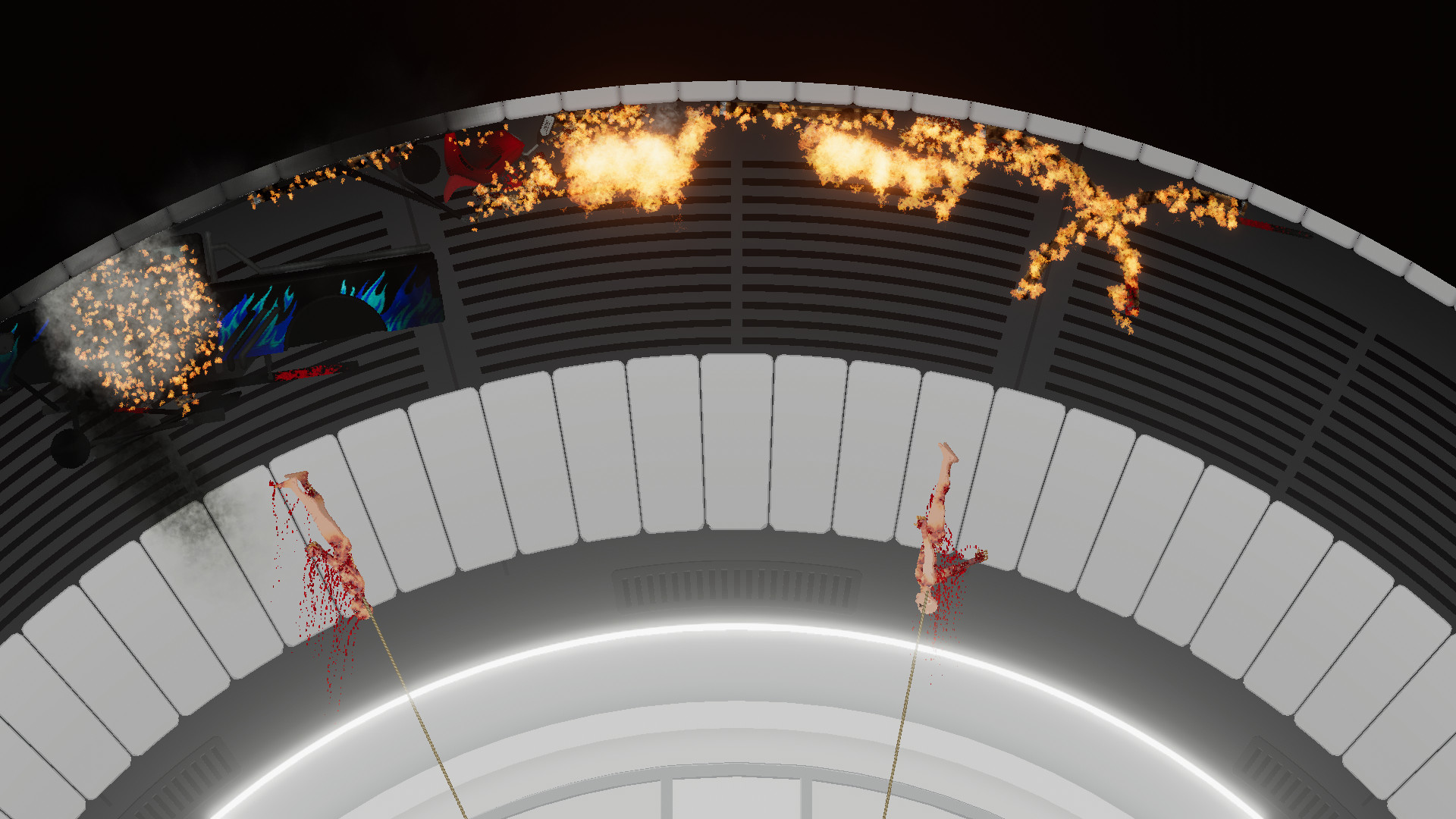
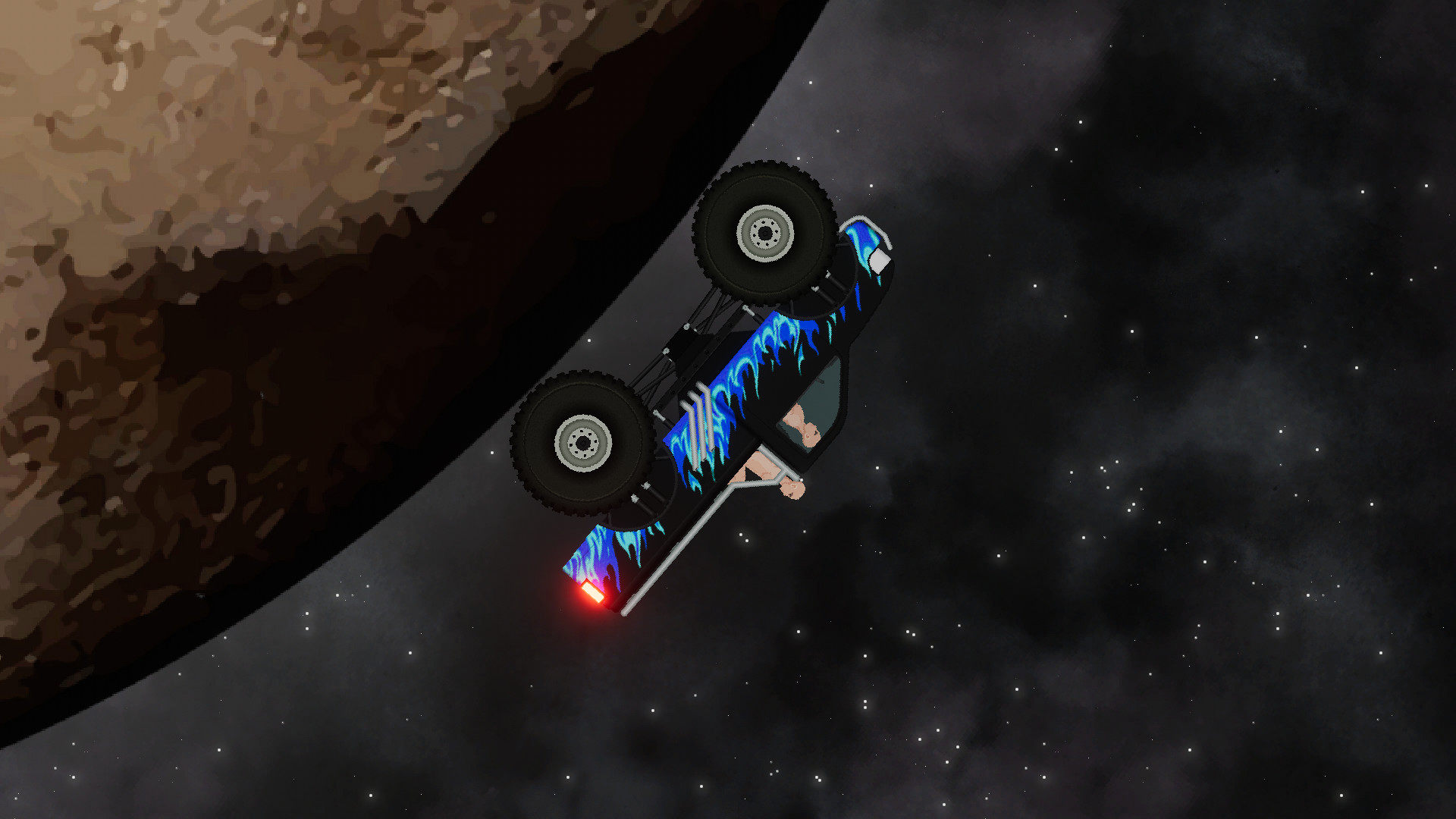
Standard gravity applies throughout most of the sandbox, but some levels introduce unique gravitational types. Every object and effect in the game adjusts to these differences, altering how they move.
Because gravity changes per level, the same object may fall faster, slower, or follow an unusual trajectory, encouraging players to test physics under each condition.
- Drop a simple shape in a new level to gauge the local gravity strength.
- Reuse the same object across multiple levels to directly compare motion differences.
03 / THE GUIDE
Automation System
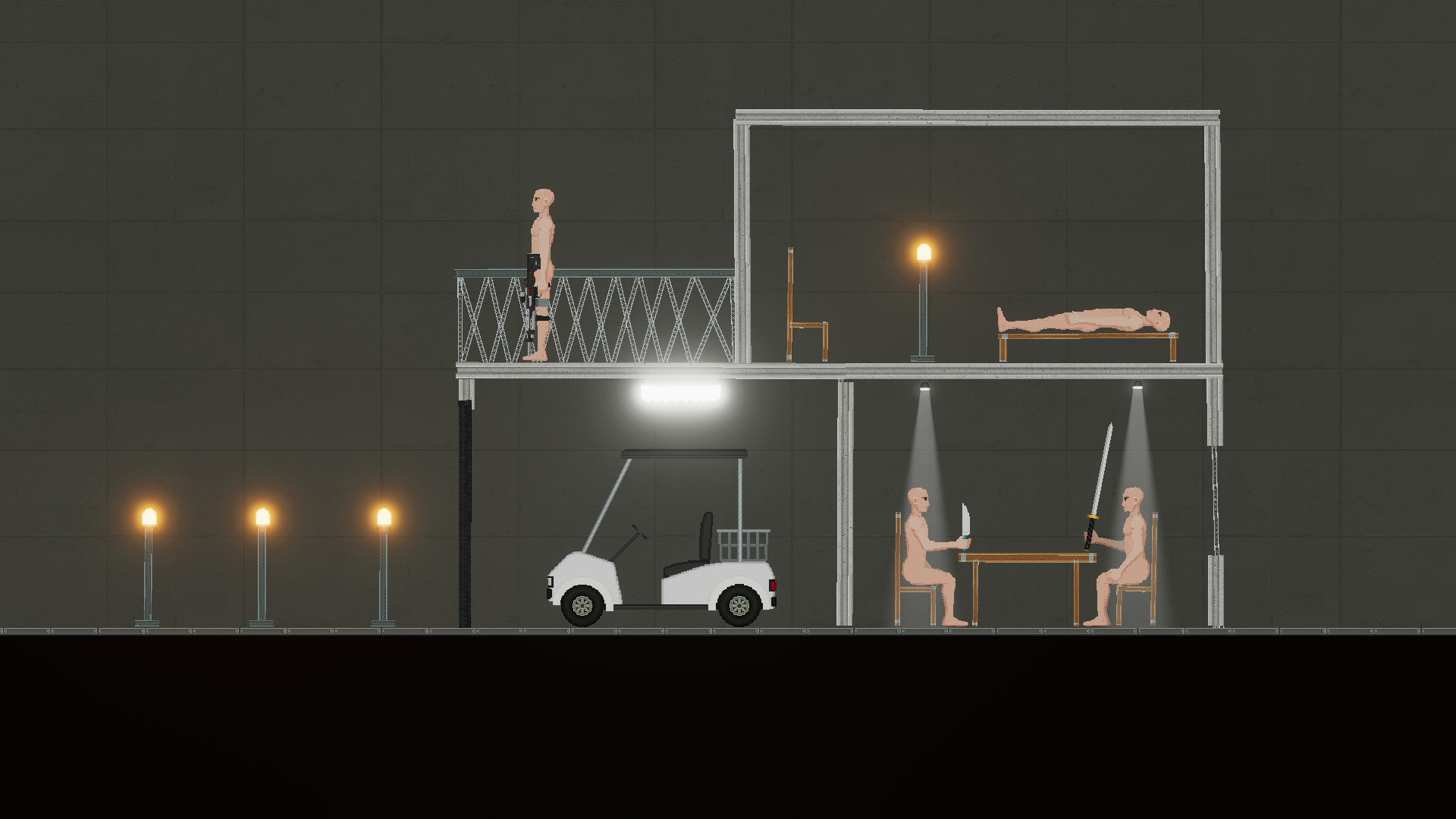
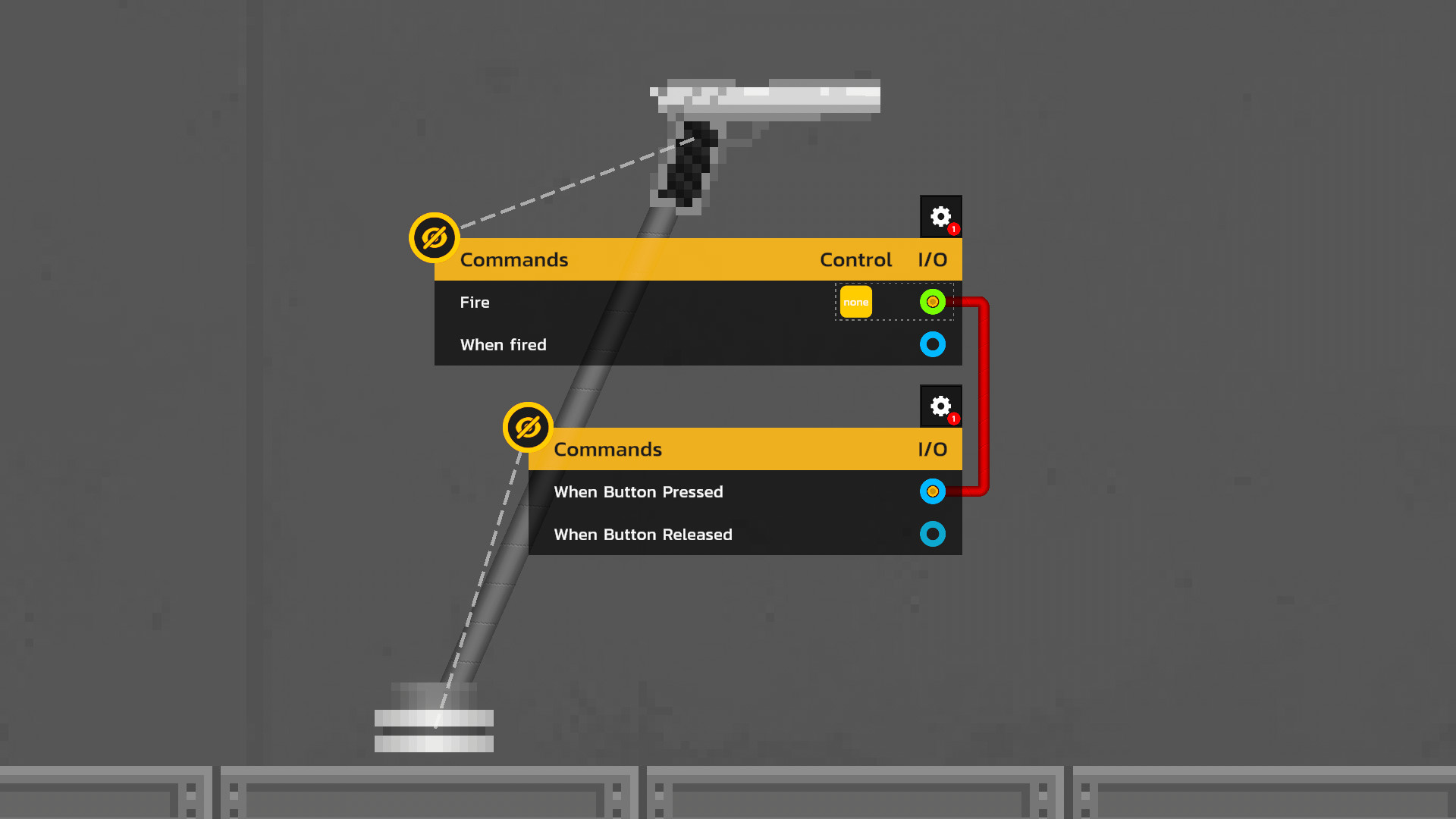
Most objects can be linked using an Input/Output (IO) system. Connecting a button to a gun, for example, makes the gun fire whenever the button is pressed.
The IO system also permits looped connections, allowing users to build more complex automatons that trigger multiple devices in sequence.
- Start with a single input‑output pair to verify wiring before adding additional links.
- Experiment with different sensors to see how they activate various devices.
04 / THE GUIDE
Slow Motion
A dedicated control lets players slow down or pause time, making fast events such as bullets piercing ragdolls or explosions more observable.
Using slow motion can help players study cause‑and‑effect relationships in destructive interactions that would otherwise happen too quickly to see.
- Activate slow motion when testing a new weapon to watch impact details.
- Combine slow motion with automation to fine‑tune timing of chained actions.
05 / THE GUIDE
Save System
Players can copy or save groups of objects and later paste them anywhere on the screen, preserving complex setups for future use.
This copy‑paste workflow reduces the need to recreate each element manually, speeding up experimentation across different scenes.
- Save frequently used device clusters for quick deployment in new levels.
- Mentally label saved groups to recall their function when re‑using them.
COMMUNITY
Player discussion