 GameWiki
GET YOUR BEARINGS
About RED
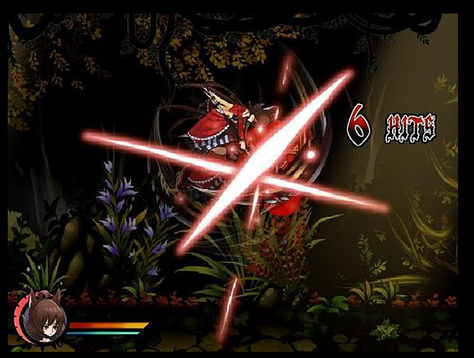
RED is a 2D side‑scrolling action game built by three university students using Flash, RPG Maker XP and Photoshop. It retells the Little Red Riding Hood story with a new plot and offers two distinct endings.
The Windows‑only title runs at 640 × 480 resolution, lasts about twenty minutes, and can be played in Traditional Chinese, English or Spanish. Keyboard shortcuts let players toggle fullscreen, skip dialogue and pause the game.
01 / THE GUIDE
Storyline
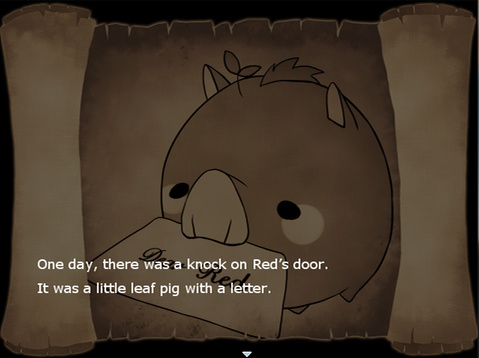
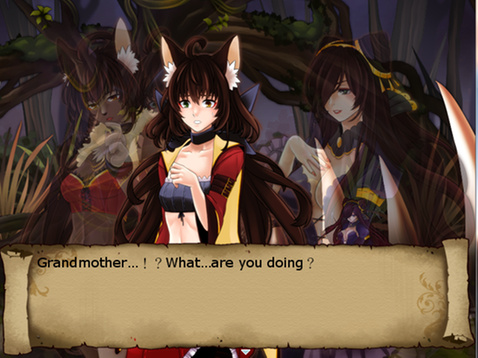
The game rewrites the classic Little Red Riding Hood tale, presenting a fresh narrative as the player moves through side‑scrolling levels. The story is delivered in three language options, reflecting the original and translated versions.
Two endings are available—a normal conclusion and a true conclusion—giving the short experience two possible outcomes.
- Watch dialogue cues to anticipate which ending may become reachable.
- Compare the three language versions for subtle narrative differences.
02 / THE GUIDE
Gameplay
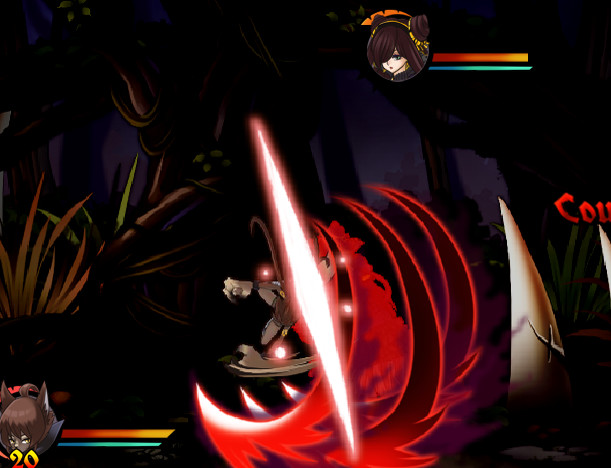
RED is a side‑scrolling action title where the player traverses 640 × 480 pixel screens, confronting platforming obstacles typical of the genre. A single run lasts roughly twenty minutes, offering a concise play session.
Built‑in shortcuts let players pause, switch to fullscreen, or skip dialogue, allowing control over pacing without altering the core platforming mechanics.
- Use the fullscreen toggle to focus on the pixel art.
- Skip repetitive dialogue to keep momentum during the brief playthrough.
03 / THE GUIDE
Controls
Keyboard shortcuts are documented: Alt + Enter toggles fullscreen, Shift + Enter skips messages, and Esc pauses the game. These inputs provide basic navigation and pacing tools.
No other input methods are listed, so the default keyboard scheme is the primary method of interaction for the title.
- Memorise Alt + Enter for quick fullscreen changes.
- Use Shift + Enter when you prefer to bypass long text sections.
04 / THE GUIDE
Technical Requirements
RED runs on Windows XP and later versions, requiring less than 140 MB of storage. The fixed resolution of 640 × 480 pixels matches its retro aesthetic.
The game does not list macOS or Linux support, so it is intended for Windows PCs only.
- Verify your Windows version before installing.
- Ensure your system meets the 140 MB size limit.
05 / THE GUIDE
Language Options
Three language packs are included: Traditional Chinese, English, and Spanish. The Spanish version was added thanks to translation assistance, expanding accessibility.
The story can be experienced in the chosen tongue, with all three language options included in the game.
- Switch languages to notice how certain phrases are localized.
- Try the Spanish version if you prefer a non‑Chinese interface.

COMMUNITY
Player discussion