 GameWiki
GET YOUR BEARINGS
About Red Dead Redemption
Red Dead Redemption for PC bundles the original western action‑adventure with its zombie‑horror companion, Undead Nightmare, delivering both single‑player campaigns in a single purchase. The package adds PC‑specific visual upgrades such as HDR lighting, native 4K resolution, and support for ultrawide displays.
Developed by Rockstar Games with Double Eleven, the title offers full controller support and Steam achievements, but contains no multiplayer modes. Players follow former outlaw John Marston as he hunts the remaining Van der Linde gang members, then can explore the undead‑infested world of Undead Nightmare.
01 / THE GUIDE
Main Story Campaign
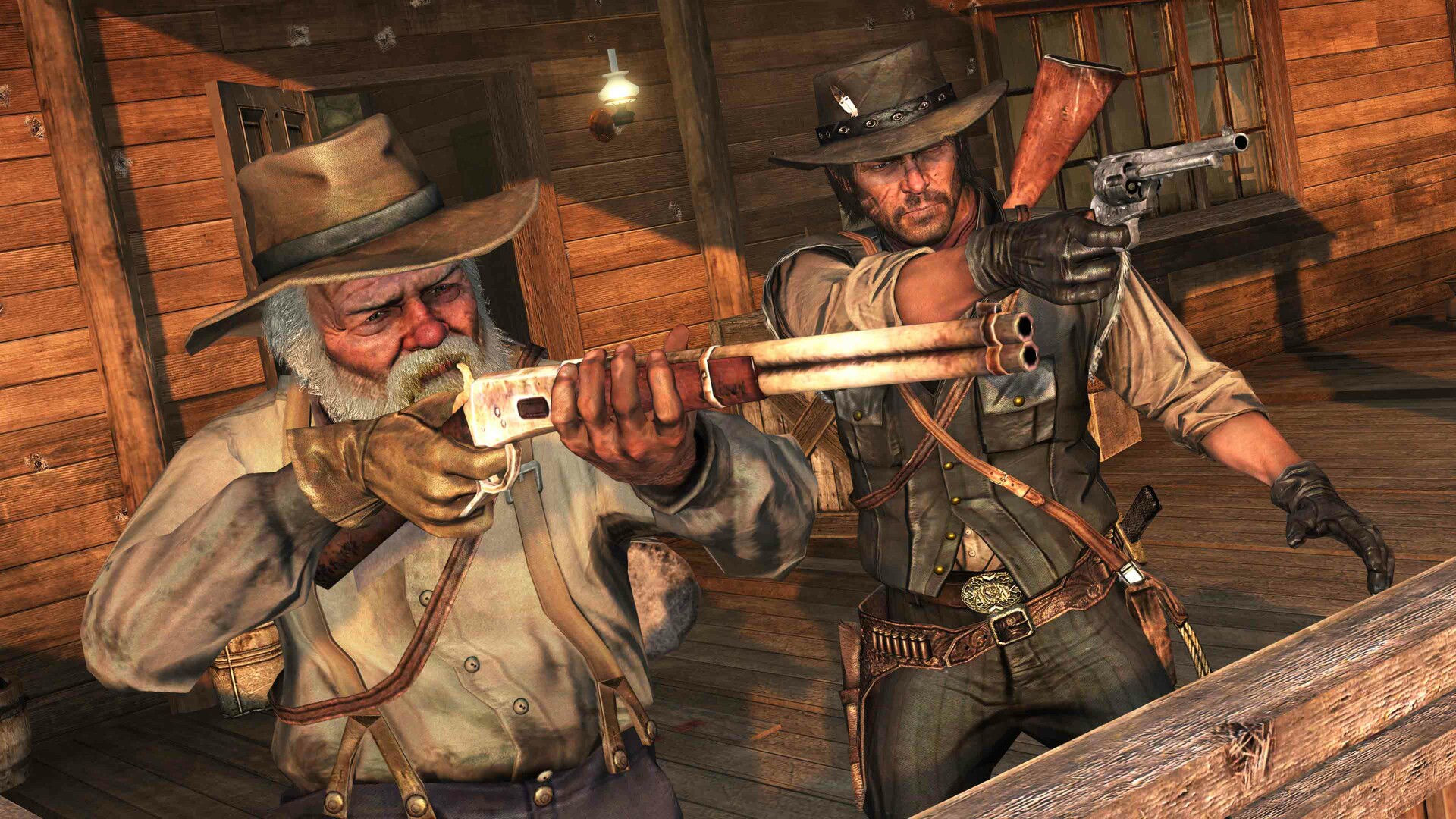
The core campaign follows John Marston, a former outlaw forced to track down the last members of the Van der Linde gang. Missions unfold across the American frontier, mixing narrative cutscenes with open‑world exploration.
All story missions are single‑player only; the game does not include any multiplayer component. Completion of the main storyline resolves Marston’s personal quest.
- Use the in‑game map to plot efficient routes between missions.
- Pause to read optional dialogue for additional context.
02 / THE GUIDE
Undead Nightmare Expansion
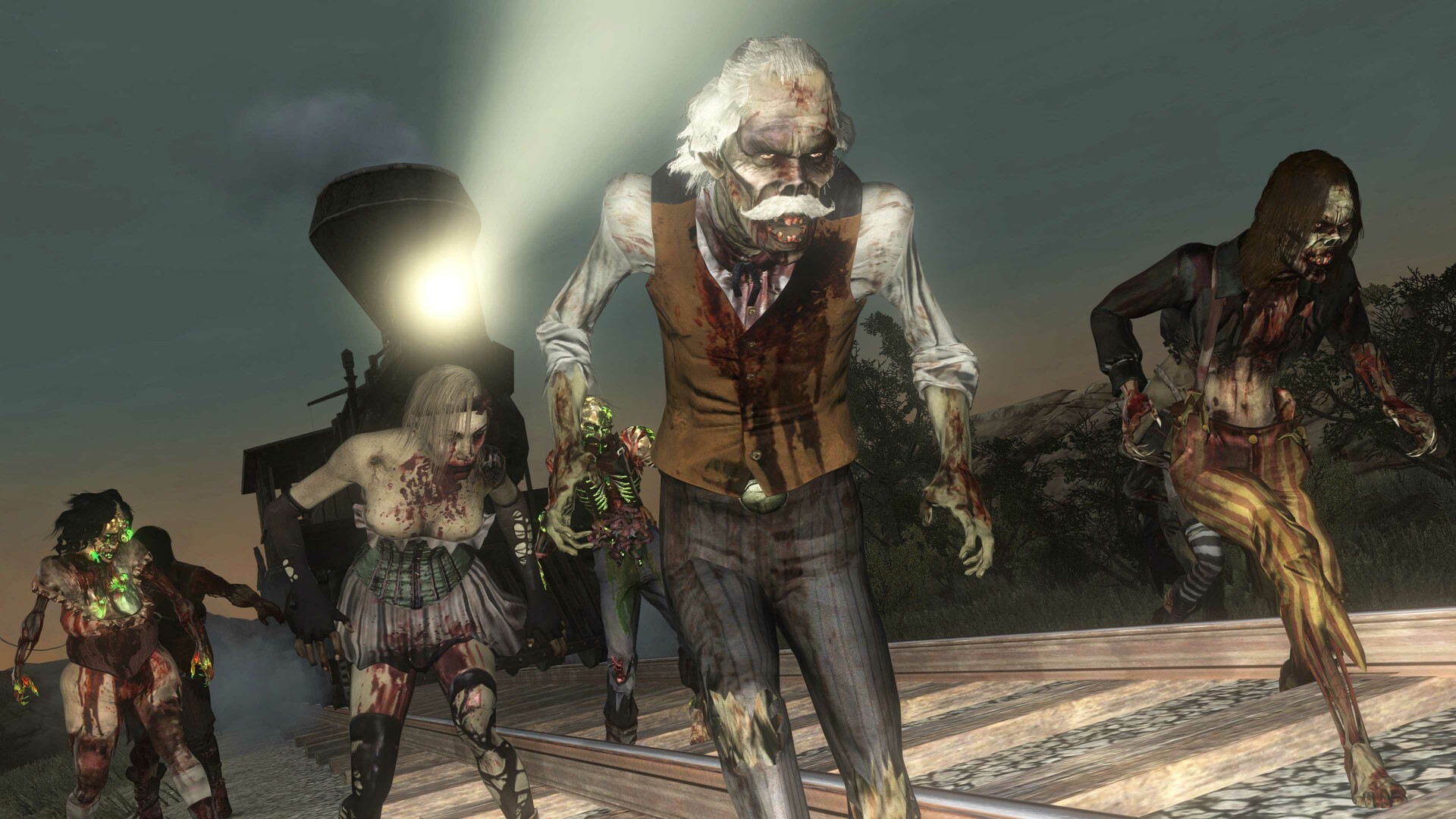
Undead Nightmare is a self‑contained zombie‑horror companion story that runs alongside the main game, offering its own missions, enemies, and atmosphere while using the same world map.
The expansion is included in the Game of the Year Edition and is fully integrated into the PC version, allowing players to switch between the western and undead settings.
- Complete the main story first if you prefer a narrative contrast.
- Check the journal for unique undead side quests.
03 / THE GUIDE
PC Visual Enhancements
The PC release adds HDR lighting, native 4K resolution, and support for up to 144 Hz refresh rates on compatible hardware. Players can also enable ultrawide (21:9) and super ultrawide (32:9) monitor modes.
Additional settings let users adjust draw distances and shadow quality, allowing performance to be tailored to individual systems.
- Enable HDR if your monitor supports it for richer colors.
- Lower shadow quality first when troubleshooting low frame rates.
04 / THE GUIDE
Steam Achievements
The bundled product integrates with Steam’s achievement system, automatically tracking progress as players complete milestones and challenges.
Achievements are displayed through the Steam overlay and require no external tools to view or earn.
- Open the Steam overlay to monitor which achievements are still locked.
- Focus on one achievement at a time to avoid missing hidden criteria.
05 / THE GUIDE
Full Controller Support
The game includes full controller compatibility, allowing all actions to be performed with a gamepad without needing a keyboard and mouse.
Controller support works alongside the PC visual options, so high‑resolution play can be enjoyed with a gamepad.
- Calibrate your controller in the options menu for optimal responsiveness.
- If input lag occurs, try lowering resolution or refresh rate.


COMMUNITY
Player discussion