 GameWiki
GET YOUR BEARINGS
About Rec Room
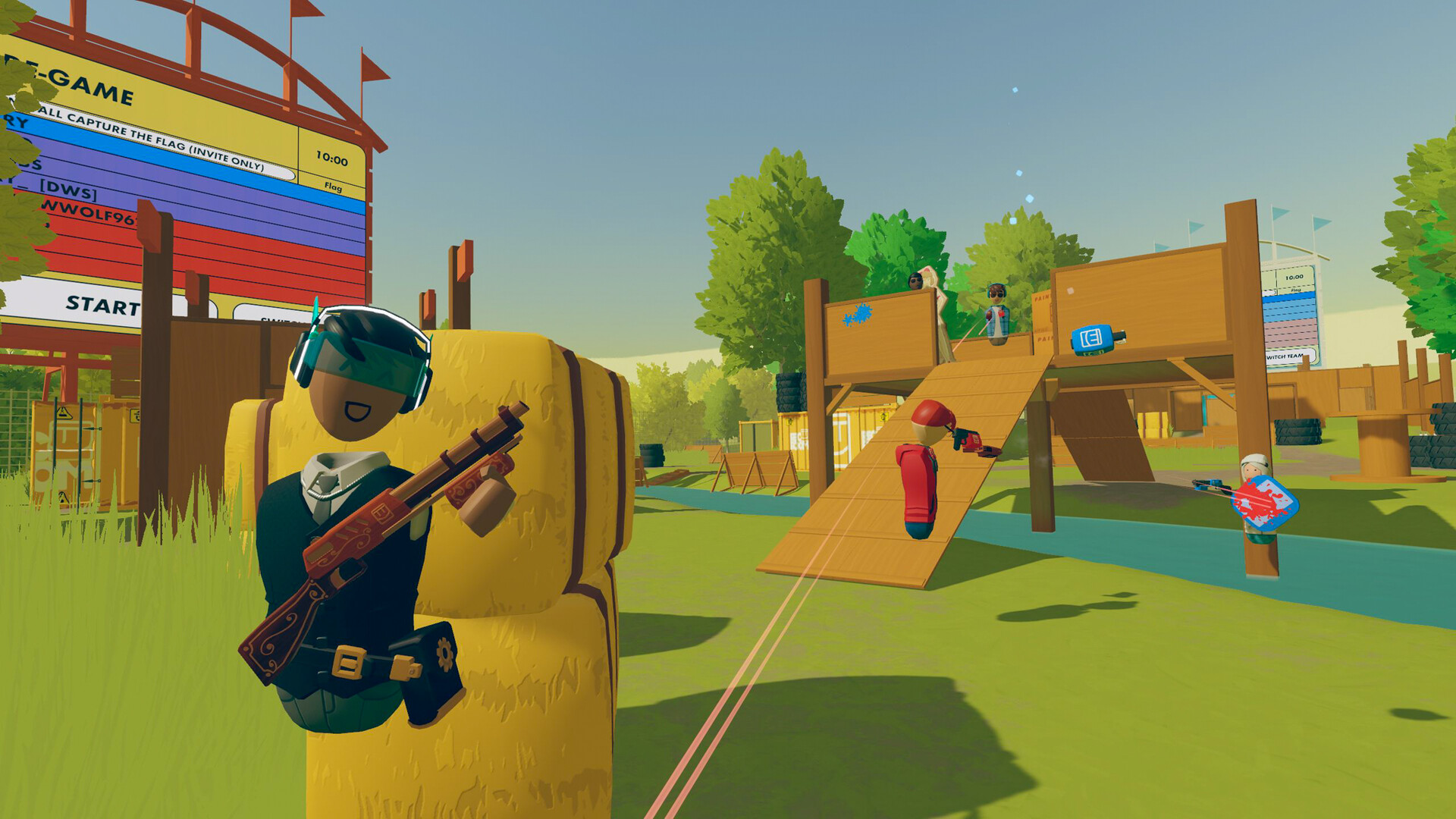
Rec Room is a free, multiplayer social space that runs on Windows PCs and supports VR headsets. Players meet to chat, explore, and create together, using a shared avatar that travels across all supported devices.
The experience blends casual games, cooperative and competitive modes, and a robust building tool called the Maker Pen, letting anyone craft rooms or objects that other users can instantly visit.
01 / THE GUIDE
Avatar Customization
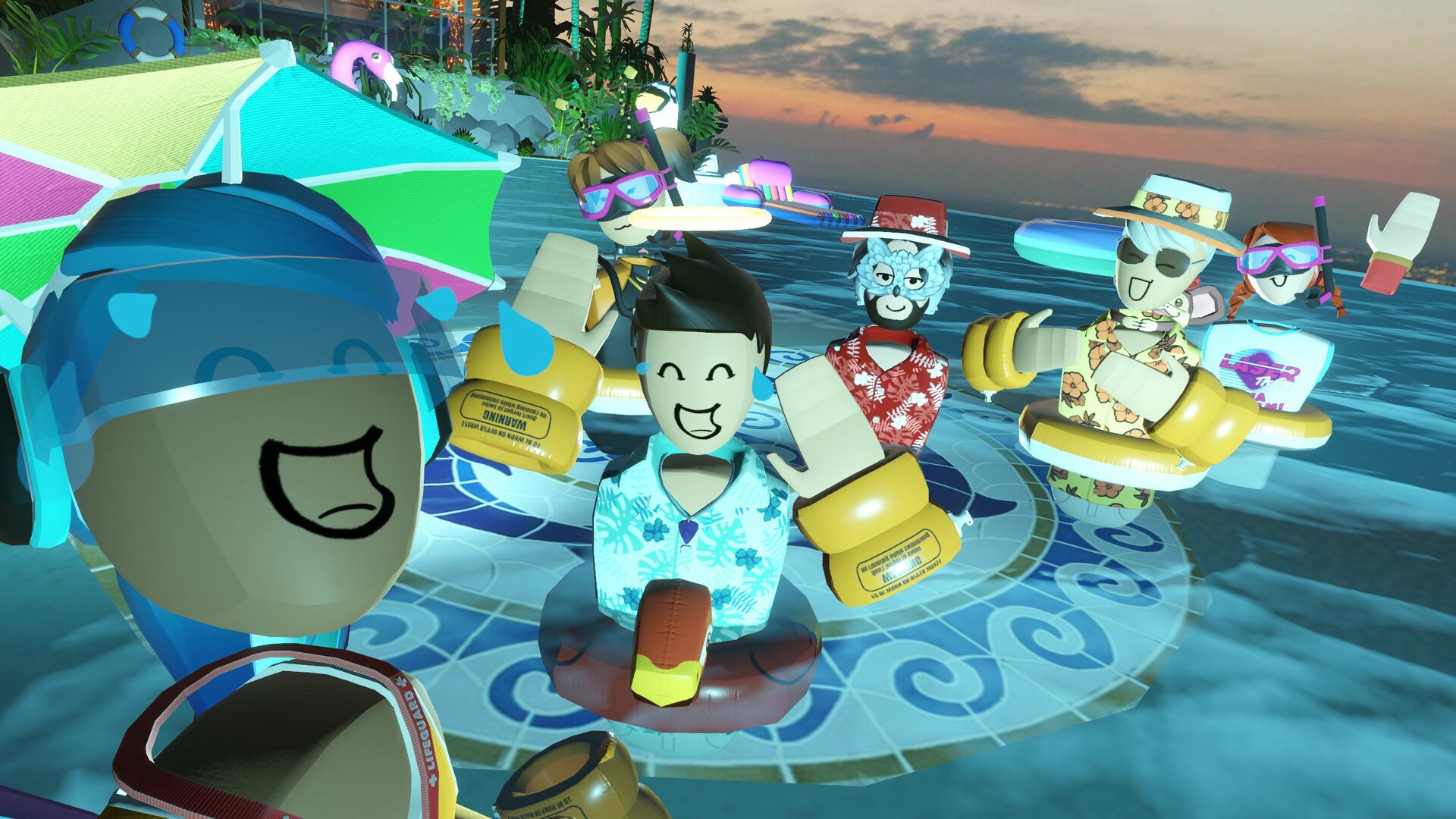
Every player is represented by a cute Rec Room avatar that can be dressed in a variety of clothing and accessories. The customization options are available to all users at no extra cost and appear instantly wherever the avatar goes.
Because the avatar data syncs across Windows and VR platforms, a change made on one device is reflected on the other, ensuring a consistent visual identity in all shared spaces.
- Combine items from different categories to create a look that stands out in crowded rooms.
- Check the in‑app store for seasonal items that may be free for a limited time.
02 / THE GUIDE
Player‑Created Rooms
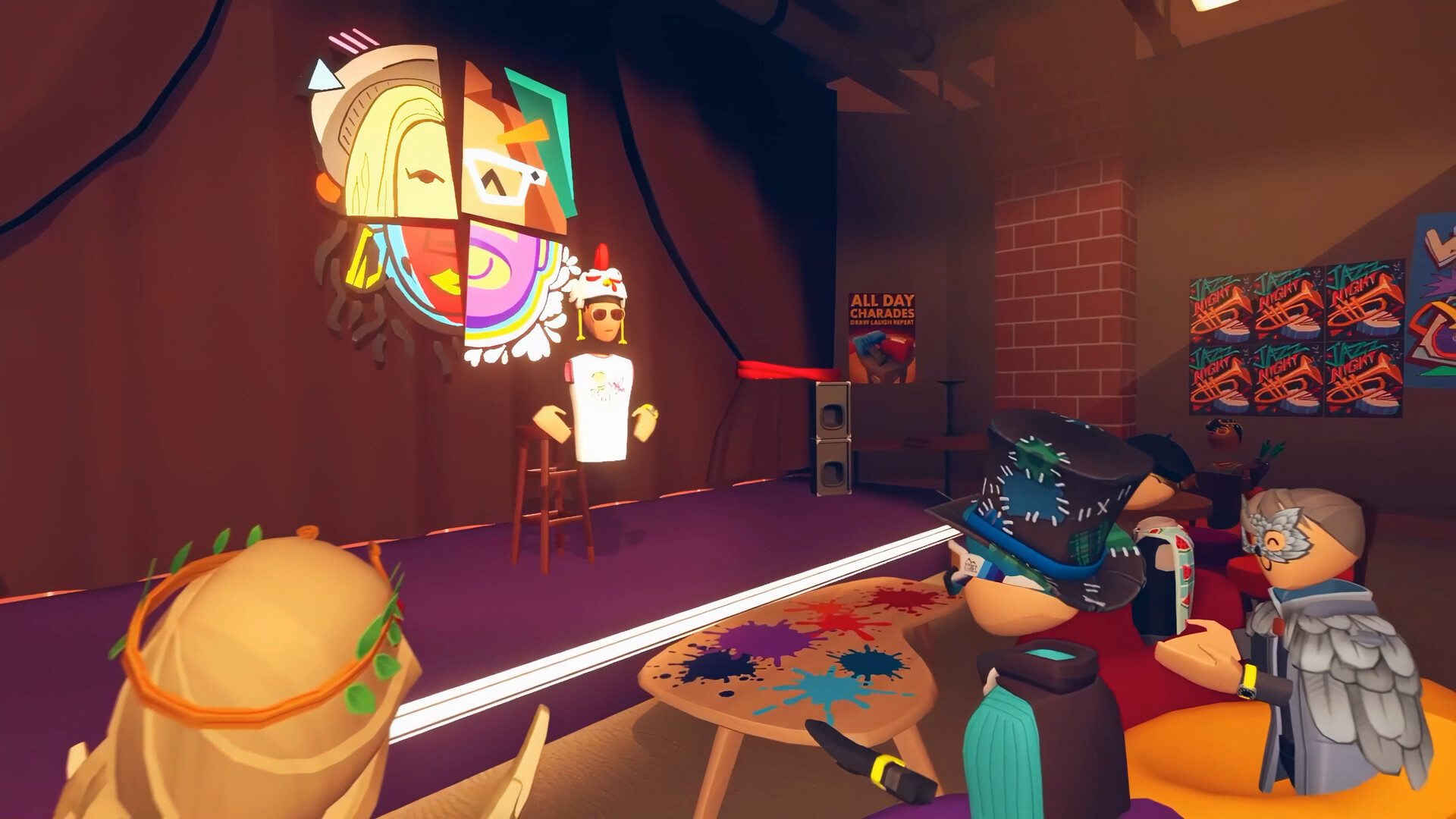
The platform hosts millions of rooms built by community creators, ranging from simple hangouts to elaborate game experiences. These rooms are searchable and can be entered instantly, providing endless variety.
Since each room is user‑generated, new content appears regularly, giving players fresh challenges, fun, or odd experiences each time they log in.
- Use search filters to locate rooms that match your current mood, such as a chill lounge or a fast‑paced PvP arena.
- Leave a quick rating or comment to help creators improve their spaces.
03 / THE GUIDE
Maker Pen
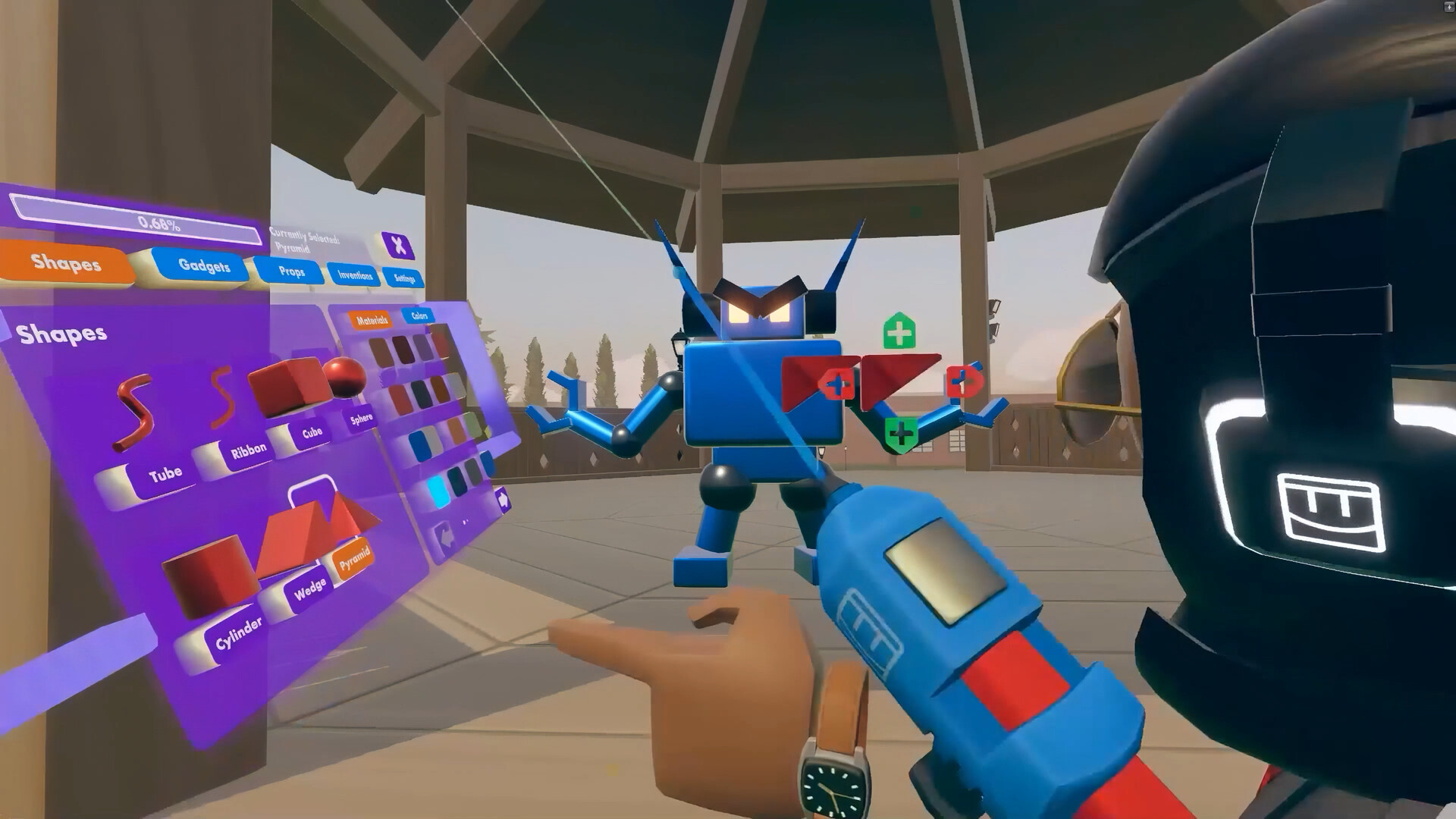
The Maker Pen is Rec Room’s primary building tool, allowing creators to construct objects, characters, and entire worlds. It is accessible to all players on supported platforms.
With the Pen, users have built everything from simple puppies to complex helicopters, then shared those creations for others to explore and interact with.
- Start with basic shapes to become comfortable before attempting intricate mechanisms.
- Watch community tutorials for shortcuts and advanced techniques.
04 / THE GUIDE
Cross‑Platform Play
Rec Room supports multiplayer across Windows PCs and VR headsets, allowing friends on different hardware to meet in the same virtual spaces. Full controller support and tracked controller support are included for compatible devices.
The networking is designed for both cooperative and PvP experiences, so players can join the same session regardless of whether they are using a gamepad, keyboard‑mouse, or VR controllers.
- Enable controller support in settings if you prefer a gamepad over keyboard‑mouse.
- Invite friends via the in‑app friend system to ensure they join the correct lobby.
05 / THE GUIDE
Community and Safety
Rec Room emphasizes a welcoming environment for people from all walks of life, encouraging players to find friends they’ll love to hang out with. Community hubs serve as central places for meeting new people.
Features such as family sharing and in‑app purchases are managed within the platform, providing a safe space for younger players while still offering optional cosmetic content.
- Use the built‑in mute and block tools if you encounter disruptive behavior.
- Explore community hubs to meet players with similar interests.

COMMUNITY
Player discussion