 GameWiki
GET YOUR BEARINGS
About Reassembly
Reassembly drops you into a procedurally‑generated universe where every star system is created on the fly. You design a single spaceship that can evolve from a modest craft into a fleet‑producing battleship, confronting ever‑changing alien ships.
The game showcases crisp vector graphics, abundant particle effects, and a haunting soundtrack by Peter Brown (Peaks). Asynchronous multiplayer lets you encounter other players’ creations, while Steam Workshop lets you share designs and Steam Cloud is listed for syncing your progress.
01 / THE GUIDE
Procedurally‑Generated Universe
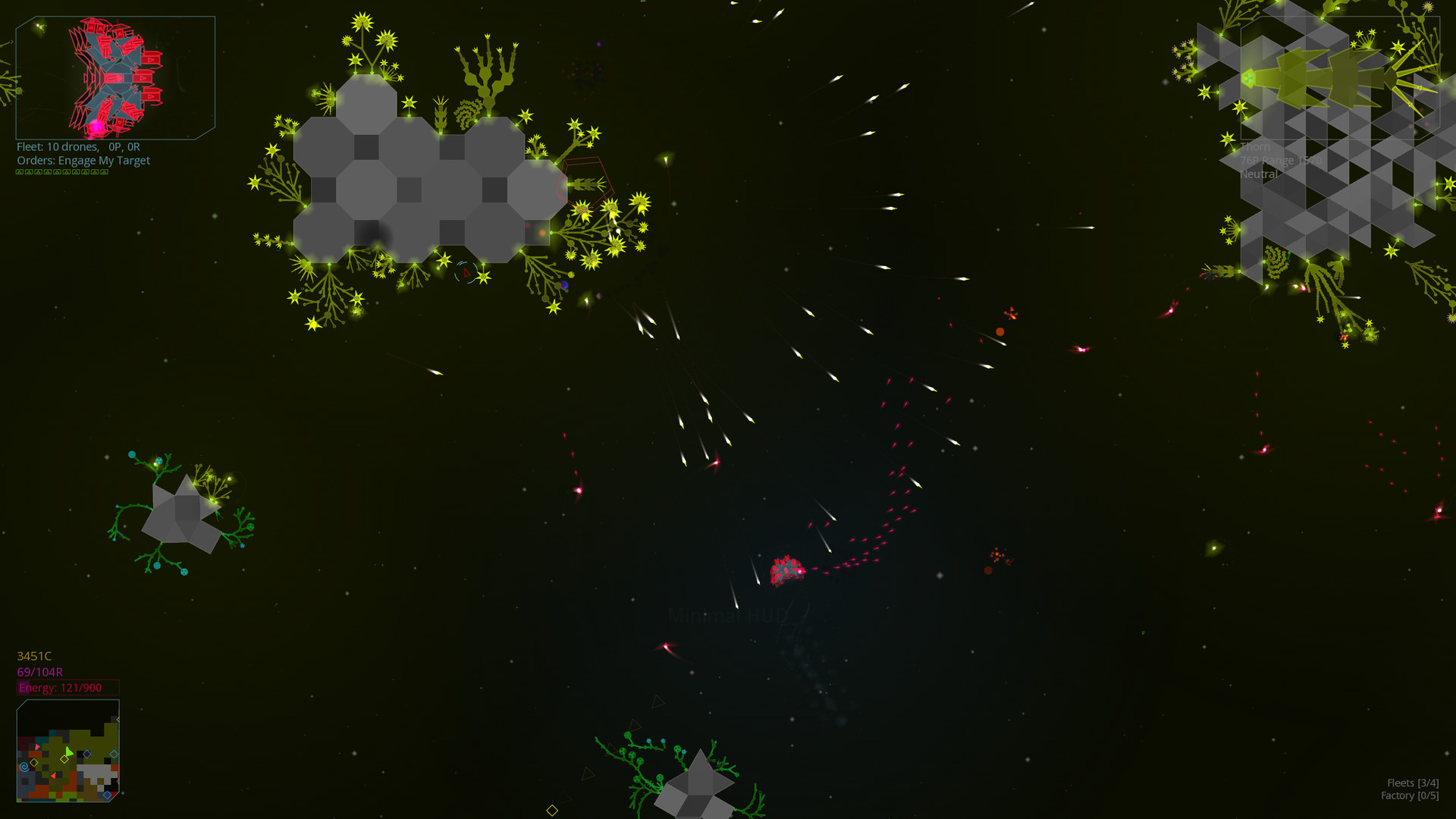
Each playthrough begins with an algorithmically generated universe, meaning star systems, planets, and enemy encounters differ every time you start. This generation provides fresh layouts and challenges without relying on hand‑crafted levels.
Because the universe is not static, players must adapt ship designs to new threats that appear as the game progresses. The constant novelty encourages exploration and iterative improvement of your vessel.
- Map the first few systems you encounter; patterns may emerge that help plan early routes.
- Take note of enemy ship silhouettes early, as they often hint at the generation’s visual themes.
02 / THE GUIDE
Vector‑Based Graphics & Particle Effects
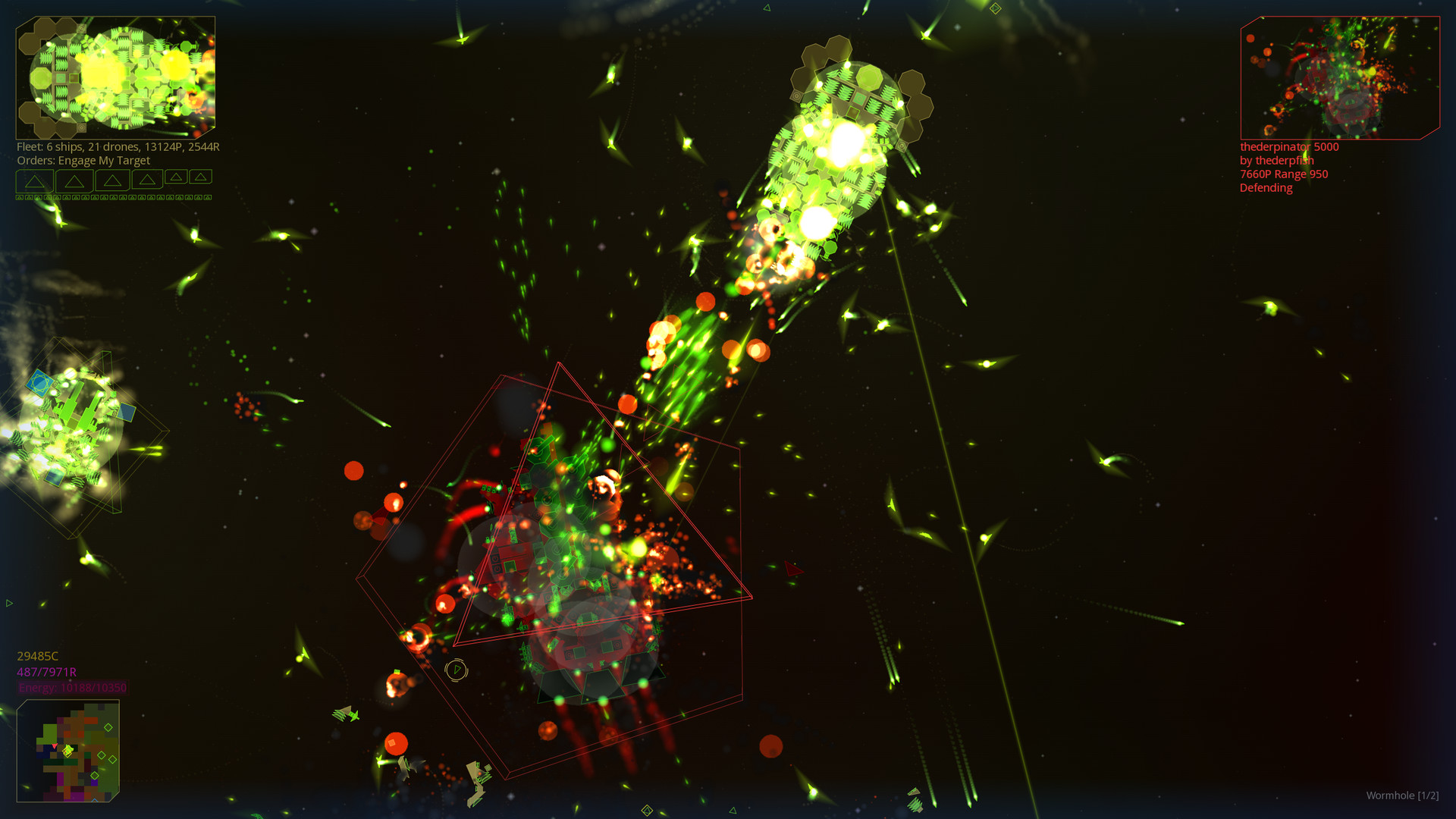
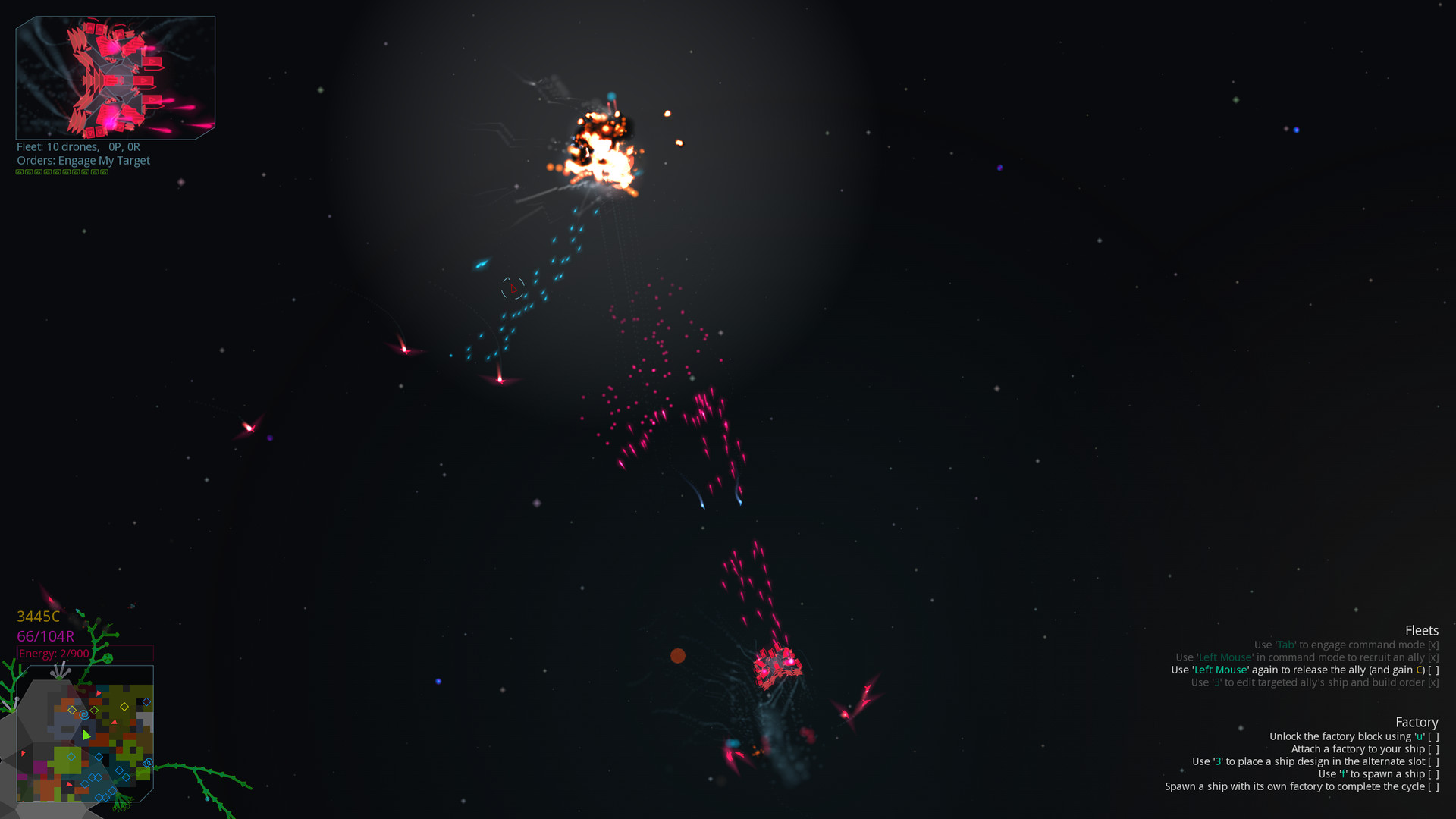
The visual style relies on crisp vector lines combined with abundant particle effects, creating a clean yet dynamic look. Colors and shapes shift as you add components, giving immediate visual feedback on upgrades.
Particle effects are described as “effervescent,” reinforcing motion and impact during combat while preserving clarity. The combination makes battles easy to follow despite the fast pace.
- Observe how particle density changes when you equip larger weapons; it can signal firepower at a glance.
- Contrast bright ship colors against darker backgrounds for easier tracking in crowded fights.
03 / THE GUIDE
Ridiculously User‑Friendly Spaceship Designer
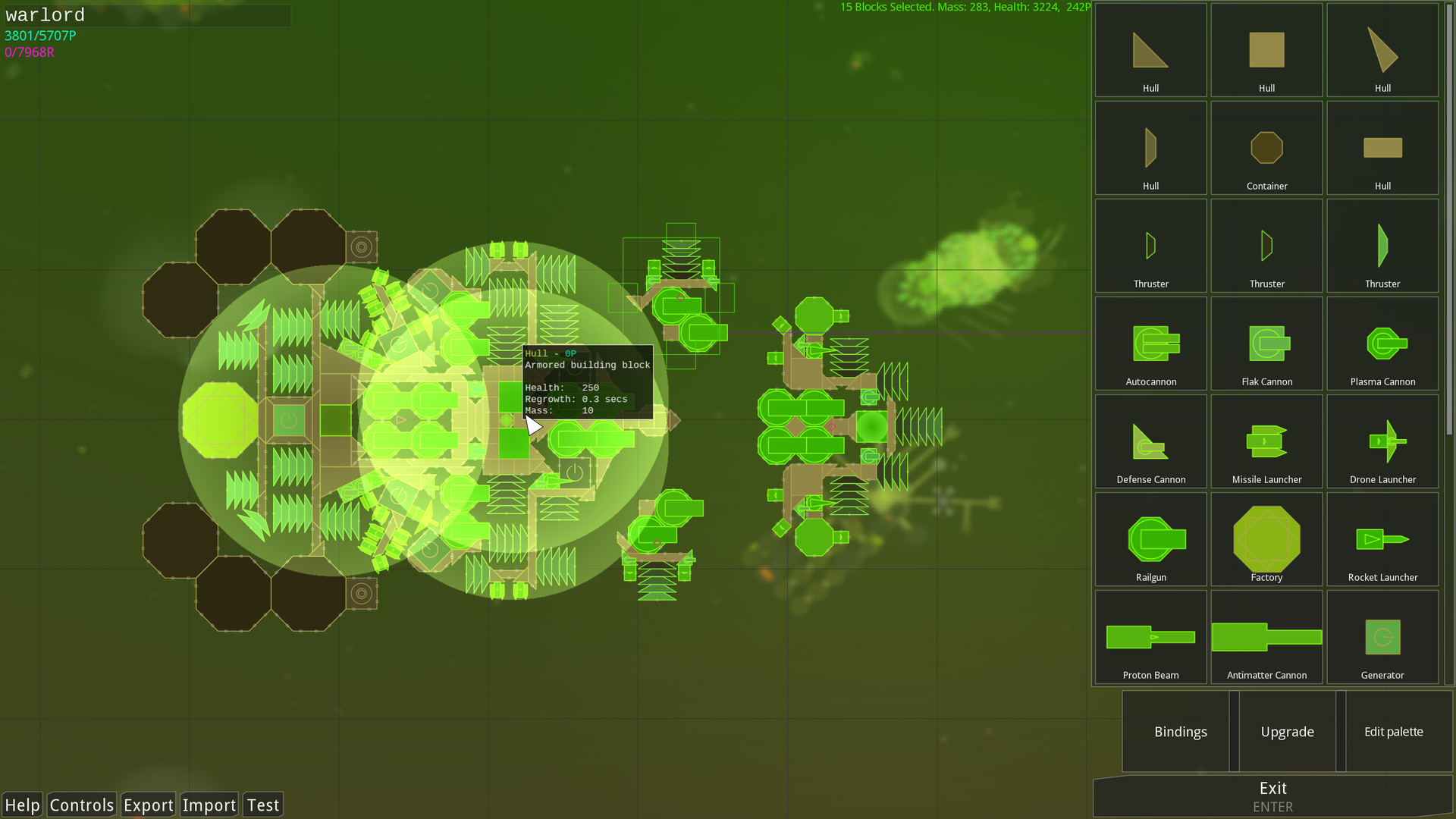
Players craft vessels using a designer that emphasizes shape, color, and component placement. The tool is marketed as “ridiculously user‑friendly,” allowing rapid iteration from simple craft to complex warships.
Design choices affect both aesthetics and combat capability; adding wings, weapons, or shields directly changes how the ship performs in the physics‑driven battles.
- Experiment with asymmetrical wing layouts; they may produce unexpected handling characteristics.
- Balance visual flair with functional components to keep both style and survivability high.
04 / THE GUIDE
Asynchronous Multiplayer
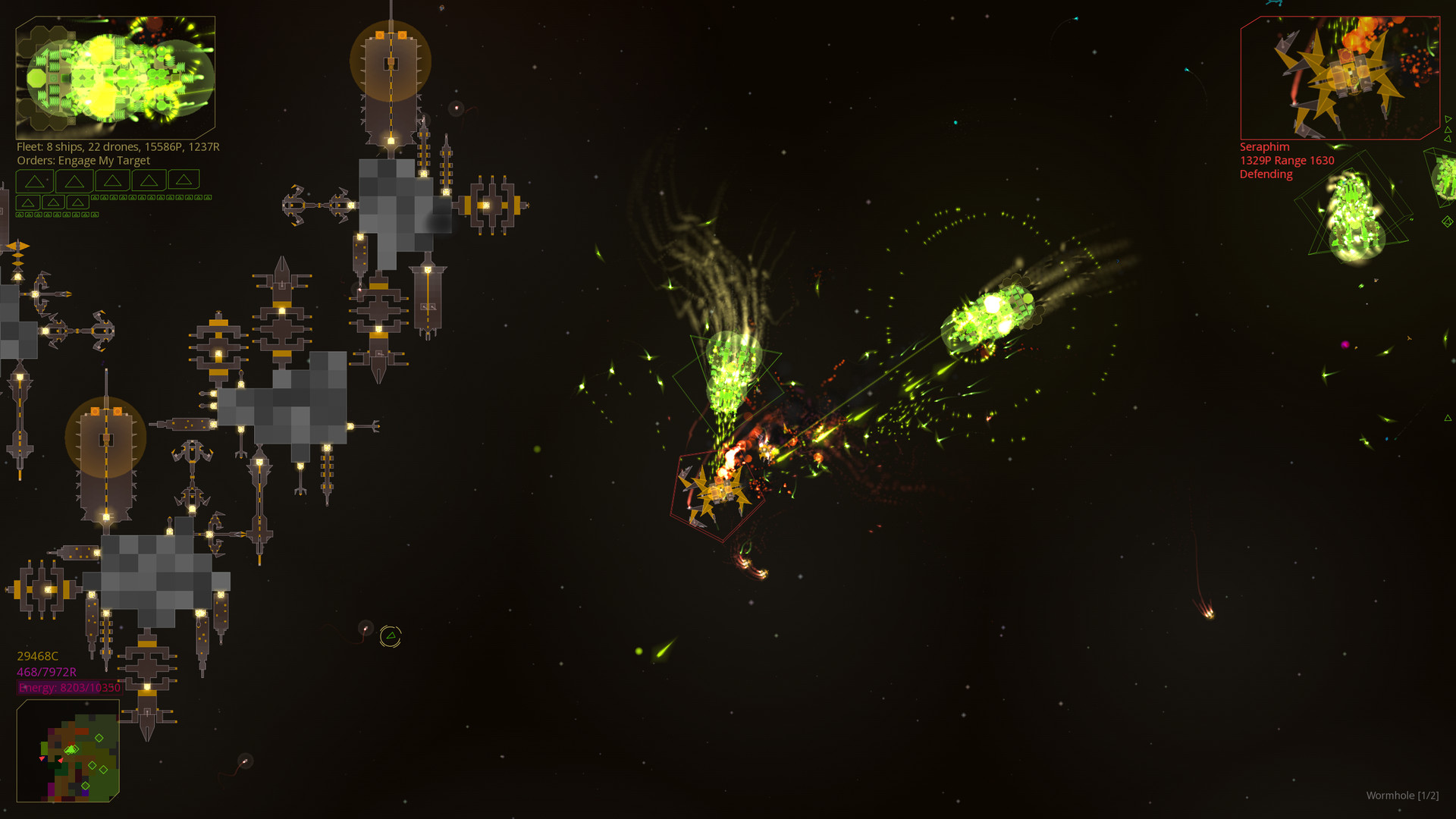
Reassembly supports a shared universe where other players’ creations appear alongside yours. Encounters are asynchronous, so you meet other ships without needing simultaneous play.
These player‑generated ships inherit designs from their creators, adding variety to combat and offering new ideas for your own upgrades.
- Observe weapon configurations on player ships; they can inspire fresh upgrade paths.
- Use the shared universe to test how your designs fare against a broader range of opponents.
05 / THE GUIDE
Soundtrack and Reactive AI Physics
A haunting soundtrack by Peter Brown (Peaks) accompanies gameplay, setting the mood for exploration and battle. The AI is described as “very smart and reactive,” and the physics are described as giving weight to your creations.
Physics that give weight to ships means larger designs feel more massive, influencing movement and combat dynamics. This weightiness is reflected both visually and in how ships handle.
- Listen for musical shifts; they often coincide with significant in‑game events.
- Notice how heavier ships accelerate slower; adjust component placement to achieve desired maneuverability.
COMMUNITY
Player discussion