 GameWiki
GET YOUR BEARINGS
About realMyst: Masterpiece Edition
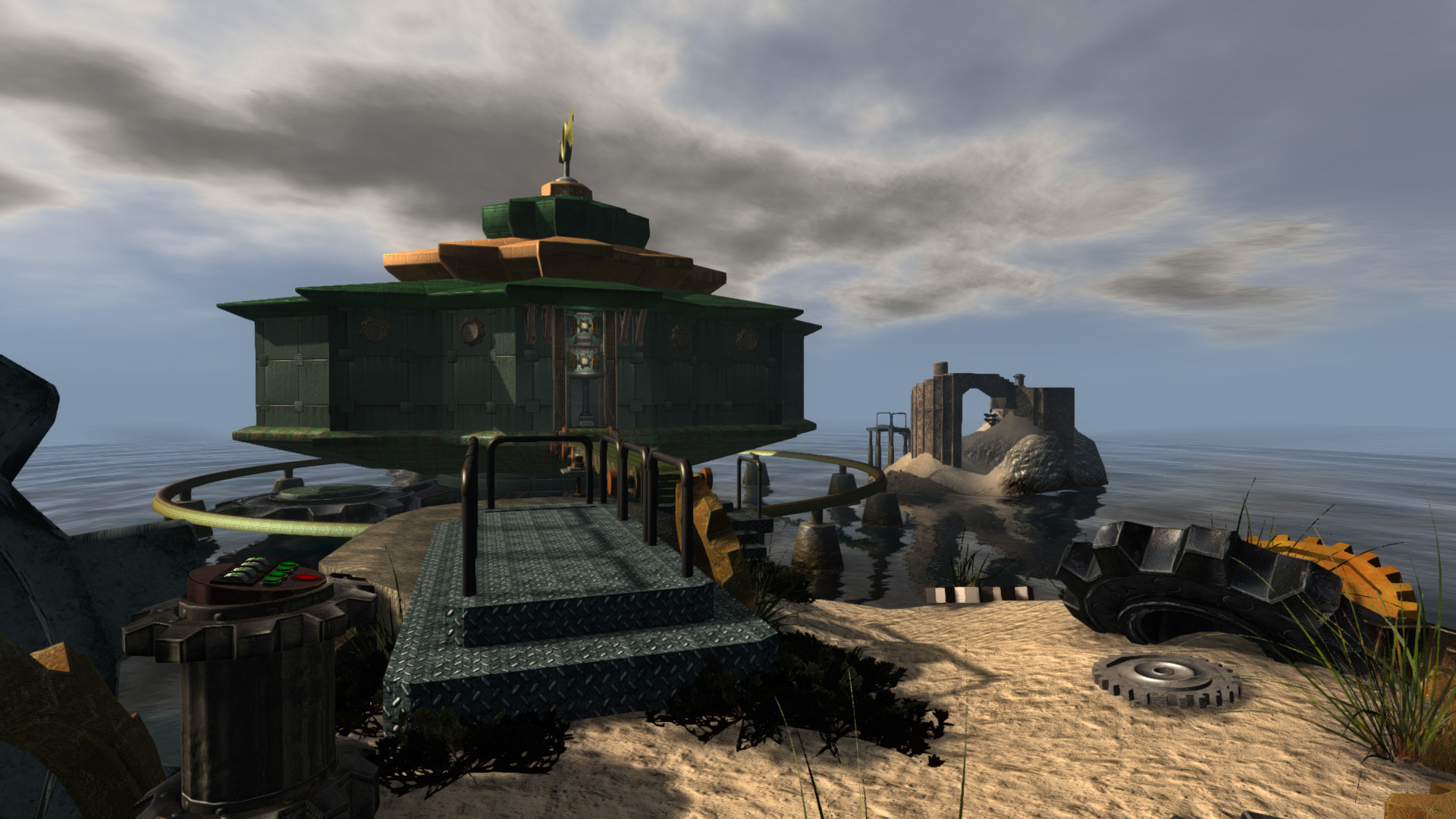
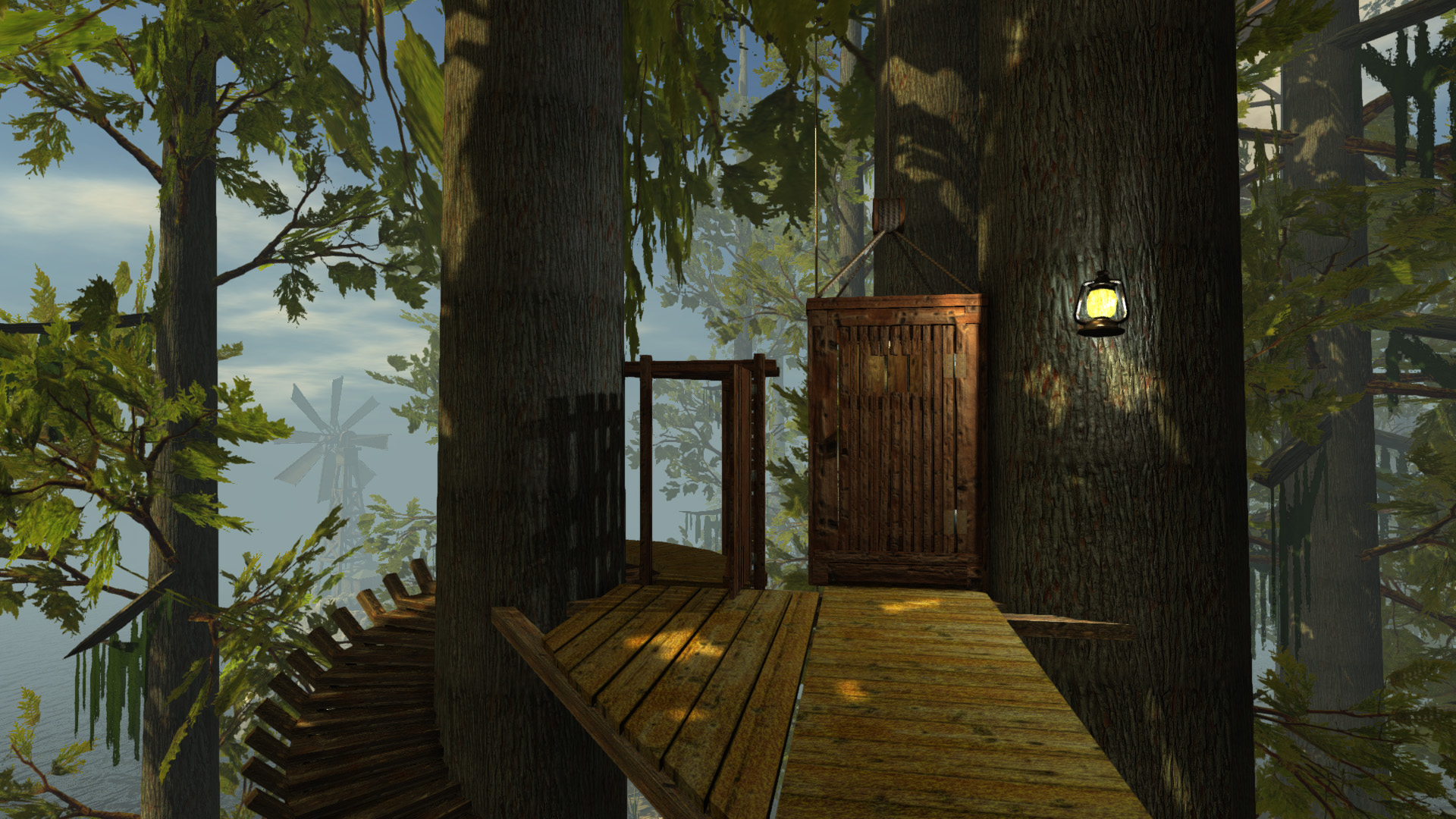
realMyst: Masterpiece Edition revives the classic Myst with real‑time 3D graphics, letting players wander freely across the island and its Ages. The 2014 release adds weather, day‑night cycles and a bonus Rime Age that bridges to the sequel, Riven.
The game runs on modern Windows and Mac systems, offering both a free‑roam interface and a classic point‑and‑click mode. Enhanced visuals, dynamic sound, and a suite of quality‑of‑life tools make the experience approachable for newcomers and nostalgic fans alike.
01 / THE GUIDE
Real‑time 3D Exploration
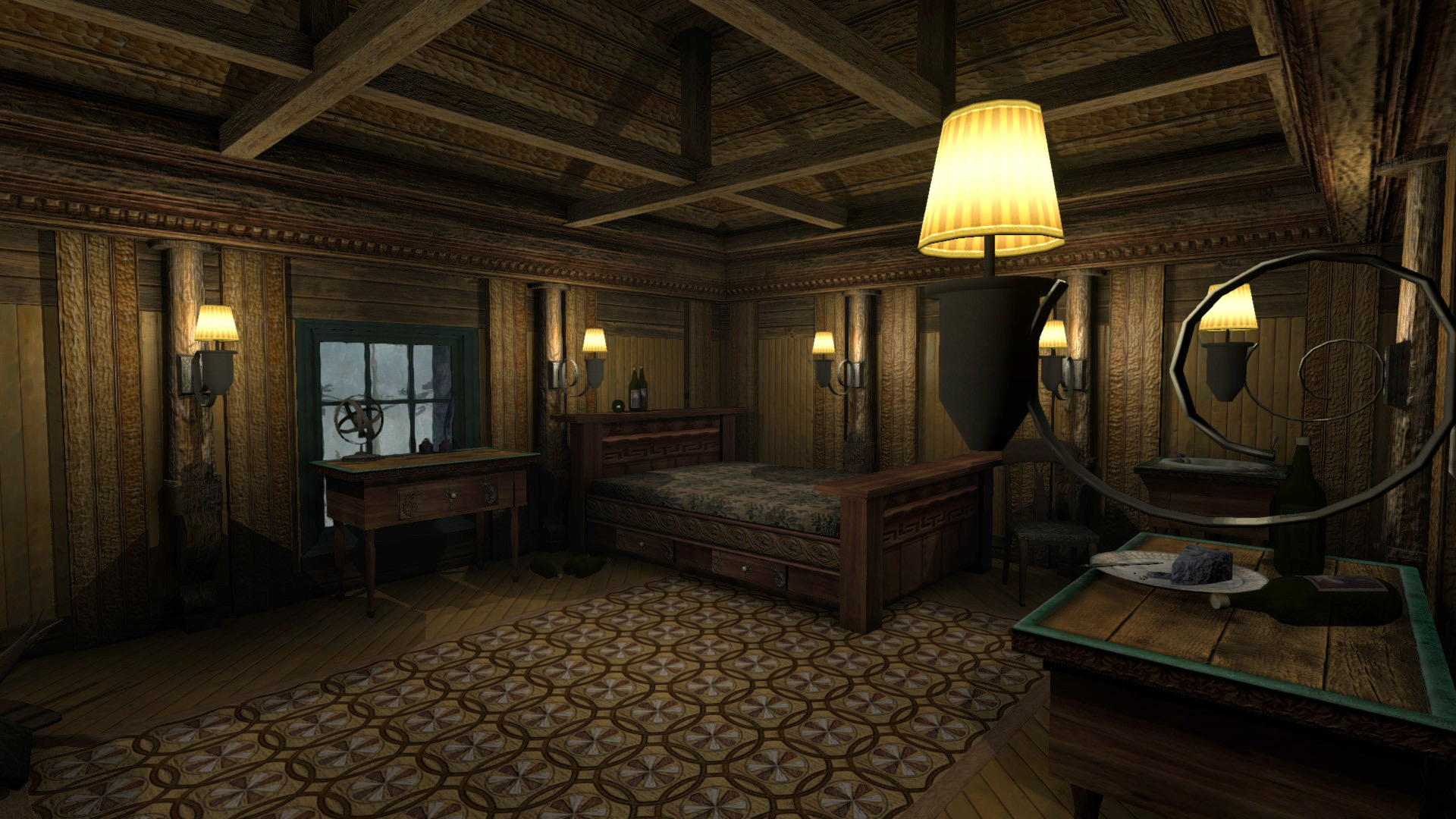
The edition replaces static screens with fully rendered 3D spaces, allowing seamless movement through Myst Island and each Age. Players can turn in any direction, creating a panoramic view of environments like Sirrus’ throne room. Dynamic movement is supported by a free‑roam interface that lets you walk anywhere, while a classic point‑and‑click option mimics the original navigation style.
- Try both navigation styles to see which feels more natural.
- Use the panoramic view to spot hidden clues.
02 / THE GUIDE
Dynamic Environments
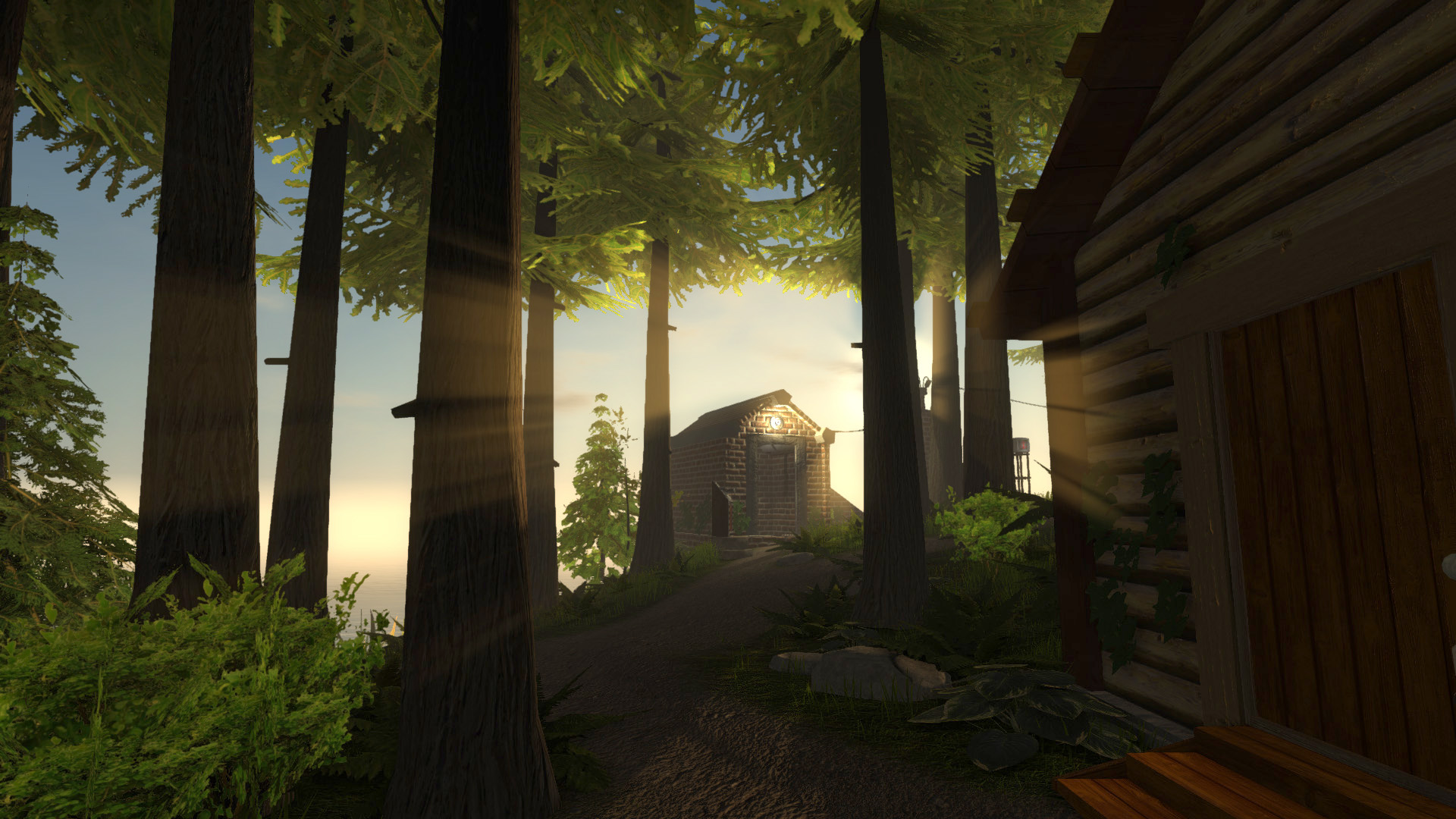
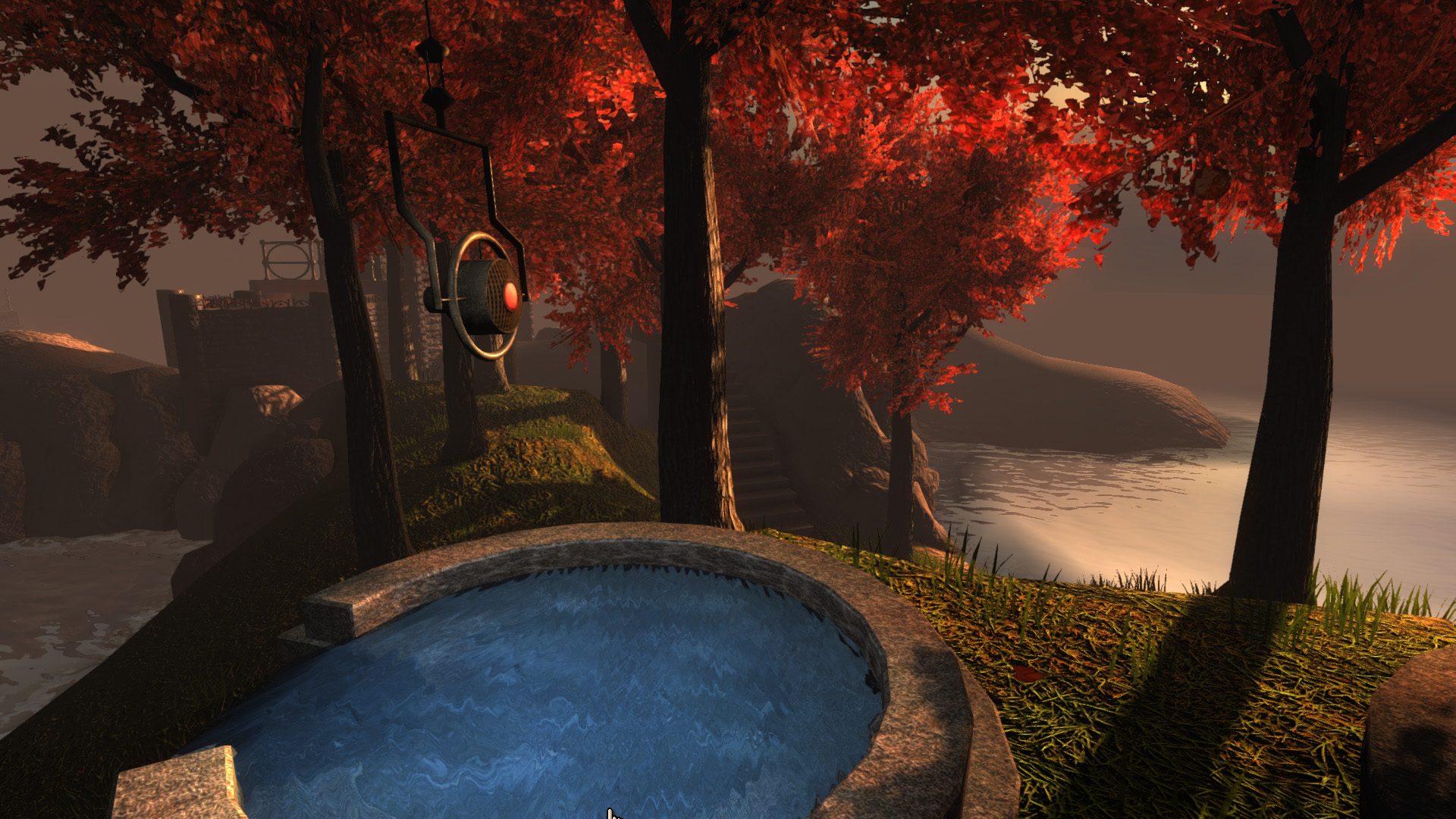
Weather effects such as rain and thunderstorms animate the world, while day‑night cycles produce sunrise, sunset and night scenes. These changes affect lighting and ambience, adding atmosphere to puzzle solving. Dynamic water, foliage and lighting are highlighted as part of the enhanced graphics, giving each Age a living feel.
- Observe weather changes for audio cues.
- Watch lighting shifts as day turns to night for atmosphere and visibility changes.
03 / THE GUIDE
Bonus Rime Age
A new “Rime Age” serves as an epilogue, linking the story to Myst’s sequel, Riven. It offers additional puzzles and narrative content beyond the original Myst Ages. The bonus Age expands the overall adventure, providing a bridge for players interested in continuing the series.
- Explore every corner for hidden story pieces.
- Compare Rime Age clues with earlier Ages.
05 / THE GUIDE
Quality and Assistance Features
Auto‑quality monitors frame rate and adjusts settings automatically, while auto‑save ensures progress isn’t lost. Interactive Guides illustrate object interaction, and a Hint Guide offers puzzle help when needed. These tools aim to reduce frustration and keep the adventure flowing smoothly for both new and veteran players.
- Enable Auto‑quality for stable performance.
- Consult the Hint Guide only after trying yourself.
COMMUNITY
Player discussion