 GameWiki
GET YOUR BEARINGS
About RealFlight Trainer Edition
RealFlight Trainer Edition is a radio‑control flight simulator built on the RealPhysics™ engine and designed by full‑scale and RC pilots. It offers a true‑to‑life digital environment for beginners to practice flying before taking to the real sky. The package includes eight starter aircraft with electronic assistance such as SAFE and AS3X, plus training modules that guide new pilots through basic concepts.
As you log flight time, the simulator rewards you with additional aircraft and airports at no extra cost. The game supports a range of controller options, from the recommended Spektrum™ InterLink® DX to generic 4‑axis gamepads, and features both single‑player and multiplayer modes, including co‑op and PvP across LAN and online.
01 / THE GUIDE
Starter Aircraft
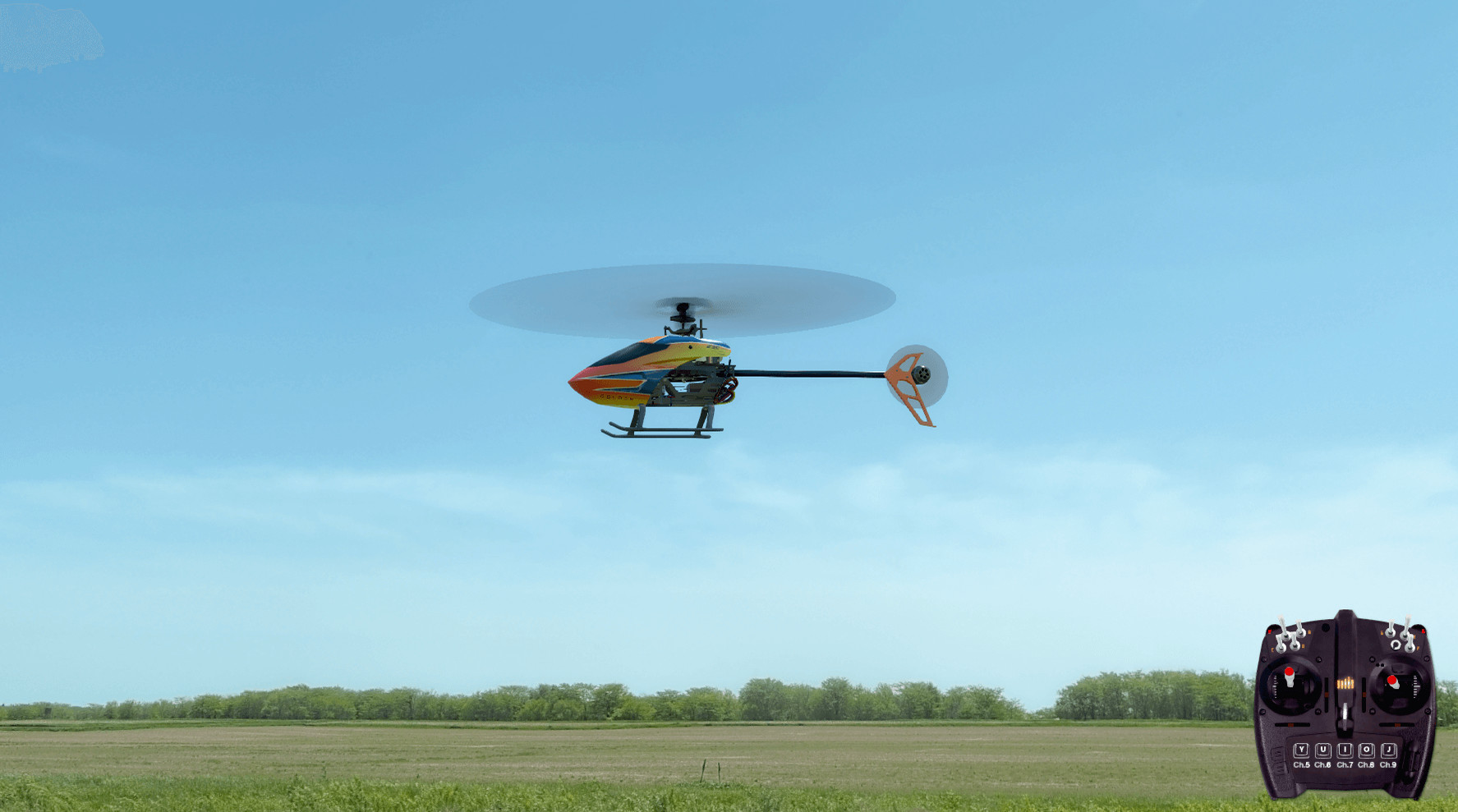
The edition ships with eight essential trainer models from Horizon Hobby, each recreated with detailed flight characteristics. Included planes range from the Blade 230 S V2 to the HobbyZone Sport Cub S, covering various sizes and power types.
Electronic assistance systems like SAFE and AS3X are built into these simulated aircraft, providing stability aids that help beginners maintain control while learning basic maneuvers.
- Compare the handling of a lightweight trainer like the HobbyZone Aeroscout S with a larger model such as the Blade 330 S for a sense of scale.
- Experiment with the built‑in assistance features to see how they affect pitch and roll response.
02 / THE GUIDE
Earned Aircraft and Airports
Logging two hours of flight time unlocks a set of “Next Step” aircraft and new airport environments, expanding the simulator beyond the starter lineup. Additional unlocks become available after four hours, adding both larger planes and varied sites.
The unlockable airports include indoor and float‑flying locations, while the aircraft range from the Blade 150 S to the E‑flite Turbo Timber Evolution, giving pilots a broader training palette.
- Keep track of your flight time so you know when the next unlock tier becomes available.
- Try the newly unlocked indoor airport to experience tighter runway constraints.

03 / THE GUIDE
Featured Flying Fields
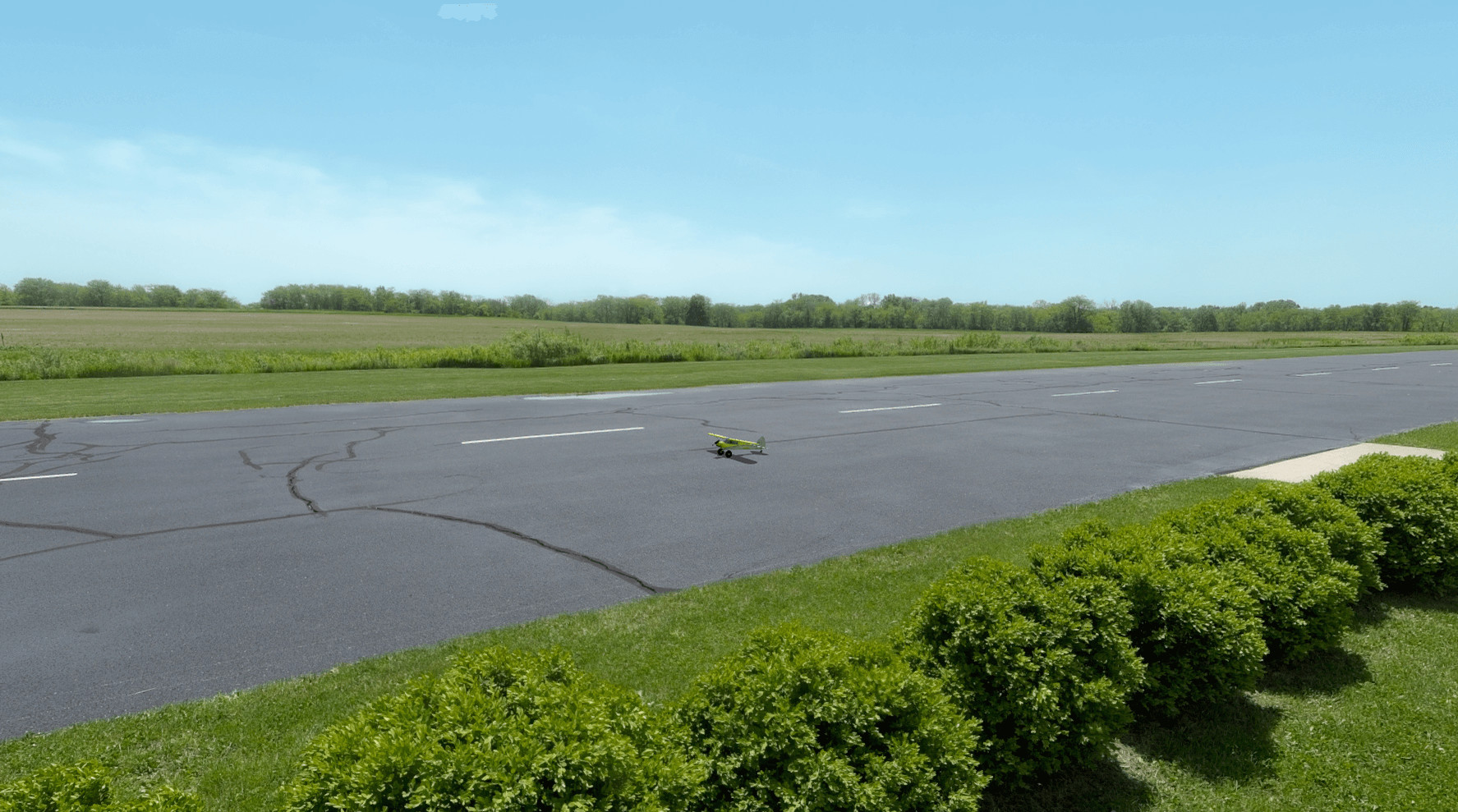
Two real‑world fields are modeled in the game: Eli Field in Monticello, IL, and Carl Henson Field in Eugene, OR. Eli Field features side-by-side paved and grass runways, while Carl Henson Field offers a well-maintained grass runway.
Eli Field serves as Horizon Hobby’s home base, while Carl Henson Field belongs to the Eugene R/C Aeronauts club, offering a well‑maintained grass runway that mimics a golf‑course setting.
- Use the side‑by‑side paved and grass runways at Eli Field to compare take‑off performance on different surfaces.
- Fly at Carl Henson Field to practice landings on a wide‑open grass strip.
04 / THE GUIDE
Guided Training
RealFlight includes training modules where an experienced RC pilot explains flight assistance features and basic techniques. These lessons aim to demystify model aircraft operation for newcomers.
The modules cover the use of SAFE, AS3X, and other electronic aids, providing step‑by‑step guidance that can be applied directly in the simulation before moving to real‑world flights.
- Listen to the instructor’s explanation of SAFE before attempting a first solo flight in the simulator.
- Revisit the module after unlocking new aircraft to see how assistance settings differ.
05 / THE GUIDE
Controller Support
RealFlight requires a controller and lists several supported options. The recommended choice is the Spektrum™ InterLink® DX simulator controller, which comes pre‑configured. Alternatives include using an RC radio with a wireless dongle, a direct USB connection, or any 4‑axis game controller.
Each option may need additional user setup, but all provide the necessary inputs for flight control within the simulator.
- Start with the recommended Spektrum™ InterLink® DX to avoid initial configuration steps.
- If you already own an RC transmitter, try the WS2000 dongle for a familiar control feel.


COMMUNITY
Player discussion