 GameWiki

GET YOUR BEARINGS
About RealFlight Evolution
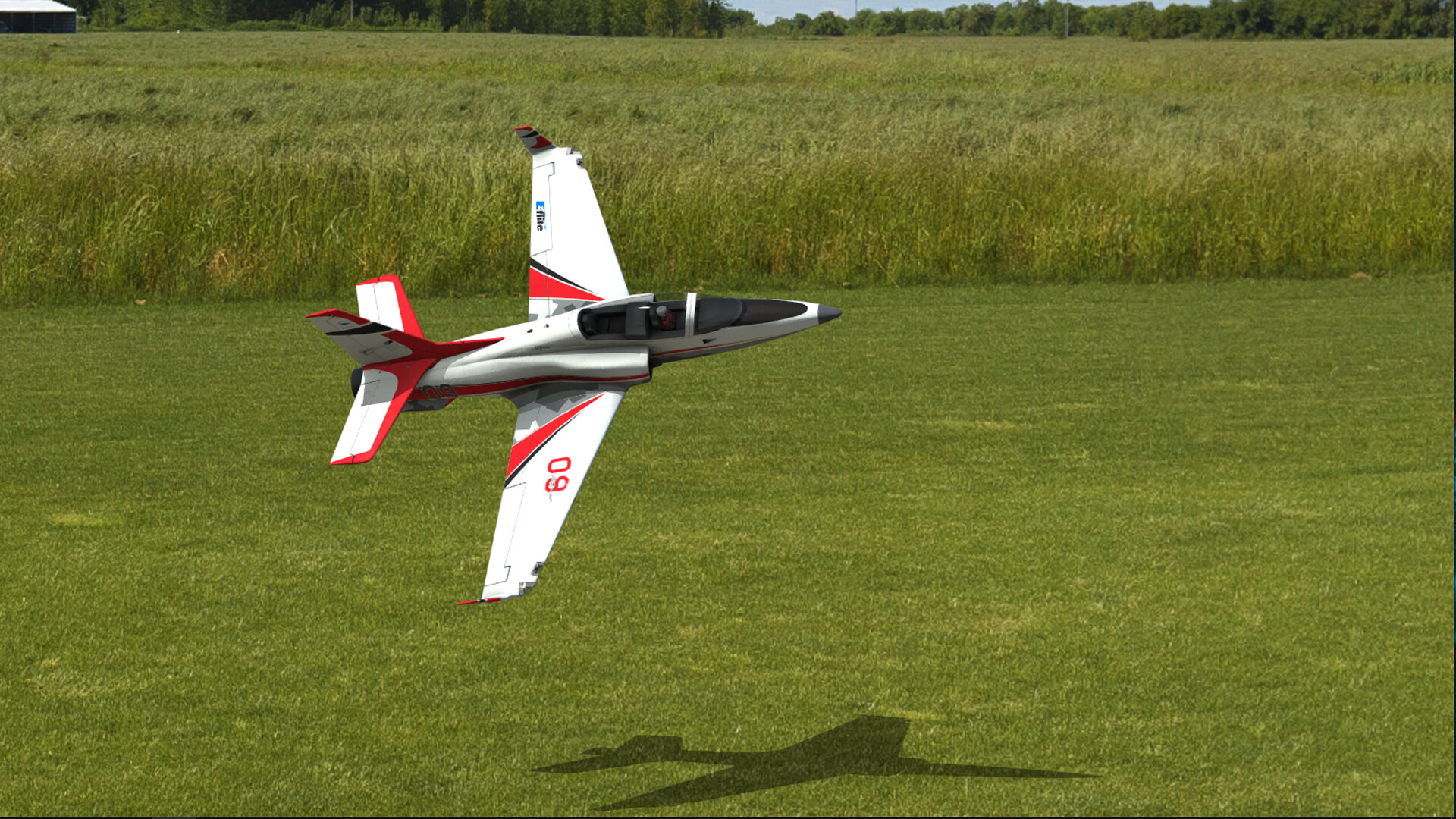
RealFlight Evolution is a Windows‑only radio‑control flight simulator that centers on realism through the RealPhysics™ engine, which was created with input from full‑scale and RC pilots. The simulation offers a lifelike digital environment for learning to fly and for experienced pilots to practice new maneuvers.
The title ships with more than 300 aircraft and over 40 scenic sites, including 3D fields and PhotoFields. It also provides editors for aircraft and sites, a multiplayer system, VR compatibility, and a challenge mode that adds structured practice tasks.
01 / THE GUIDE
Aircraft Collection
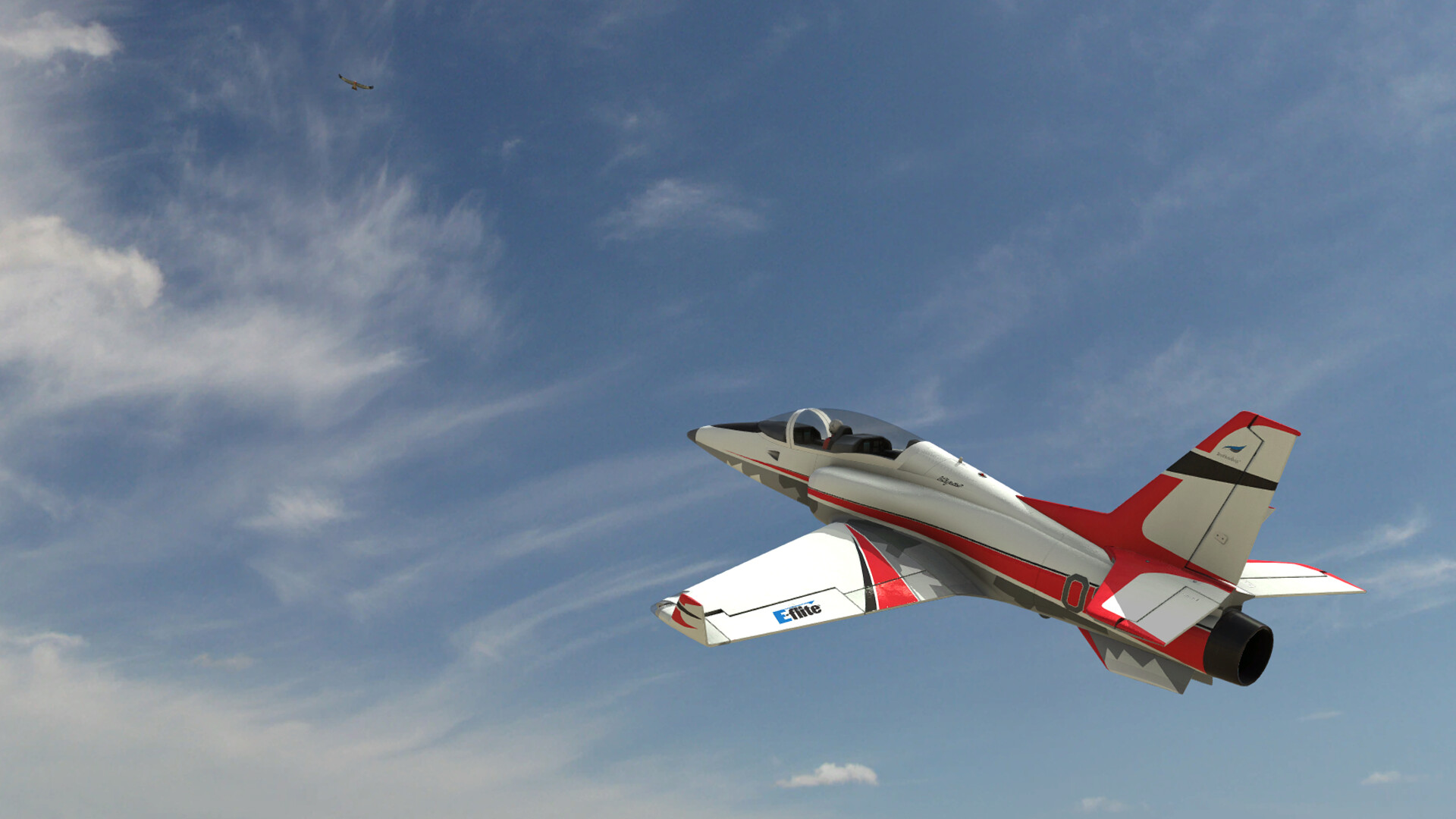
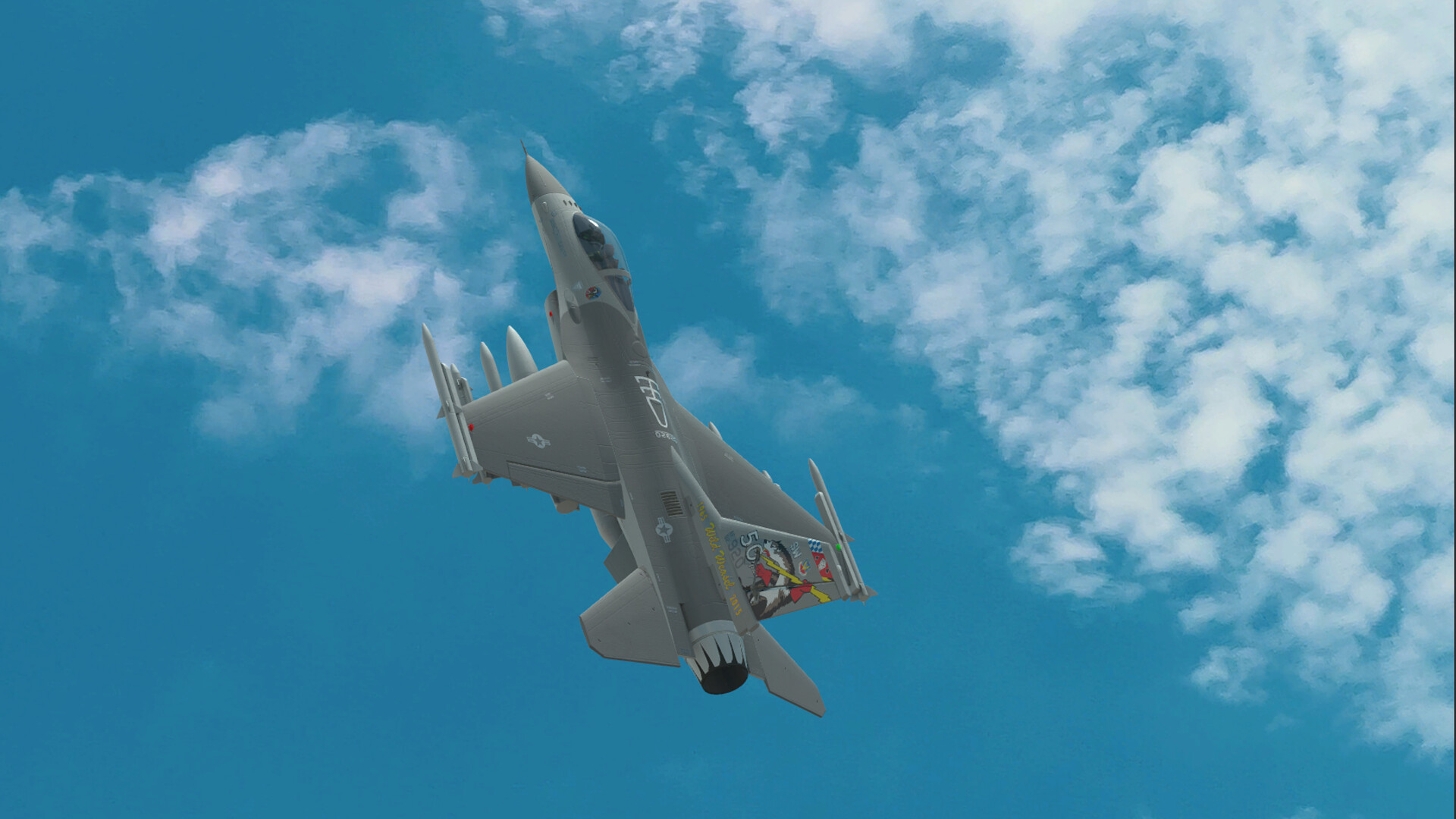
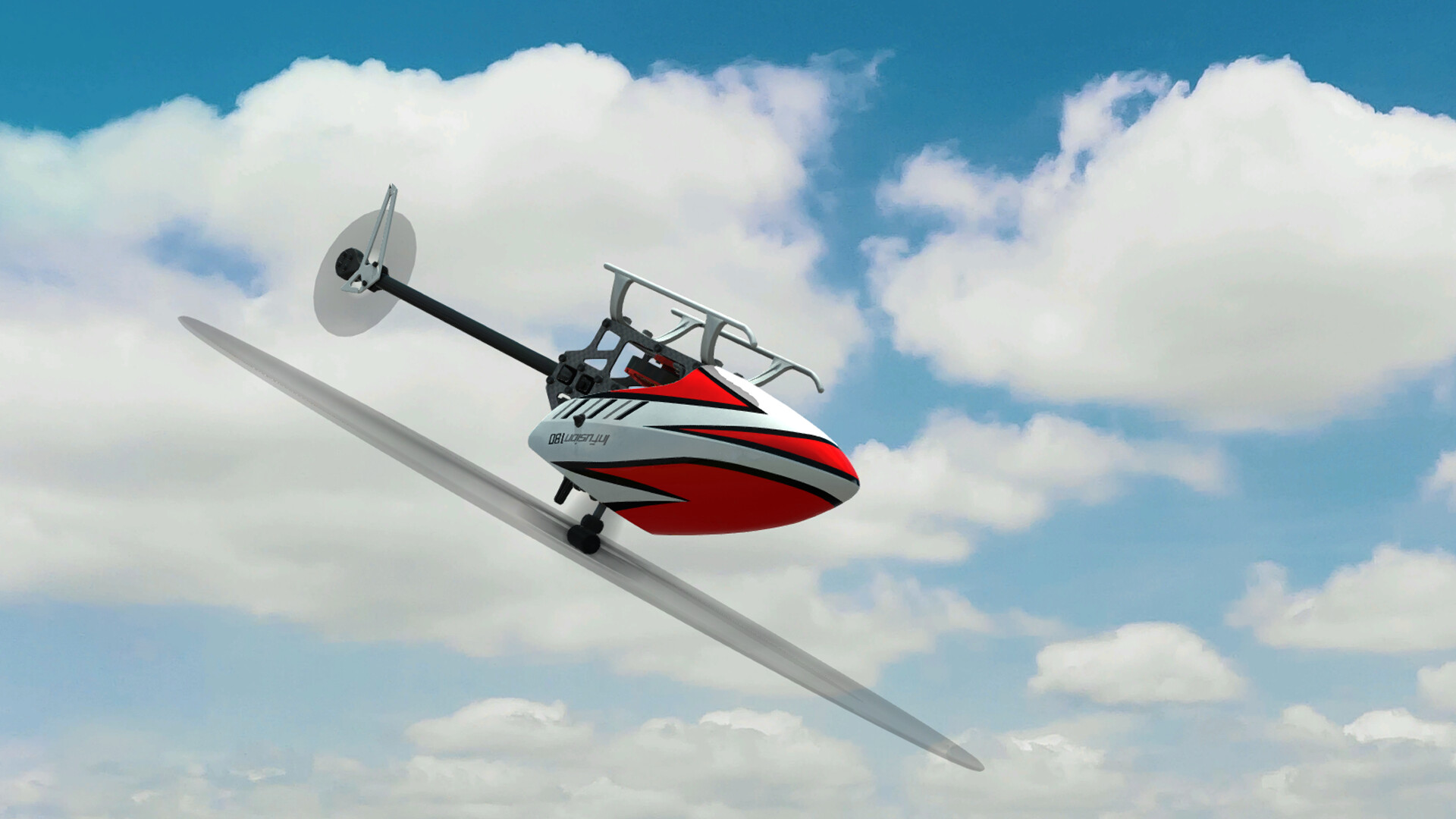
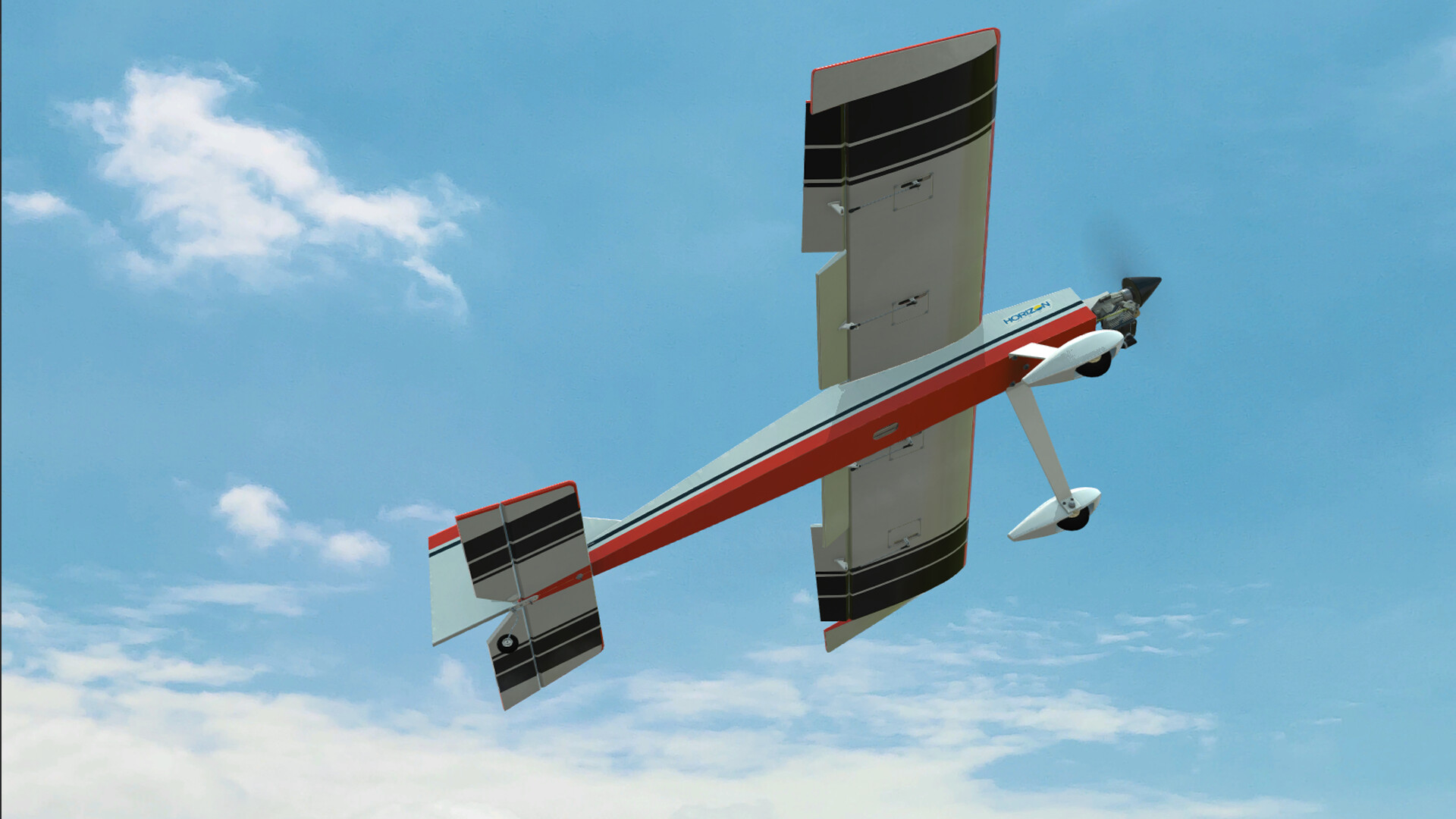
RealFlight Evolution includes more than 300 different aircraft, ranging from airplanes and helicopters to drones. New models from brands such as E‑flite®, HobbyZone®, Hangar 9®, and Blade® are added through quarterly Steam DLC releases.
The simulator also contains an aircraft editor that lets users modify existing models or import custom ones, expanding the roster beyond the supplied catalog and allowing highly personalized flight experiences.
- Use the built‑in editor to adjust control surface settings for a custom feel.
- Check the Steam DLC schedule for upcoming aircraft additions.
02 / THE GUIDE
Flying Sites
The game provides over 40 scenic flying sites, including both 3D fields and PhotoFields. The main flightline at Triple Tree Aerodrome is featured as a new PhotoField, alongside dozens of other locations.
A site editor allows users to modify terrain, obstacles, and other environmental details, enabling the creation of custom training or competition environments.
- Use the PhotoField editor to recreate a favorite real‑world field.
- Combine site edits with aircraft tweaks for scenario‑specific practice.
03 / THE GUIDE
Controller Setup
A controller is required to run RealFlight Evolution. The recommended option is the Spektrum™ InterLink® DX simulator controller, which arrives pre‑configured for immediate use.
Alternative options include using a personal RC radio with a Spektrum WS2000 wireless dongle or any 4‑axis game controller, though these may need user configuration.
- Start with the InterLink® DX for plug‑and‑play simplicity.
- If using a gamepad, verify axis mapping in the controller menu.
04 / THE GUIDE
Multiplayer & Challenges
Online multiplayer lets players compete or cooperate with friends via PvP, co‑op, or LAN modes. The system supports both competitive matches and collaborative sessions.
A built‑in challenge system provides skill‑testing tasks that add structured practice and entertainment, while Steam tracks achievements related to overall gameplay.
- Join community matches to gauge your skill against varied pilots.
- Review challenge scores to identify areas for improvement.
05 / THE GUIDE
VR Support
RealFlight Evolution is VR‑capable with Meta (formerly Oculus) and SteamVR headsets, delivering an immersive cockpit view on supported Windows PCs.
Running the simulator in VR changes depth perception and can help pilots refine spatial awareness, though it requires proper headset calibration for comfort.
- Calibrate headset tracking before each session for optimal comfort.
- Start with a moderate field of view to reduce motion sickness.
COMMUNITY
Player discussion