 GameWiki
GET YOUR BEARINGS
About Ratz Instagib
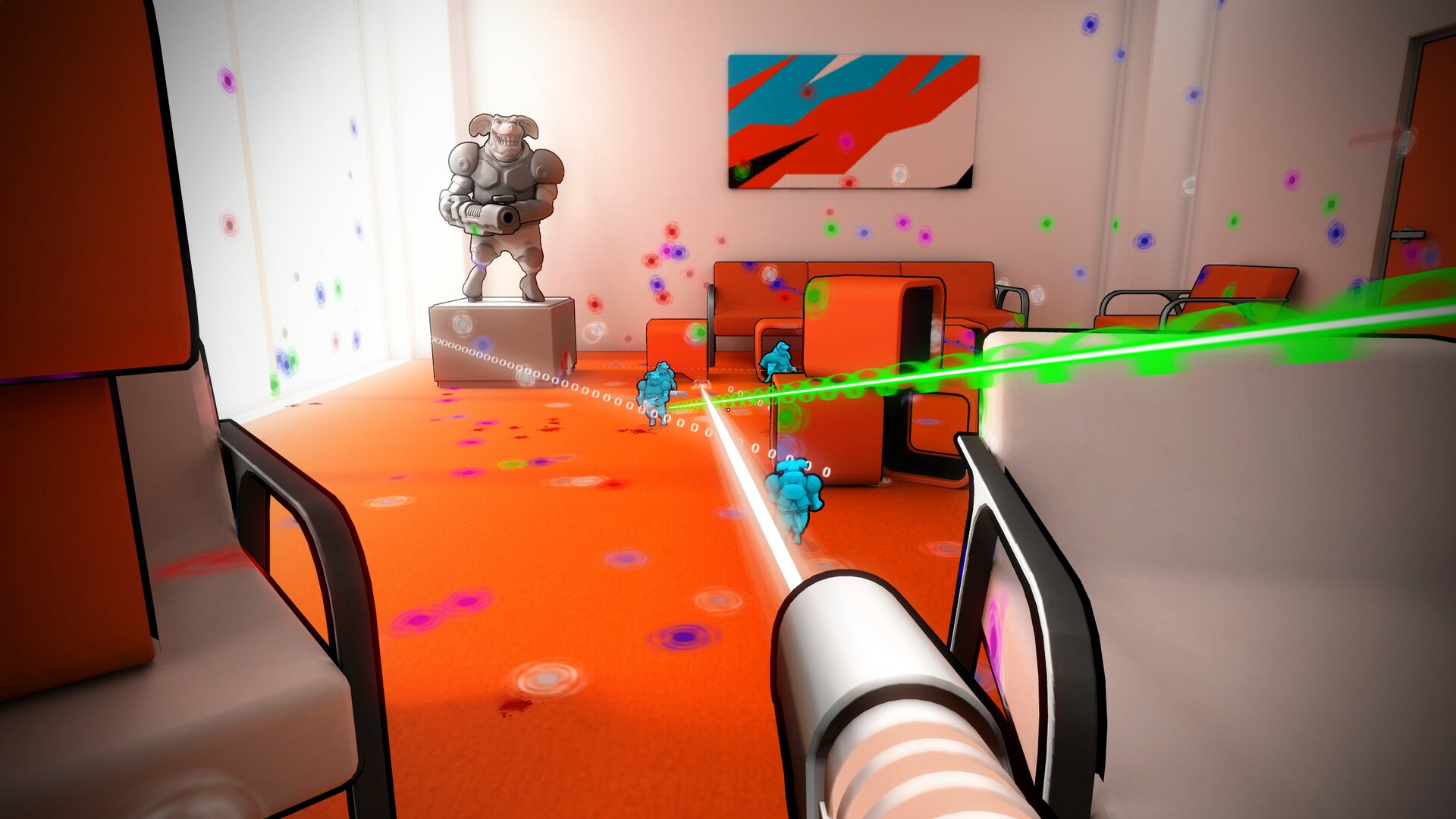
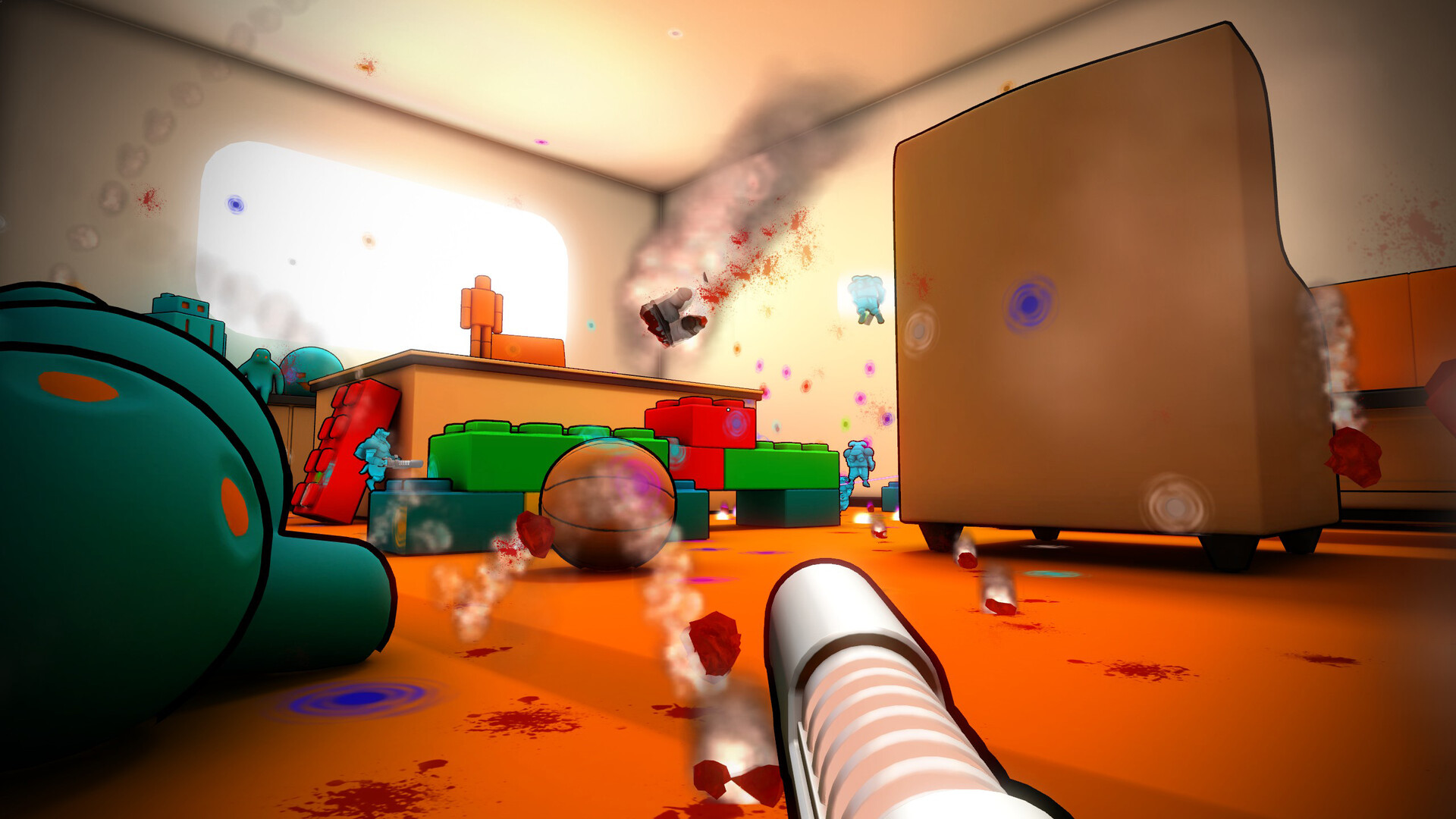
Ratz Instagib drops players into frantic, rail‑gun‑toting rat battles set in household‑themed arenas. Every shot instantly kills, creating a fast‑paced duel that welcomes newcomers and seasoned FPS fans alike.
The title offers four PvP modes, a community‑driven map editor, visual customisation, and integrated stat tracking with leaderboards. It runs on Windows and macOS, with Steam Workshop support for user‑made maps.
01 / THE GUIDE
Core Gameplay
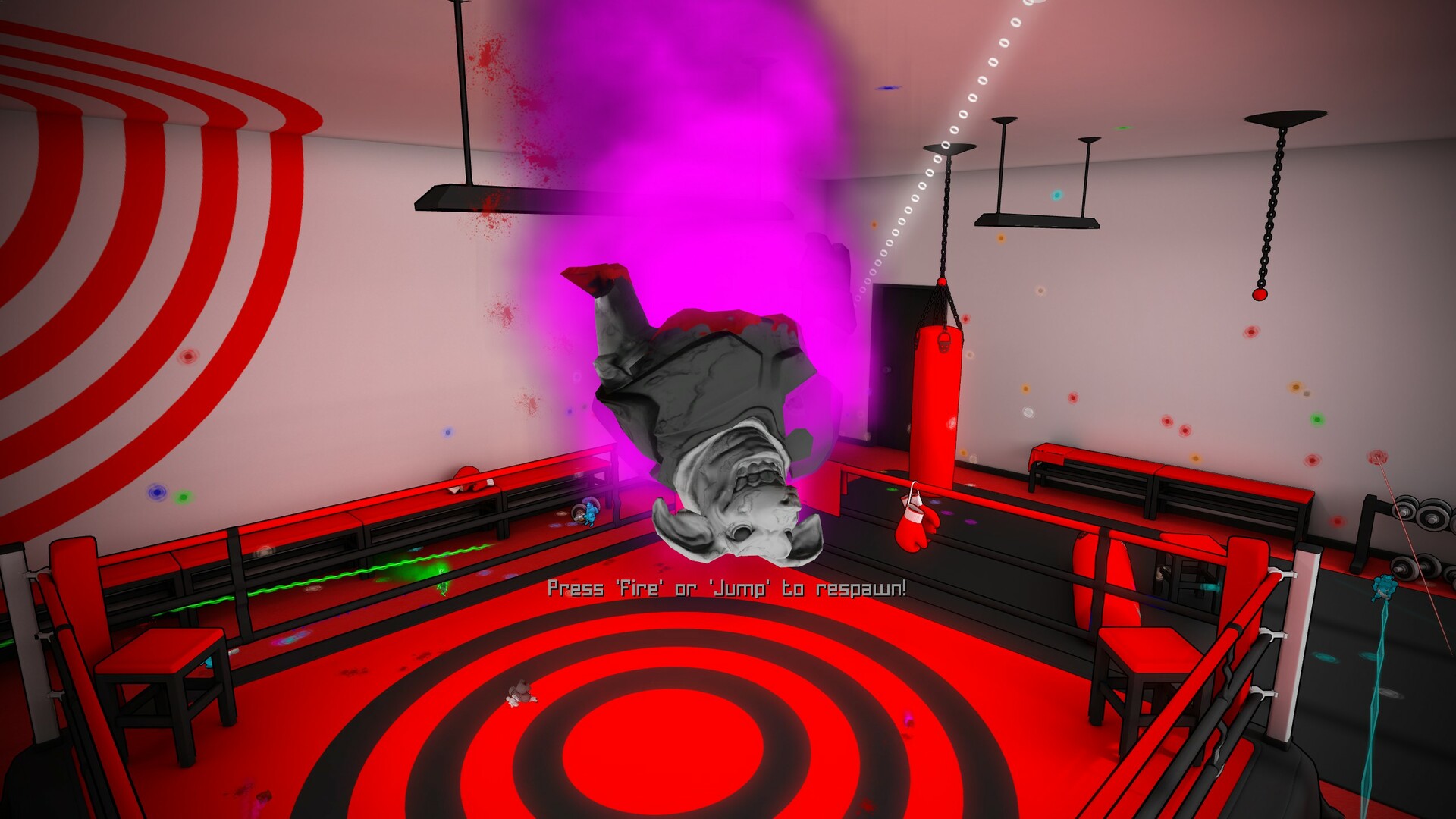
Each match equips every rat with a single railgun; one bullet equals one kill. The description calls this "One Gun, One Shot" and says it levels the field for players of any FPS skill level.
A dedicated Rocket Jump button lets players add vertical movement, making moving targets harder to hit. The source presents this as a way to mix up movement and increase tactical options during combat.
- Combine rocket jumps with unexpected angles to surprise opponents.
- Focus on landing the first shot, as it determines the kill.
02 / THE GUIDE
Game Modes
Ratz Instagib includes four PvP modes: Deathmatch, Team Deathmatch, Capture The Flag, and Freeze Tag. The game's fast, one‑shot lethal design underpins these formats, keeping the pacing consistent across modes.
The description calls these the "best that FPS action has to offer," indicating they cover classic multiplayer styles while retaining the rapid, single‑shot pacing.
- Try team‑based modes to see how rocket jumps affect coordination.
- Use Freeze Tag to practice positioning without constant kills.
03 / THE GUIDE
Maps & RatzEd Editor
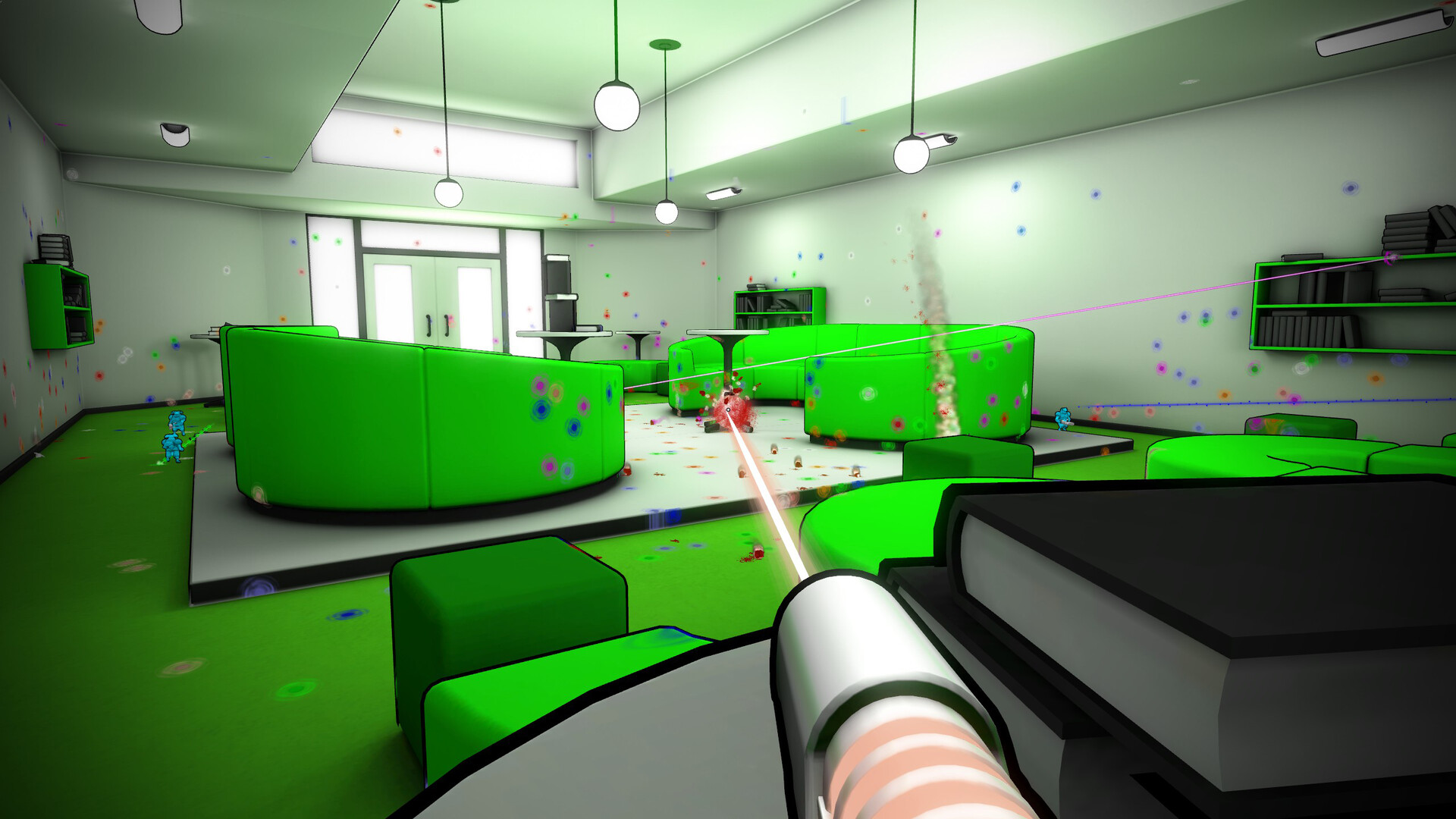
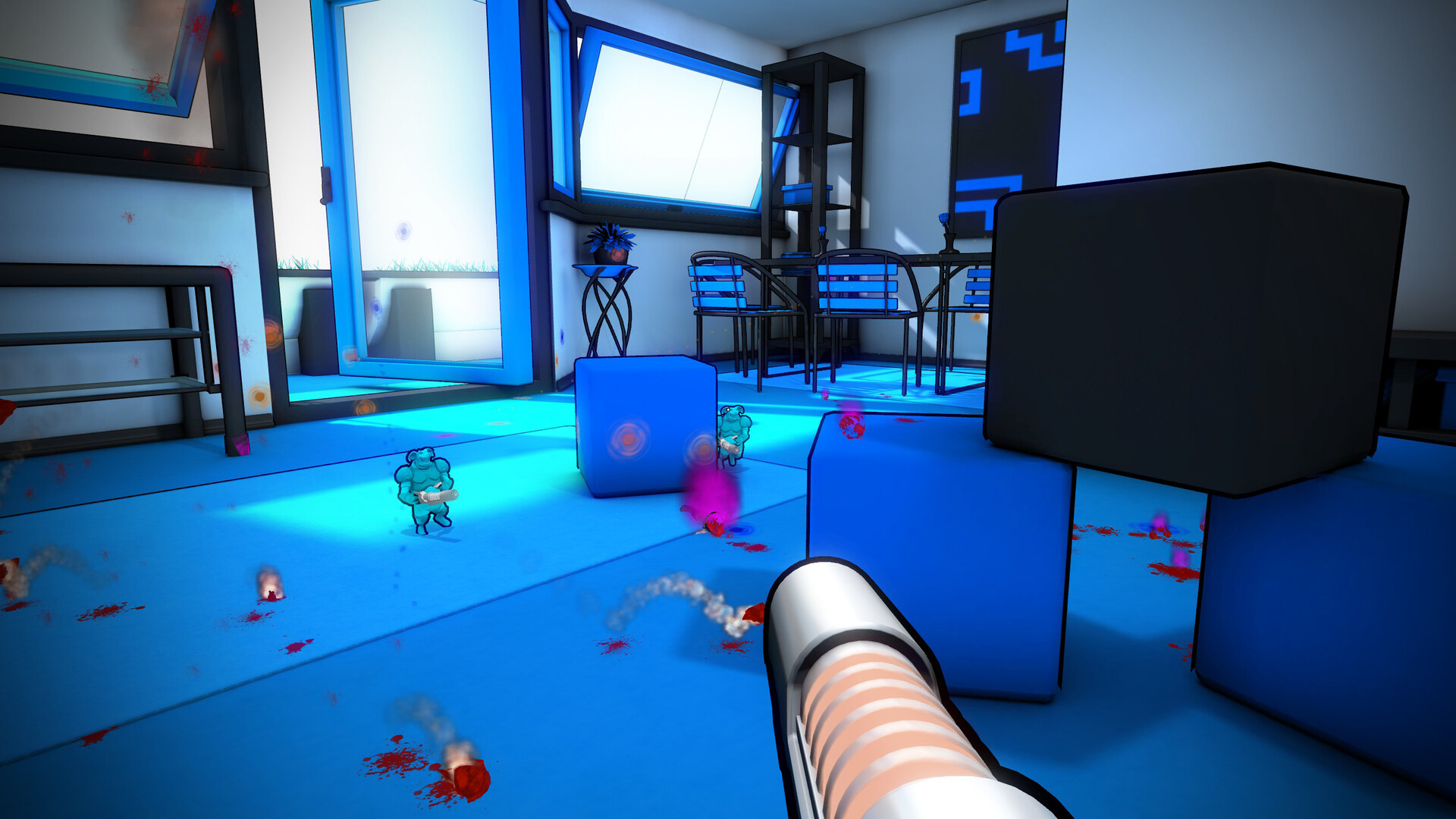
Thirteen official maps recreate real‑world household environments, and the Steam Workshop hosts additional user‑created arenas, expanding the variety of battlegrounds available to players.
The RatzEd Map Editor is described as easy to use yet versatile, allowing players to design their own stages and share them via Steam Workshop, fostering community‑driven content.
- Browse the Workshop for fresh map ideas before starting a session.
- Use the editor’s simple tools to test layout concepts quickly.
04 / THE GUIDE
Customisation
Players can unlock visual customisation items to personalise their rat, and they may choose from multiple beam and frag visual types, adding personal flair to each match.
The description frames these options as ways to "jazz up" the rat, indicating they are intended for aesthetic expression rather than altering core mechanics.
- Mix different beam visuals to create a look that stands out in fast matches.
- Collect custom items to showcase personal style during leaderboard runs.
05 / THE GUIDE
Stats & Leaderboards
Integrated stat‑tracking records performance across matches, while leaderboards display top players, giving a clear view of individual progress within the community.
The description emphasizes that these systems help players monitor advancement and compare themselves against others, reinforcing competitive motivation.
- Review your tracked stats after each session to identify strengths.
- Aim for higher leaderboard positions by focusing on shot accuracy.
COMMUNITY
Player discussion