 GameWiki
GET YOUR BEARINGS
About RATSHAKER
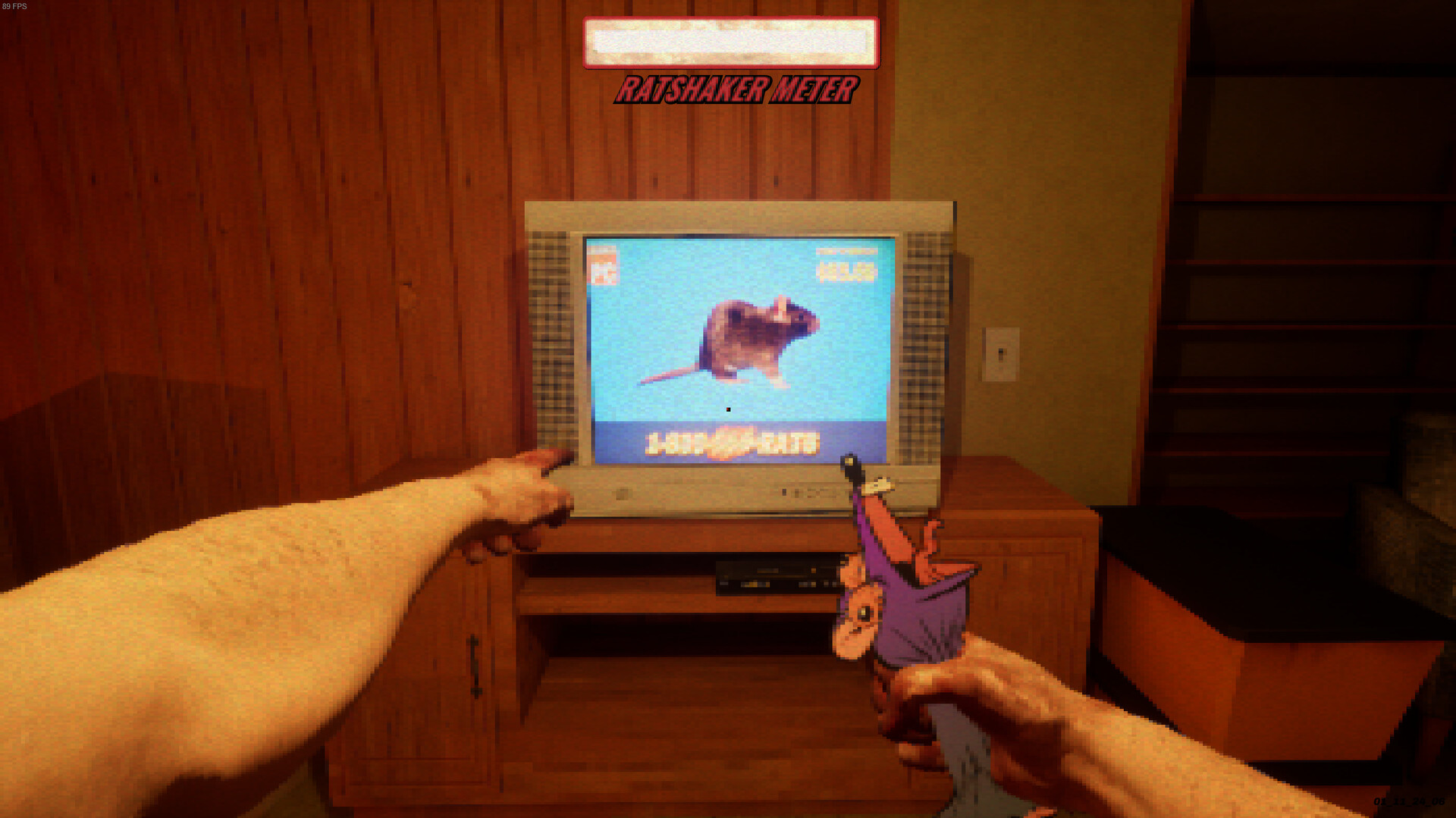
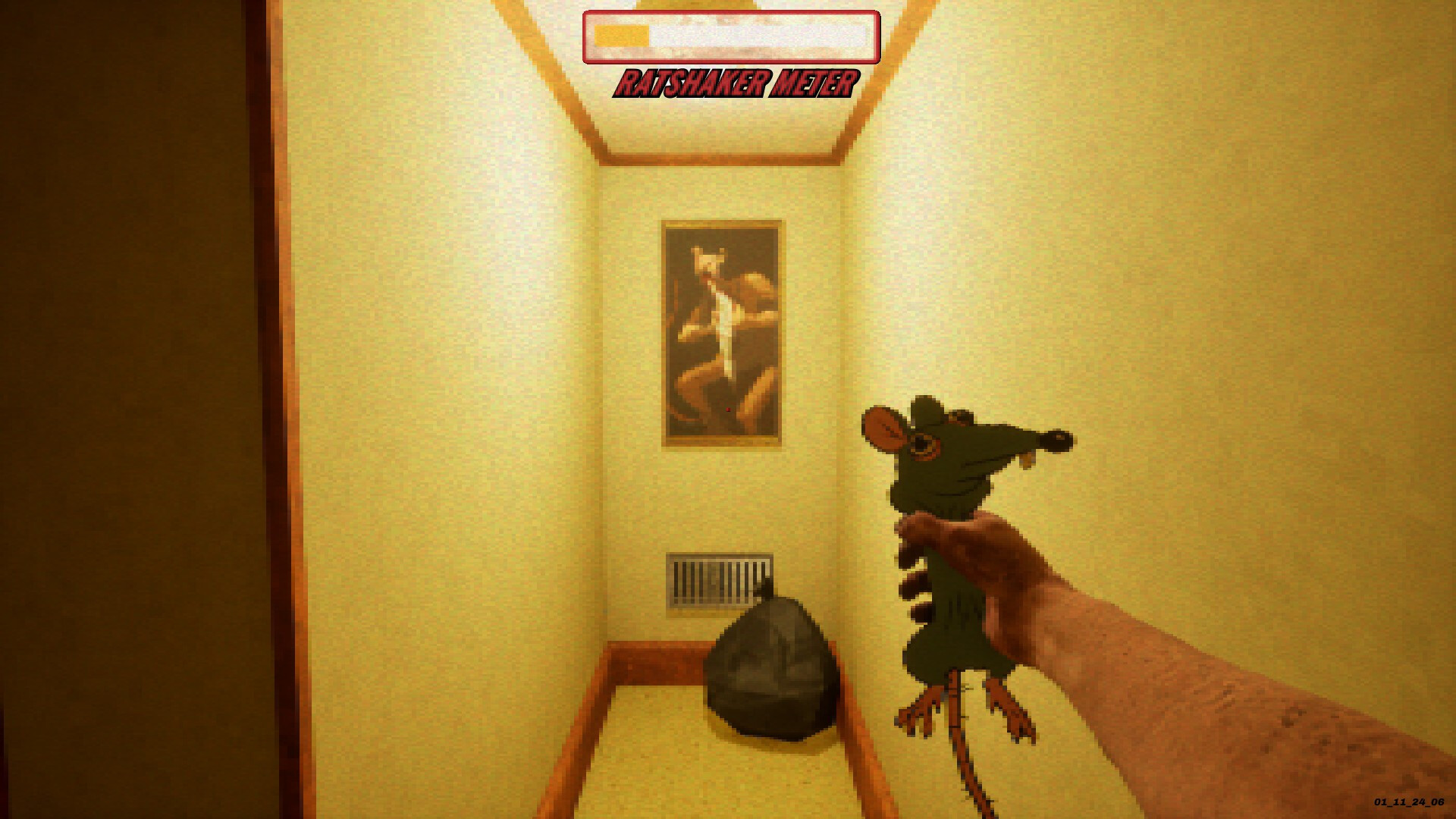
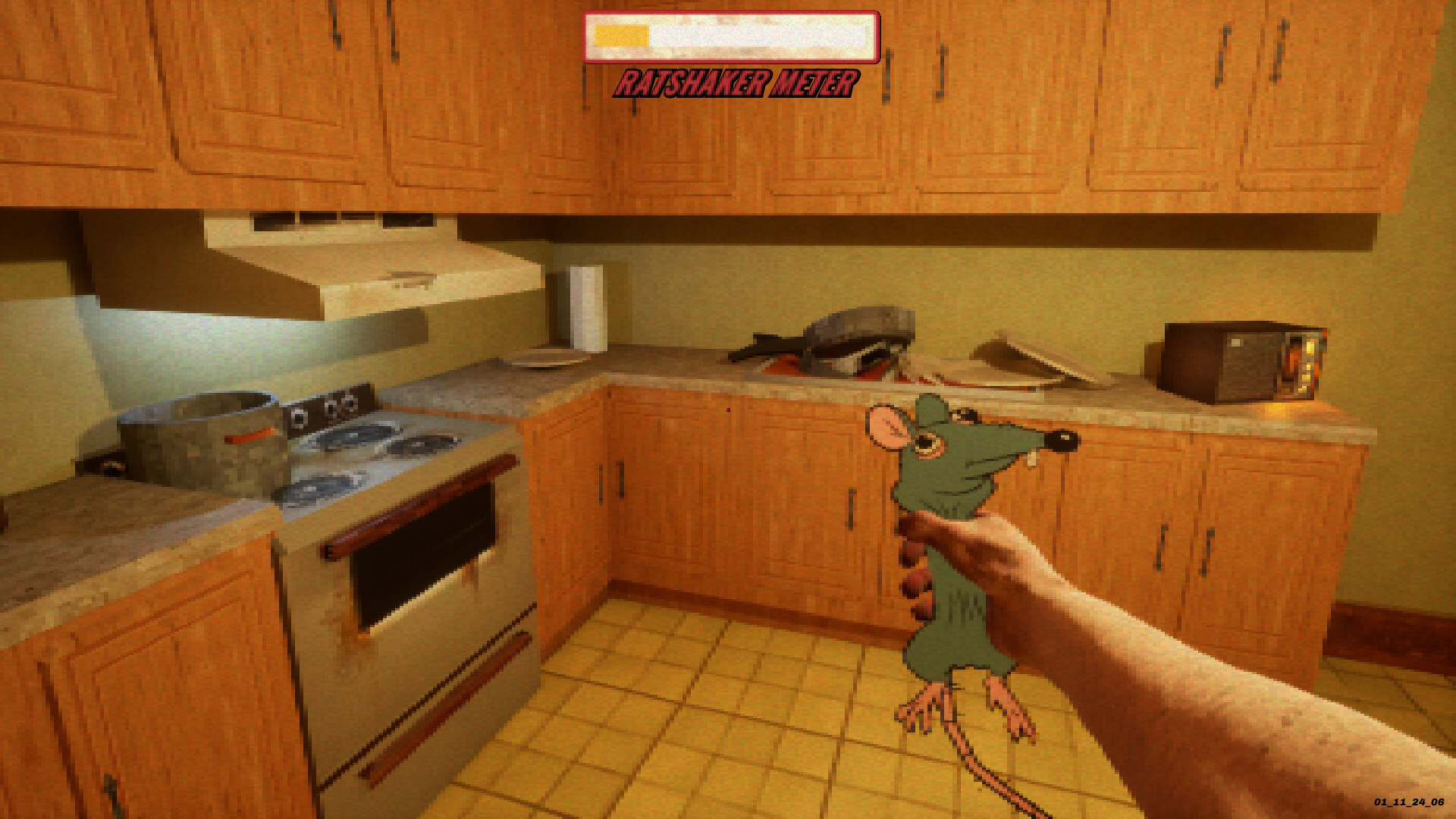
RATSHAKER™ is a single‑player action‑adventure title from Sunscorched Studios that centers on an unusual pest‑removal mechanic. Players grab a virtual rat and shake it, watching a meter rise as the rat reacts, squeaks, and eventually disappears. The game markets this loop as fast‑acting, easy to use, and oddly satisfying, promising a problem‑free space once the shaking is complete.
The experience is presented with immersive environments and a focus on simple, controller‑friendly input. It supports Steam achievements, leaderboards, and trading cards, and includes options such as custom volume controls and color alternatives. No real rats were harmed during development, and the game is available on Windows via Steam.
01 / THE GUIDE
Gameplay Mechanics
The core loop involves taking a rat, shaking it, and watching a meter increase. The description emphasizes that the more you shake, the closer you get to solving the problem, and that shaking continues until all issues disappear. This mechanic is presented as both functional and satisfying, with visual and audio feedback as the rat reacts.
The game does not mention additional objectives, puzzles, or combat; the focus remains on the shaking action and its progression toward a completed state. Players experience a simple cause‑and‑effect relationship without timed inputs.
- Observe how the meter responds to each shake to gauge progress.
- Compare the shaking intensity with the visual reaction for a more immersive feel.
02 / THE GUIDE
Visual Presentation
RATSHAKER™ advertises beautiful environments that frame the shaking action. The description notes an immersive rat‑shaking gameplay experience, suggesting that the setting contributes to the overall feel. Visual cues such as the rat’s reaction and the rising meter are highlighted as part of the satisfaction loop.
No specific art style or graphical fidelity is detailed, but the emphasis on “beautiful environments” indicates that the visuals are intended to complement the simple mechanic, providing a pleasant backdrop for the shaking activity.
- Take note of how the environment changes as the meter rises.
- Use the color alternatives setting to adjust visual comfort.

03 / THE GUIDE
Audio Features
The game includes stereo sound and a “Squeak‑Free Technology” tagline, implying that audio feedback accompanies the rat’s reaction. Players can expect squeaks or shouts as they shake, reinforcing the tactile feel of the mechanic. Custom volume controls allow adjustment of this feedback.
While specific tracks or sound design details are not listed, the presence of stereo sound and custom volume suggests a focus on auditory cues that align with the visual meter and rat reactions.
- Adjust the custom volume to balance the squeak sounds with background ambience.
- Listen for changes in the rat’s audio cues to anticipate meter progress.
04 / THE GUIDE
Achievement System
RATSHAKER™ integrates Steam achievements, offering players milestones tied to the shaking mechanic. Though specific achievement titles are not listed, the presence of this feature indicates that certain shaking thresholds or completion states are recognized by the platform.
Steam leaderboards also accompany achievements, suggesting that players can compare their results with others, adding a competitive layer to the otherwise solitary experience.
- Check the Steam overlay for unlocked achievements after each session.
- Compare your leaderboard rank to gauge how efficiently you shake.
05 / THE GUIDE
Platform Support
The title is released for Windows via Steam and includes full controller support, camera comfort, and the ability to play without timed input. These features indicate that the game can be enjoyed with a gamepad and that players are not pressured by time constraints during shaking.
Additional Steam features such as trading cards, family sharing, and color alternatives broaden accessibility, allowing users to customize visual settings and share the game with household members.
- Try the game with a controller to experience the full controller support claim.
- Use the color alternatives option if the default palette feels uncomfortable.

COMMUNITY
Player discussion