 GameWiki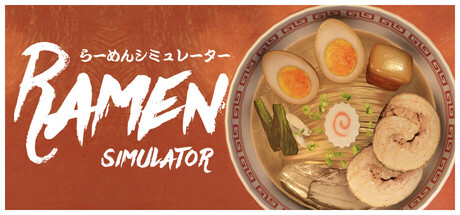
GET YOUR BEARINGS
About Ramen Simulator
Ramen Simulator invites players into a ramen‑making universe where they select broth, noodles, sauce, aroma oil and over a hundred toppings. The game focuses on crafting and enjoying custom bowls within a single‑player experience.
Beyond cooking, the title offers a Free Mode for unrestricted experimentation, a height‑focused More More Mode, assorted ramen‑themed mini‑games, and a Snap & Save system that records creations to a gallery. Daily missions and a shop provide additional ingredients.
01 / THE GUIDE
Free Mode
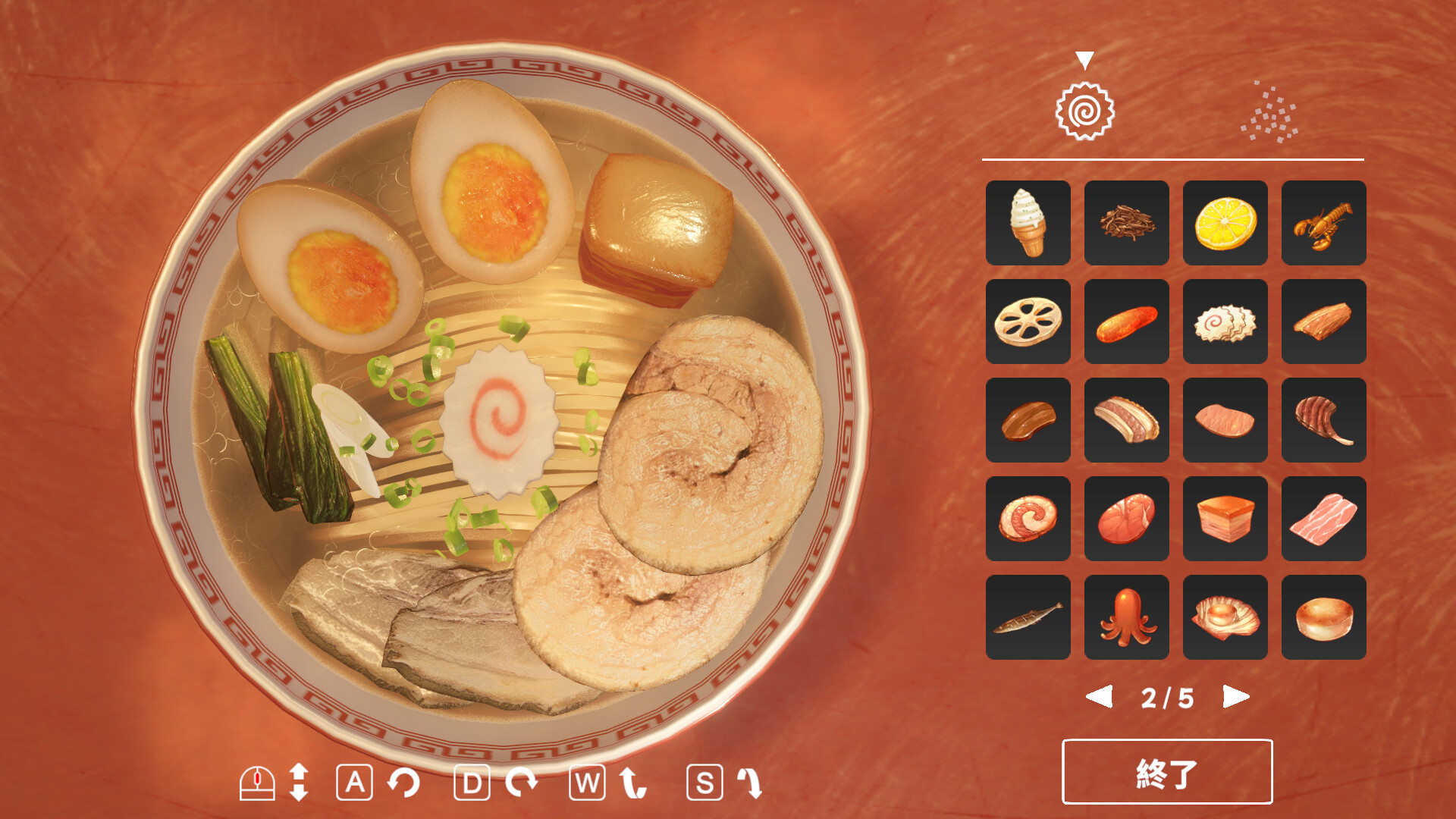
Free Mode lets you combine any broth, noodle, sauce, aroma oil and topping without preset objectives, encouraging pure creativity. The description emphasizes mixing and matching flavors at will.
The mode works with the Keyboard Only Option and Mouse Only Option, matching the listed input features, and you can save your bowl at any point thanks to the Save Anytime capability.
- Experiment with unexpected topping combos to discover new flavor profiles.
- Use the save function after each unique bowl to build a personal recipe archive.
02 / THE GUIDE
More More Mode
More More Mode challenges you to stack ramen components as high as possible, turning the cooking process into a vertical puzzle. The goal is purely height‑based, with no mention of time limits.
Steam Leaderboards are among the game's listed features, so you may be able to compare results with other players while still using keyboard or mouse controls.
- Start with a stable base ingredient before adding taller layers.
- Check the leaderboard after each attempt to gauge your standing.
03 / THE GUIDE
Mini‑Games
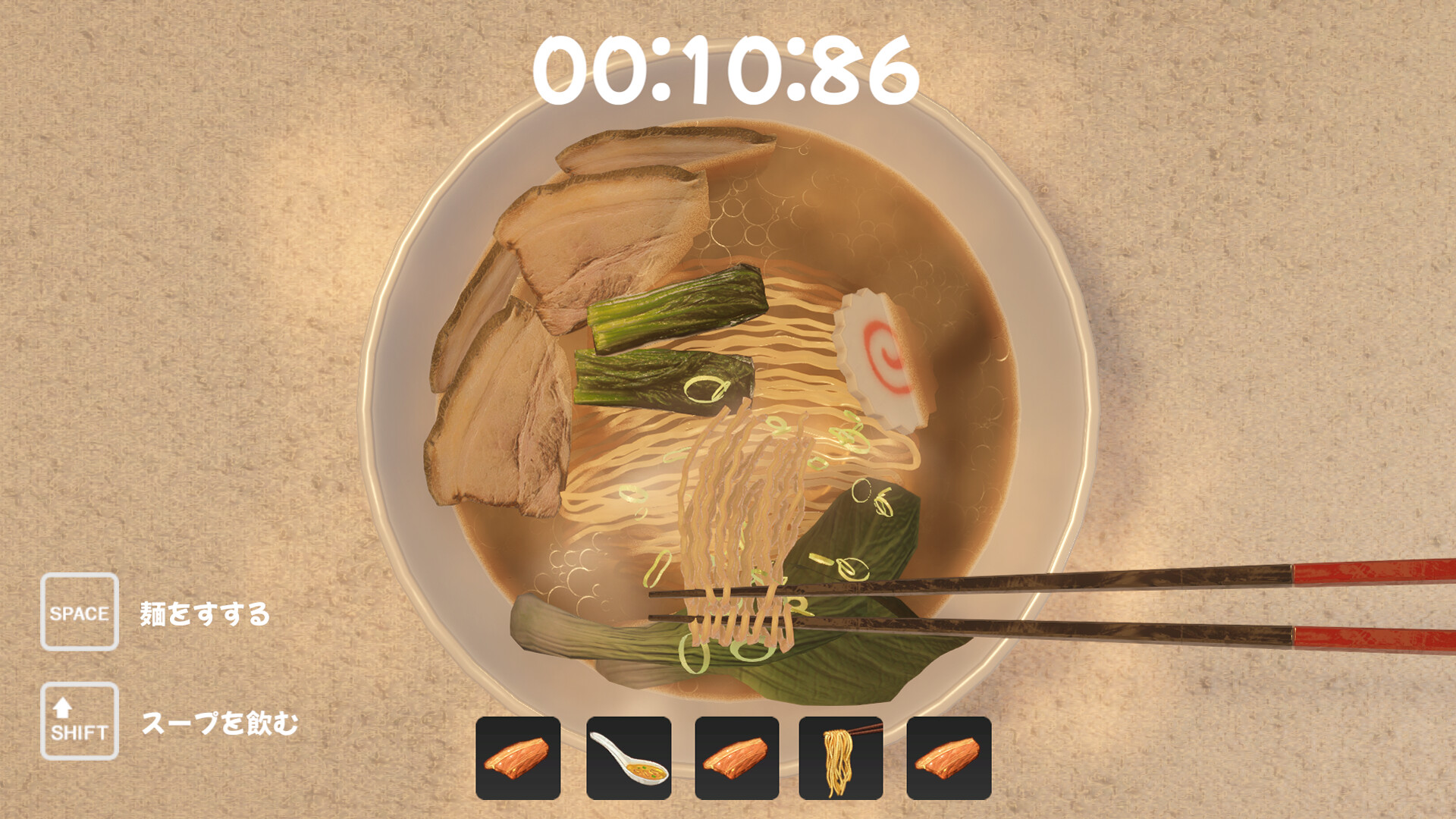
A collection of short, ramen‑themed challenges provides a casual diversion from the main cooking modes. These mini‑games offer a casual diversion alongside the main cooking modes.
The game lists Keyboard Only and Mouse Only options among its input features.
- Play mini‑games to practice timing without pressure.
- Switch between keyboard and mouse to see which feels smoother for each challenge.
04 / THE GUIDE
Shop & Quests
Daily missions appear as quests that, when completed, unlock exclusive ingredients and shop items. The description links quests directly to new culinary options.
The shop expands the ingredient pool, letting you purchase additional toppings and sauces, while Steam Achievements track overall game progress.
- Complete daily quests regularly to broaden your ingredient selection.
- Visit the shop often to discover new toppings that suit your experimental style.
05 / THE GUIDE
Snap & Save
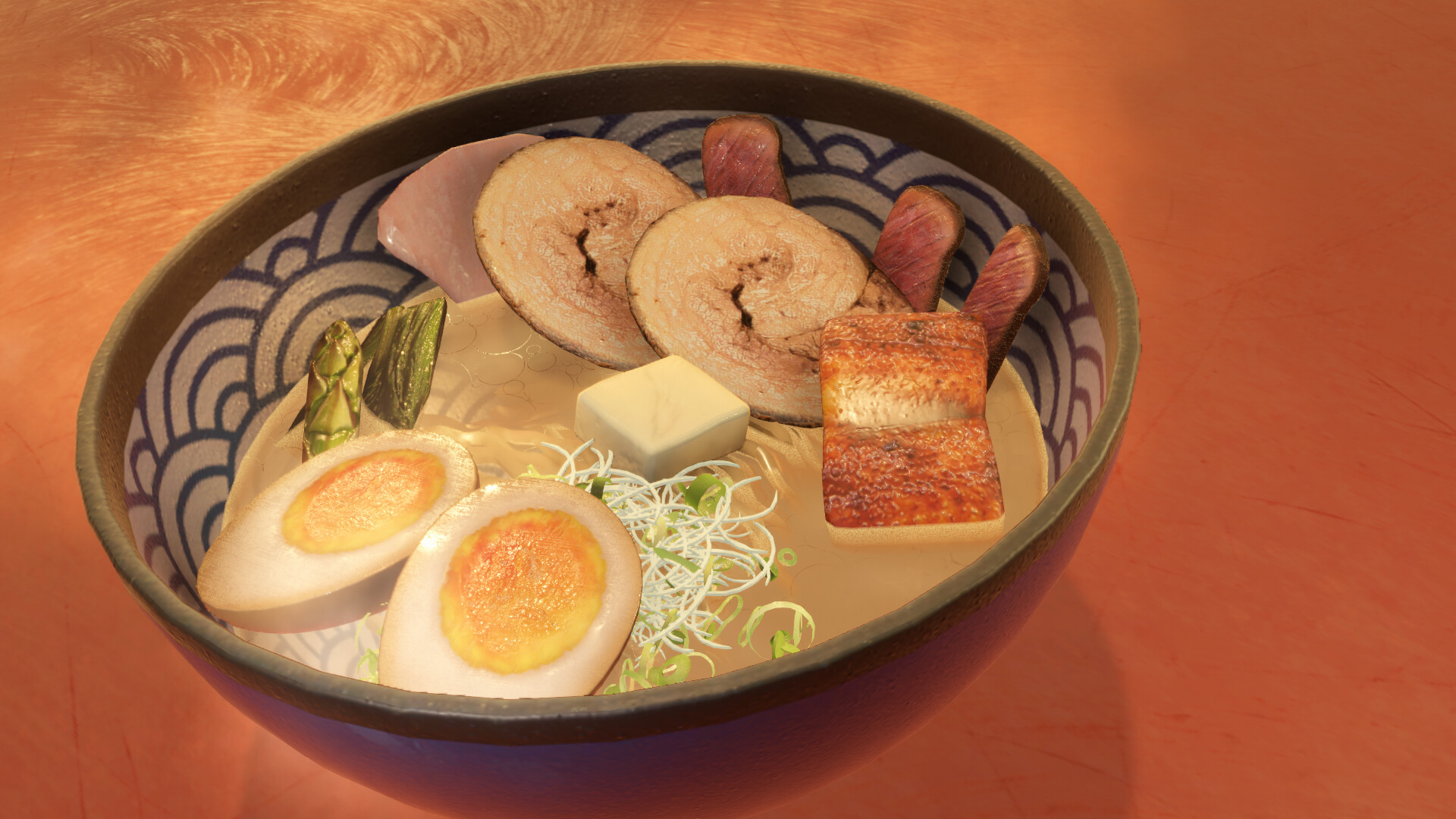
Players can capture finished ramen bowls and store them in an in‑game gallery. This aligns with the Save Anytime feature, allowing saves at any moment.
Steam Cloud is among the listed features, which can help keep your progress available across PCs.
- Organize saved bowls by theme for quick reference.
- Review your gallery to inspire future free‑mode experiments.

COMMUNITY
Player discussion