 GameWiki
GET YOUR BEARINGS
About RAILGRADE
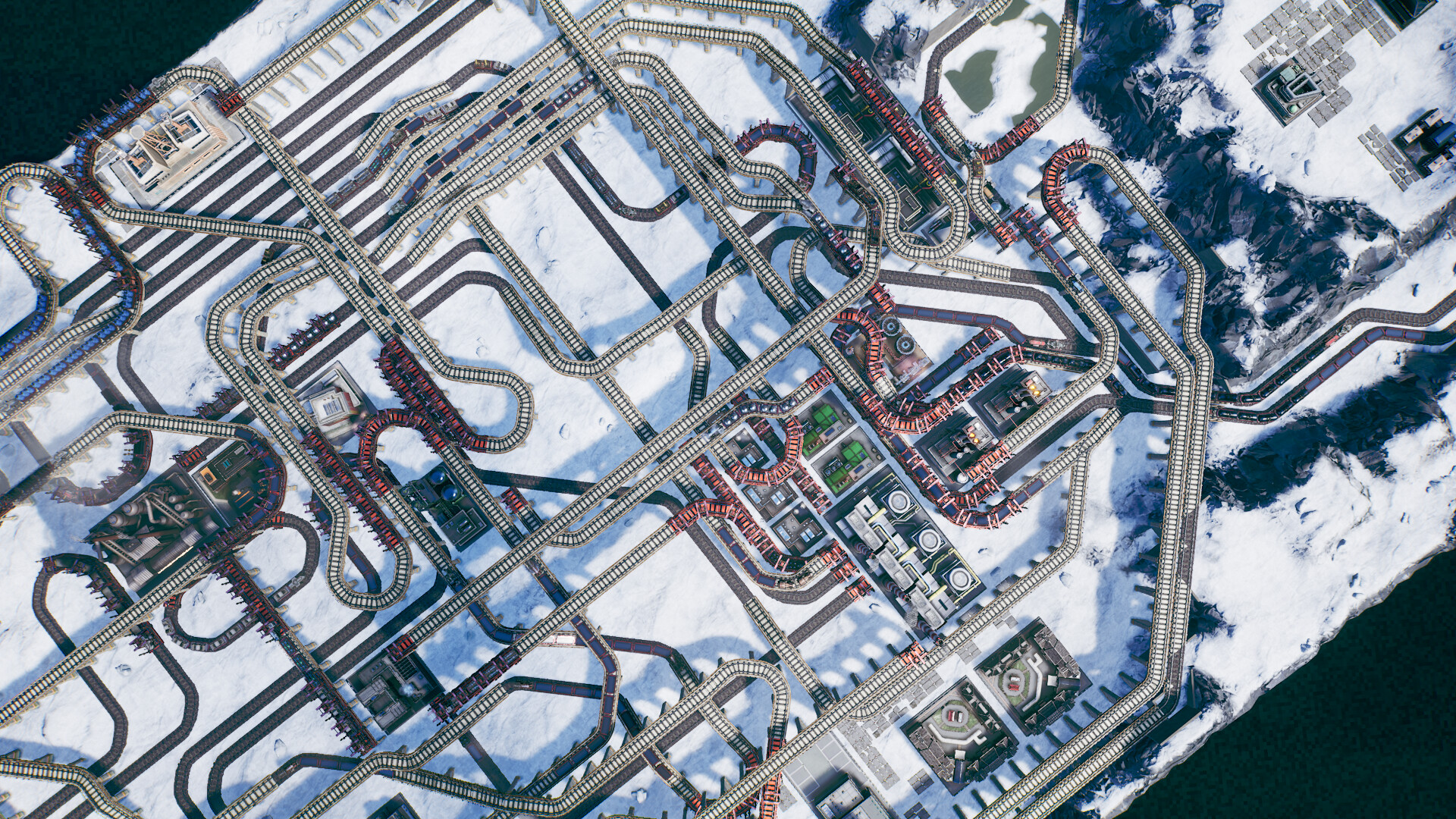
Railgrade puts you in charge of building sprawling railway networks that connect industrial sites to the resources they need. You place tracks, choose engines and freight, and watch trains move inputs and outputs across multi‑level routes.
The single‑player campaign offers over 50 missions, each rewarding tokens that can be spent on new industries, upgrades and options. Additional tools let you construct quickly, view trains cinematically, and capture scenes with a photo mode that includes filters.
01 / THE GUIDE
Campaign Missions
The single‑player campaign tasks you with restoring prosperity to an industrial colony across more than fifty missions. Each mission presents a specific goal, such as linking resources or navigating difficult terrain.
Completing a mission awards tokens, which the description says can be spent to unlock new industries, upgrades and options, expanding the tools available for later challenges.
- Track the tokens you earn to plan which upgrades will be affordable later.
- Use early missions to experiment with track placement before tackling complex terrain.
02 / THE GUIDE
Train Customisation
Railgrade lets you customise trains by selecting from hundreds of engine and freight combinations. Different engines provide distinct capabilities, while freight types determine the resources each train carries.
Choosing appropriate engine‑cargo pairings influences how smoothly inputs and outputs travel, helping you avoid bottlenecks and keep production flowing.
- Match freight types to the specific resources required by each industry.
- Consider mixing engine types to balance speed and cargo capacity on varied routes.
03 / THE GUIDE
Construction Tools
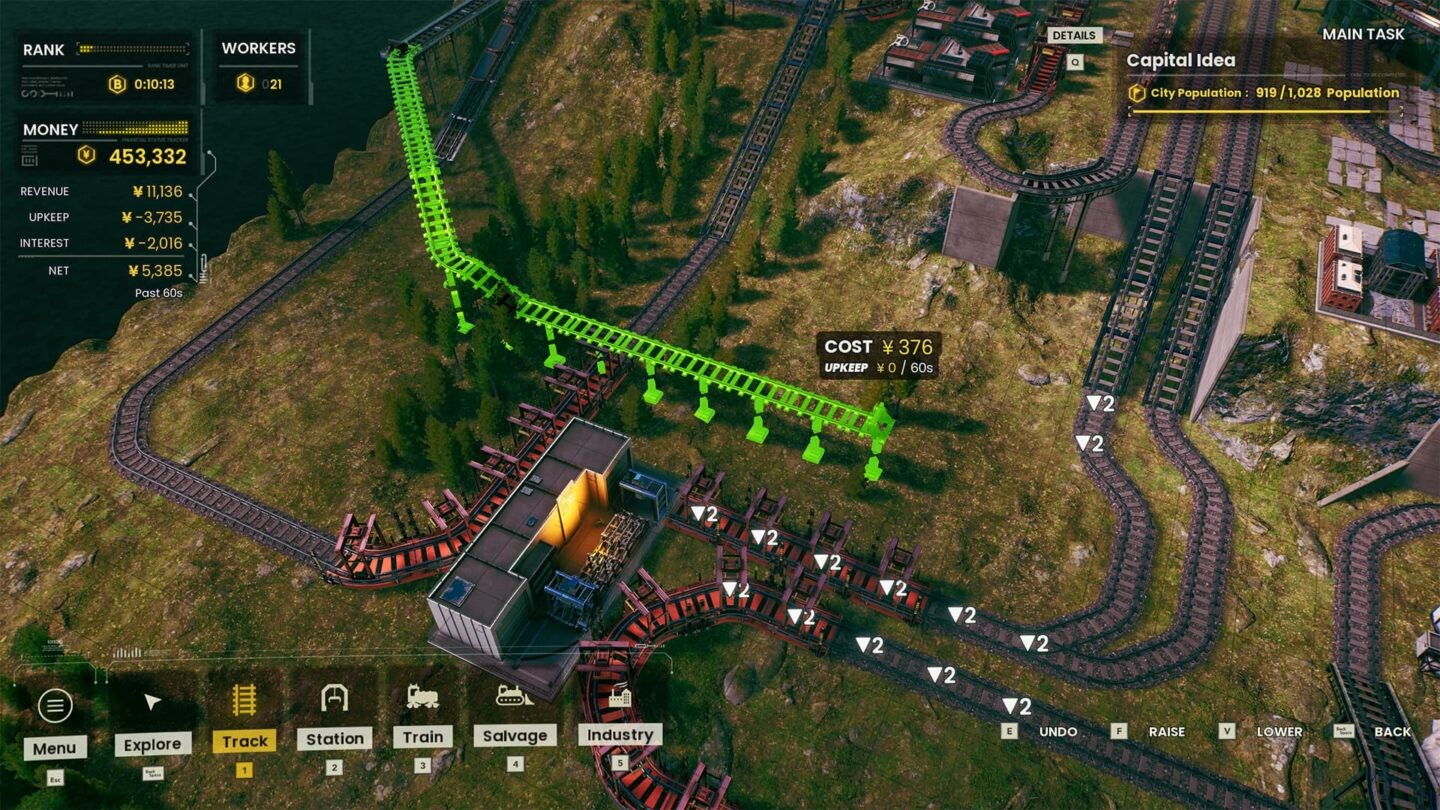
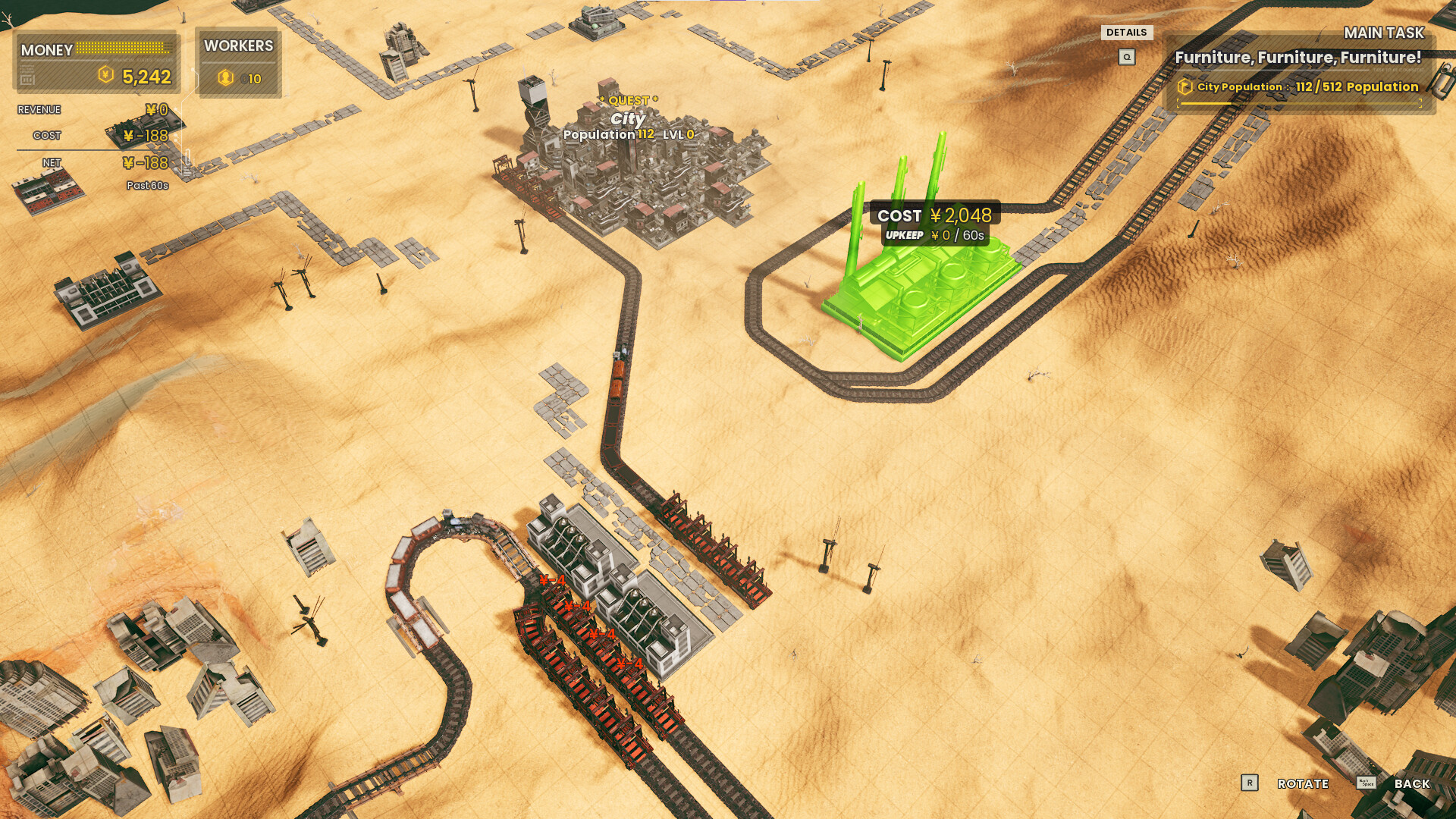
Effortless construction tools let you instantly build and manage a busy railway network. You can place tracks strategically to navigate challenging environmental terrain and create effective delivery routes.
These tools streamline expansion, allowing you to focus on strategic placement rather than manual track laying.
- Lay tracks in straight segments where possible to simplify routing.
- Test alternative paths with the tools before finalising a layout.
04 / THE GUIDE
Supply Chain Management
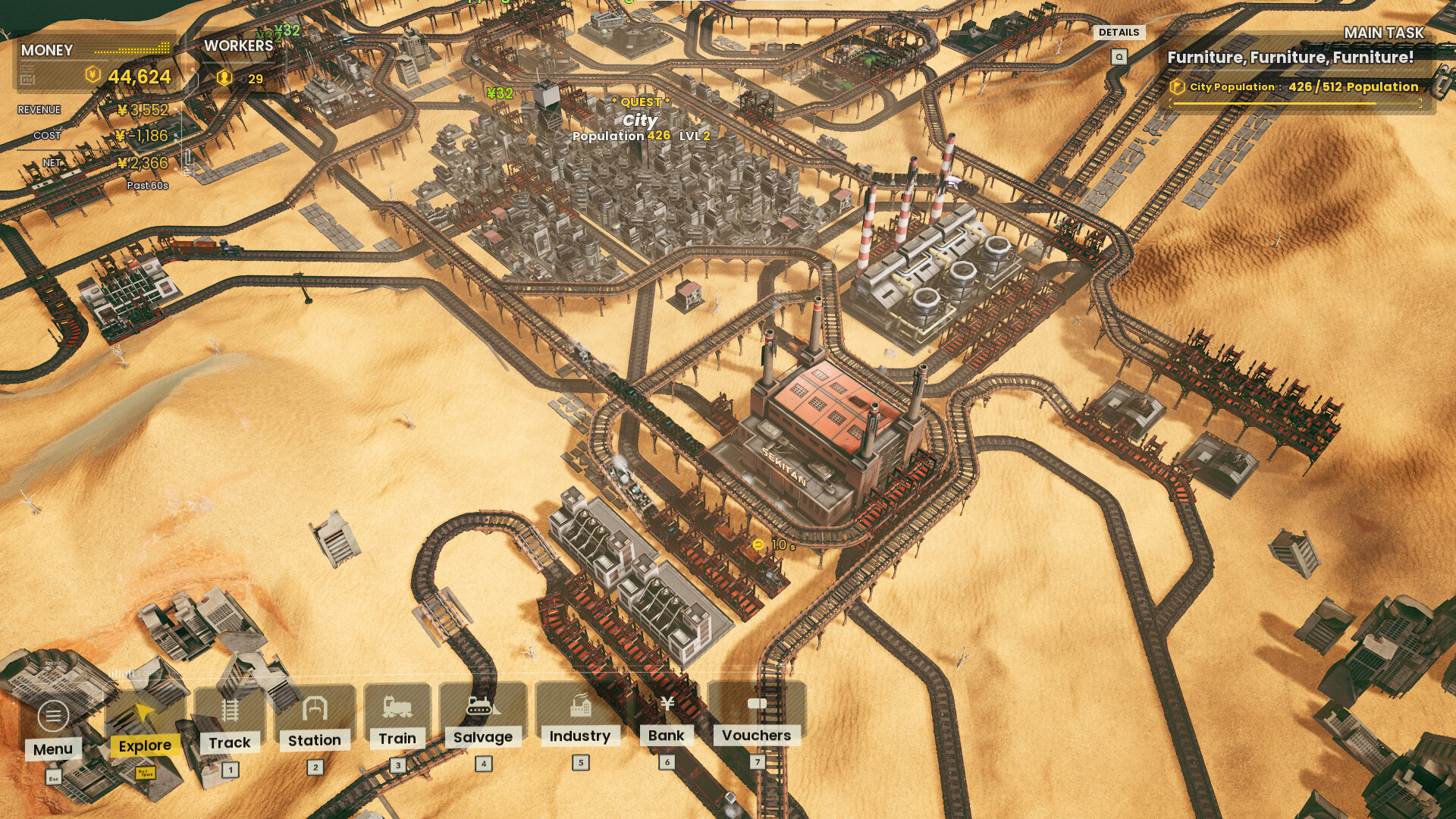
Managing inputs and outputs is central to optimisation. By controlling the flow of resource production you can keep trains moving and watch for bottlenecks that slow delivery.
Strategic decisions involve placing industries, routing trains, and adjusting cargo loads to maintain a smooth supply chain.
- Monitor each industry's input requirements to prevent over‑stocking.
- Adjust train schedules when a bottleneck appears to keep cargo flowing.
05 / THE GUIDE
Visual Modes
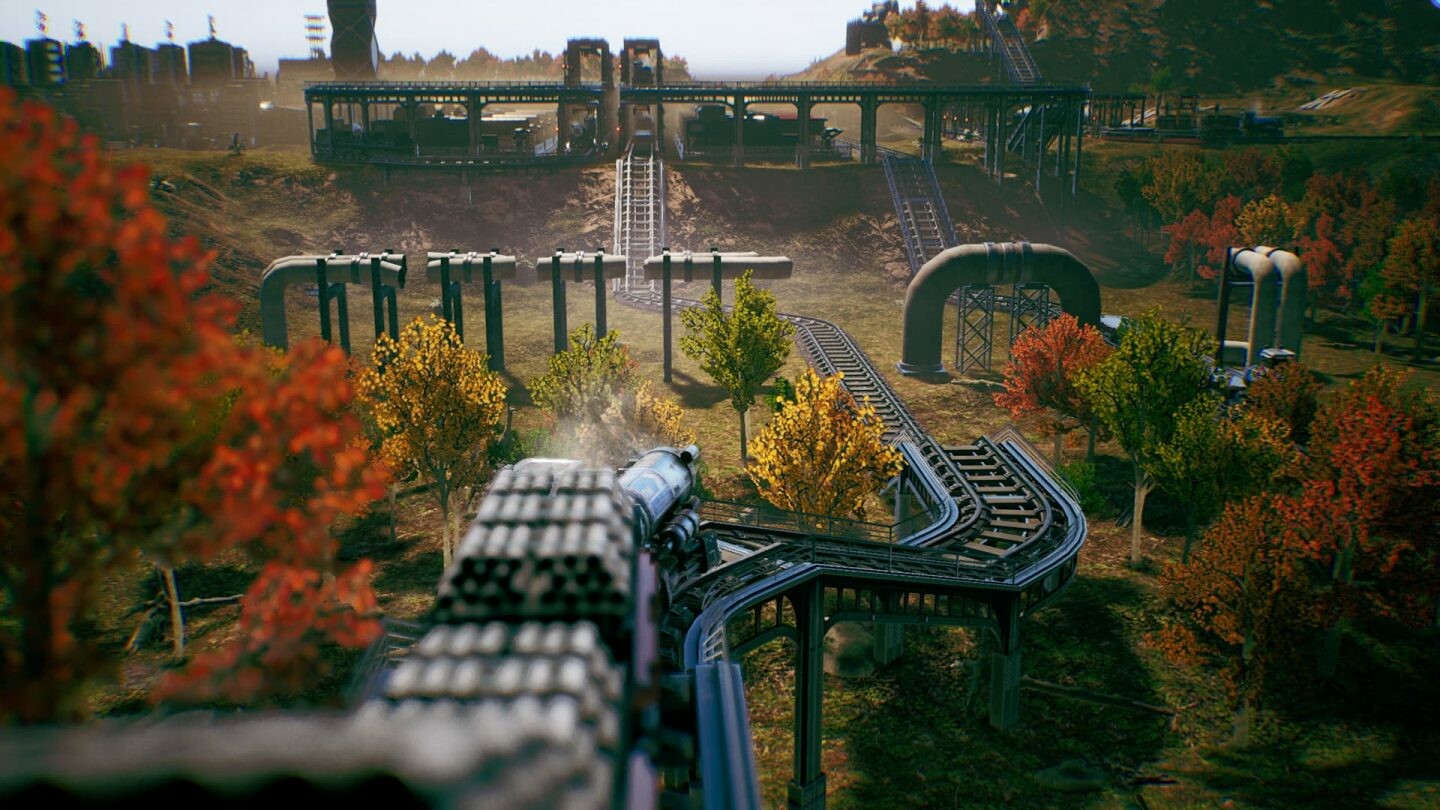
Railgrade includes a cinematic view mode that lets you admire your fleet of trains.
A photo mode offers a variety of filters and visual options, allowing you to capture your railway setups with customized appearance.
- Switch to cinematic view after completing a complex route to admire your fleet of trains.
- Experiment with different photo mode filters to highlight aspects of your design.
COMMUNITY
Player discussion