 GameWiki
GET YOUR BEARINGS
About おかゆにゅ~~む!R ~Okayunyumu!R~
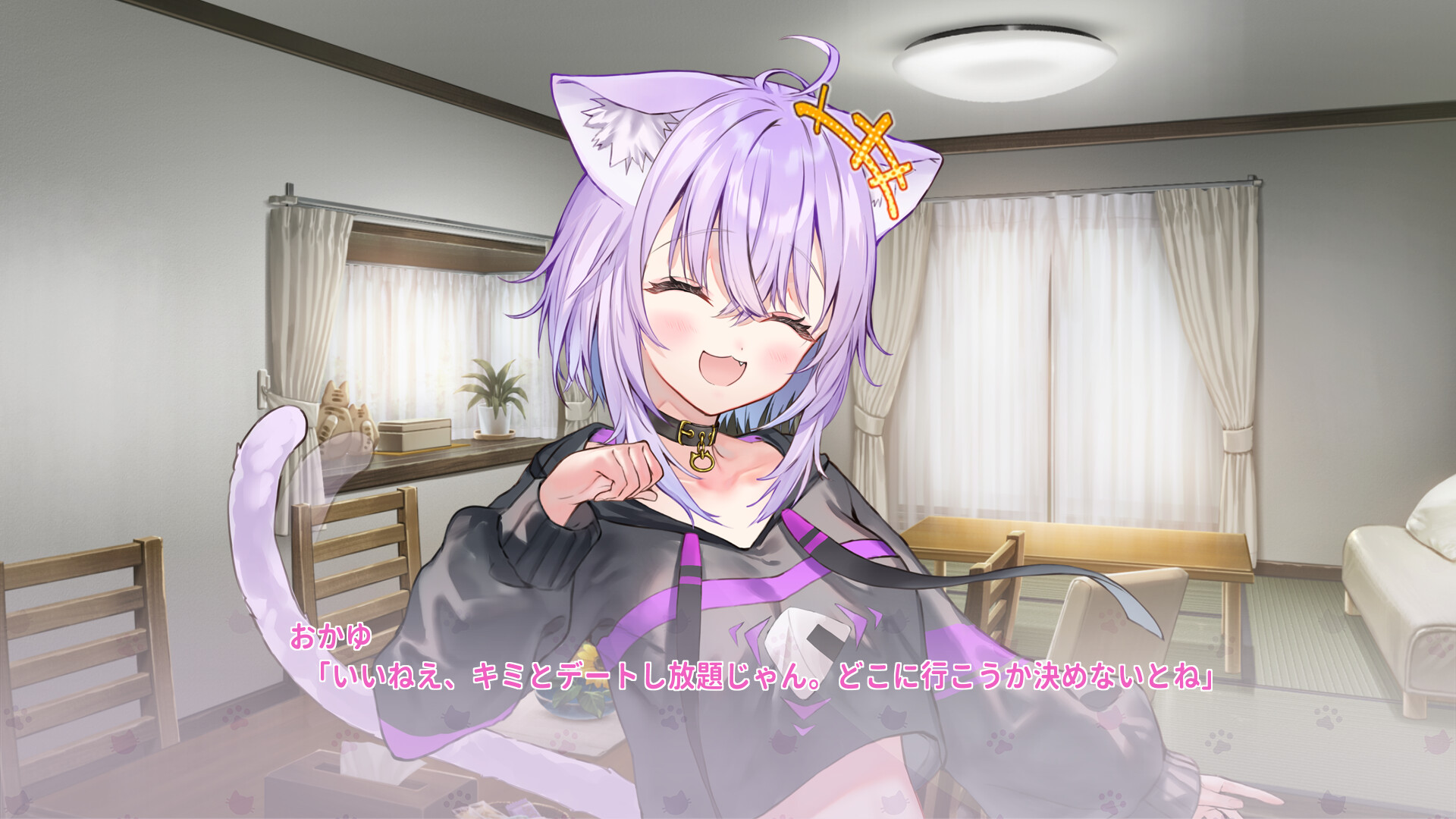
Okayunyumu! R is a single‑player adventure that follows the love story of Nekomata Okayu, a former onigiri‑shop mascot turned human, and her partner on a culinary road‑trip from Tokyo to Aomori. The narrative is delivered as a fully‑voiced system‑ADV, letting players listen to dialogue while progressing at their own speed.
The game presents its story chapter by chapter, with each segment leading naturally to the next. Players can pause, save, and adjust various accessibility options, ensuring the experience remains comfortable and flexible without any timed input requirements.
01 / THE GUIDE
Branching Storyline
The plot begins with an invitation to a Tokyo food fair and quickly shifts to a vacation‑style journey across Aomori, deepening the couple’s bond. Each chapter flows into the next, allowing the narrative to evolve as the player advances.
Because the story is fully voiced, dialogue is presented through audio rather than relying solely on text. This design lets players focus on the spoken performance while still having visual cues for context.
- Listen for tone changes; they often hint at upcoming plot directions.
- Re‑listening to a chapter can reveal subtle character nuances.
02 / THE GUIDE
Keyboard and Mouse Controls
The game offers a Keyboard Only Option and a Mouse Only Option, allowing players to choose their preferred input method. Advancing dialogue is performed with left‑click or the Enter key, matching the on‑screen prompts.
Additional shortcuts include Ctrl for skipping and dedicated on‑screen buttons for AUTO, SAVE, and other functions, all operable via left‑click. No timed input is required, supporting a relaxed pace.
- Try the Keyboard Only Option if you prefer hands‑free mouse movement.
- Use the Ctrl shortcut to skip non‑essential text quickly.
03 / THE GUIDE
Adjustable Text and Subtitles
Players can modify text size, select color alternatives, and enable subtitle options, ensuring readability for various visual preferences. These settings support readability for various visual preferences.
A Camera Comfort setting is also provided to reduce motion discomfort. This option is designed to support a comfortable reading experience throughout the adventure.
- Increase text size early if dialogue feels cramped.
- Experiment with color alternatives to find the most comfortable contrast.
04 / THE GUIDE
Save Anytime Feature
Okayunyumu! R lets you save at any moment, supporting a play‑at‑your‑own‑pace style without timed input. The SAVE button is available via the on‑screen interface and can be used whenever desired.
Saved games can be loaded later, allowing players to revisit earlier chapters or explore different narrative branches without losing progress.
- Save before major dialogue choices to revisit alternate outcomes.
- Frequent saves during long sessions help avoid accidental loss.
05 / THE GUIDE
Custom Volume Controls
The game includes Custom Volume Controls, letting players adjust the volume to their liking. This helps tailor the auditory experience for clarity and personal preference.
Volume settings help ensure dialogue remains clear even if background audio is set louder for atmosphere.
- Lower music volume during key conversations for better clarity.
- Adjust sound‑effect levels to match your preferred immersion level.



COMMUNITY
Player discussion