 GameWiki
GET YOUR BEARINGS
About Qwilight
Qwilight is a free BMS/BMSON player that bundles fifteen distinct game modes, extensive hardware compatibility, and a built‑in online ecosystem. It integrates directly with popular editors and includes a downloader for legal song files, making it approachable for newcomers and veterans alike.
The platform supports keyboards, touchscreens, beat controllers, gamepads, and MIDI devices, and it offers ultra‑low latency via ASIO 2.0 and NVIDIA Reflex. Global rankings, real‑time competition, chat rooms and multiplayer lobbies, and spectator tools round out the online experience.
01 / THE GUIDE
Extensive Game Modes
Qwilight offers fifteen different modes that can be combined, including Auto Scratch, Mirror, Random, Super Random, Measure Random, and various speed controls. Visual effects such as Fade Out and Blink are also available.
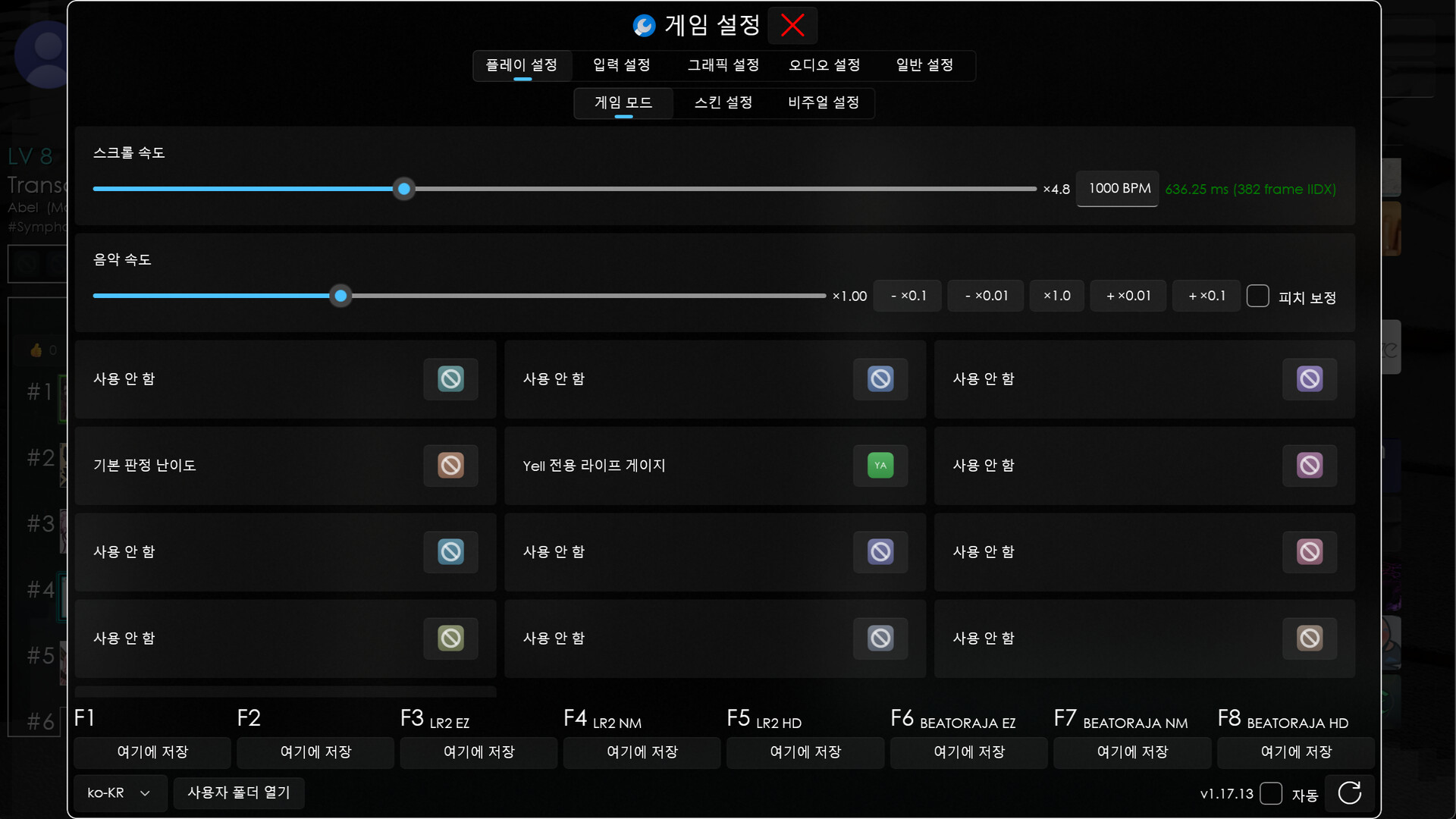
Judgment difficulty and life gauge settings are customizable, and chaos modes (including 4D) are available, alongside LN/CN support, lane reduction or expansion, removal or full enable of LN, disabling BPM changes, and reverse playback.
- Experiment with mixing Mirror and Random to see how pattern predictability shifts.
- Adjust judgment difficulty before entering a chaos mode to match your skill level.
02 / THE GUIDE
Broad Hardware Compatibility
The player works with keyboards, touchscreens, beat controllers, gamepads, and MIDI devices, and it supports lighting control for RAZER® Chroma™, ASUS® Aura™, and CORSAIR® iCUE™.
Low‑latency audio is achieved via ASIO 2.0 and NVIDIA® Reflex™, with full support for 8000 Hz keyboards such as the CORSAIR K70 RGB, and the engine runs at up to 4K resolution and high refresh rates out of the box.
- Use a high‑resolution display to benefit from the 4K support.
- Enable peripheral lighting sync for visual feedback during play.
03 / THE GUIDE
Online Ranking and Multiplayer
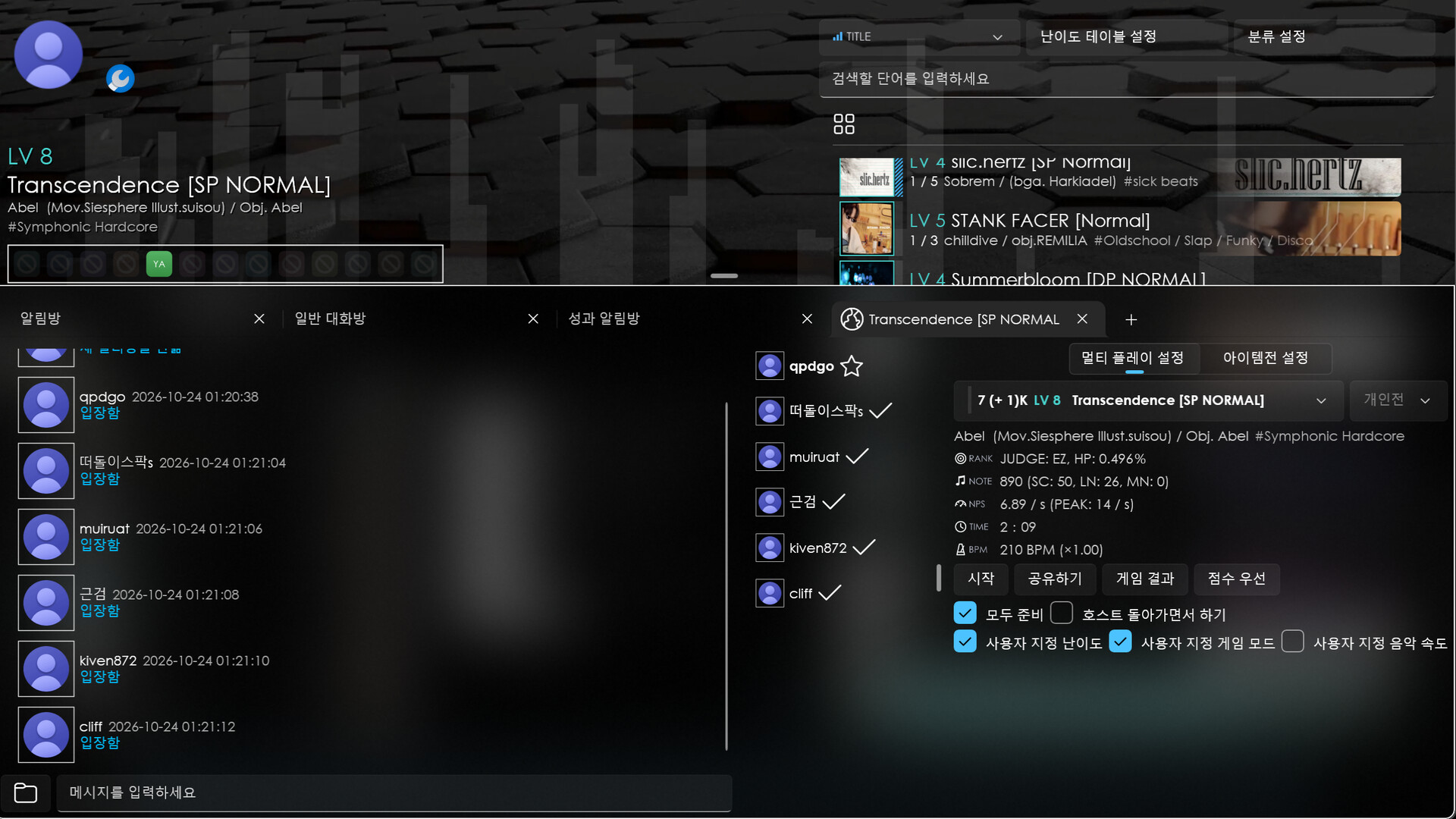
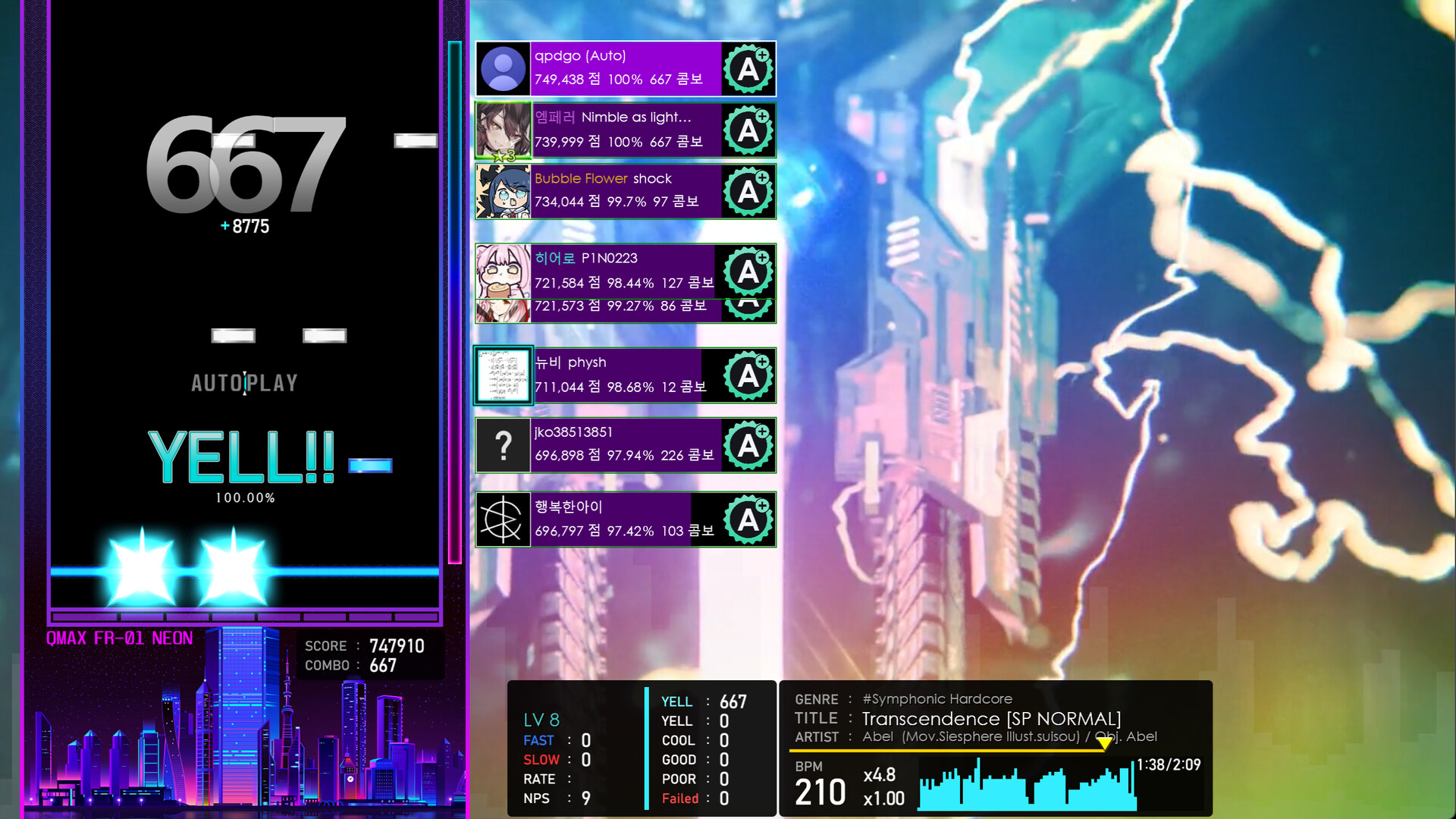
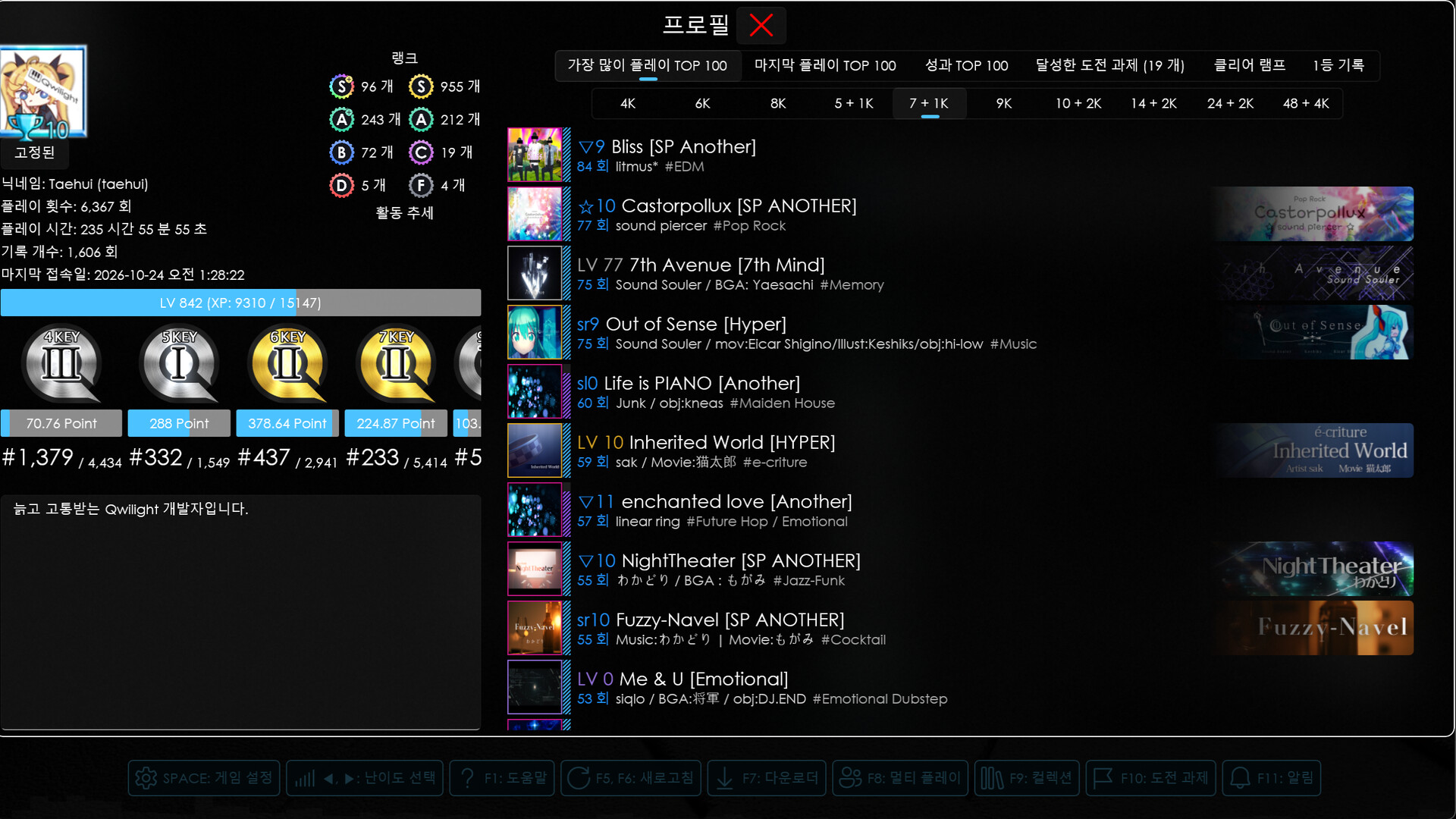
Qwilight hosts a global ranking system that updates in real time, allowing players to compete worldwide. Online replays let you watch other players’ runs.
Chat rooms, multiplayer lobbies, spectator mode, and voice chat facilitate interaction, and hosts can share note files directly, removing the need for pre‑session preparation.
- Watch top replays to observe timing windows used by high‑ranked players.
- Use voice chat in lobbies for coordinated multiplayer sessions.
04 / THE GUIDE
Editor Integration & Downloader
Qwilight integrates seamlessly with BMSE, iBMSC, uBMSC, and BmsONE editors, allowing a smooth workflow between creation and playback.
A built‑in downloader supplies legal BMS/BMSON files, and difficulty tables are incorporated directly, eliminating the need for third‑party tools.
- Download songs through the built‑in manager to ensure legality.
- Link your preferred editor for instant testing of new charts.
05 / THE GUIDE
Practice Mode & Community Challenges
Course play lets you queue multiple songs, while community‑verified challenges and certification courses provide structured goals with integrated difficulty tables.
Practice mode offers auto‑play, pattern viewing, and targeted practice on any section, supporting both beginners and seasoned veterans in refining skill.
- Use targeted practice on difficult sections to improve consistency.
- Participate in community challenges to benchmark against peers.

COMMUNITY
Player discussion