 GameWiki
GET YOUR BEARINGS
About Quiplash
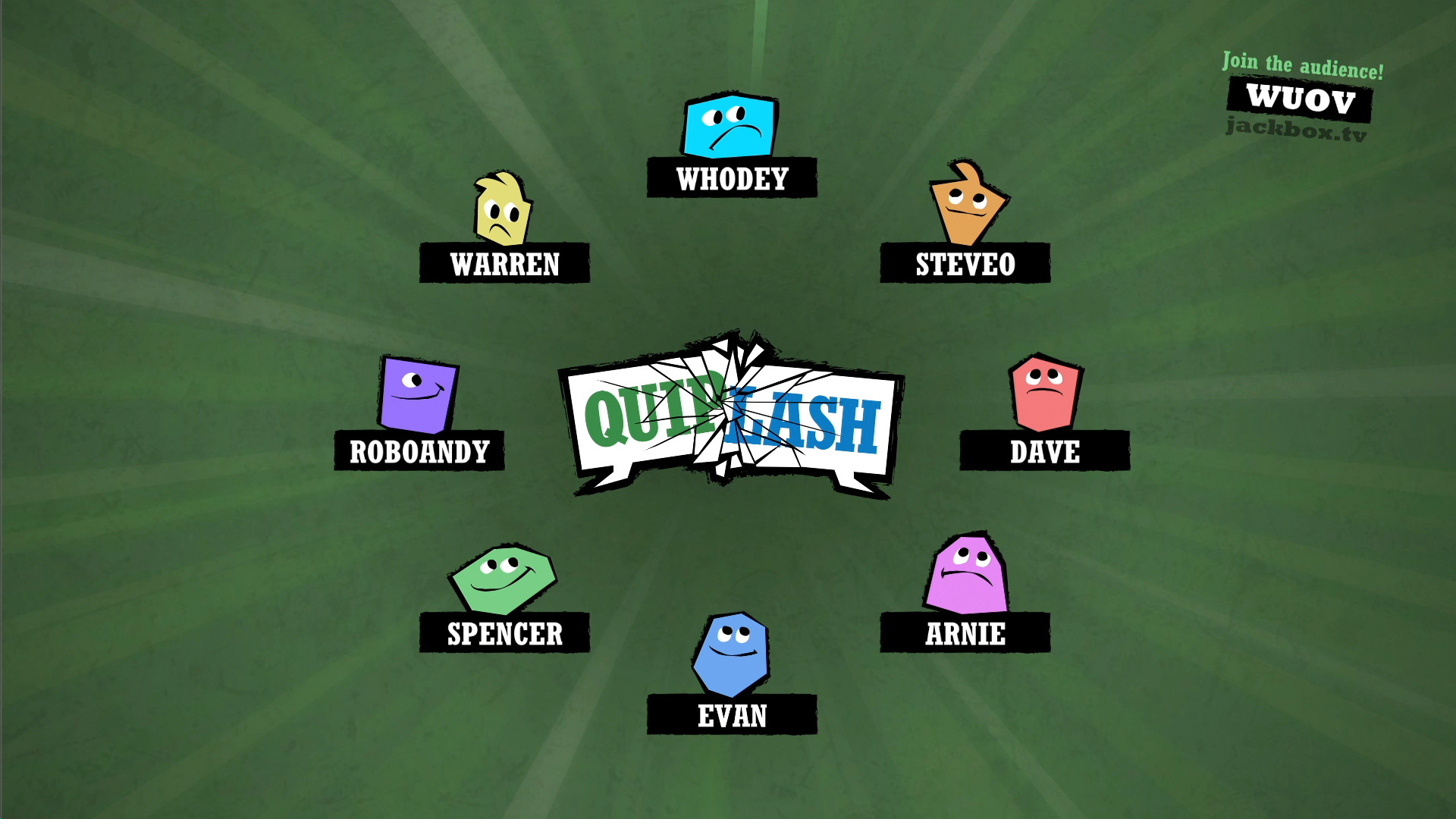
Quiplash is a same‑room party game for three to eight players that also supports an audience of thousands who can watch and vote. Players answer simple prompts on a phone or tablet, and each answer competes head‑to‑head with another player's response.
The title runs on Windows, macOS, and Linux and lists full controller support, Steam Cloud, Remote Play on phone, tablet, TV, and Remote Play Together. All text, prompts, and voting are in English only.
01 / THE GUIDE
Gameplay Basics
Each round presents a prompt such as “Something you’d be surprised to see a donkey do.” Players type any answer they like on their personal device; the description emphasizes that there are no rules or correct answers, so any text is accepted.
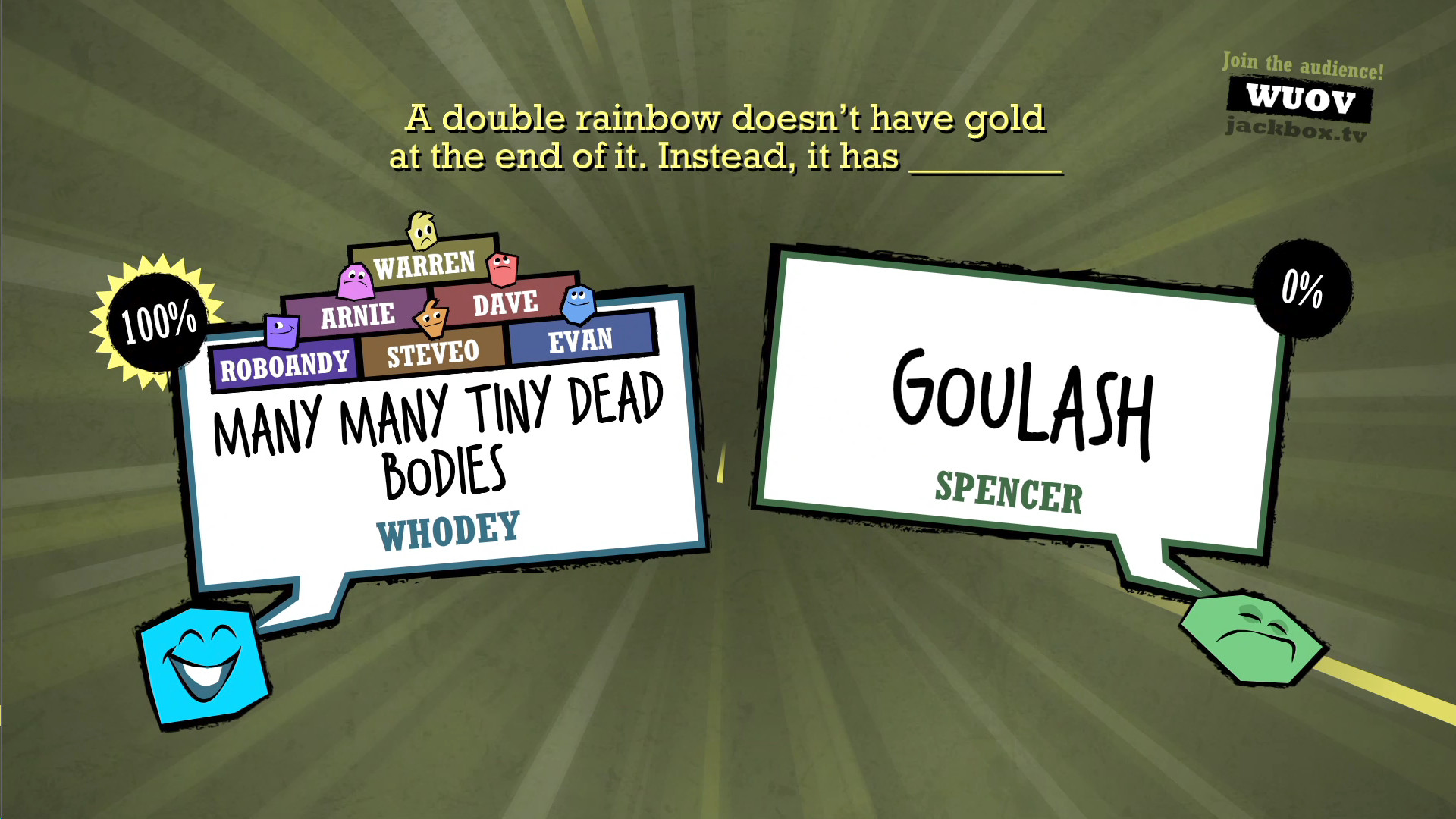
After all answers are submitted, each player's response is paired with another player's response. All participants and the audience then vote for the answer they prefer, and the winning answer is the one the group prefers.
- Focus on clear, readable answers so voters can grasp the joke quickly.
- Observe the humor style that tends to win in your particular group.
02 / THE GUIDE
Prompt & Answer System
Prompts are short, open‑ended statements that invite any textual response. The source explicitly states “No rules, no correct answers! Say whatever you want!” which means creativity is the only limitation.
Answers are entered privately on each player's phone or tablet, keeping them hidden until the voting stage. This ensures that the comparison is based solely on the submitted text, not on any prior knowledge.
- Keep answers concise enough to read quickly during voting.
- Use the exact wording of the prompt to add a twist that resonates.
03 / THE GUIDE
Voting Mechanics
When answers are displayed side by side, all players and the waiting audience vote for the answer they find funniest or “least stupid.” The description notes that voting determines which answer wins the clash.
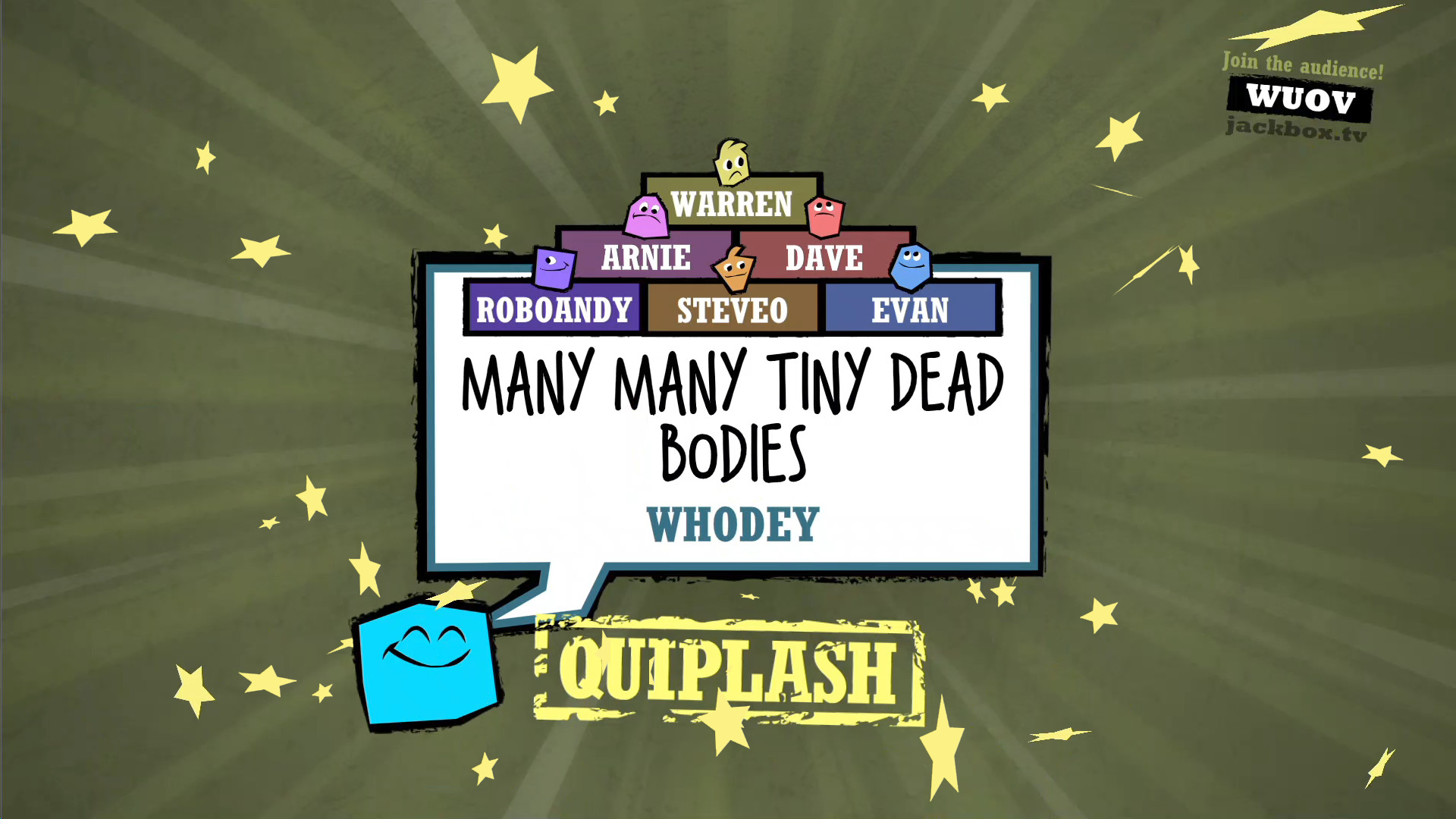
The audience can be “thousands” of people waiting for the next game, and they also cast votes. Their collective choice decides which answer wins that round.
- Vote promptly to keep the game’s pace lively.
- Consider the overall humor tone of the audience when casting your vote.
04 / THE GUIDE
Multiplayer Setup
Quiplash supports three to eight players in the same room, each using a phone or tablet to submit answers. The description also highlights an audience of thousands who can watch and vote while waiting to get in the next game.
Remote Play Together is listed as a feature, allowing players on separate devices to join the same session. This enables a flexible setup where the core game remains unchanged regardless of device arrangement.
- Test each device’s connection before starting a session.
- Make sure every player has a personal phone or tablet ready for answer entry.
05 / THE GUIDE
Platform Features
Quiplash runs on Windows, macOS, and Linux and includes full controller support, Steam Cloud, Family Sharing, and several Remote Play options. These features indicate the game can be streamed to phones, tablets, or TVs while maintaining the same gameplay.
Steam Achievements are also listed, showing that the game tracks performance milestones that can be viewed in the Steam client after each session.
- Use Remote Play on TV for a larger shared display during parties.
- Check your Steam Achievements after each session to see which milestones you hit.


COMMUNITY
Player discussion