 GameWiki

GET YOUR BEARINGS
About Quest Rooms
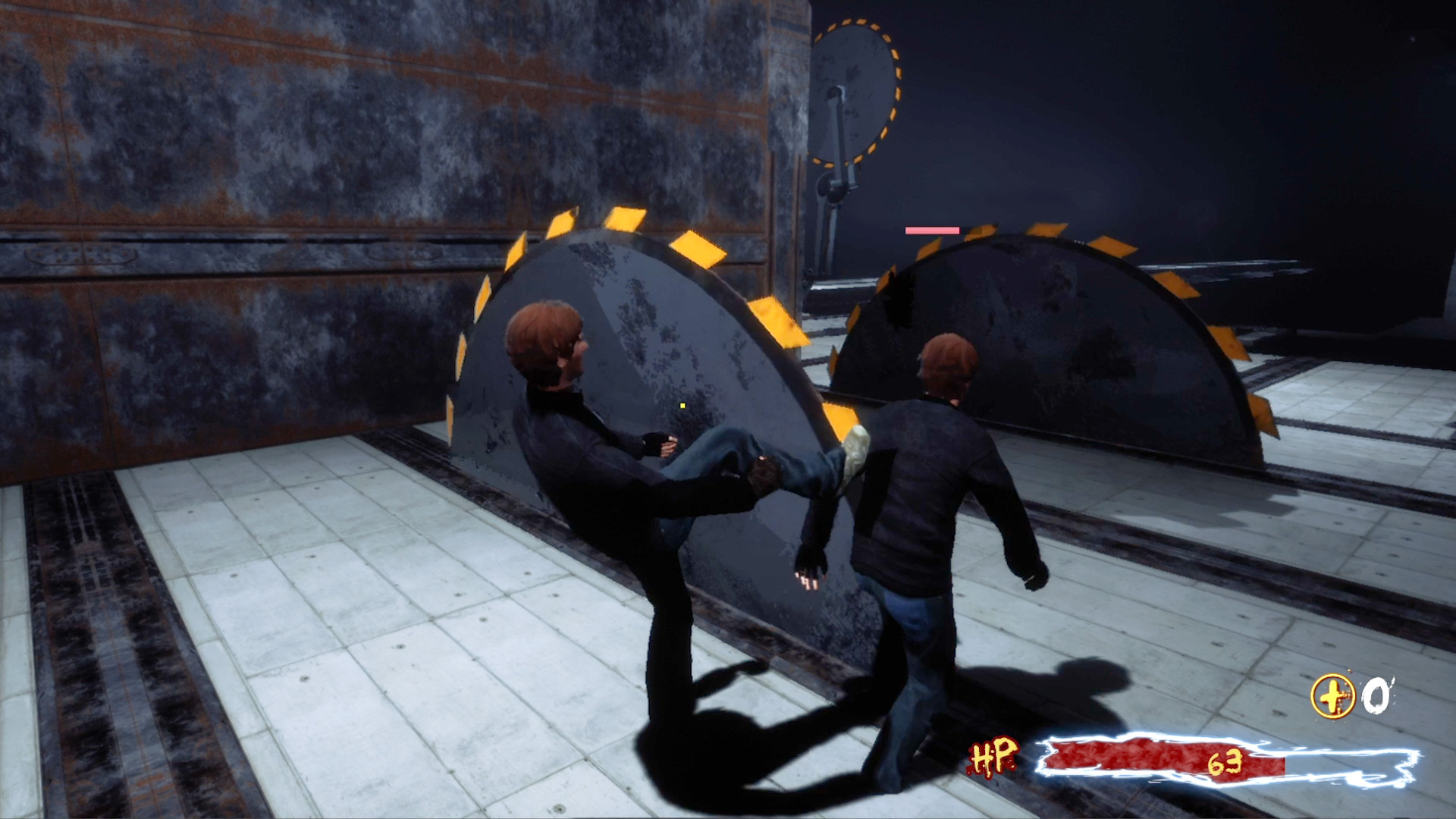
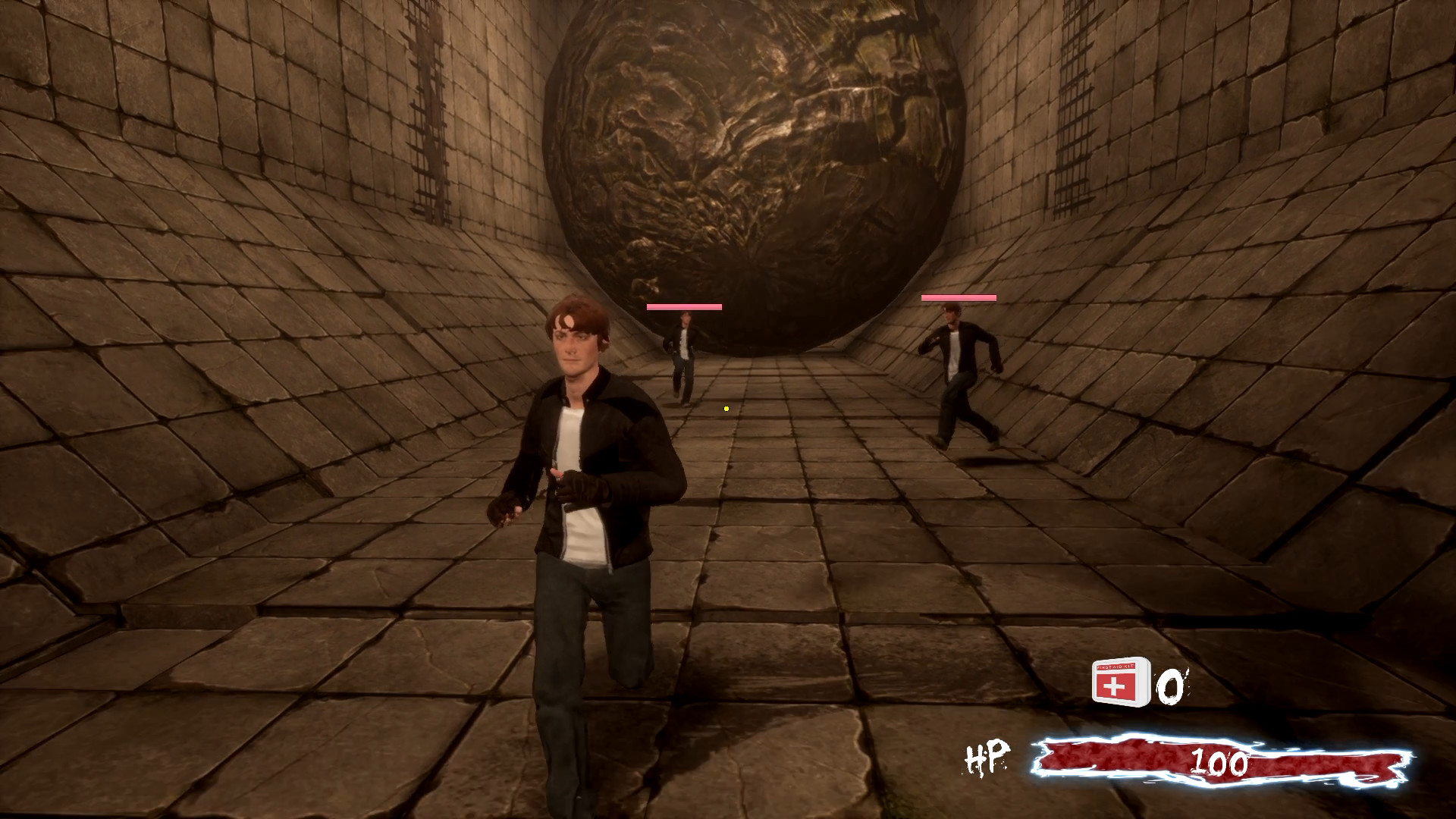
Quest Rooms drops you into a mysterious chamber where a TV voice declares a survival puzzle. You must rely on patience, thought, and determination rather than brute force to escape each increasingly difficult room.
Developed by a single creator inspired by "Cube" and "Escape Room," the title blends action‑focused riddles with cooperative play, offering both solo and multiplayer experiences across Windows PCs.
01 / THE GUIDE
Game premise
The player awakens in an obscure room and is told via a TV broadcast that the situation is a quest to find an exit. Survival hinges on careful thinking and grit, as a single mistake can be fatal.
Progression involves moving from one room to the next, each becoming harder, while hidden rooms, references, and easter eggs add depth to the challenge.
- Observe every detail in a room before acting; subtle clues often guide the solution.
- Consider the narrative tone—survival is emphasized, so cautious experimentation may be safer than rapid trial.
02 / THE GUIDE
Play modes
Quest Rooms supports single‑player, multiplayer, PvP, online PvP, co‑op, and online co‑op, allowing players to tackle rooms alone or with others in competitive or cooperative settings.
These modes are listed as features, indicating the game can be experienced in various social configurations without specifying additional requirements.
- Try co‑op mode to share puzzle solving, which can reduce the risk of fatal mistakes.
- Experiment with PvP to see how competitive pressure changes the pacing of room challenges.
03 / THE GUIDE
Platform availability
The game is released for Windows PCs; macOS and Linux are not listed as supported platforms. This defines the operating system requirement for playing Quest Rooms.
No other platform information is provided, so Windows is the sole documented environment for accessing the game.
- Verify your Windows version meets the game's minimum specifications before installing.
- If you use a non‑Windows system, consider a compatible environment such as a virtual machine.
04 / THE GUIDE
Partial controller support
Quest Rooms includes partial controller support, meaning some controller input is recognized, though the extent of functionality is not detailed.
This feature suggests that players may use a gamepad for certain actions, but does not guarantee full control parity with other input methods.
- Test the controller in a low‑risk room to gauge which actions respond to gamepad input.
- Keep a keyboard or mouse handy for puzzles that may require precise interaction.
05 / THE GUIDE
Steam Cloud integration
Steam Cloud is listed as a feature, indicating that game progress can be stored online via Steam's cloud service.
The description does not specify how saves are synchronized across devices or modes, only that the cloud functionality exists.
- Enable Steam Cloud in the client settings to protect your progress between sessions.
- Check the cloud sync status after completing a room to ensure your advancement is saved.



COMMUNITY
Player discussion