 GameWiki
GET YOUR BEARINGS
About Quest Master
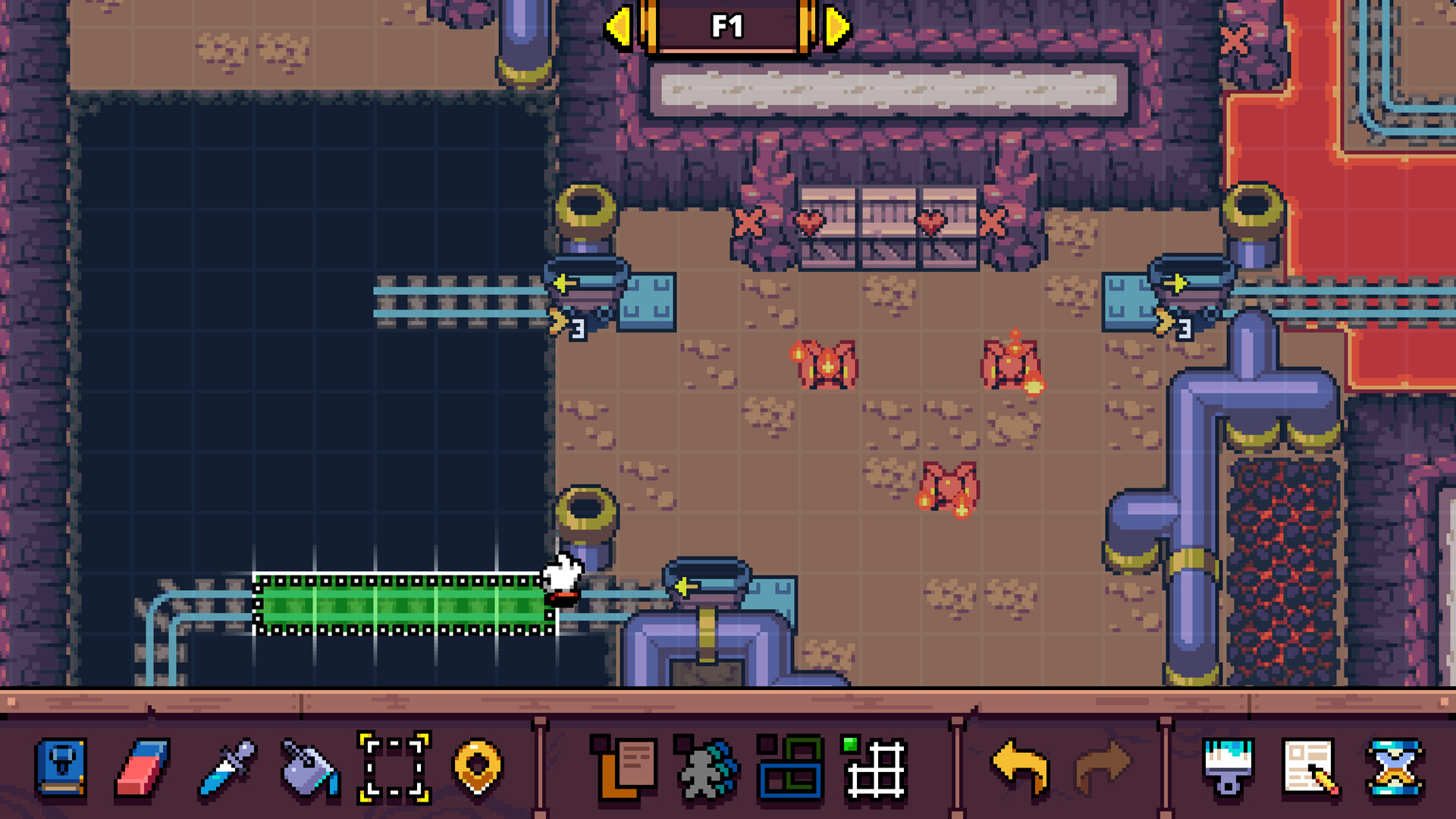
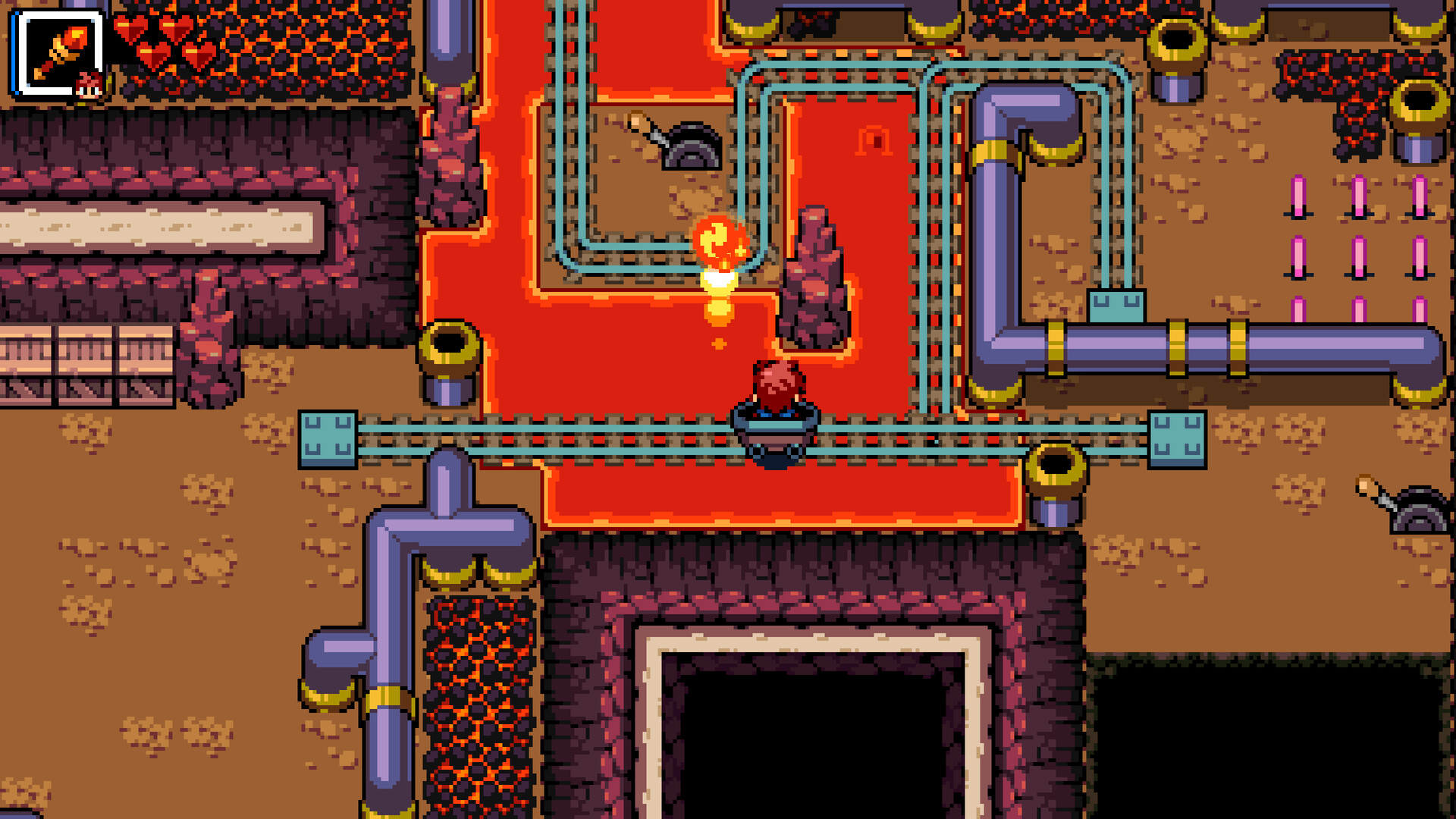
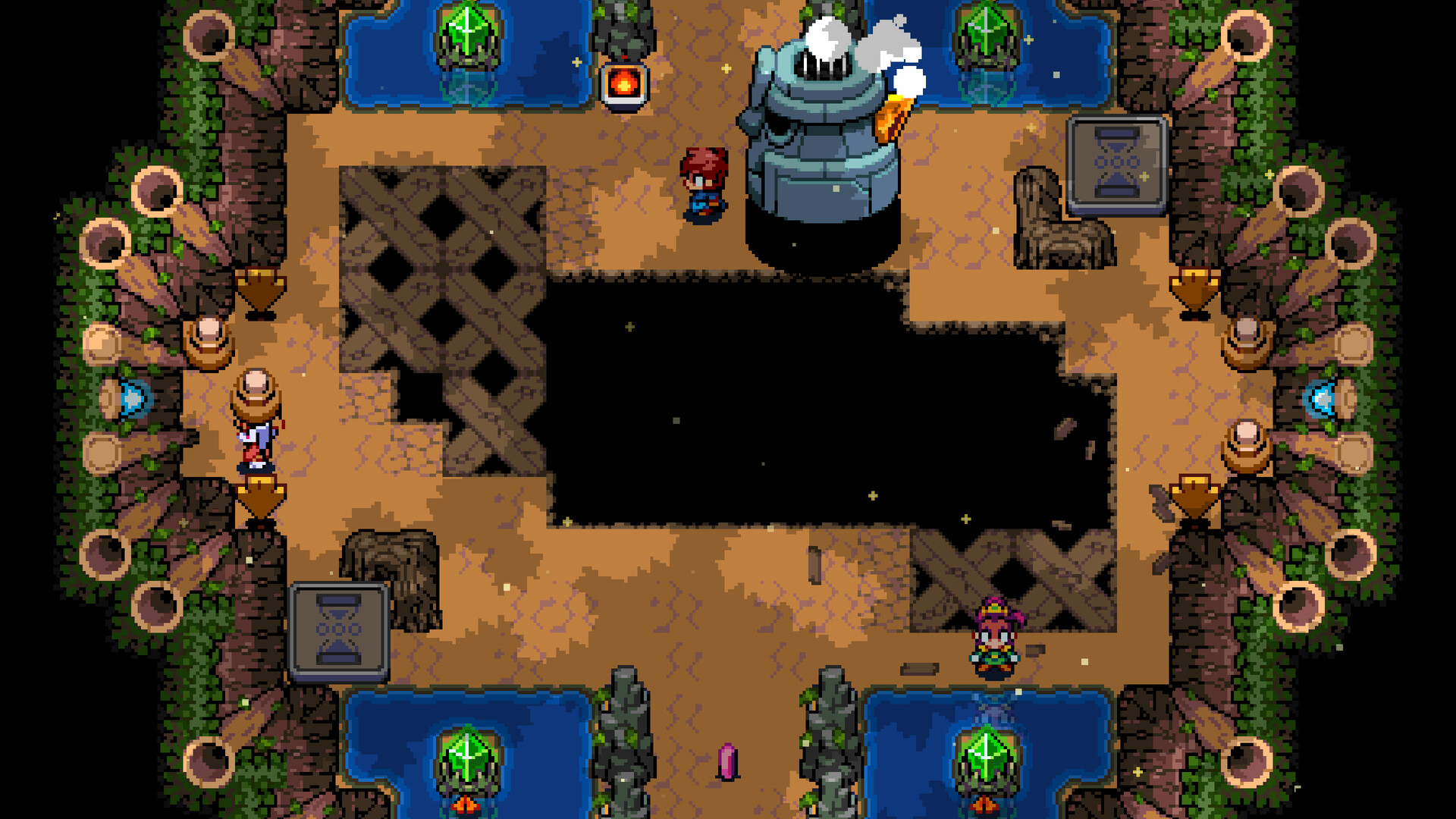
Quest Master lets you build dungeons on an endless canvas, adding as many floors as you like and swapping visual themes—sand temple, fiery cavern, or lush forest—with a single click. The editor’s drag‑and‑drop placement and context‑menu properties let you shape rooms, items, and enemy behavior directly.
The game supports local co‑op with up to three friends and a solo “puppet” system that lets one player switch between characters to experience multiplayer dungeons alone. Finished creations can be uploaded via Steam Workshop, and Castle Town provides mini‑games and a dojo for side activities.
01 / THE GUIDE
Dungeon Creation
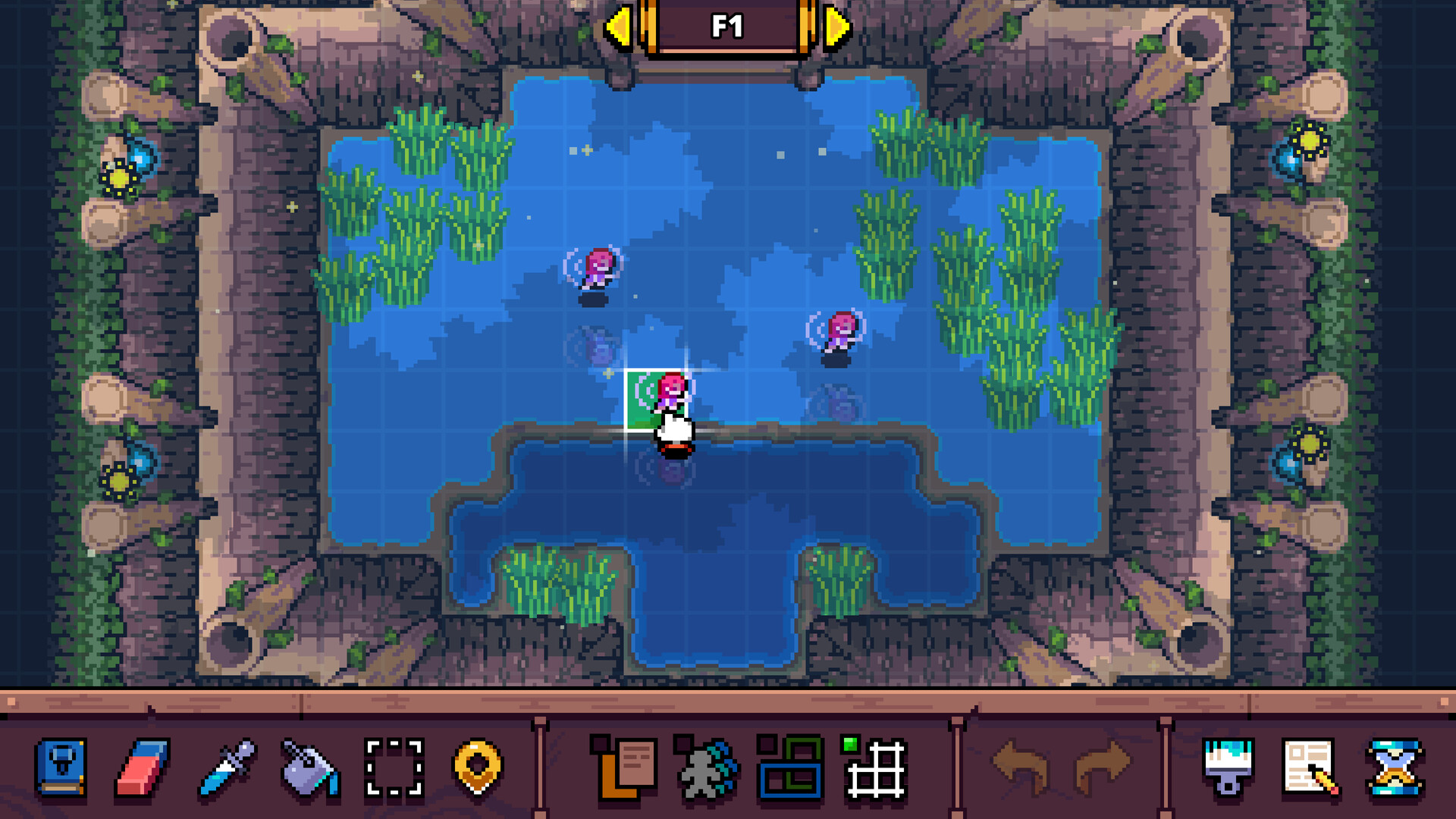
The editor offers an unlimited vertical space where you may stack floors without a preset size limit, allowing designs to grow as large as imagination permits. Themes can be cycled instantly, so a single layout can appear as a sand temple, a fiery cavern, or a forest without rebuilding the structure.
Items, chests, and enemies are placed by dragging them into the world. A context menu then lets you adjust properties or add conditions such as shape matching or predefined triggers, giving you direct control over puzzle and combat elements.
- Cycle themes after building a layout to see how visual style influences player perception.
- Use multiple conditions in the context menu to add layered puzzle steps.
02 / THE GUIDE
Multiplayer & Puppets
Local co‑op lets up to three friends build and explore dungeons together on the same screen, using the shared/split‑screen co‑op mode listed in the features. This enables collaborative creation without needing online matchmaking.
When no friends are available, the puppet system lets a single player swap between characters, allowing solo play of multiplayer dungeons. The description calls this “play multiplayer dungeons even while alone.”
- Test a multiplayer layout with the puppet system before inviting friends.
- Assign each co‑op partner a specific building task to keep workflow smooth.
03 / THE GUIDE
Sharing & Community
Completed dungeons can be uploaded for other players to test, creating a growing library of community‑made challenges. The description encourages uploading “the perfect dungeon” for others to attempt.
Players can browse this ever‑growing list, dive into other creators’ dungeons, and compete for world records. Integration with the Steam Workshop is mentioned as the method for uploading and downloading creations.
- Explore community maps for design inspiration.
- Try setting a personal best on a popular map to gauge difficulty.
04 / THE GUIDE
Castle Town Side Activities
Castle Town offers side activities such as the mini‑game Lucky’s Locks and a dojo where you can train combat abilities. These activities provide a change of pace from dungeon design.
Castle Town gives players a change of scenery beyond the core dungeon experience, offering a broader sense of the game world.
- Use the dojo to practice combat before tackling tougher dungeons.
- Mini‑games can serve as low‑pressure practice for timing and strategy.
05 / THE GUIDE
Jewelry Equipment
A variety of rings can be equipped before entering dungeons, granting benefits such as health regeneration or improved combat abilities. These rings are optional equipment that influence how challenging encounters feel.
Rings are managed outside the dungeon editor, allowing you to tailor your load‑out for each run and experiment with different combinations.
- Mix rings to balance survivability and damage output.
- Swap rings between runs to adapt to different dungeon themes.

COMMUNITY
Player discussion