 GameWiki
GET YOUR BEARINGS
About Quaver
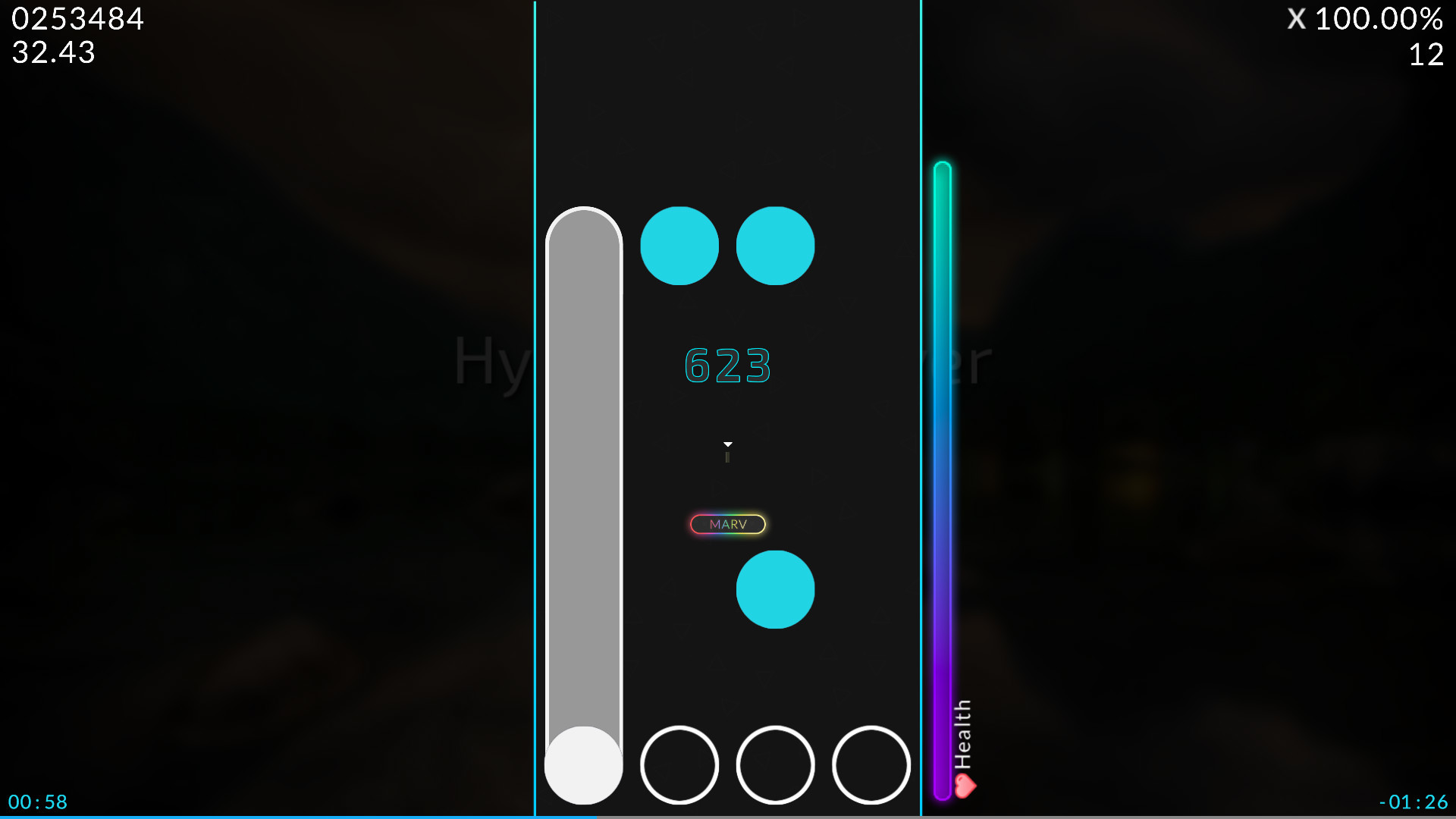
Quaver is an open‑source rhythm game where notes scroll vertically and must be hit using either four or seven keys. The interface is minimalistic, and each key count has its own global and country leaderboards for score comparison.
Beyond solo play, Quaver offers online multiplayer battles for up to sixteen opponents, a built‑in map editor, an advanced skinning system, a replay viewer, and Steam achievements. Development is community‑driven through feature requests and workshop contributions.
01 / THE GUIDE
Game Modes
Quaver provides two distinct modes: a 4‑key layout and a 7‑key layout. Each mode tracks scores on separate global and country leaderboards, letting players see how they rank among others using the same key count.
The core scrolling mechanic and scoring remain the same across both modes, so players can switch between them without learning new timing rules. This separation lets newcomers start with fewer columns while experienced players can opt for the higher‑density challenge.
- Begin with 4‑key mode to become comfortable with note timing before trying 7‑key mode.
- Check both global and country leaderboards to gauge your standing locally and worldwide.
02 / THE GUIDE
Online Multiplayer
Quaver supports competitive matches where up to sixteen players can battle simultaneously. Matches are hosted online with a large focus on competition.
The multiplayer focus emphasizes direct competition, allowing participants to see real‑time rankings and compare performance. Players join matches online and compete directly against one another in the online PvP environment.
- Join lobbies with players of similar skill to keep matches balanced.
- Review the post‑match scoreboard to identify areas for improvement.

03 / THE GUIDE
Map Editor
Quaver includes a fully‑featured map editor that lets you create custom maps for any song you add to the game. After placing notes, you can upload the map for community sharing or submit it for official ranking.
Submitted maps may be considered for official ranking, giving creators a path for their work to appear alongside community‑generated content. The editor therefore serves both personal practice and public contribution purposes.
- Start with a short song to practice note placement before tackling longer tracks.
- Test your map in solo mode to ensure timing feels correct before uploading.
04 / THE GUIDE
Advanced Skinning System
Quaver’s skinning system lets players design complete visual overhauls, export them, and share them via the Steam Workshop or directly with friends. Skins modify the appearance of notes and UI elements.
The source describes skins as a way to completely customize your gameplay experience, so players can personalize their setup while the core scoring and timing rules remain the same.
- Export a skin before uploading to keep a backup copy.
- Browse the Steam Workshop for inspiration from other community creators.
05 / THE GUIDE
Replay System
Quaver records each playthrough, enabling you to watch replays of your own scores or those of other players. Replays can be exported for sharing or personal analysis.
Reviewing replays helps identify timing errors and compare techniques with higher‑ranking players, providing a concrete way to study and improve performance.
- Save replays of high‑score attempts for later review.
- Watch top players’ replays to discover alternative finger patterns.



COMMUNITY
Player discussion