 GameWiki
GET YOUR BEARINGS
About Q-UP
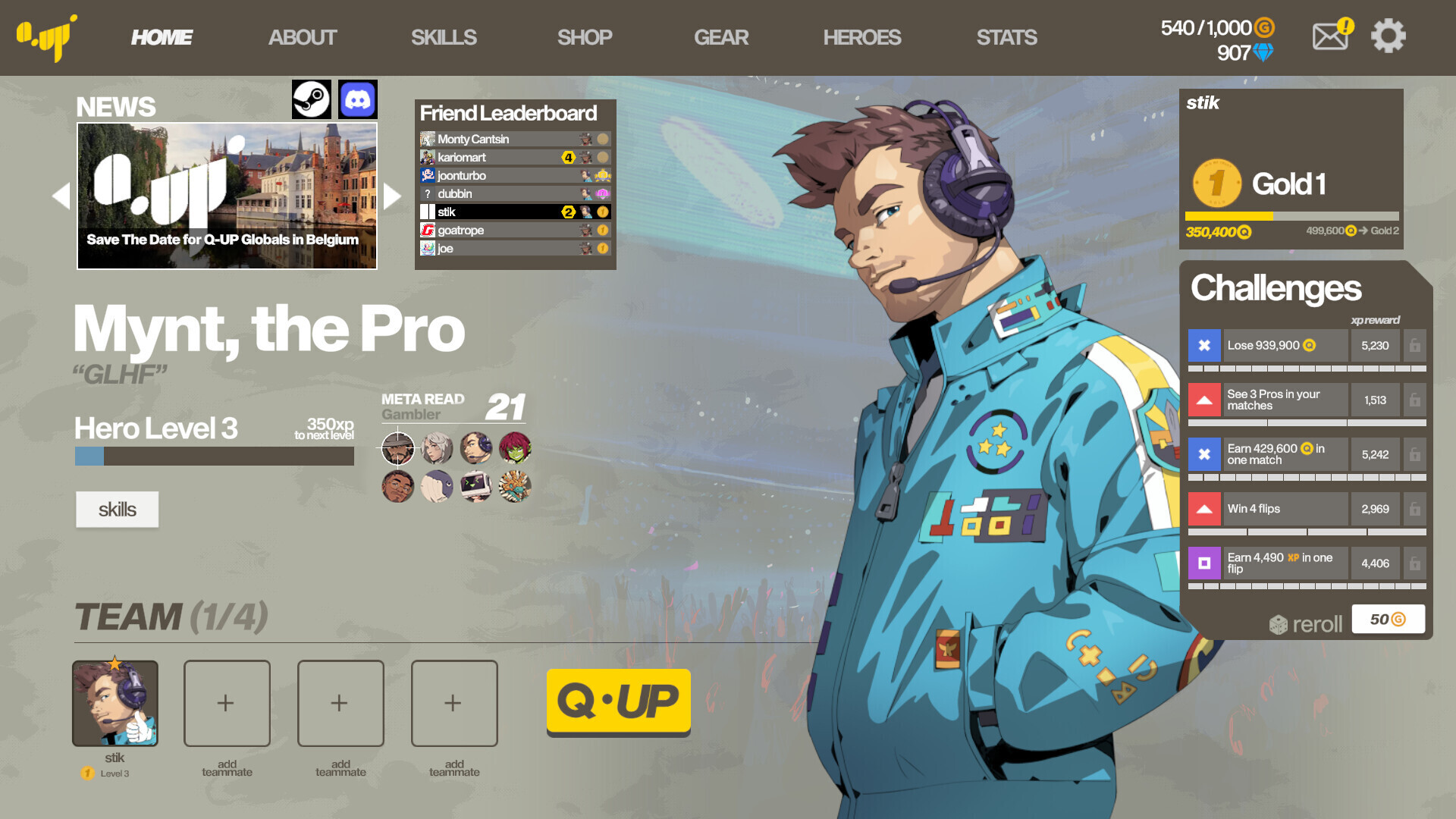
Q‑UP is a 4v4 team‑based title where each round’s result is decided by a coin flip, guaranteeing that no player skill, reaction time, or hardware advantage influences the outcome. The ladder rewards the most Q Experience, framing a corporate‑esports narrative that decides the universe’s fate.
The game offers eight heroes, over 200 items, and more than 400 unlockable skills, all tied together by a geometric trigger‑based combo system. It runs on Windows and macOS and includes a mouse‑only option, Steam achievements, cloud saves, leaderboards, and family sharing.
01 / THE GUIDE
Mathematically‑Perfect Matchmaking
Every round is resolved by a coin flip, which the description calls a “patented, mathematically‑perfect, quantum‑powered matchmaking” system. Because the outcome does not depend on player actions, the design removes traditional skill gaps and eliminates smurfs, tryhards, and inter‑player reaction advantages.
The ladder tracks Q Experience earned from each match, allowing players to compare their progress despite the random nature of each round. Since the coin flip determines win or loss, the ladder rewards those who earn the most Q Experience.
- Observe how win‑loss patterns feel over many matches; the randomness is intentional.
- Remember each round is a coin flip when looking at the ladder.
02 / THE GUIDE
Eight Playable Heroes
The game lists eight heroes, each described as having “their own unique skills and abilities.” This variety supports different team compositions in the 4v4 matches and gives each player a distinct set of tools to experiment with.
Heroes can be used in solo‑Q, cooperative play, or single‑player matches against bots, providing a way to test each hero’s toolkit without the pressure of competitive ladder matches.
- Try each hero in a bot match first to learn their default abilities.
- Notice how different heroes trigger the geometric combo system.

03 / THE GUIDE
Multiple Play Modes
Q‑UP supports three distinct modes: 4v4 online team competition, solo‑Q, and single‑player matches against bots. Each mode lets players choose between cooperative teamwork, solo challenges, or practice sessions.
Only the 4v4 mode is explicitly listed as Online PvP; the source does not specify how the other modes connect.
- Start with bot matches to become comfortable with the coin‑flip mechanic.
- Use solo‑Q if you prefer a single‑player experience without other participants.
04 / THE GUIDE
Items and Skills
Players can discover over 200 items and unlock more than 400 skills, creating a large pool of strategic options. The description mentions a “geometric trigger‑based skill combo system” that links these abilities together for complex interactions.
The claim of 1.38 × 10¹¹² possible playstyles highlights the combinatorial depth, encouraging experimentation with different item‑skill pairings to see how the trigger system responds.
- Experiment with a few items at a time in bot matches to see how they affect combos.
- Track which skill‑item combos feel smooth for your chosen hero.
05 / THE GUIDE
Platform and Steam Features
Q‑UP runs on Windows and macOS and lists Cross‑Platform Multiplayer, meaning players on either operating system can join the same online 4v4 matches. Steam integration adds achievements, cloud saves, leaderboards, and family sharing.
A Mouse Only Option is explicitly mentioned, confirming the game can be played without timed input. This aligns with the coin‑flip focus, as no rapid reactions are required.
- Enable Steam Cloud to keep progress when switching between Windows and macOS.
- Select the mouse‑only option if you prefer a simple control scheme.



COMMUNITY
Player discussion