 GameWiki
GET YOUR BEARINGS
About Pyroworks
Pyroworks is a free‑to‑play simulation focused on fireworks displays. The developers emphasize realistic visual effects and include many products from real‑world pyrotechnic manufacturers, giving players a visually authentic experience.
Players can design shows with a built‑in COBRA™ 18M firing system, save entire worlds, and share those saves. Modding tools let the community add new fireworks, maps, and save files, expanding the game beyond its original content.
01 / THE GUIDE
Realistic Firework Effects
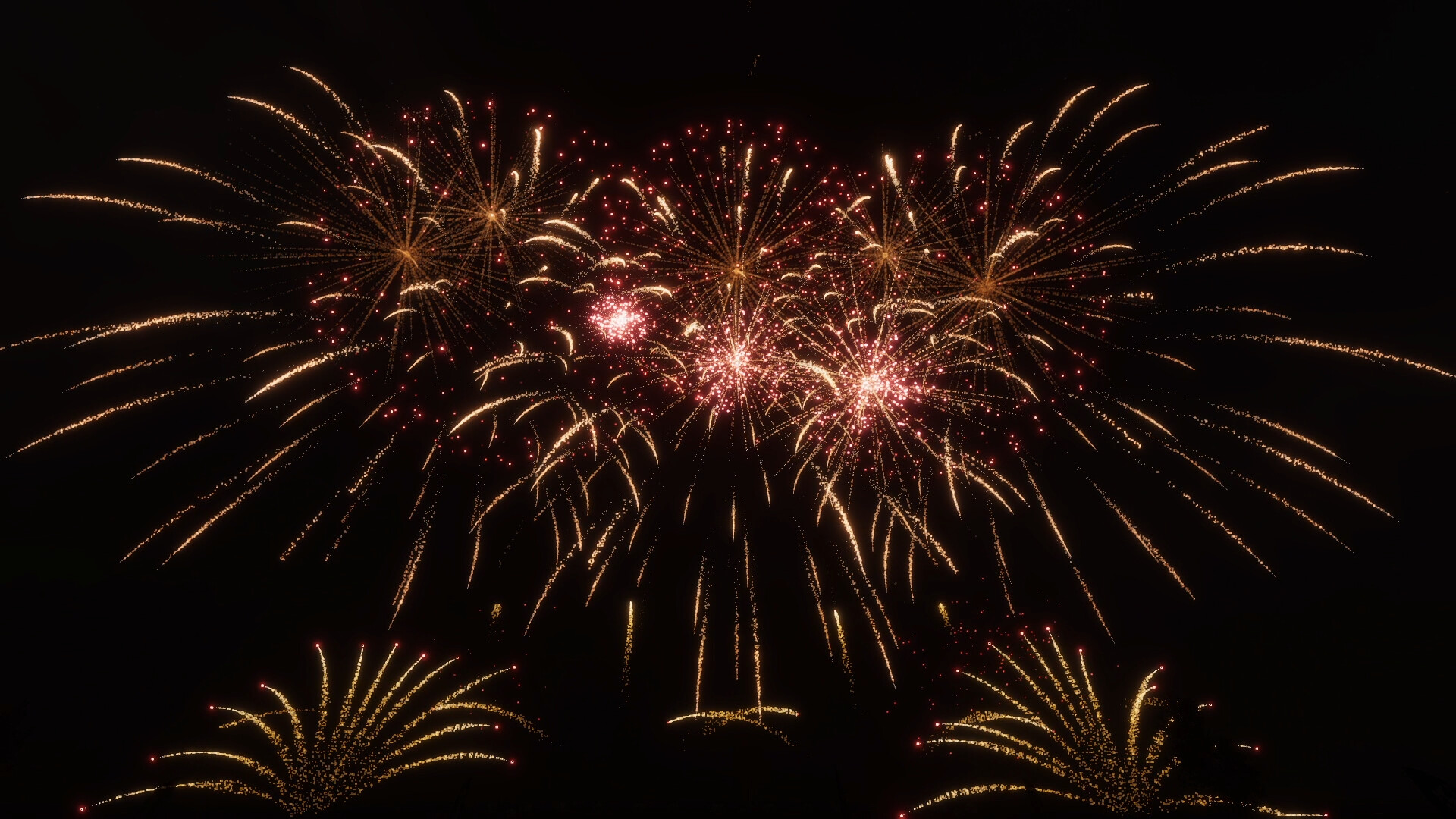
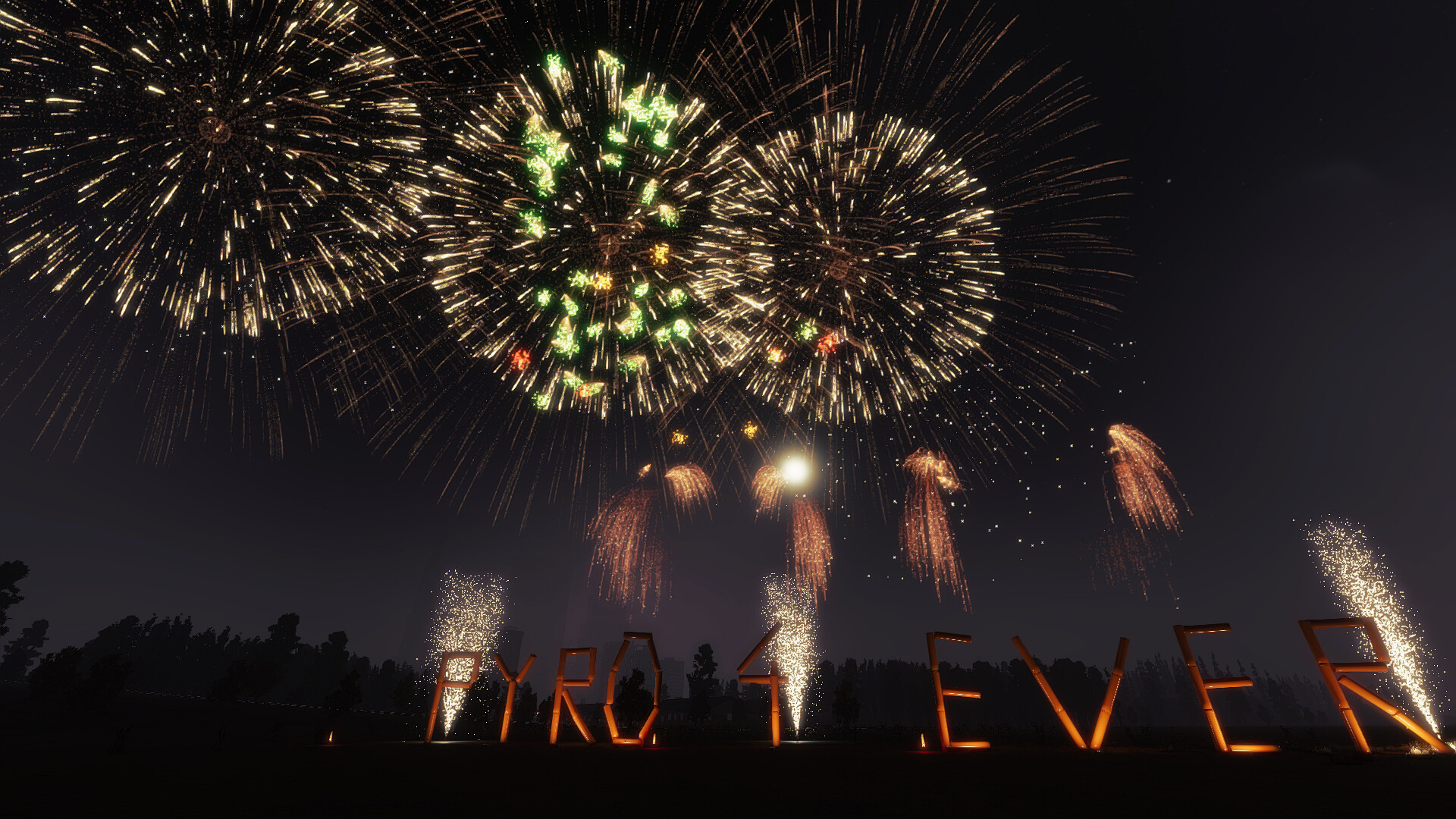
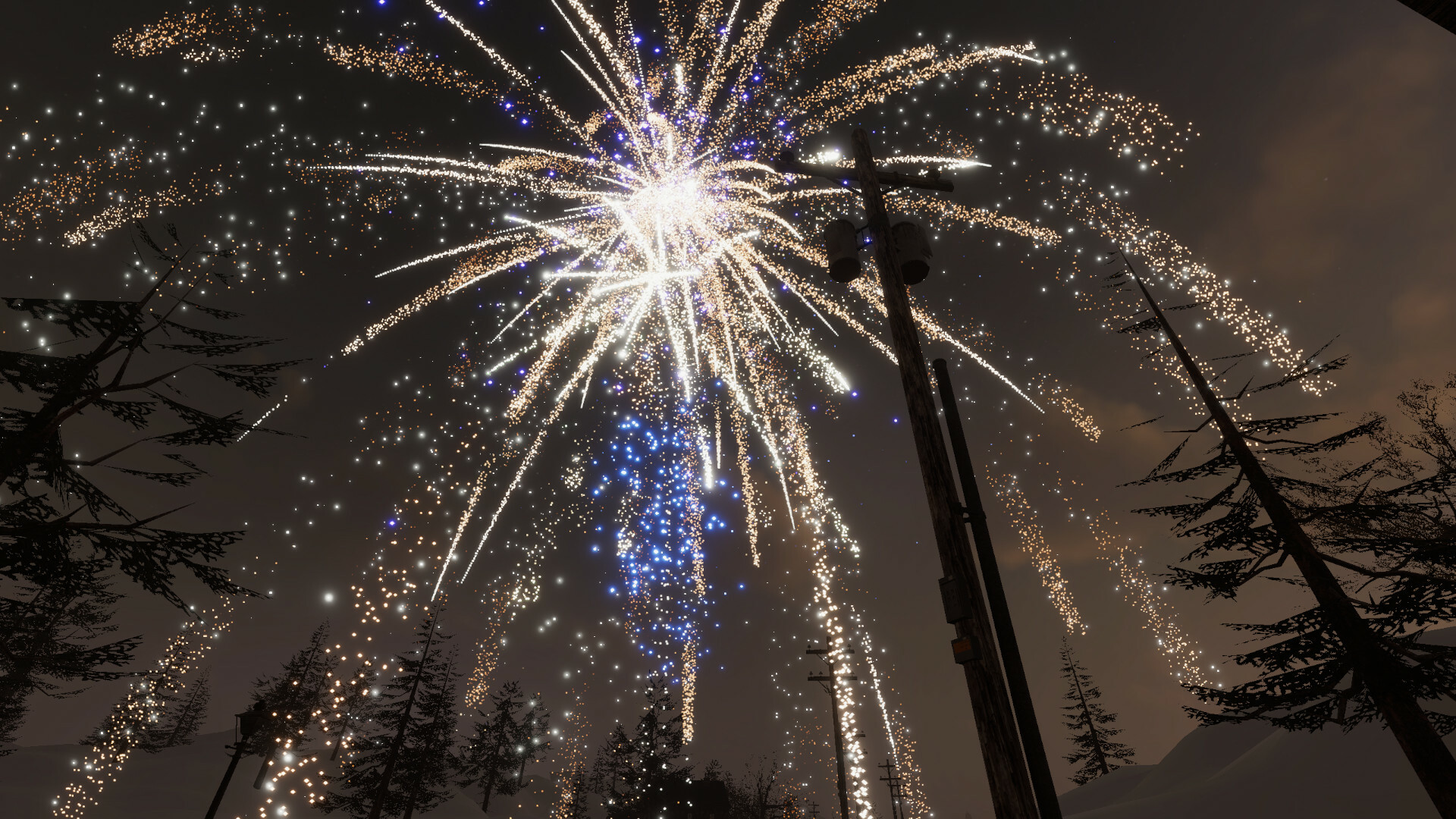
The game’s visual pipeline was built to reproduce the look of real fireworks, with attention to particle behavior, color bloom, and explosion timing. This approach creates displays that closely resemble actual pyrotechnic shows.
Developers state they spent a lot of time creating the most realistic effects possible, aiming for high‑fidelity representation that enhances each firework’s visual impact.
- Observe two fireworks side by side to notice differences in spark density and color fade.
- Watch the timing of explosions to gauge how closely they match real‑world firework bursts.
02 / THE GUIDE
Real‑Life Fireworks Brands
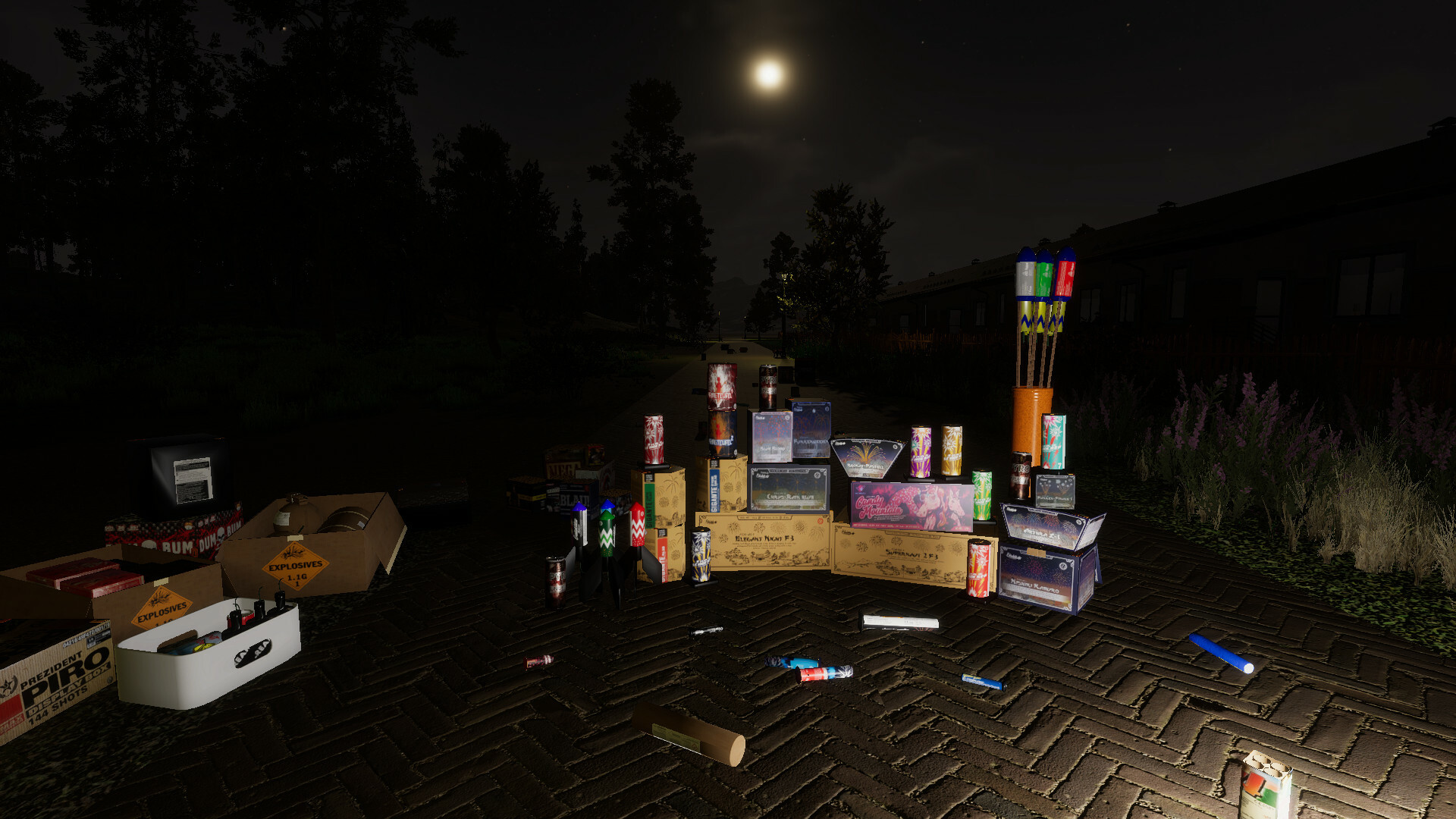
Pyroworks includes fireworks from a range of real manufacturers such as Funke Fireworks, Lesli Zena Vuurwerk, and Weco Fireworks. Each brand contributes its own catalog of designs to the game.
The inclusion of multiple licensed brands provides players with a diverse set of visual styles, reflecting the variety found in global pyrotechnic markets.
- Browse the brand list to identify visual signatures unique to each manufacturer.
- Combine fireworks from different brands within a single show to create visual contrast.
03 / THE GUIDE
Modding Support
The game ships with tools that let players install and create new fireworks, maps, and save files. Official documentation is provided to guide the mod creation process.
Community‑made mods can be shared, allowing the game’s content to grow beyond the original offerings through user contributions.
- Read the supplied modding documentation before starting a new project.
- Test a custom firework in a private session to verify its behavior.
04 / THE GUIDE
COBRA™ 18M Firing System
A built‑in COBRA™ 18M system lets players design and execute complex firework shows. The system lets you save and load the entire world, so you can show off your created display to other players.
Saved worlds can be exported and shared, allowing other players to load the same show in their own sessions.
- Save after major edits to avoid losing progress.
- Share saved world files through community platforms for feedback.
05 / THE GUIDE
Platform Availability and Core Features
Pyroworks runs on Windows and lists Single‑player, Multi‑player, Co‑op, and Online Co‑op as gameplay modes. Steam integration adds achievements, a workshop, cloud support, and family sharing.
The title is developed by Deepest Inertia Studio and is categorized as Casual, Indie, Simulation, and Free‑to‑Play.
- Explore the Steam Workshop for community‑created fireworks and maps.
- Check the Steam Achievements list to see which milestones are tracked.
COMMUNITY
Player discussion