 GameWiki
GET YOUR BEARINGS
About Putt-Putt Travels Through Time
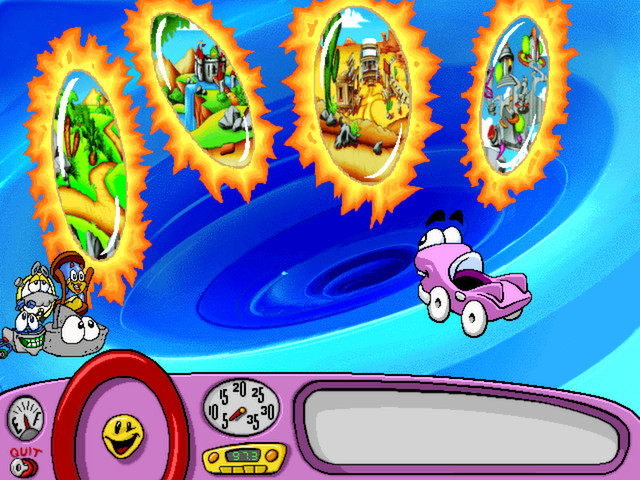
Putt‑Putt® Travels Through Time invites children to help the blue car rescue his friend Pep after Mr. Firebird’s time machine malfunctions. Using a compass, players hop between eras such as a dinosaur world, the Old West, and a futuristic library, meeting new friends who offer clues.
Each playthrough reshapes the world, hiding Click Points and presenting memory, math, and creativity challenges. The title runs in single‑player mode on Windows, macOS, and Linux and includes Steam Cloud and Family Sharing support.
01 / THE GUIDE
Time‑Travel Story
The story begins with Mr. Firebird’s time machine going haywire, scattering Pep across different periods. Players guide Putt‑Putt to locate Pep by exploring distinct eras, each described in the official description as a new dimension to discover.
Throughout the adventure, each era introduces a character who holds a piece of the solution, reinforcing the narrative goal of reuniting the friends while exposing children to varied historical and futuristic settings.
- Listen to each character’s dialogue for hints about the next location.
- Notice visual cues that differentiate eras to aid memory.
02 / THE GUIDE
Friend Characters
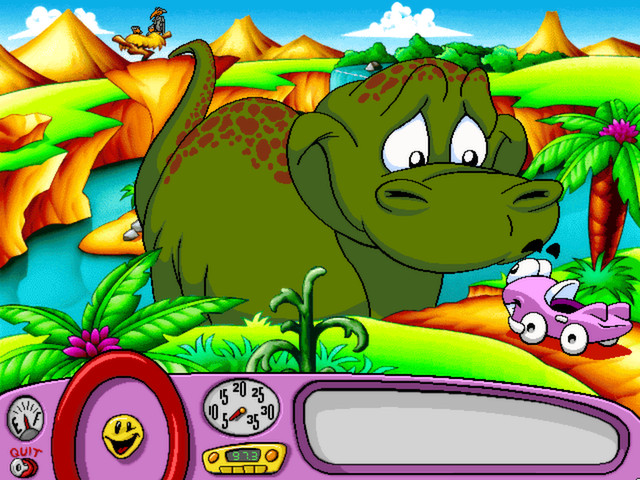
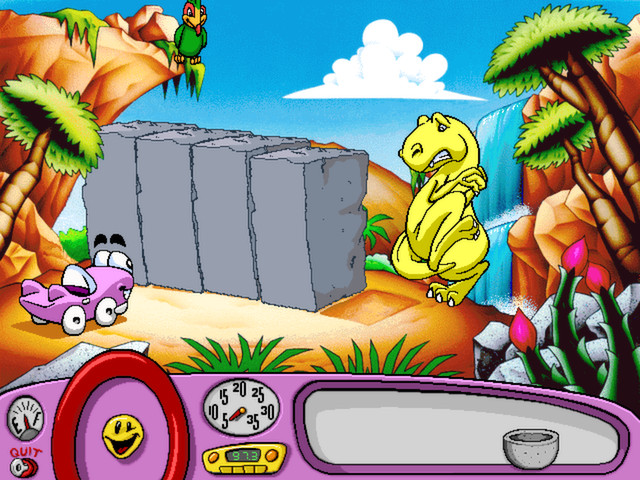
Players meet Ms. Brachiosaurus, who holds the key to dinosaur secrets, Silverado Sam, a prospector from the Old West, and Darien, a librarian from the Future. These characters are highlighted as “delightful friends” who help the child progress.
Each friend’s role aligns with their era, providing information or items needed to move forward, which the source describes as essential for reuniting the pals.
- Match each character’s theme to the era they appear in.
- Record the clue each friend gives for later reference.
03 / THE GUIDE
Hidden Click Points
The game hides “Click Points” throughout scenes, promising “hundreds and hundreds of hidden surprises.” Finding these points rewards exploration and adds replay value, as noted in the description.
Because the world changes each time you play, the locations of Click Points can differ, encouraging children to scan each screen carefully on every visit.
- Move the cursor slowly to notice subtle hotspots.
- Re‑enter a scene after completing another era to see new points appear.
04 / THE GUIDE
Learning Activities
Special games test memory, challenge math skills, and encourage creativity. These activities are embedded in the adventure, offering educational content without breaking immersion, as the official text states.
The activities are themed to each era, turning abstract concepts into concrete challenges that align with the story’s setting.
- Try the same activity in different eras to notice variations.
- Ask the child to explain their reasoning after a math puzzle.
05 / THE GUIDE
Save and Continue
If players run out of time, they can save the game and finish it later. This feature lets children pause without losing progress, as described in the source.
The game can be saved and finished later, letting children pause without losing progress.
- Save before entering a new era to protect recent discoveries.
- Check the save menu to confirm the game has been recorded.

COMMUNITY
Player discussion