 GameWiki
GET YOUR BEARINGS
About Puppy Cross
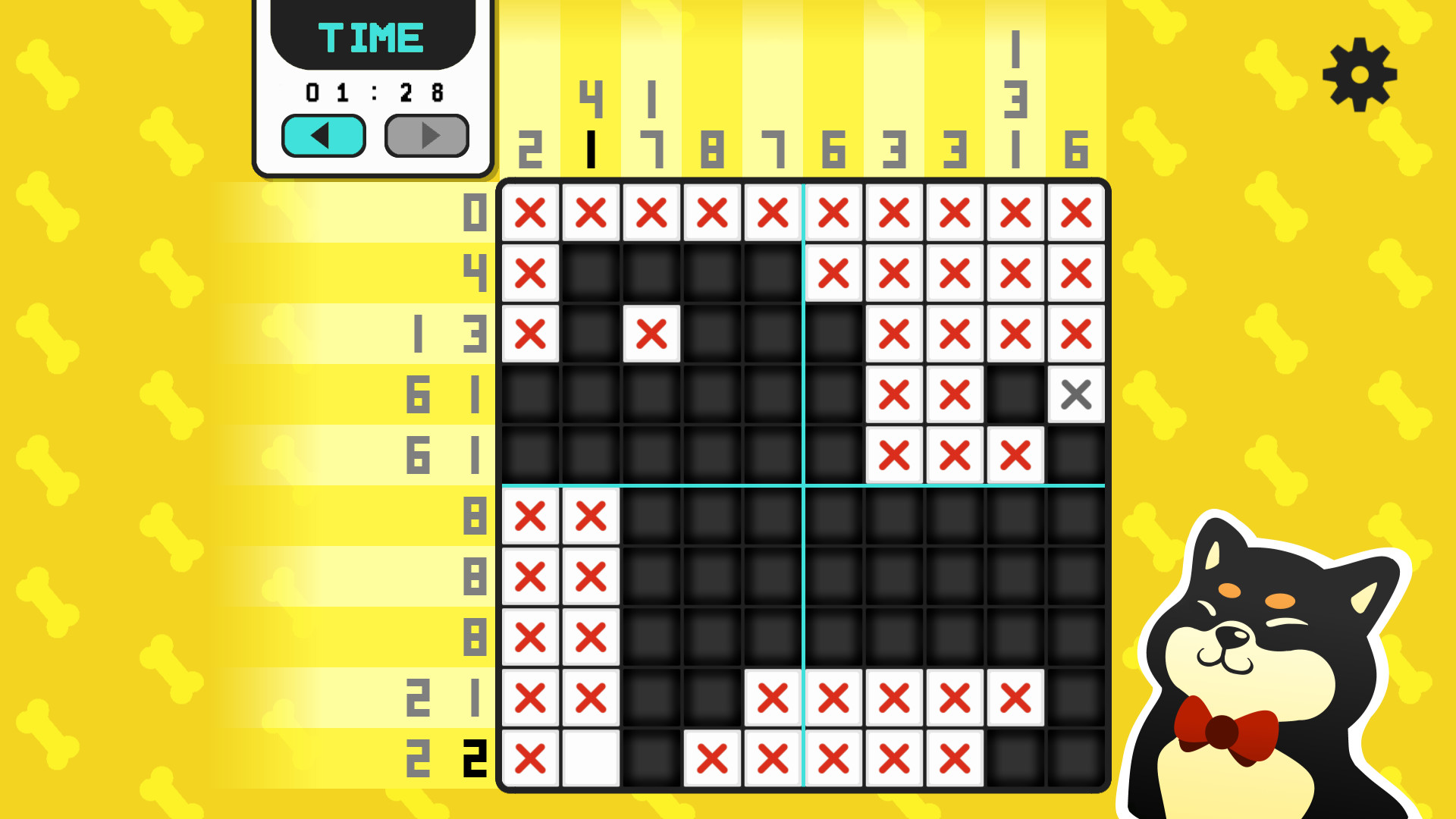
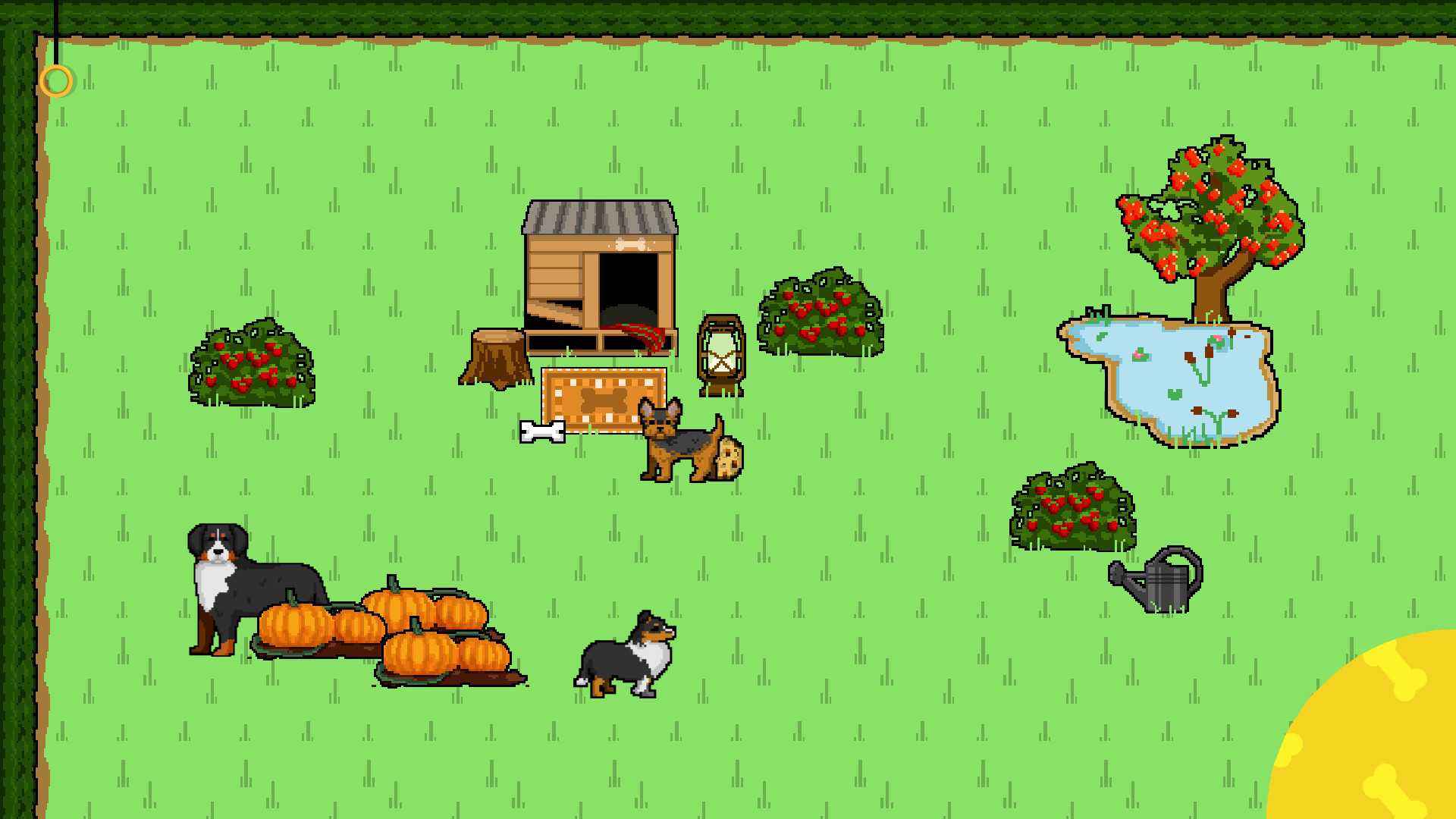
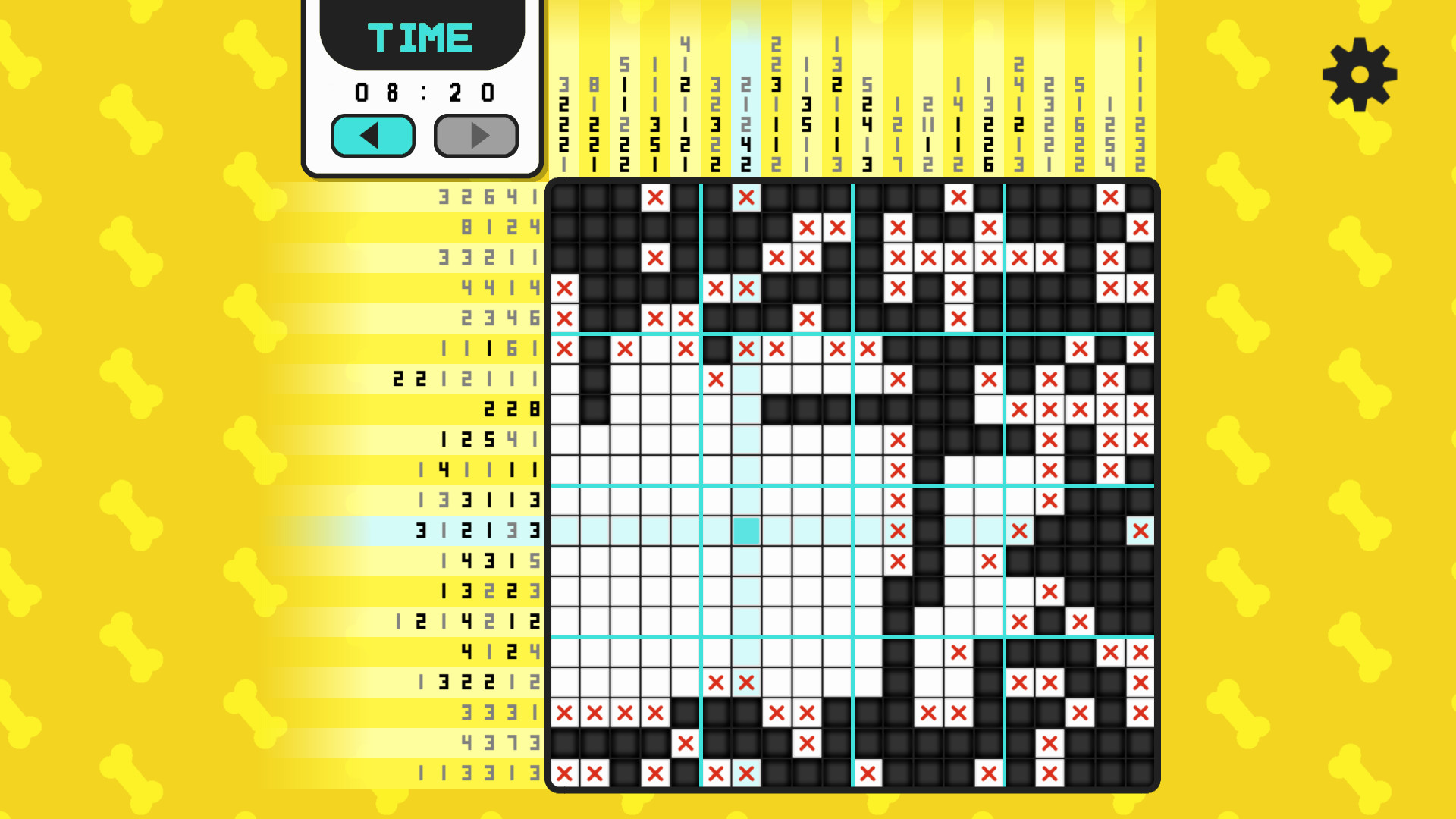
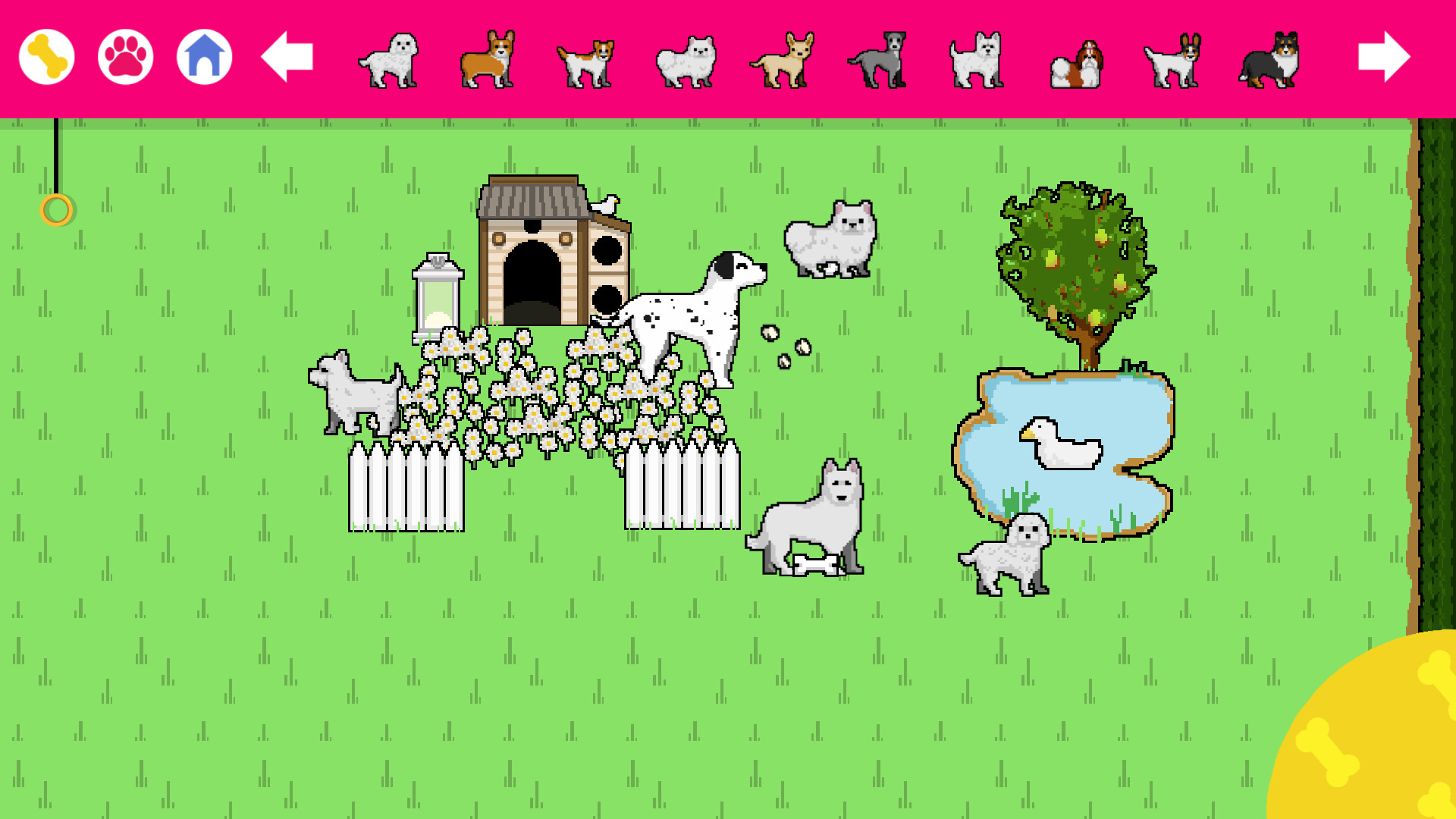
Puppy Cross mixes classic nonogram puzzles with a dog‑care theme. Players solve over a hundred hand‑drawn grids ranging from 5×5 to 20×20, and each completed puzzle unlocks items for a garden that can hold toys, decorations, and fifty dog breeds.
An unlockable Dalmatian mode adds endless randomised grids, while a seed system lets players share specific puzzles and race friends for the fastest solve time. The game features cute graphics, a groovy soundtrack, full controller support, and Steam Cloud.
01 / THE GUIDE
Puzzle Solving
The core activity is filling nonogram cells to reveal dog pictures. Grids are hand‑drawn, with sizes from 5×5 up to 20×20, providing a range of difficulty for beginners and experienced players.
Two selection modes—Linear and Free Drawing—determine how marks are placed, and an autofill option can complete obvious cells. Players may also choose between Progressive or Ordered hint‑greying to control visual assistance.
- Try Linear mode for line‑by‑line precision.
- Use Progressive hint greying if you prefer hints to fade as you solve.
02 / THE GUIDE
Garden Decoration
Completing puzzles unlocks items for four garden areas, including toys, decorative pieces, and dog breeds. These items let players give the garden a personal look.
The garden serves as a visual showcase of progress; the description does not link decoration to puzzle mechanics or difficulty.
- Mix different dog breeds for visual variety.
- Spread toys across all four areas for balanced scenery.
03 / THE GUIDE
Dalmatian Randomizer Mode
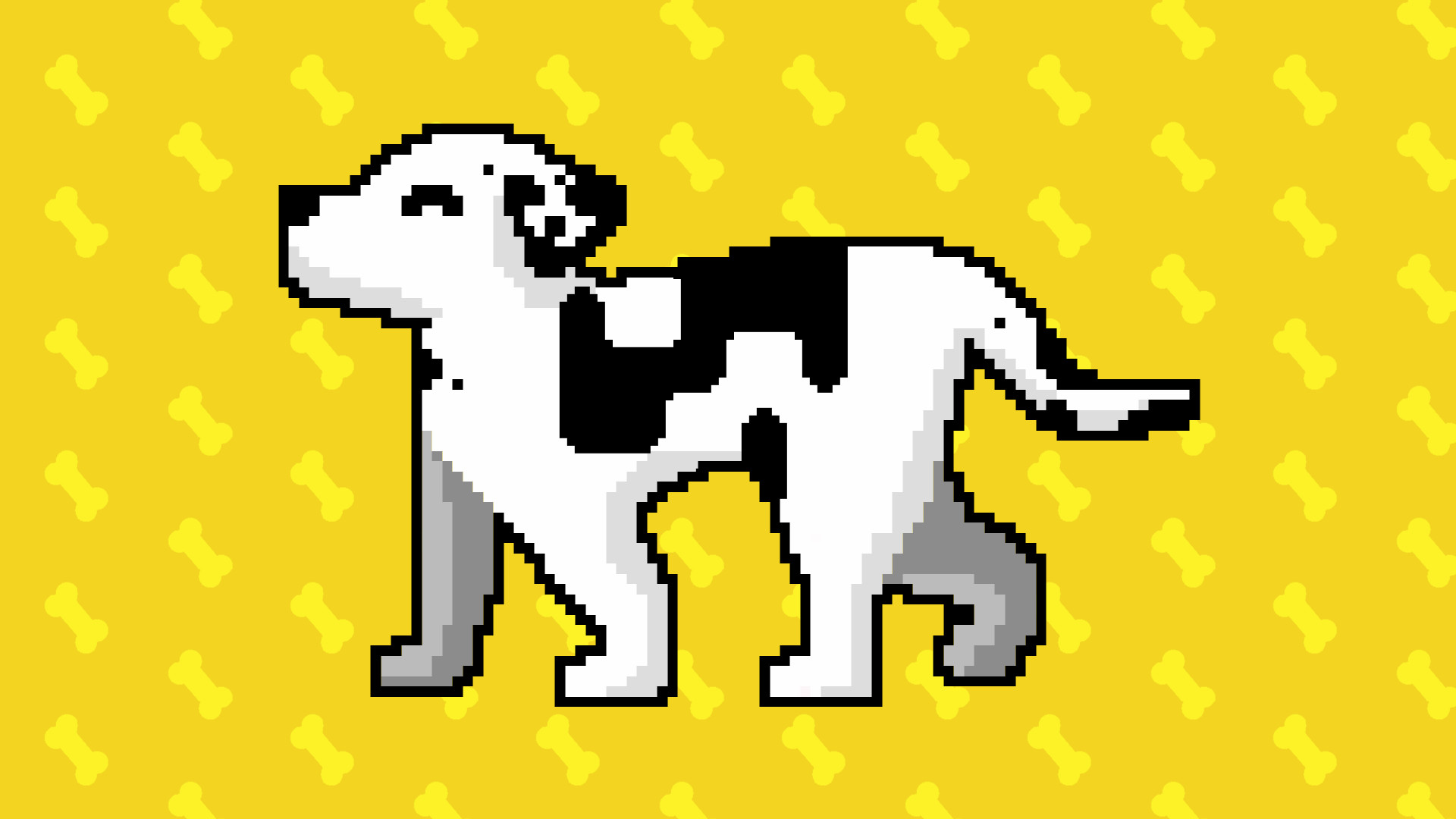
Unlocking Dalmatian mode provides an endless supply of randomly generated grids, extending play beyond the fixed hand‑drawn collection.
Random grids respect the same size limits (5×5 to 20×20), so players can select their preferred difficulty while enjoying limitless content.
- Switch to Dalmatian mode after finishing the main set for continuous practice.
- Experiment with larger grid sizes to increase challenge.
04 / THE GUIDE
Seed Sharing & Racing
Favourite grids can be saved as seeds, which can be sent to friends. Using the same seed lets both players attempt the identical grid and compare solve times.
The system relies on manual seed exchange, creating a simple competitive element without built‑in matchmaking.
- Record your best time before sharing a seed.
- Compare strategies after a race to discover faster approaches.
COMMUNITY
Player discussion