 GameWiki
GET YOUR BEARINGS
About Pumping Simulator 2
Pumping Simulator 2 puts you in charge of a gas‑station business. You start by selling an inherited classic car, then use the money to buy an abandoned plot in a busy town and begin construction.
From basic pumps you can expand, add a grocery store, car wash, and restrooms, and decorate the site. The game runs on Windows and includes Steam achievements, leaderboards, cloud saves, partial controller support, and Remote Play Together.
01 / THE GUIDE
Building and Upgrading
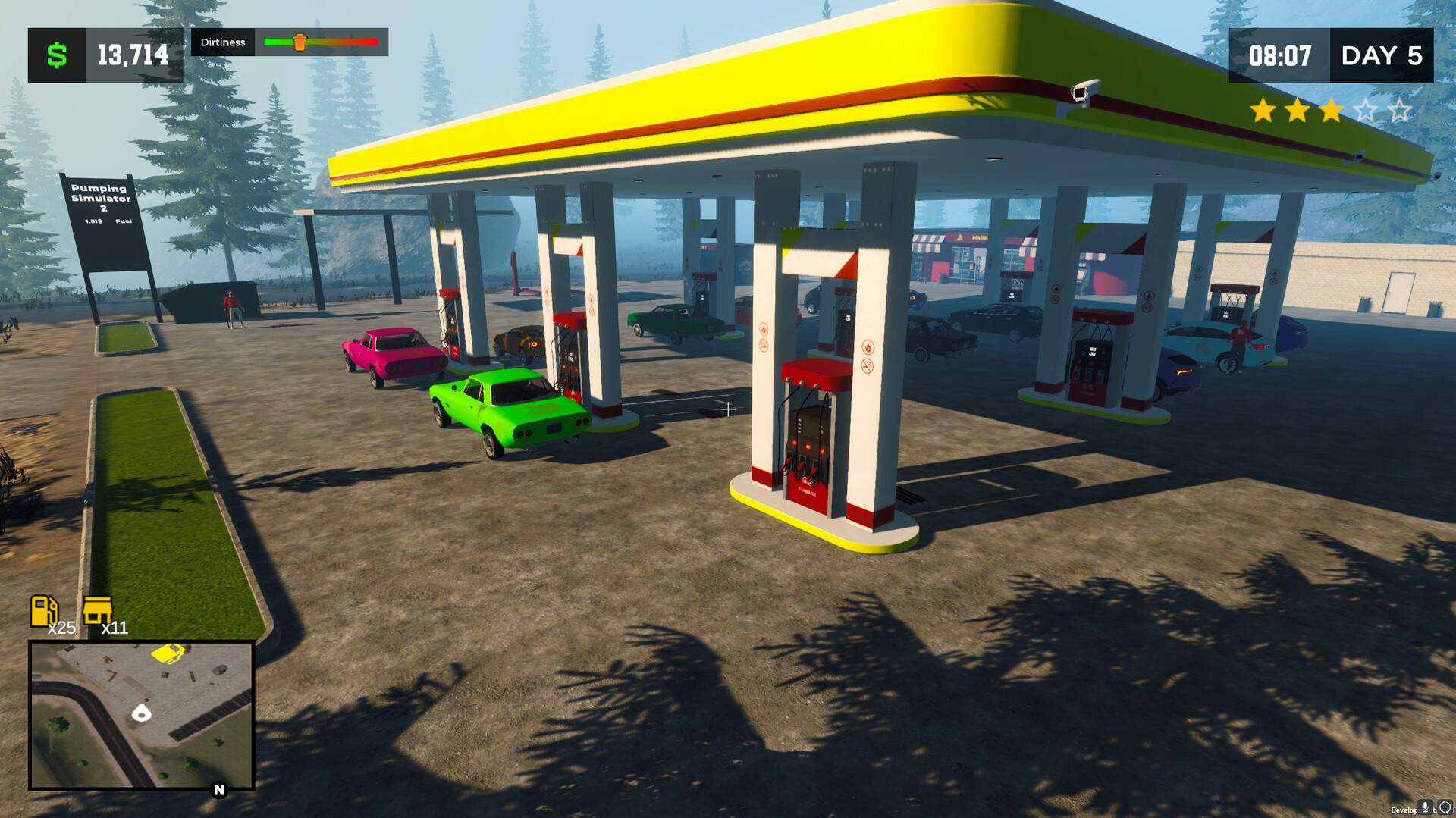
Construction begins with old fuel pumps placed on the purchased plot. As you earn profit, you can replace these with higher‑quality pumps and add more units, increasing the station’s fuel‑dispensing capacity.
Upgrading also lets you enlarge the station’s footprint, creating space for additional services and visual improvements. Each upgrade is presented as a step toward higher earnings and a larger facility.
- Compare the cost of a new pump with the upgrade price of an existing one to see which yields more profit per hour.
- Plan a basic layout early so later expansions fit without major rearrangements.
02 / THE GUIDE
Diversifying Services
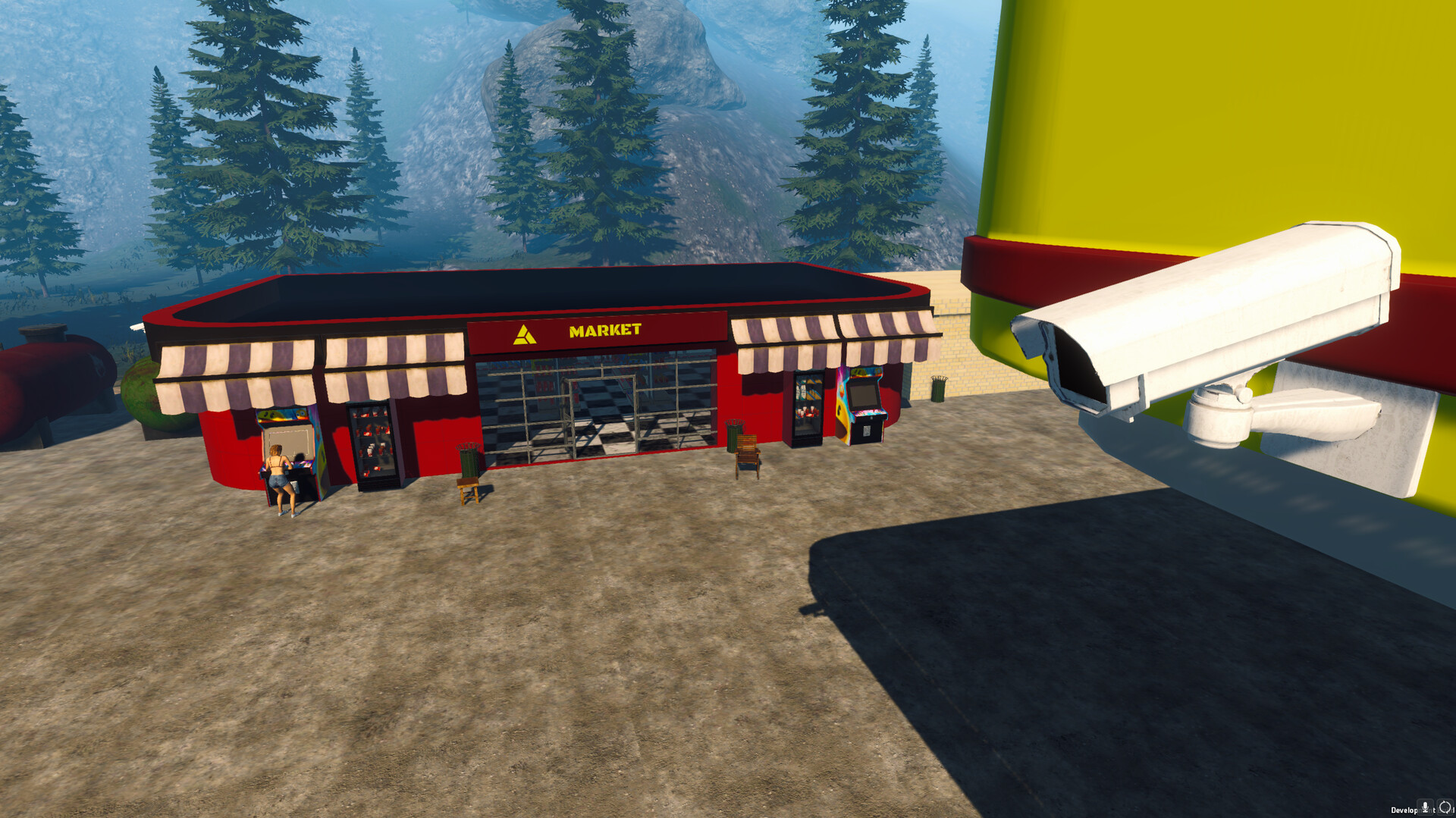
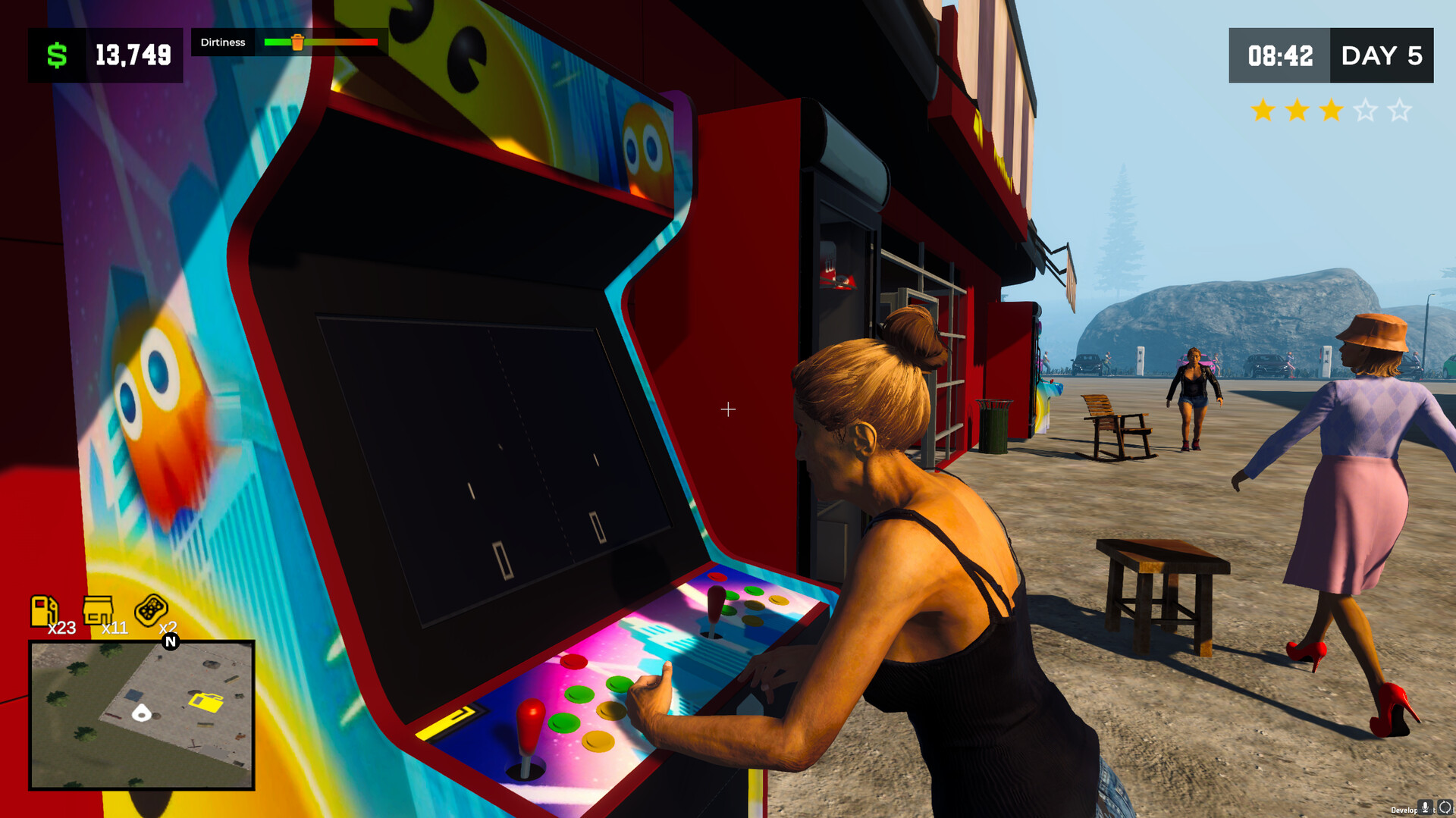
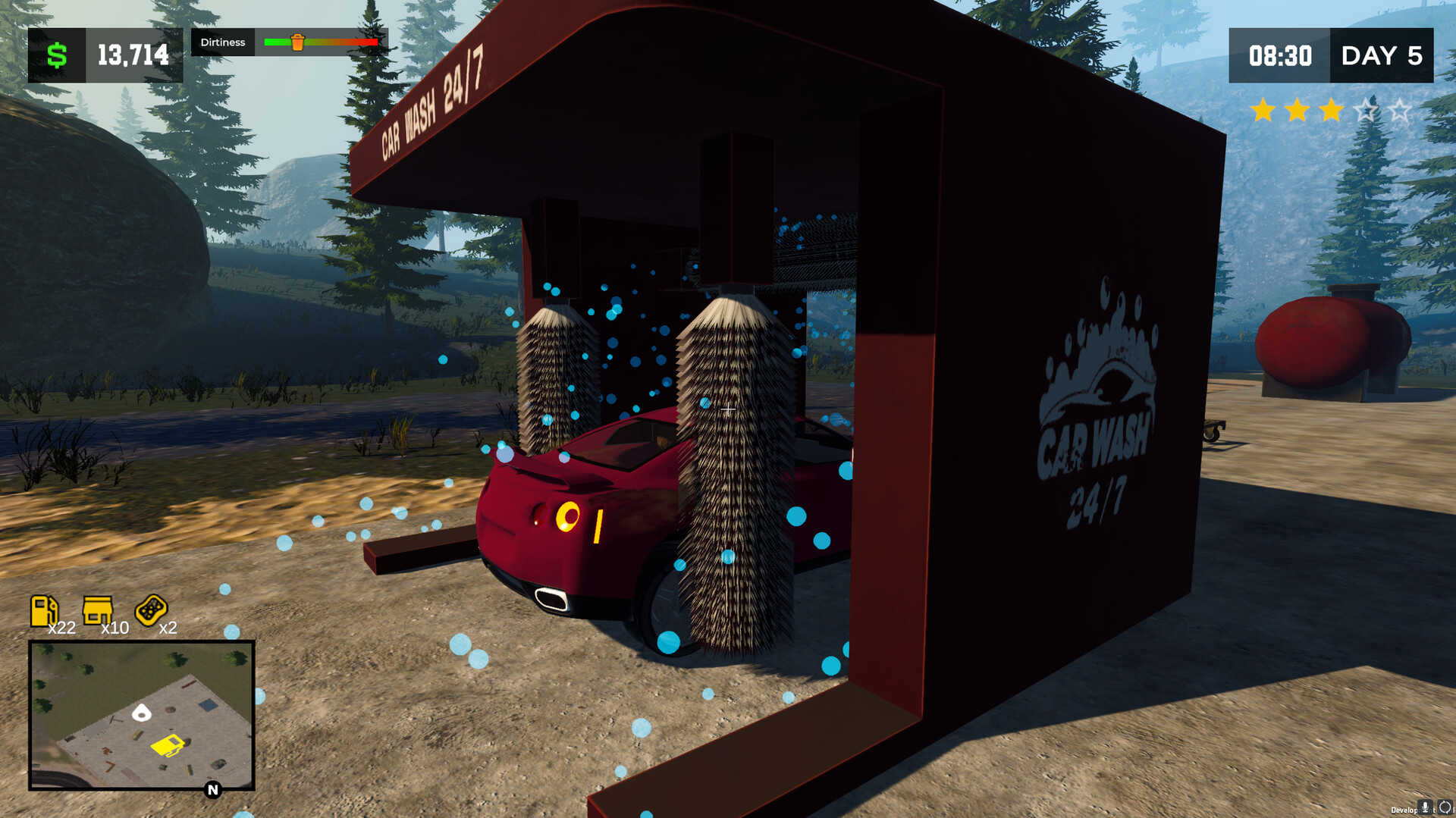
Beyond fuel, you can add a grocery store, a car wash, and restrooms. Each service is described as a way to attract different visitor needs and increase overall revenue.
Adding these facilities expands the station’s role from a simple fuel stop to a multi‑purpose hub, encouraging both travelers and locals to spend more time on the premises.
- Observe which added service brings the most foot traffic and consider expanding that service first.
- Balance the number of pumps with auxiliary services to avoid bottlenecks during busy periods.
03 / THE GUIDE
Customization and Appearance
The game lets you personalize the station with eye‑catching decorations and functional upgrades. Visual changes are presented as a way to make the station stand out among competitors.
Customizable elements include decorative items and functional upgrades that can be placed wherever space allows, giving you control over the station’s aesthetic and layout.
- Try a few decorative items to see which match your overall station theme.
- Combine decorative upgrades with functional ones to keep the station both attractive and efficient.
04 / THE GUIDE
Strategic Time Management
Peak hours are described as hectic, requiring you to prioritize tasks efficiently. Managing queues and employee actions keeps customers satisfied during these periods.
Hiring skilled employees provides additional help, and employees level up as they become more proficient, allowing you to allocate staff where they are needed most.
- Assign employees to the busiest pumps first when queues grow.
- Monitor queue lengths and shift staff before wait times become excessive.
05 / THE GUIDE
Flexible Play Styles
The description states the game accommodates both detailed micromanagement and a more relaxed approach, letting players choose how deeply they engage with management options.
This flexibility means you can focus on core activities without mandatory micromanagement, or dive into every system for maximum control, according to your preference.
- Start with a relaxed approach to learn basic mechanics before adding more detailed management.
- Switch between play styles in separate sessions to see which feels more enjoyable.

COMMUNITY
Player discussion