 GameWiki

GET YOUR BEARINGS
About Pummel Party
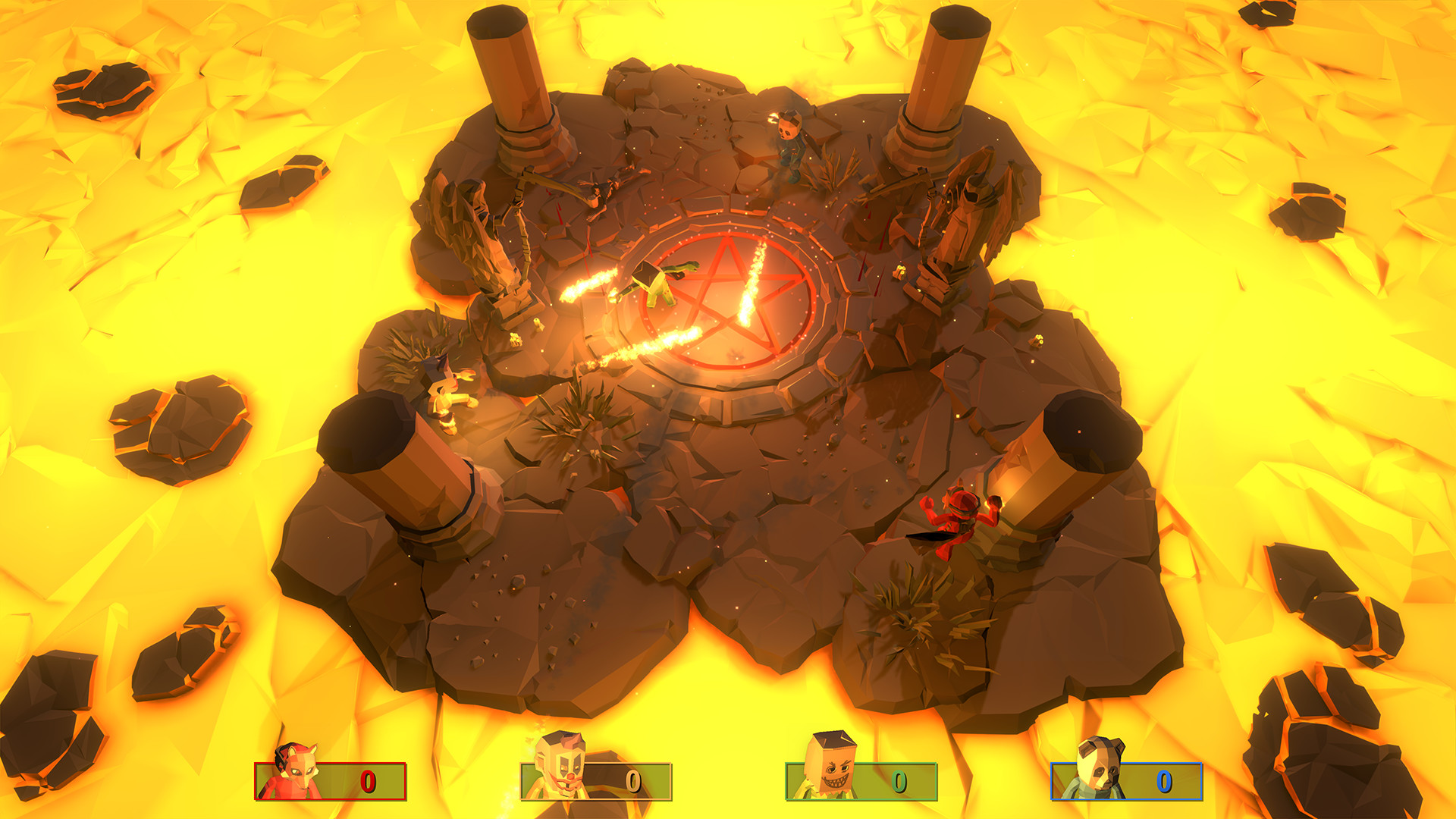
Pummel Party is a party game for 1‑8 players that can be played online or locally on the same screen. Players compete in a board‑style mode or jump straight into a collection of minigames, using a variety of absurd items to hinder opponents. The game supports full controller input, Steam achievements, and a level editor that can be shared via Steam Workshop. It runs on Windows and includes bot opponents for practice or to fill empty slots.
01 / THE GUIDE
Board Mode
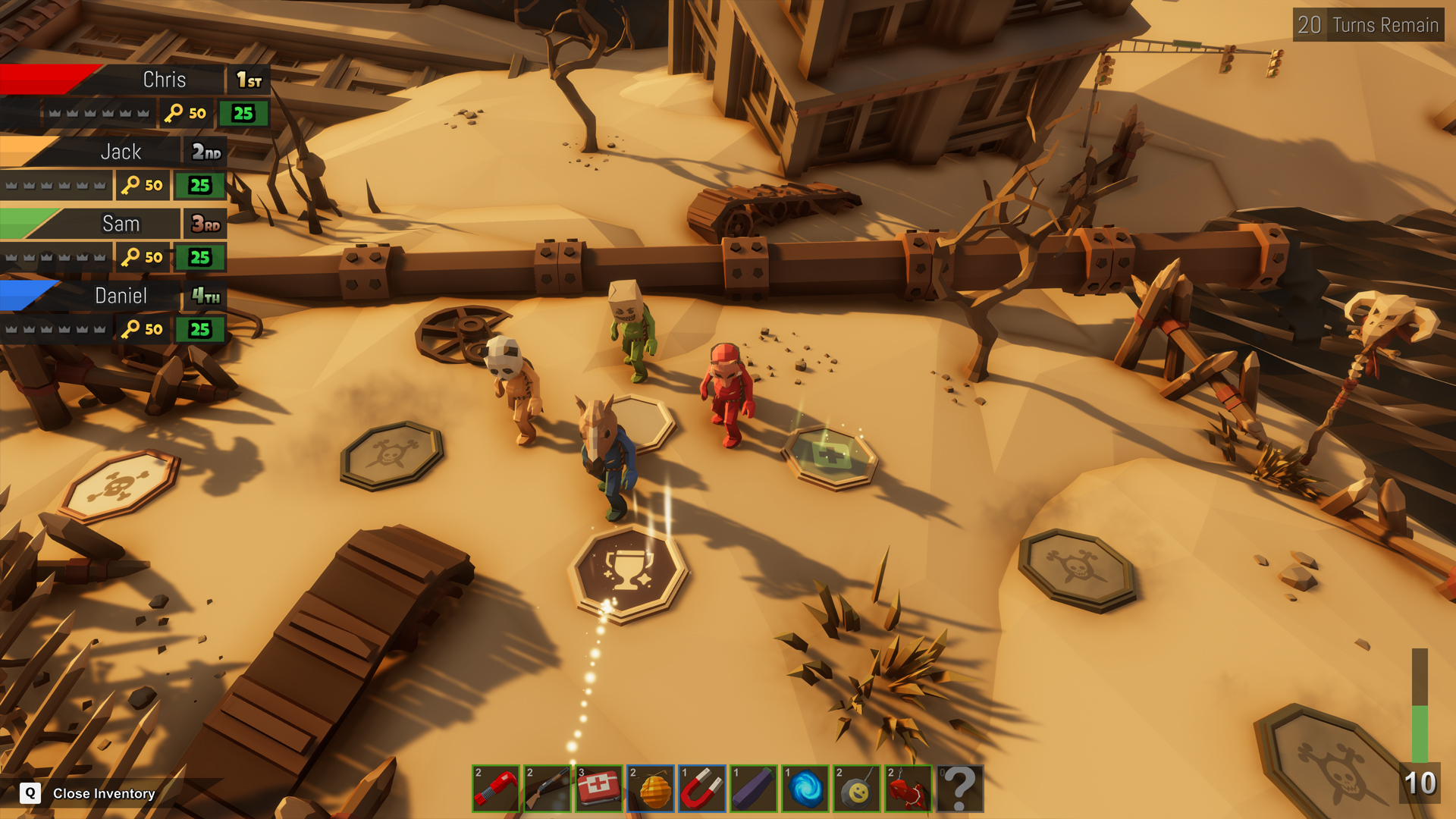
In board mode a single winner is determined after navigating hazardous terrain and collecting weapons and items. Players use the items they find to attack or block others, aiming to be the last standing.
The mode emphasizes strategic placement of items and timing of attacks, with each round ending when only one player remains victorious.
- Collect items early to increase your options later in the round.
- Watch opponents' positions to time your attacks for maximum effect.
02 / THE GUIDE
Minigame Collection
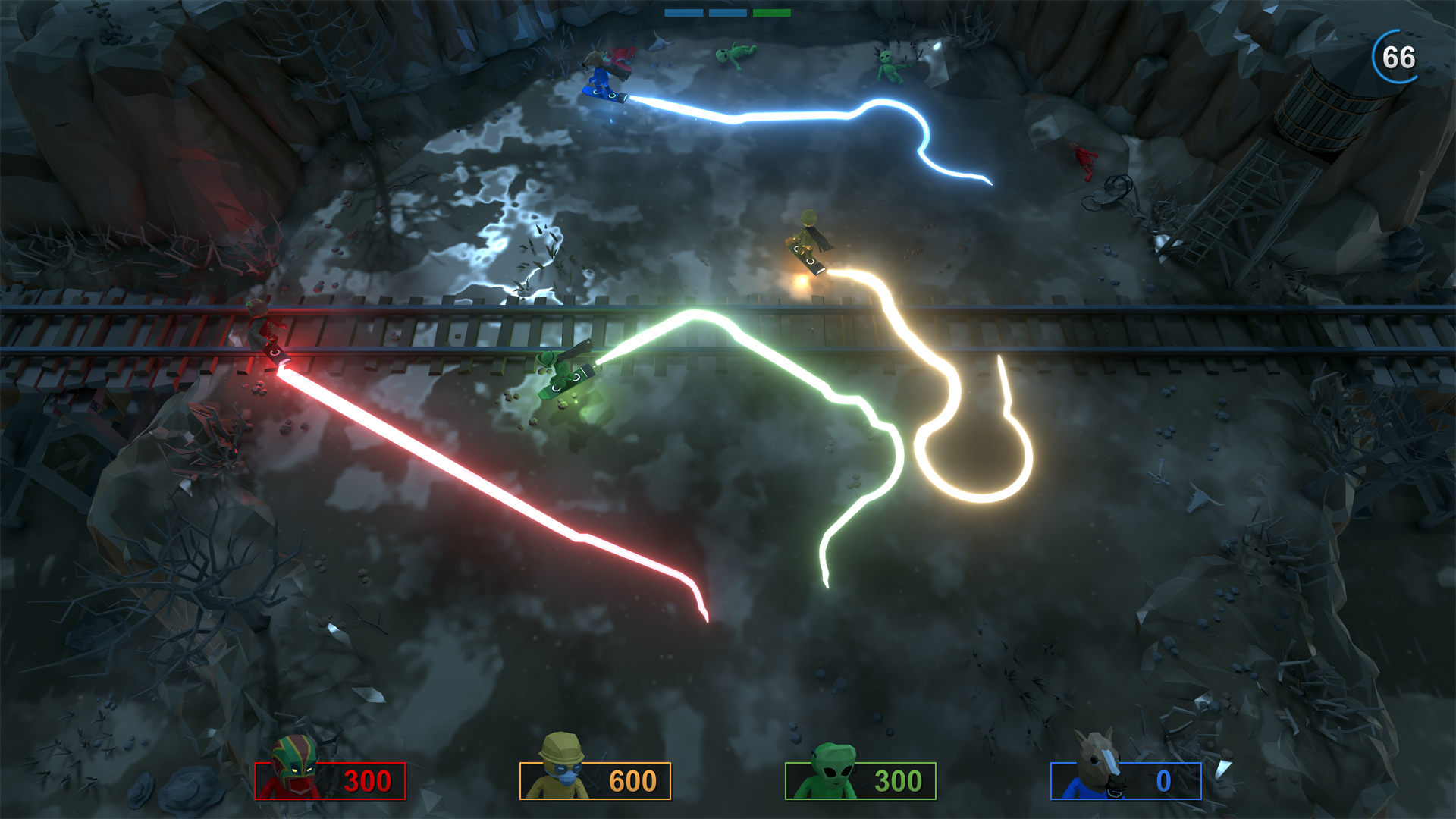
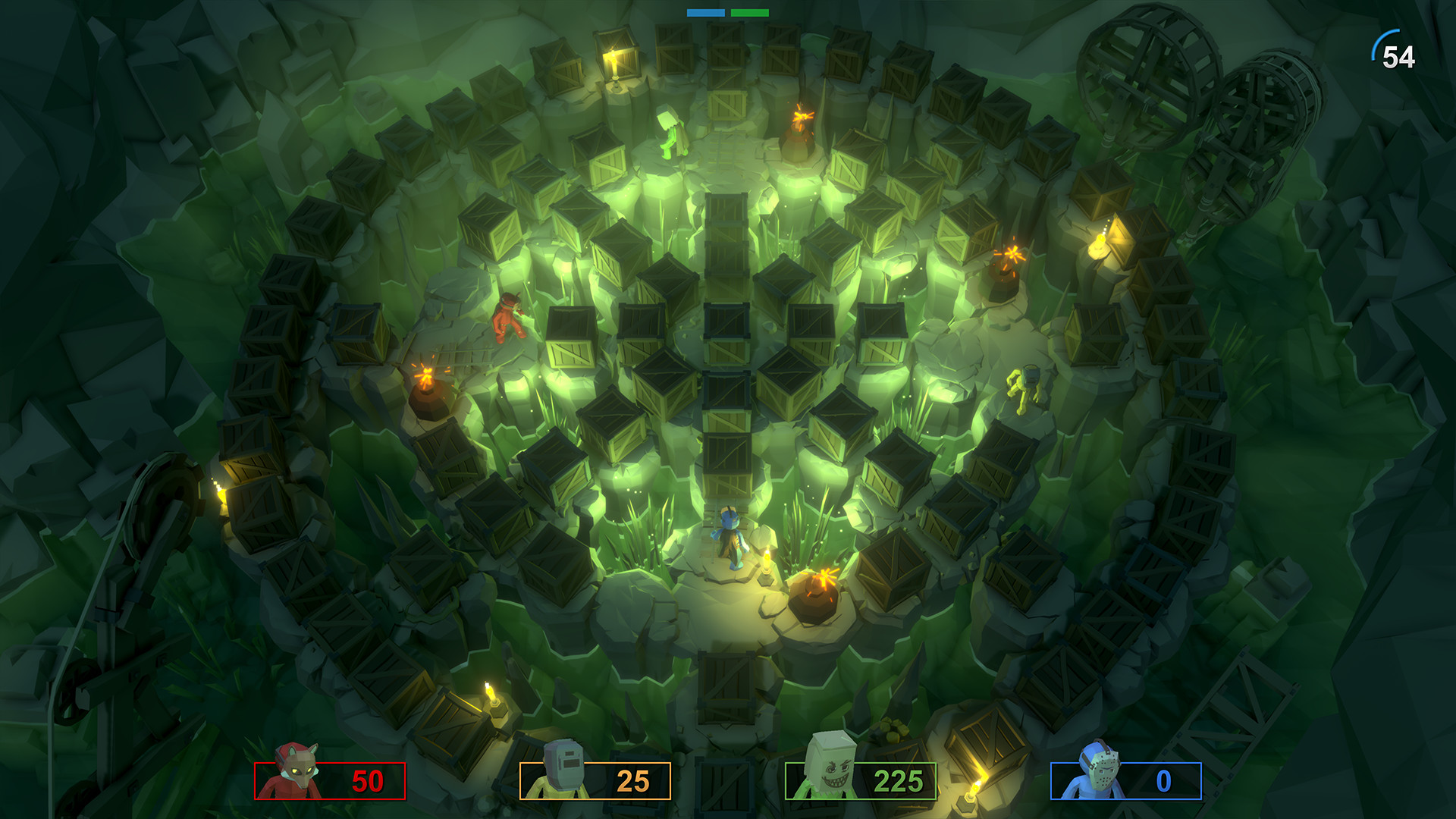
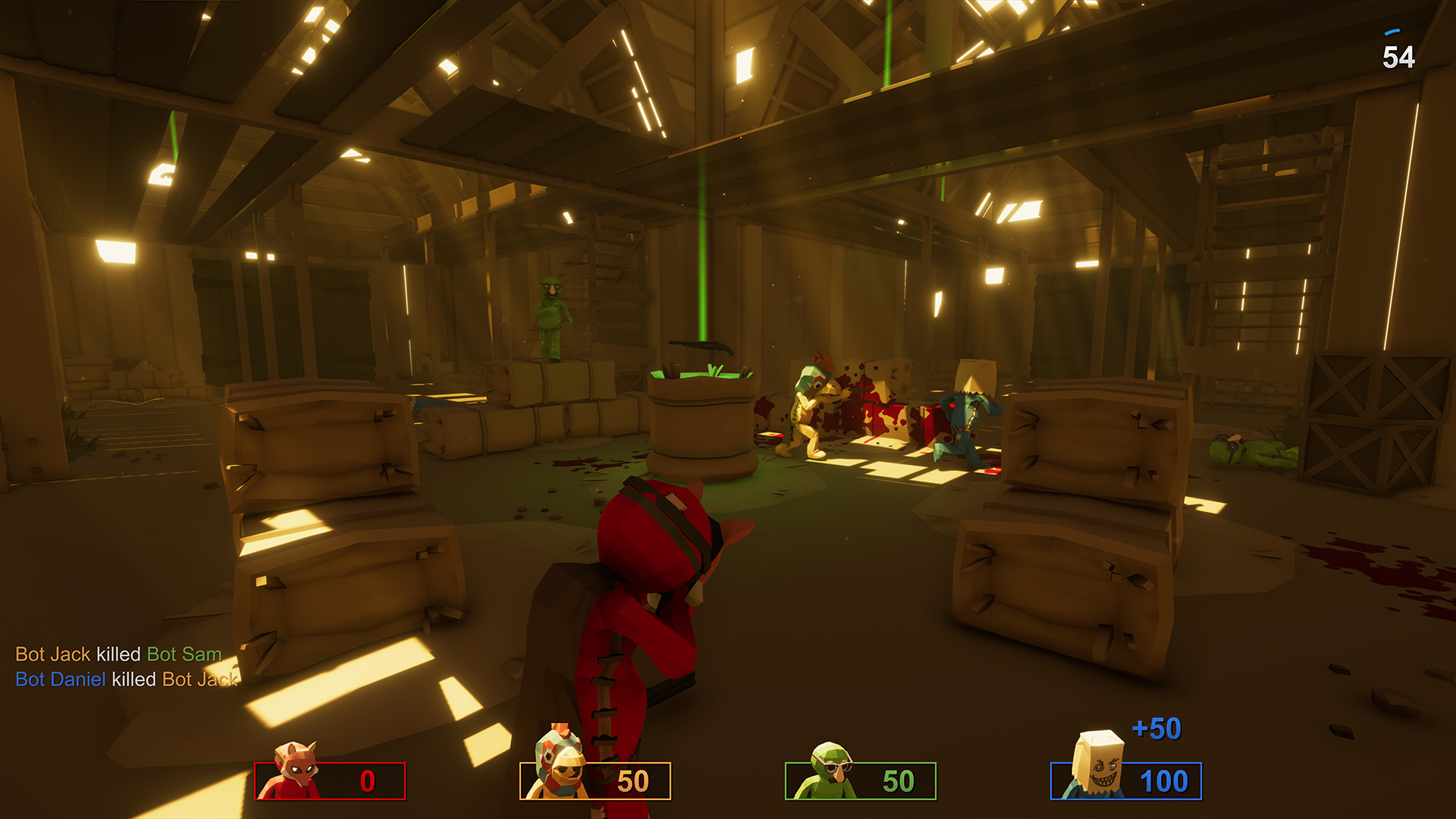
Pummel Party offers a range of minigames, from nostalgic challenges to unique concepts. Examples include "Snowy Spin," "Sandy Search," and "Explosive Exchange."
Each minigame has its own win condition, such as avoiding the abyss, finding treasure, or not holding a bomb when it detonates.
- Learn each minigame’s objective before the timer runs out.
- Practice with bots to master timing and movement.
03 / THE GUIDE
Item Arsenal
Players can pick up a wide array of items, from simple tools like the Punching Glove to bizarre objects such as the Remote Controlled Eggplant.
These items create comedic and frustrating moments, allowing players to attack, defend, or manipulate the board and minigames.
- Combine items creatively to surprise opponents.
- Keep an eye on the item pool to anticipate what may appear next.
04 / THE GUIDE
Multiplayer Options
Pummel Party supports 1‑8 players online or locally, with shared/split‑screen play on the same device. The experience is the same whether friends are remote or in the same room.
Bots can fill empty slots, allowing practice or full games when fewer human players are available.
- Use Remote Play Together to invite friends who don’t own the game.
- Enable bots to keep the game lively when player count is low.
05 / THE GUIDE
Creative Tools
The game includes a level editor that can be accessed through Steam Workshop, letting players design and share custom boards and minigames.
Full controller support ensures that creating and testing custom content can be done without a keyboard.
- Experiment with the editor’s item placement to craft balanced challenges.
- Browse the Workshop for community‑made levels to extend replay value.
COMMUNITY
Player discussion