 GameWiki
GET YOUR BEARINGS
About Puck
Puck delivers a fast‑paced, physics‑driven hockey simulation where every pass, shot and body check reacts to realistic puck dynamics. The game’s fluid gameplay creates unpredictable, skill‑based moments that keep each match fresh and competitive.
Players can choose to skate as forwards, defensemen or goaltenders, joining solo or online matches. With indie roots and free‑to‑play pricing, Puck offers both single‑player and multiplayer experiences across Windows, macOS and Linux, supporting family sharing and Steam Workshop content.
01 / THE GUIDE
Physics Simulation
The core of Puck is its realistic physics engine, which governs puck movement, collisions and player interactions. This system makes each play feel organic and varies with player input.
Because physics drive every action, outcomes can differ from match to match, encouraging players to adapt their strategies on the fly.
- Observe how the puck reacts after a hard shot; adjusting your timing can improve accuracy.
- Watch rebounds off the boards to anticipate second‑chance opportunities.
02 / THE GUIDE
Skill‑Based Controls
Stick controls are designed for precision, letting players execute nuanced plays and react to dynamic puck physics. The depth of control supports both casual and competitive styles.
Fine‑grained input allows for quick adjustments, enabling players to outmaneuver opponents with well‑timed passes and shots.
- Practice subtle stick movements to improve puck handling.
- Experiment with different input speeds to find your optimal reaction window.
03 / THE GUIDE
Team Play
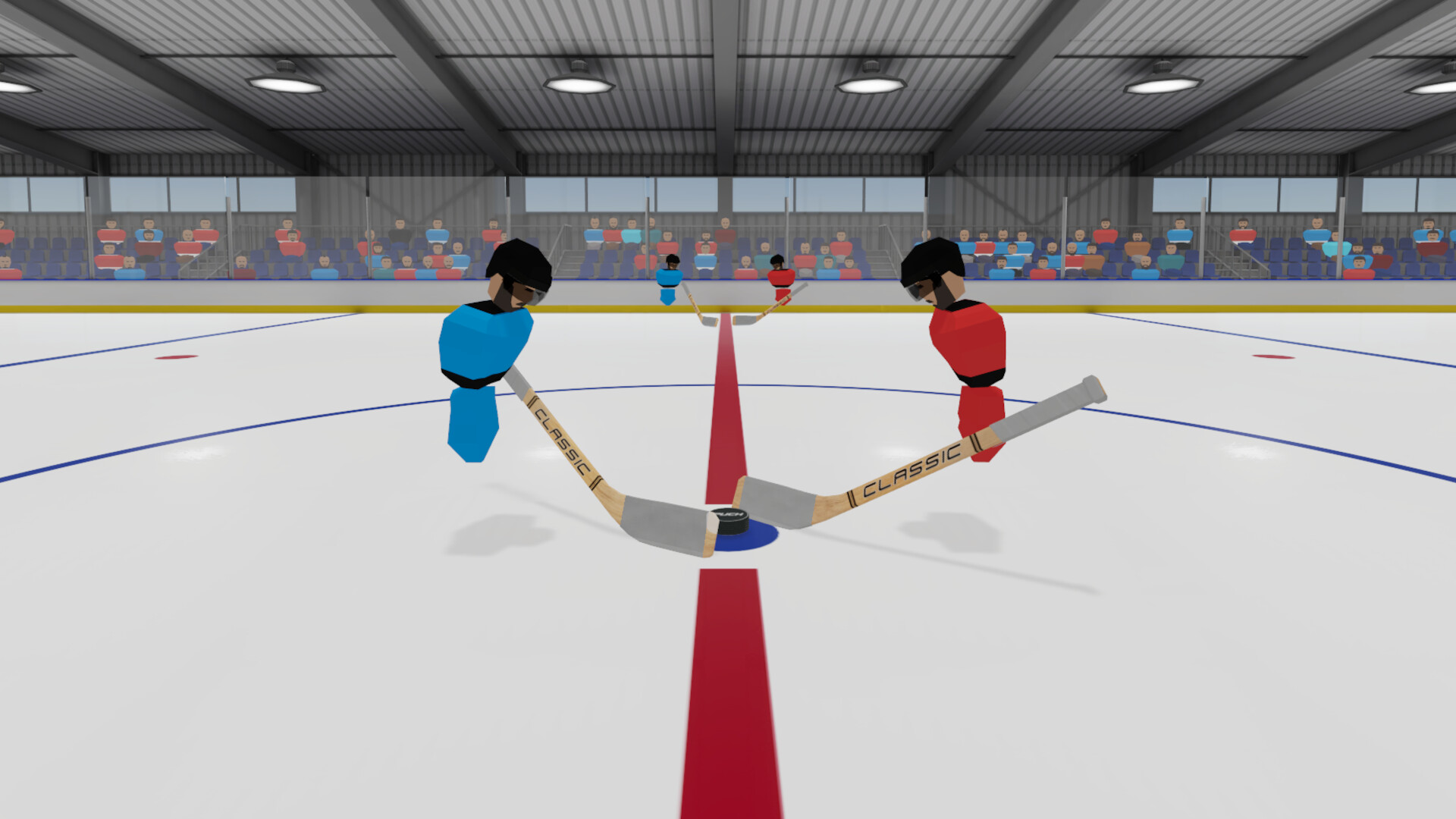
Teamwork is central; players coordinate passes, set up one‑timers and execute give‑and‑go sequences. Successful collaboration creates game‑changing moments.
Whether threading a perfect pass or setting up a teammate, coordinated effort amplifies each individual's impact on the ice.
- Communicate positioning to create clear passing lanes.
- Use quick passes to keep opponents off‑balance.
04 / THE GUIDE
Player Roles
Puck lets you define your role as a forward, defenseman or goaltender, each offering distinct responsibilities and playstyles. Choosing a role shapes how you contribute to the team.
Forward players focus on offensive rushes, defensemen protect the blue line, and goaltenders guard the net, providing a balanced team structure.
- Try each role to discover which fits your preferred style.
- Balance offensive pushes with defensive coverage when playing defense.
05 / THE GUIDE
Multiplayer Modes
Puck supports online PvP, LAN PvP and single‑player experiences, allowing matches against friends or strangers. The variety of modes caters to different social preferences.
Family Sharing and Steam Workshop support let players share the game with family members and add community-created content on supported platforms.
- Test both online and LAN matches to see which latency feels smoother.
- Explore community‑created content via Steam Workshop for fresh challenges.


COMMUNITY
Player discussion