 GameWiki

GET YOUR BEARINGS
About Psalm 2
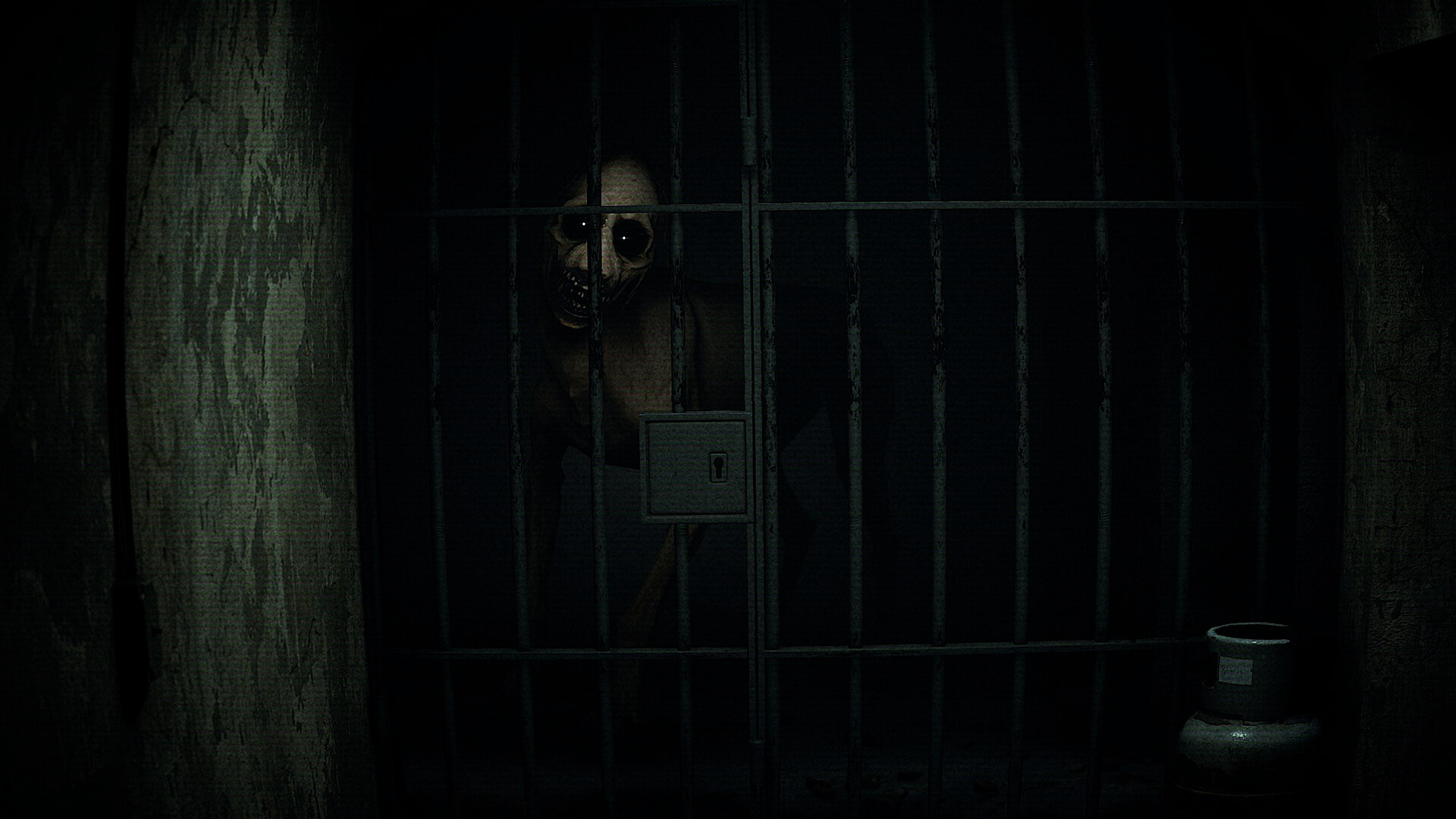
Psalm 2 is a first‑person indie horror walking simulator that confines the player to a descending elevator. The game lasts about one hour and emphasizes atmosphere over combat, using distorted visuals and volumetric sound to build tension.
It runs on Windows PCs, supports Steam achievements and Family Sharing, and can be played without timed input. The title warns that flashing lights may trigger epileptic seizures, so players should be aware of visual intensity.
01 / THE GUIDE
Floor Progression
Players move sequentially from floor to floor, each floor acting as a separate fragment of distorted reality. The elevator will not descend until the hidden element on the current floor is discovered, establishing a clear rule for advancement.
There is no timed input; the game explicitly allows exploration at the player’s own pace. This pacing lets players examine details without pressure, reinforcing the walking‑simulator feel.
- Inspect corners and textures for subtle visual clues.
- Listen for ambient sounds that may hint at hidden elements.
02 / THE GUIDE
Audio & Visual Design
Psalm 2 delivers realistic graphics paired with high‑quality volumetric 3D sound, creating an immersive horror atmosphere. Stereo and surround sound options are listed, indicating spatial audio support.
Flashing lights are present and noted as a seizure trigger, showing that visual intensity is a deliberate design choice.
- Use headphones to experience 3D sound positioning fully.
- If flashing lights are a concern, dim the display or take breaks.

03 / THE GUIDE
Single‑Player Focus
The title is marked as single‑player, meaning the experience is intended for one person exploring the elevator’s mysteries without cooperative or competitive elements.
Progression relies solely on the player’s discovery of hidden elements, emphasizing a personal, introspective horror journey.
- Play in a quiet environment to minimize external distractions.
- Adjust room lighting to a comfortable level before starting.
04 / THE GUIDE
Achievements & Family Sharing
Steam achievements are integrated, offering optional goals tied to exploration milestones. These provide a modest incentive for thorough investigation.
Family Sharing is supported, allowing multiple Steam accounts to access the game without separate purchases.
- Check the achievement list early to know what hidden elements may count.
- Enable Family Sharing if another household member wants to try the game.
05 / THE GUIDE
Platform Availability
Psalm 2 is available on Windows PCs only; macOS and Linux are not listed as supported platforms. The game runs on standard PC hardware without requiring additional peripherals.
Features such as Camera Comfort and the ability to play without timed input confirm that the experience is designed for comfortable, unhurried play.
- Ensure Windows drivers are up to date for optimal performance.
- Verify that your audio setup can handle stereo or surround output.



COMMUNITY
Player discussion