 GameWiki
GET YOUR BEARINGS
About Propagation VR
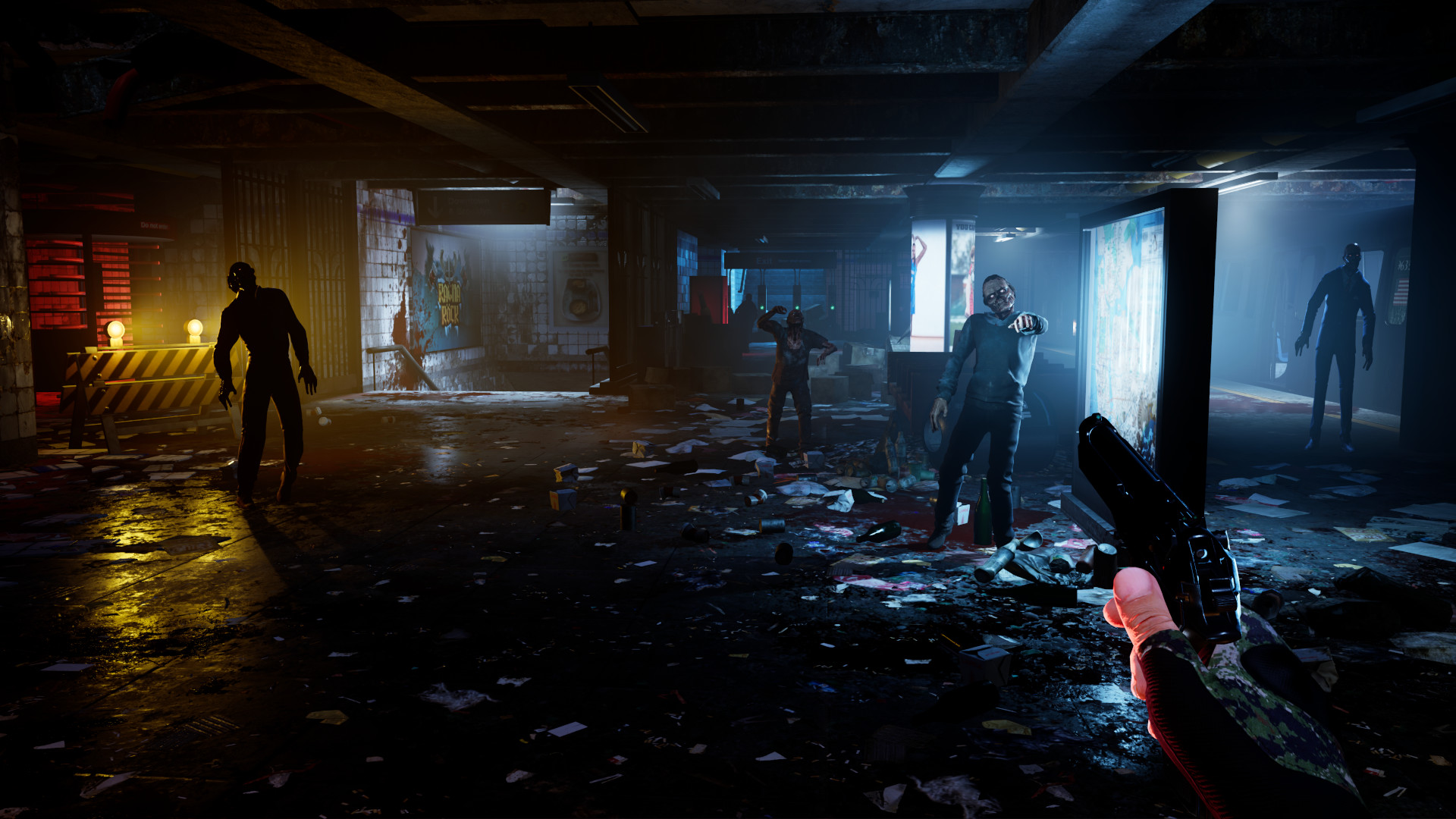
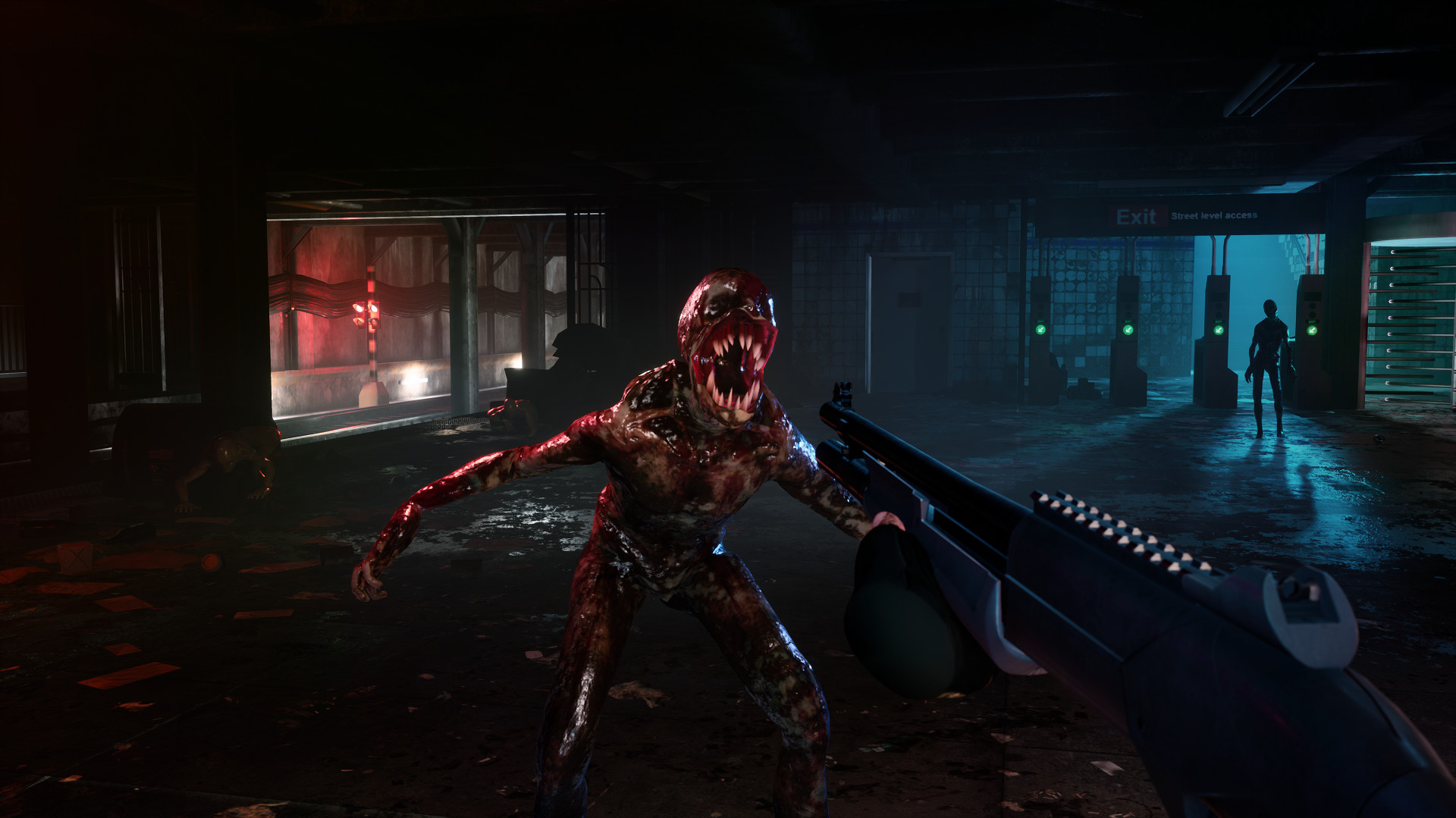
Propagation VR drops you into an abandoned subway station overrun by nightmare‑like monsters after a mysterious virus apocalypse. The experience lasts about thirty minutes and relies on realistic weapon handling, ammunition management, and horror‑themed cinematics to keep tension high.
The game runs on Windows VR with tracked‑controller support and offers a solo mode, a two‑player Co‑op DLC, and a Sniper Weapon Pack usable in both modes. Native bHaptics support adds tactile feedback for gunshots and enemy attacks.
01 / THE GUIDE
Core Gameplay
Players navigate a confined subway environment while confronting a variety of monsters. The short but intense session demands that you study enemy behavior, choose appropriate weapons, and stay aware of surrounding threats.
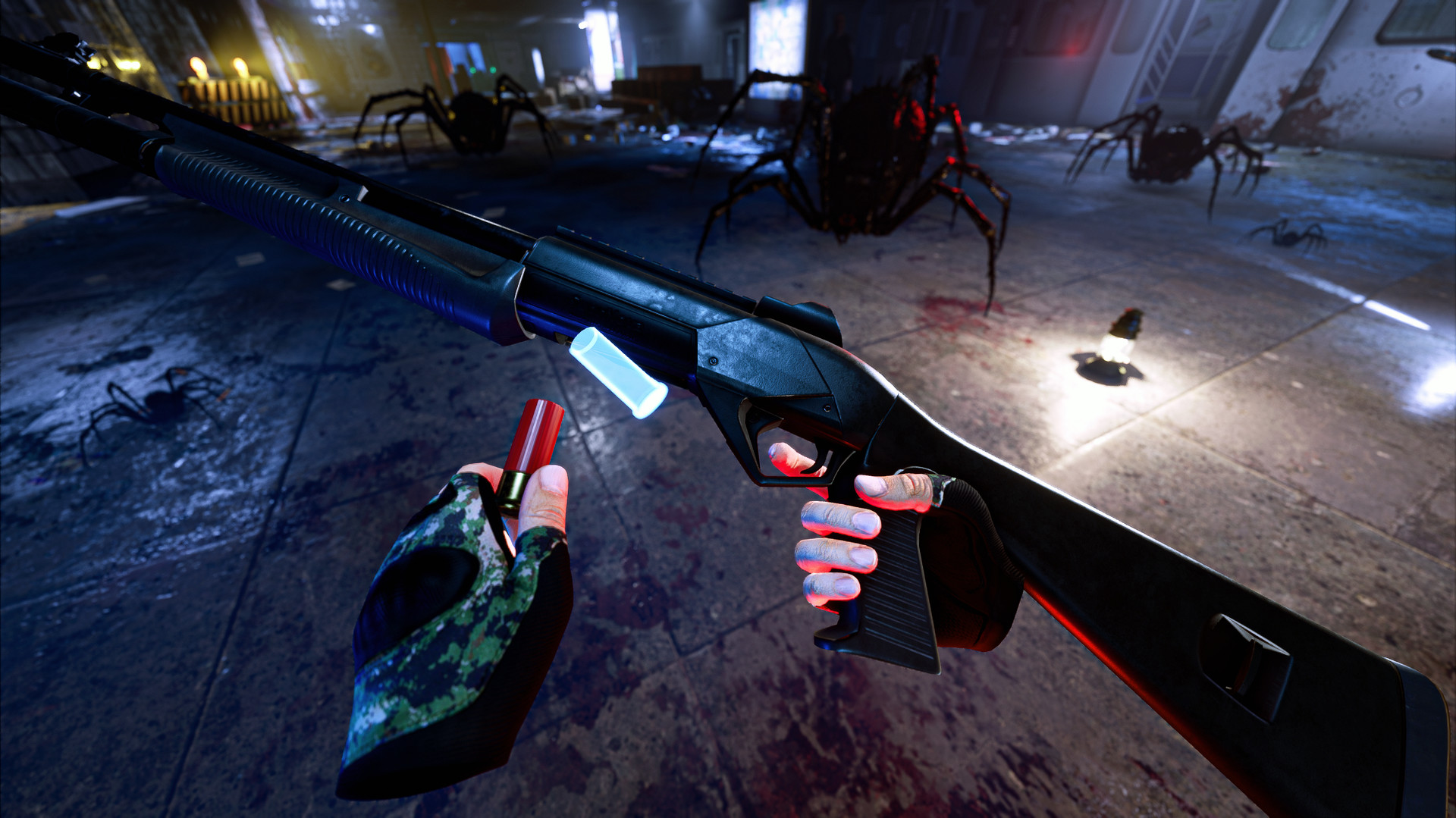
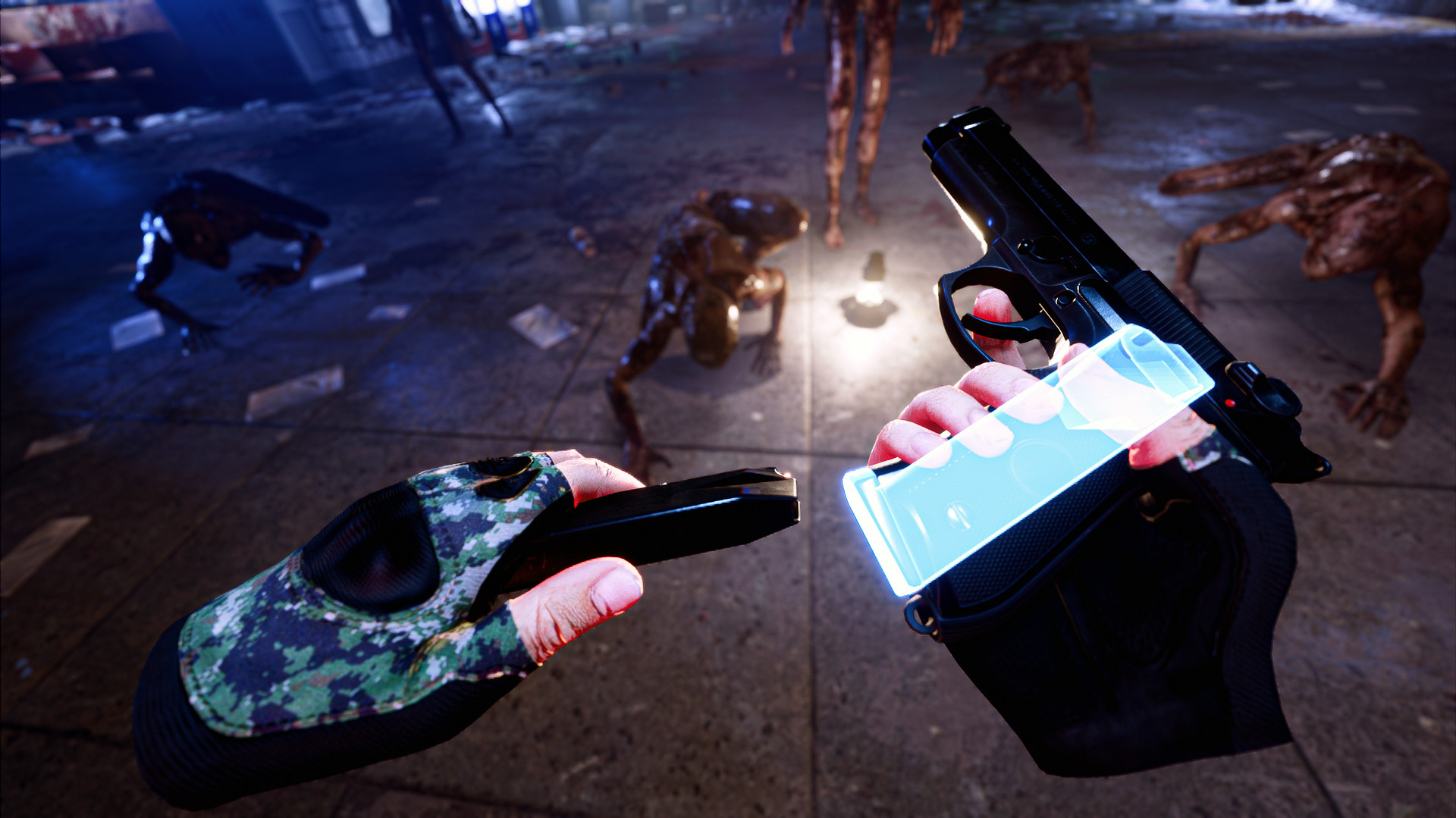
Weapon handling feels realistic: you carry a handgun and a shotgun, each with distinct qualities. Managing ammunition and reloading at moments when you are not immediately threatened is essential to avoid being forced into fist‑only combat.
- Observe enemy approach patterns before deciding which weapon to use.
- Reload when you have a brief moment without nearby threats.
02 / THE GUIDE
Difficulty & Scoring
Four difficulty levels—Normal, Hard, Nightmare, and Impossible—let you increase the challenge after completing the game. Higher difficulty settings simply increase the challenge, inviting you to test your skills on a harder setting.
After each run, a personal high score is saved locally, giving you a simple way to track improvement across multiple attempts.
- Start on Normal to learn enemy patterns before moving to harder levels.
- Check your saved high score after each session to gauge progress.
03 / THE GUIDE
Weapon Management
You carry two weapons: a handgun on your belt for precision, quick reloads, and a light source, and a shotgun on your back for powerful short‑range blasts. Switching between them lets you adapt to different threat distances.
The Sniper Weapon Pack adds a third weapon that works in both solo and Co‑op play, expanding tactical options without replacing the existing handgun or shotgun.
- Keep the handgun ready for distant threats and the shotgun for close encounters.
- Reload during safe intervals to avoid being left with only fists.
04 / THE GUIDE
DLC and Co‑op Play
The Co‑op DLC adds a two‑player cooperative mode, allowing a friend to share the same subway horror experience. The source does not detail weapon or wave specifics for the co-op mode beyond the two-player cooperation it provides.
Commercial licensing for additional multiplayer experiences is offered through the developer’s website, separate from the standard Co‑op DLC.
- Coordinate weapon choices with your partner to cover both range and close‑quarter threats.
- Use the cooperative mode to compare strategies and refine individual tactics.
05 / THE GUIDE
bHaptics Integration
Propagation VR natively supports several bHaptics devices, including TactSuit X40 and X16 vests, Tactal face gear, and arm modules. These provide tactile cues for gunshots, enemy attacks, and zombie bites.
The support works in both solo and Co‑op sessions without requiring external mods, adding a layer of physical feedback to the visual horror.
- Enable vest feedback to feel haptic cues for gunshots.
- Test arm modules during a calm moment to gauge their bite feedback.

COMMUNITY
Player discussion