 GameWiki
GET YOUR BEARINGS
About Promenade
Promenade tasks players with gathering golden cogs to repair a massive elevator and open new worlds. The game blends puzzles, races, and secret hunting, letting you choose the activities that suit your style. A versatile moveset lets you double‑jump with objects, glide with a chicken, or rocket forward, encouraging experimentation. Whether you prefer platforming, chatting with colorful NPCs, or tackling dungeon bosses, the game supports completionists, casual explorers, speedrunners, and collectathon fans alike.
01 / THE GUIDE
Collecting Golden Cogs
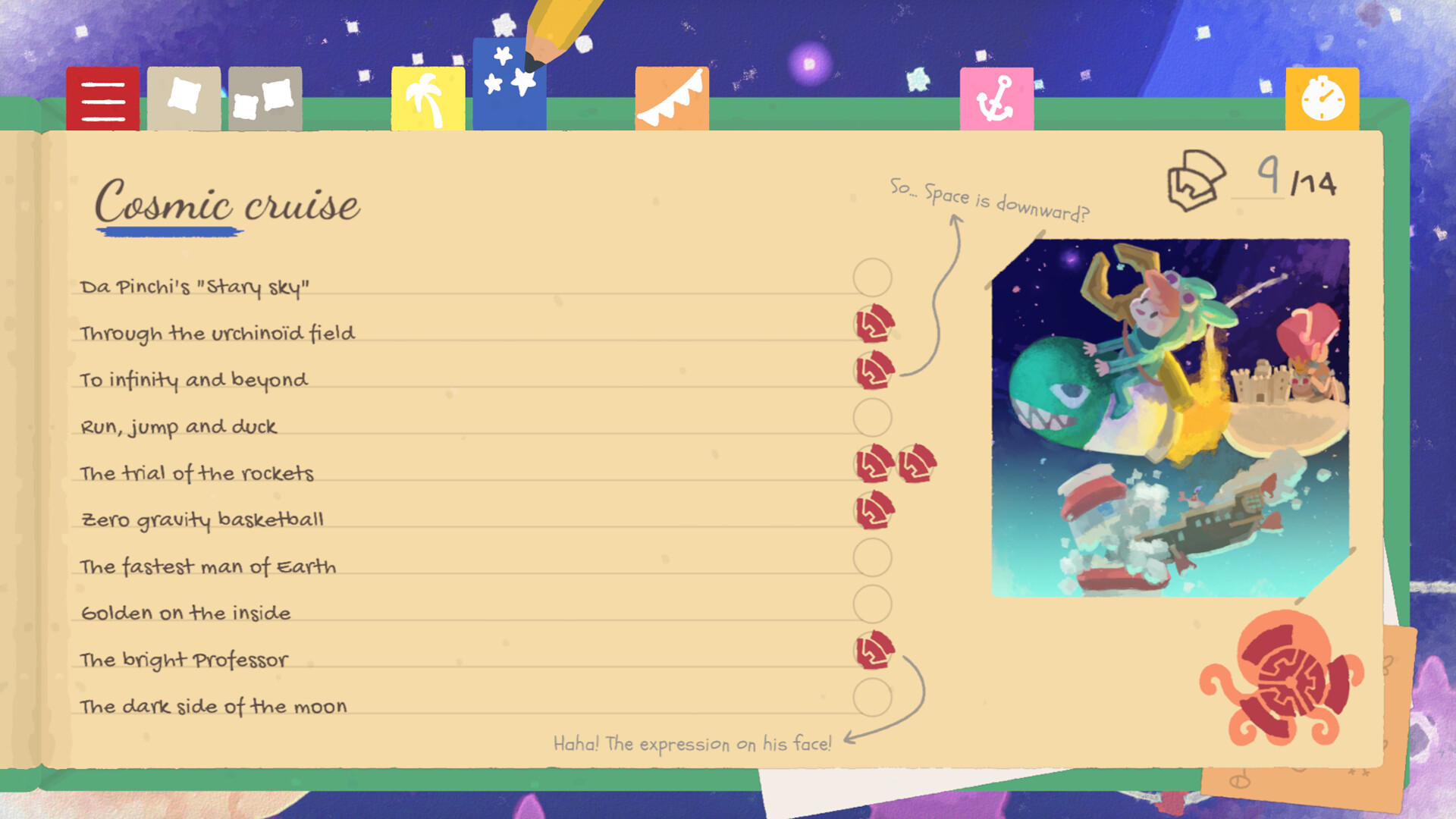
Golden cogs are the core collectible that unlocks the great elevator and new worlds. You only need a portion of them to progress, so you can decide how thoroughly to hunt.
Cogs are scattered throughout puzzles, races, and secret areas, rewarding players who explore or focus on specific challenges.
- Prioritize areas with multiple cogs to reduce backtracking.
- Combine cog hunting with other activities you enjoy for efficient progress.
02 / THE GUIDE
Dynamic Moveset
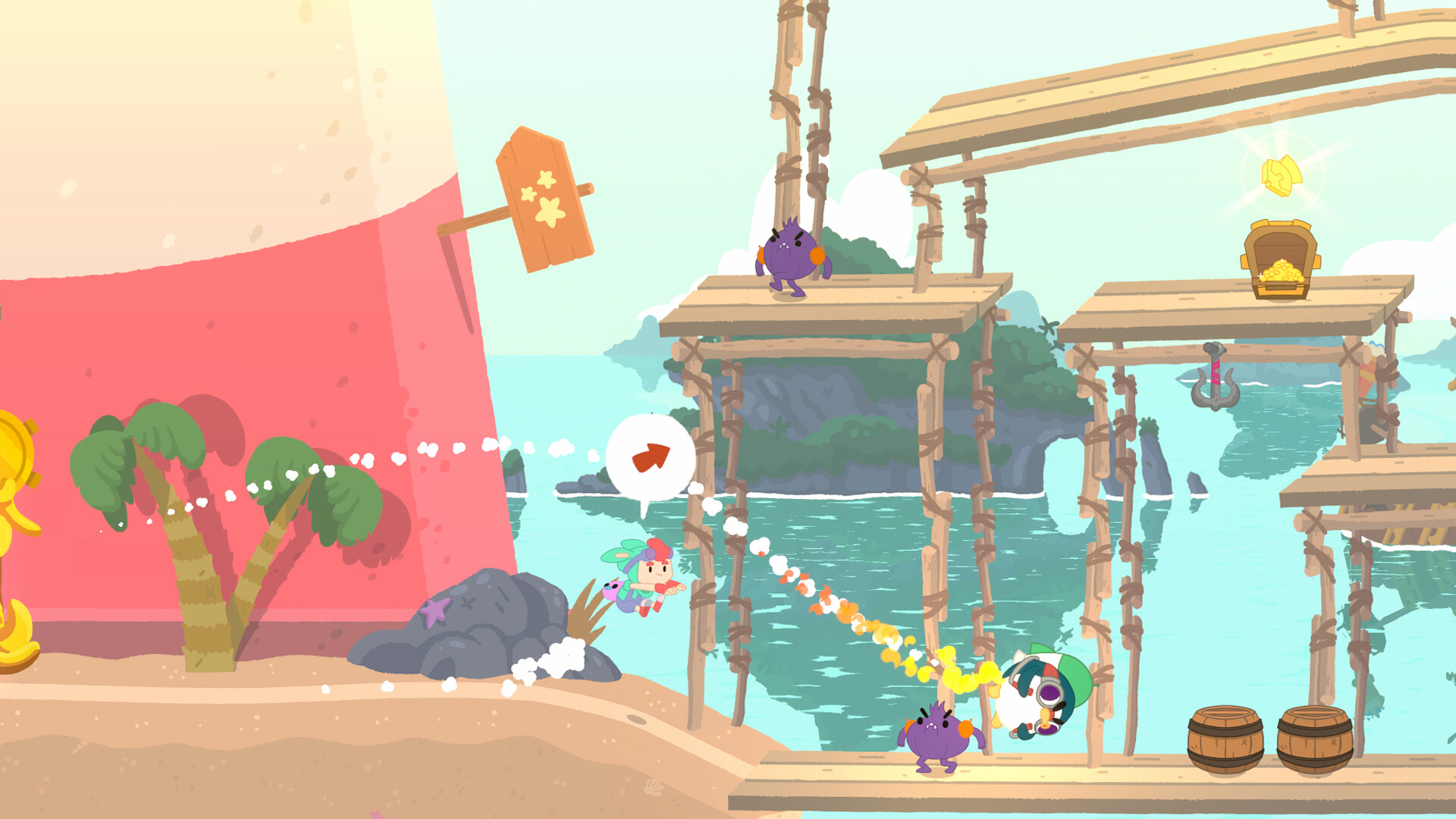
The game provides a moveset that reacts to objects you carry, such as double‑jumping by throwing an object down or gliding while holding a chicken.
Additional tools like a rocket grant extreme speed, encouraging players to experiment with each object's unique property.
- Test each object's effect in a safe area before using it in a timed challenge.
- Mix and match objects to discover unexpected shortcuts.
03 / THE GUIDE
World Exploration
The game world is filled with puzzles, races, and hidden secrets, offering something interesting around every corner.
Exploration can be guided by curiosity or by the desire to locate more cogs, and the environment reacts to your chosen playstyle.
- Take time to wander; many secrets are scattered everywhere, waiting to be found.
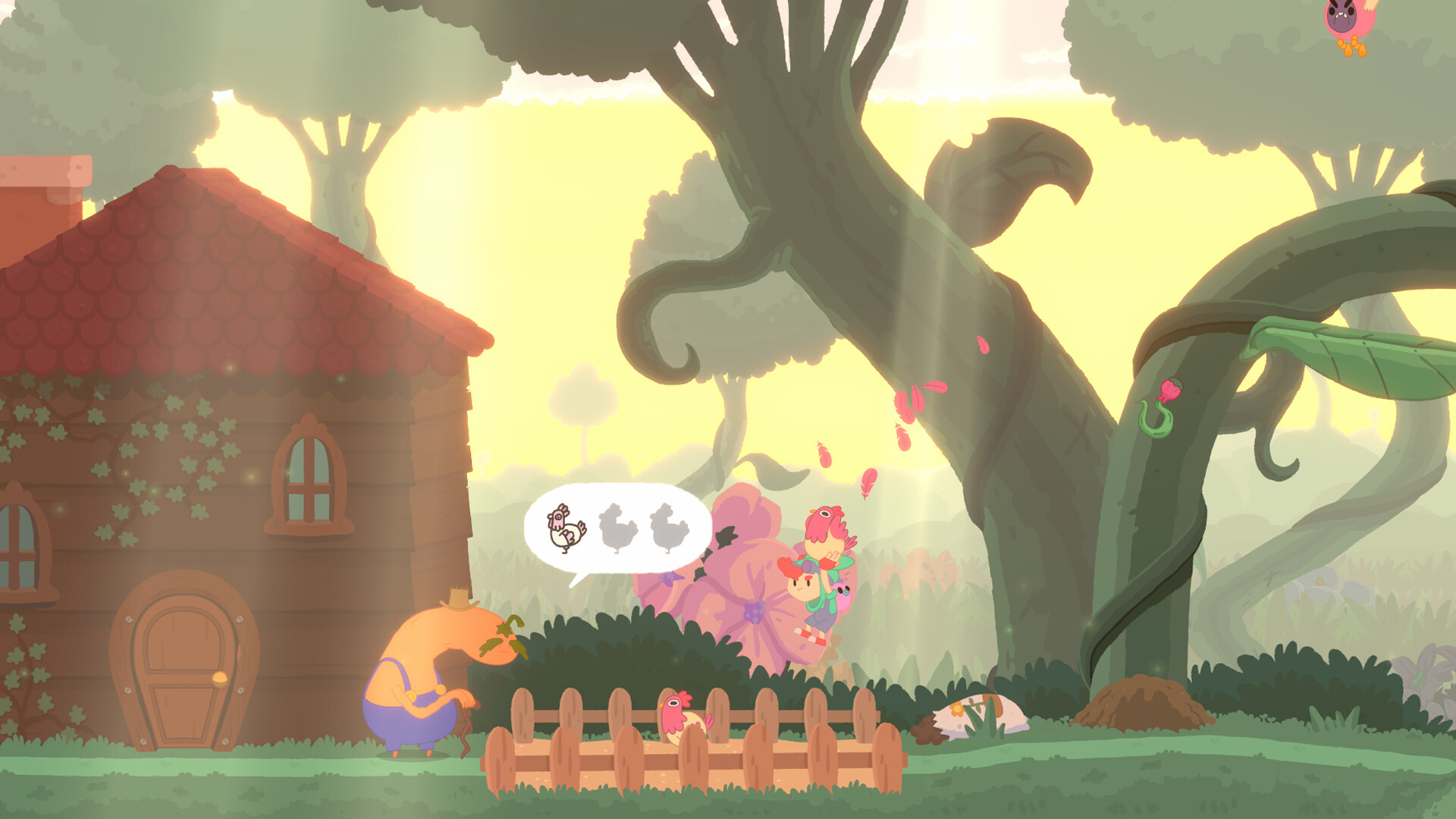
- Interact with the cute NPCs you meet while exploring less obvious areas.
04 / THE GUIDE
Boss Dungeons
Dungeons house bosses that challenge the player, testing the skills developed throughout the game.
These encounters test the moveset and platforming skills you have developed throughout the game.
- Observe boss patterns before committing to an attack.
- Use the rocket or glide abilities to evade difficult phases.
05 / THE GUIDE
Controller Support
Promenade offers full controller support, including compatibility with DualShock and DualSense devices, making it comfortable for gamepad users.
The game recommends using a gamepad for the best experience, though it remains a single‑player title.
- Try the recommended gamepad settings for smoother movement.
- If you switch controllers, test the sensitivity to match your comfort.


COMMUNITY
Player discussion