 GameWiki
GET YOUR BEARINGS
About Project Shoreline
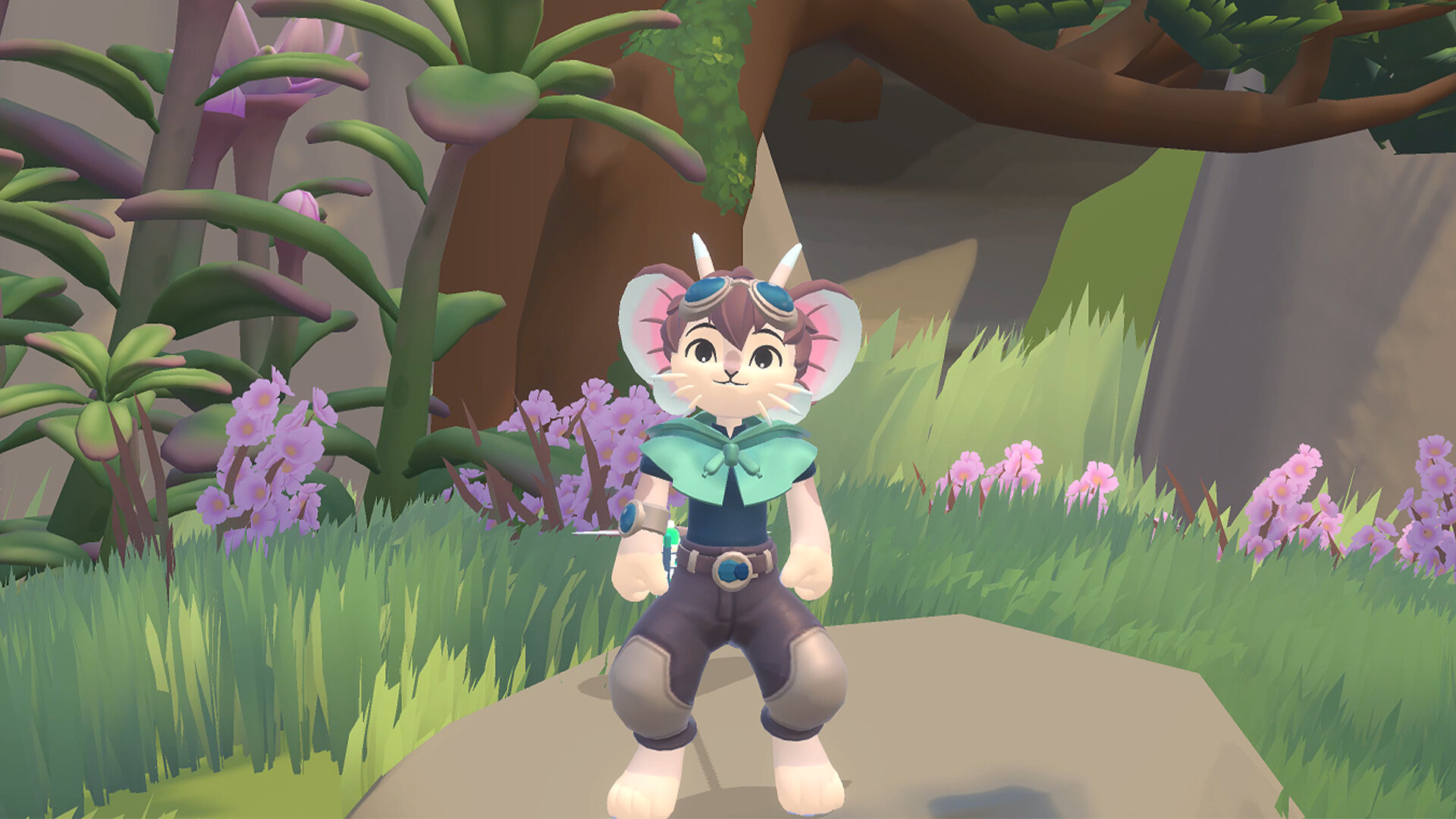
Project Shoreline lets players guide a Muri—a fish‑mouse hybrid—through a beach world tainted by grey corruption. The journey moves from grassy fields with pixies, through caves and a mountain, up to a cliff outlook, each area awaiting cleansing.
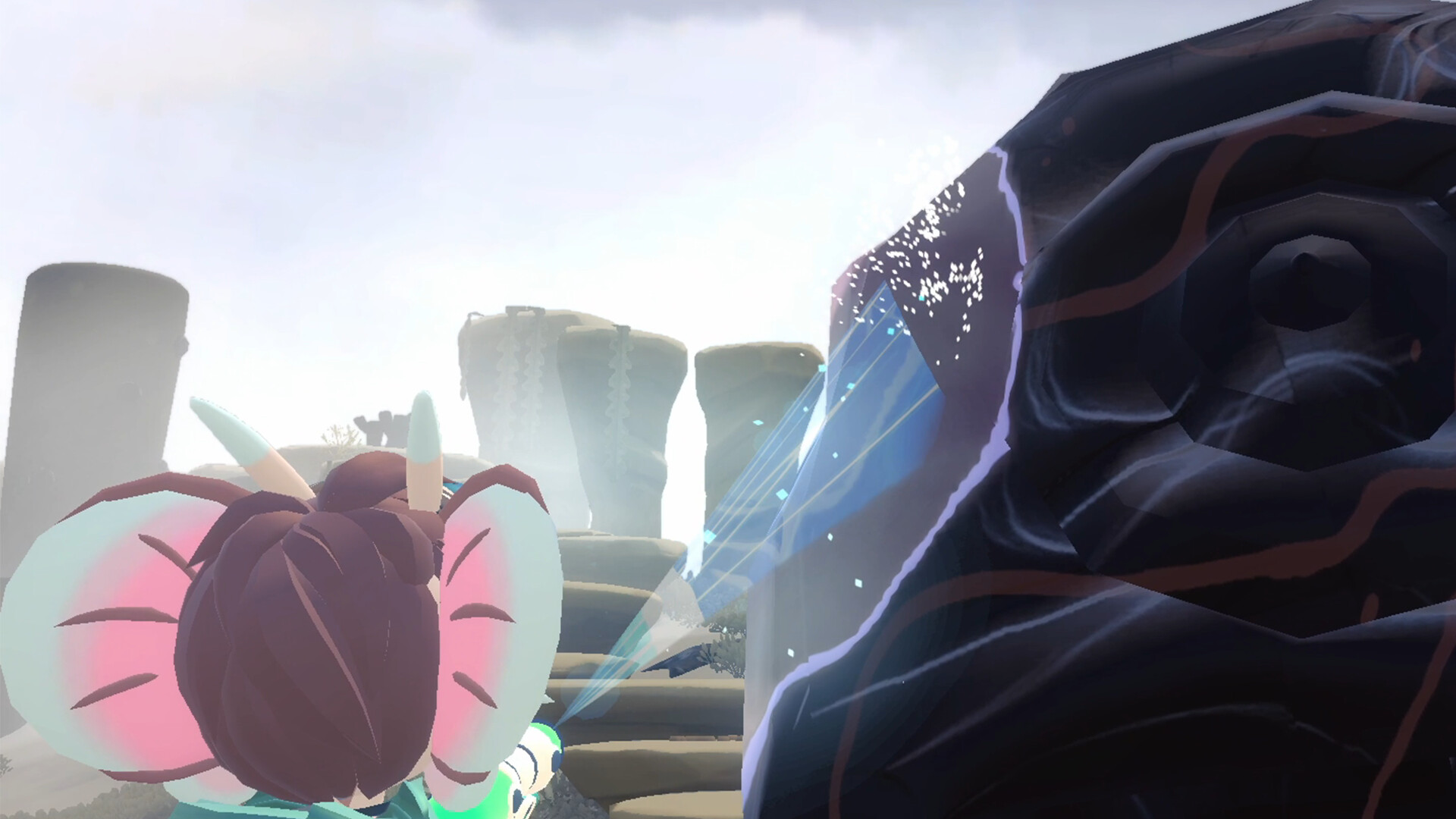
Using a watergun with wide spray and pressure aim, players restore colour, reveal lily pads that become new paths, and watch the environment shift from bleak to vibrant. The experience is presented as a free‑to‑play single‑player adventure on Windows and Linux.
01 / THE GUIDE
exploration areas
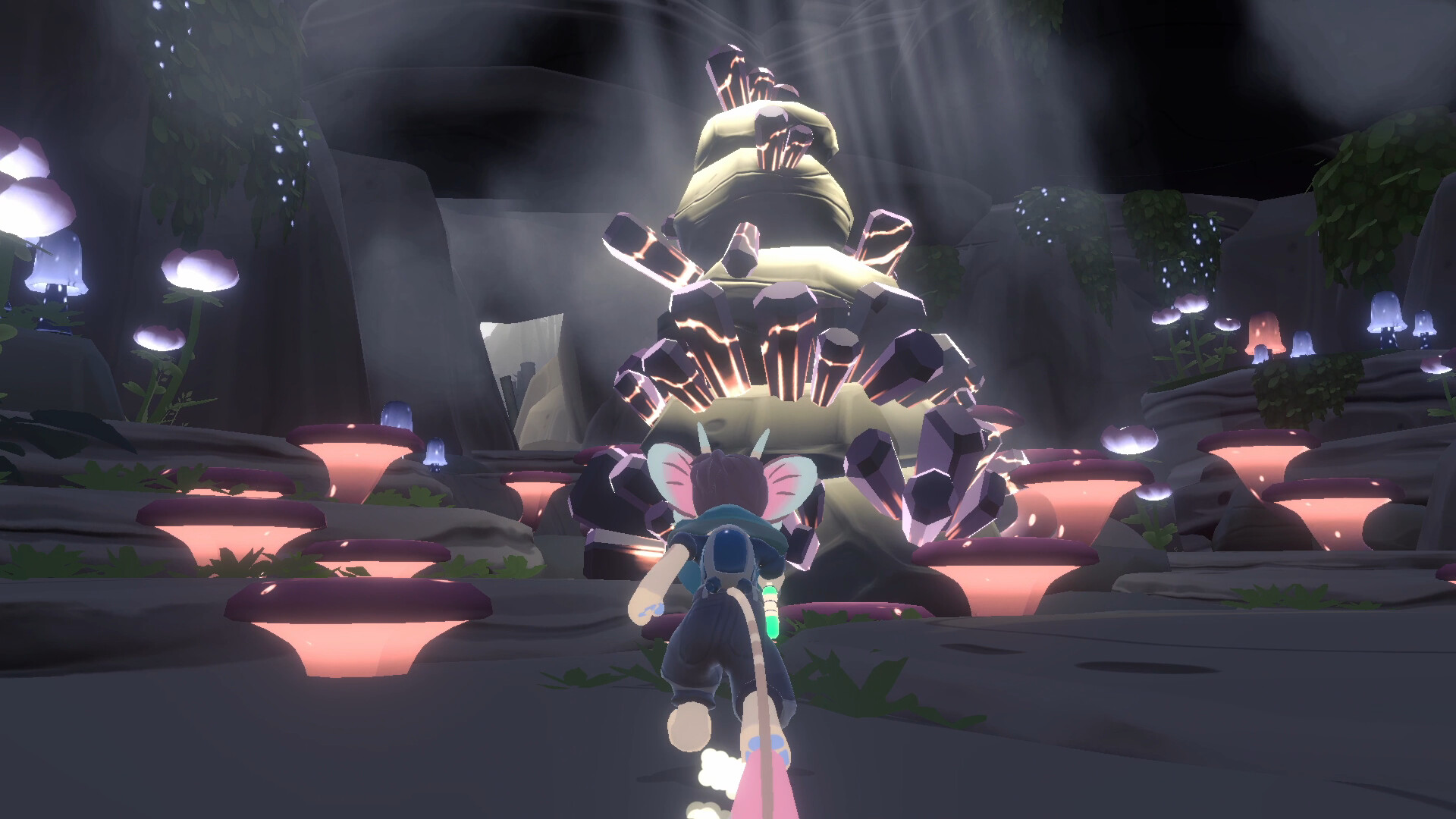
The world is divided into distinct zones: grasslands with pixies, a beach, a cave, a mountain, and a final cliff outlook. Access to each zone requires platforming the Muri across pillars, shells, and ponds, creating a sense of vertical and horizontal movement.
When a zone is cleared of corruption, its colour returns and a lily pad may appear, providing a visual cue that a new route is now traversable. This links environmental restoration directly to progression.
- Look for lily pads after cleaning a structure; they often open the next route.
- Observe the height of pillars to anticipate where a new zone begins.
02 / THE GUIDE
watergun mechanics
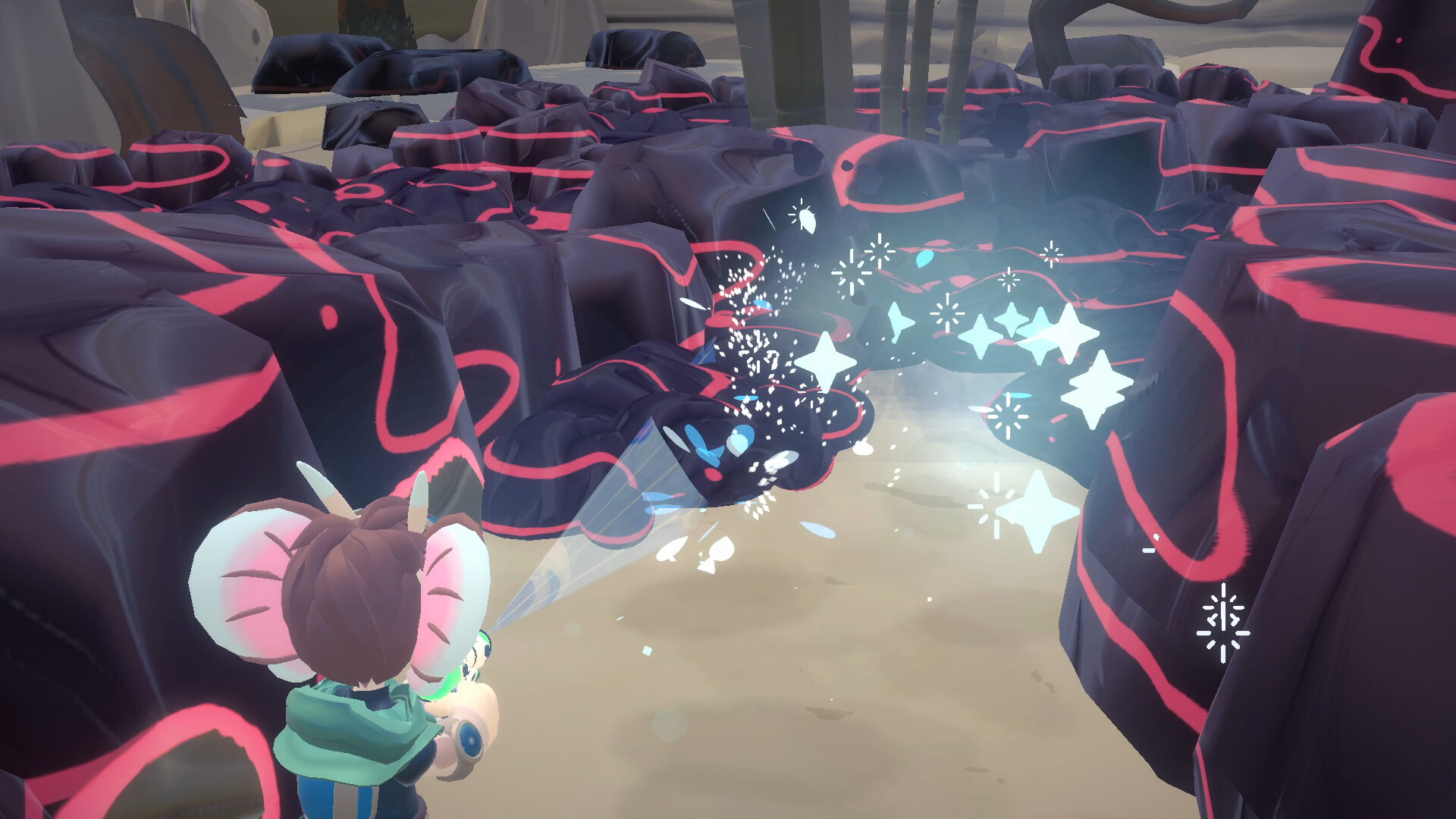
The watergun offers two modes: a wide spray that efficiently cleans nearby surfaces, and a pressure aim that can be used to clean, push, or break specific objects. Both modes are described as useful for different tasks.
Using the wide spray restores colour around the Muri quickly, while pressure aim is needed for precise actions such as moving obstacles or targeting tight spots. Switching between modes adapts to the situation.
- Use wide spray when surrounded by grey corruption for rapid colour return.
- Reserve pressure aim for objects that block your path or need exact targeting.
03 / THE GUIDE
pixie interaction
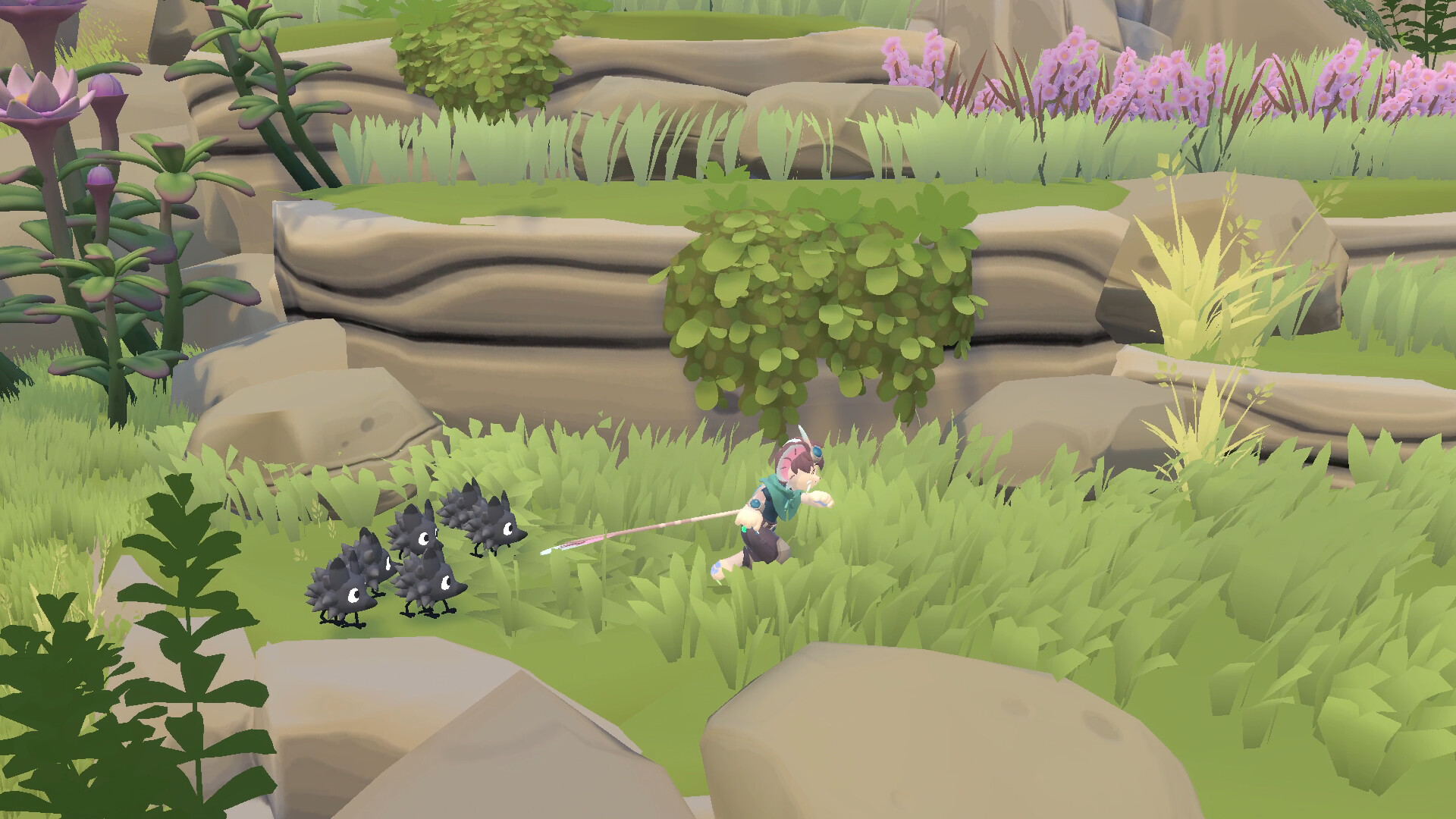
Cute pixie creatures appear in the grassy sections. Washing them with the watergun makes them happy, providing optional interaction beyond environmental cleaning.
Washing pixies is an optional interaction, and the source notes that it makes them very happy, adding to the game's charm.
- After clearing a zone, take a moment to wash nearby pixies for extra visual reward.
- Watch pixie reactions as an indicator that the surrounding area feels fully cleaned.
04 / THE GUIDE
restoration visuals
Clearing corruption causes the beach’s colour to return in a highly satisfying way. When pillars, shells, or ponds are fully cleaned, the surrounding area restores and a lily pad emerges.
These visual changes serve as the primary feedback loop, confirming the player’s impact and signalling new traversal options without requiring additional UI elements.
- Watch for colour shifts to confirm successful cleaning of a structure.
- Notice when a lily pad appears; it signals a newly accessible path.
05 / THE GUIDE
platform support
Project Shoreline is released for Windows and Linux. The listing includes full controller support and specific DualShock controller compatibility, indicating that such devices can be used to play the game.
The game is described as single‑player and includes family sharing as a feature, so the game can be shared across accounts according to platform policies.
- Check your system’s controller compatibility list before connecting a DualShock device.
- Verify that family sharing is enabled in your platform’s settings if you wish to share the game.
COMMUNITY
Player discussion