 GameWiki
GET YOUR BEARINGS
About Project P.I.T.T.
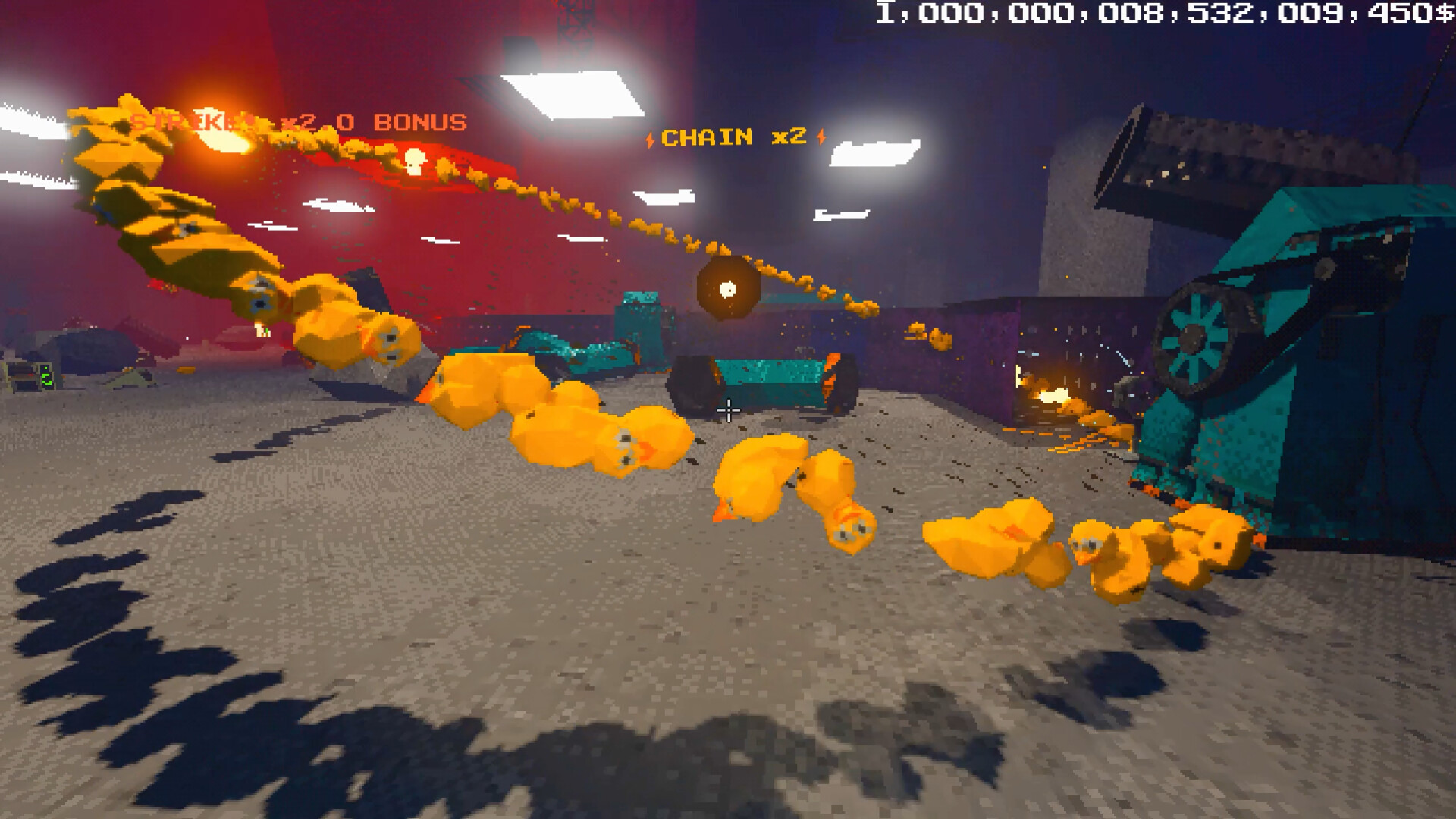
Project P.I.T.T. puts you in the shoes of a new intern tasked with crafting rubber ducks and feeding them into a massive corporate hole called the Maw. The simple start quickly expands into building absurd, physics‑based production lines that generate increasingly strange objects.
As you unlock tools like magnets, fans, pistons and launchers, your workflow becomes more chaotic and automated. Each phase enlarges the Maw, shifts the brutalist facility, and pushes you to connect objects in unexpected ways, turning a mundane job into a puzzling, ever‑growing simulation.
01 / THE GUIDE
Core Gameplay Loop
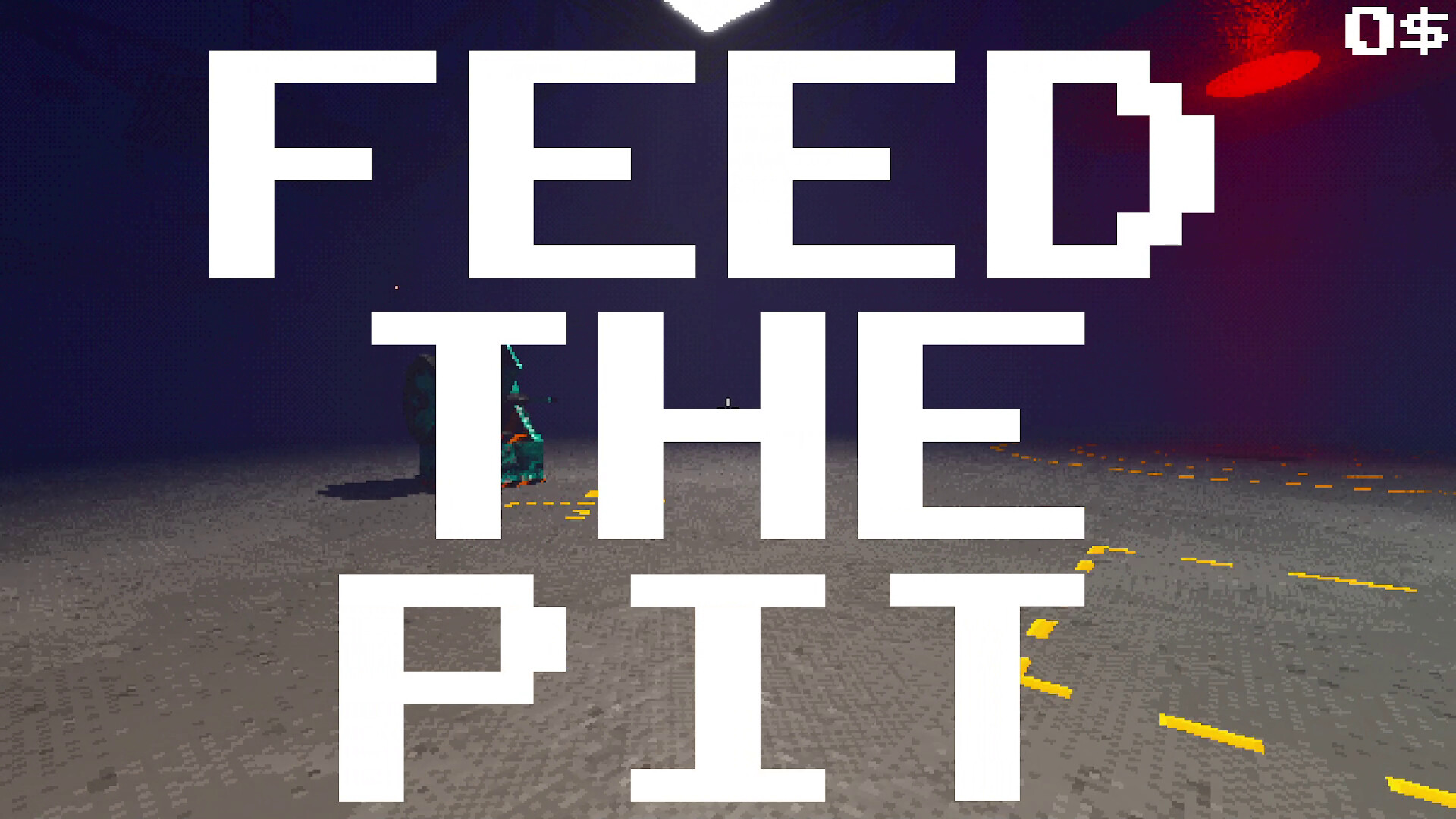
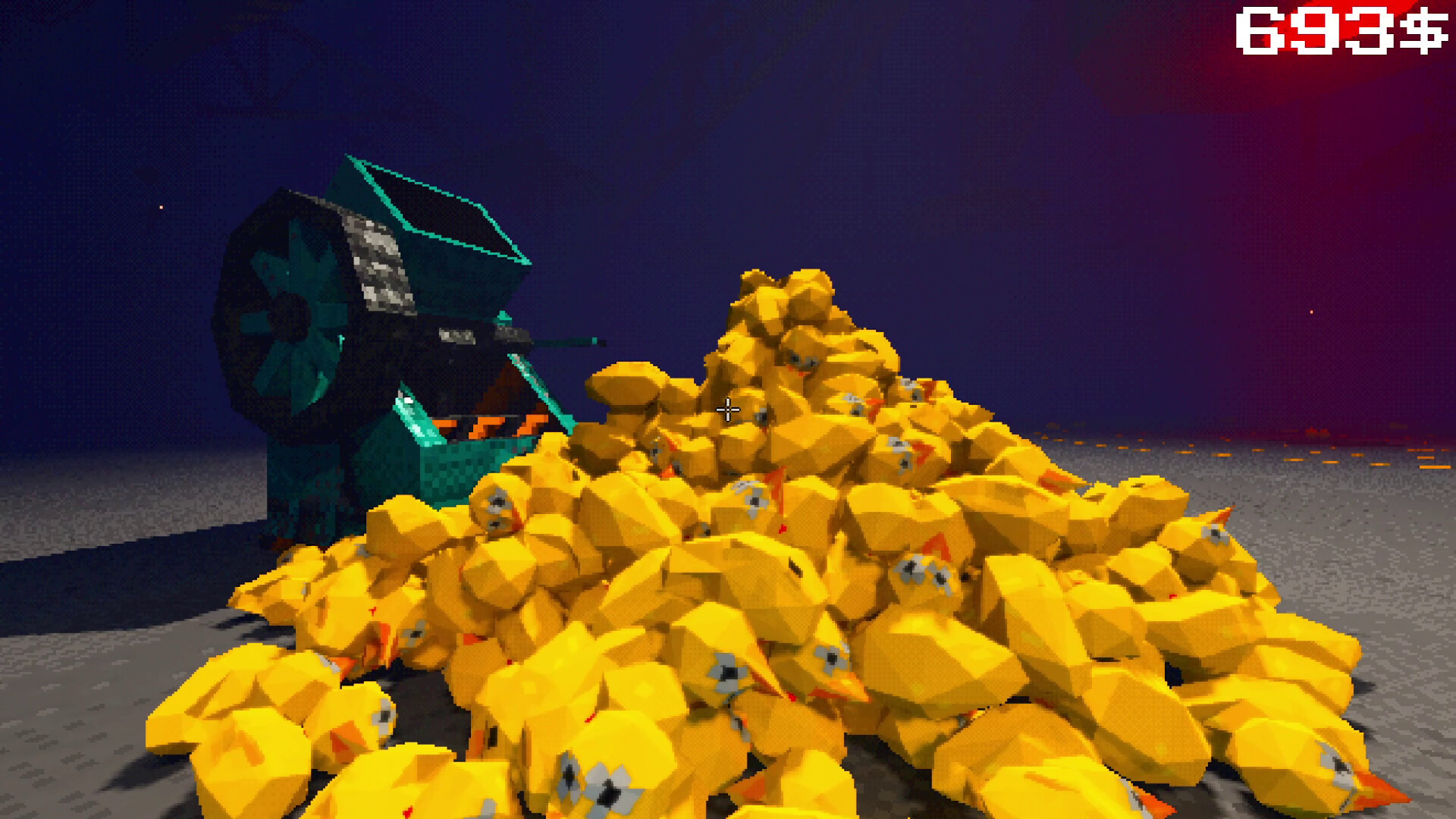
You begin by crafting rubber ducks and tossing them into the Maw, which grows larger with each feed. The primary goal is to increase throughput and earn payouts as the Maw expands. The game is single‑player and does not require timed inputs, allowing you to experiment with production without pressure.
- Focus on steady duck production before adding complex tools.
- Observe how the Maw’s size changes to gauge your progress.
02 / THE GUIDE
Unlockable Production Tools
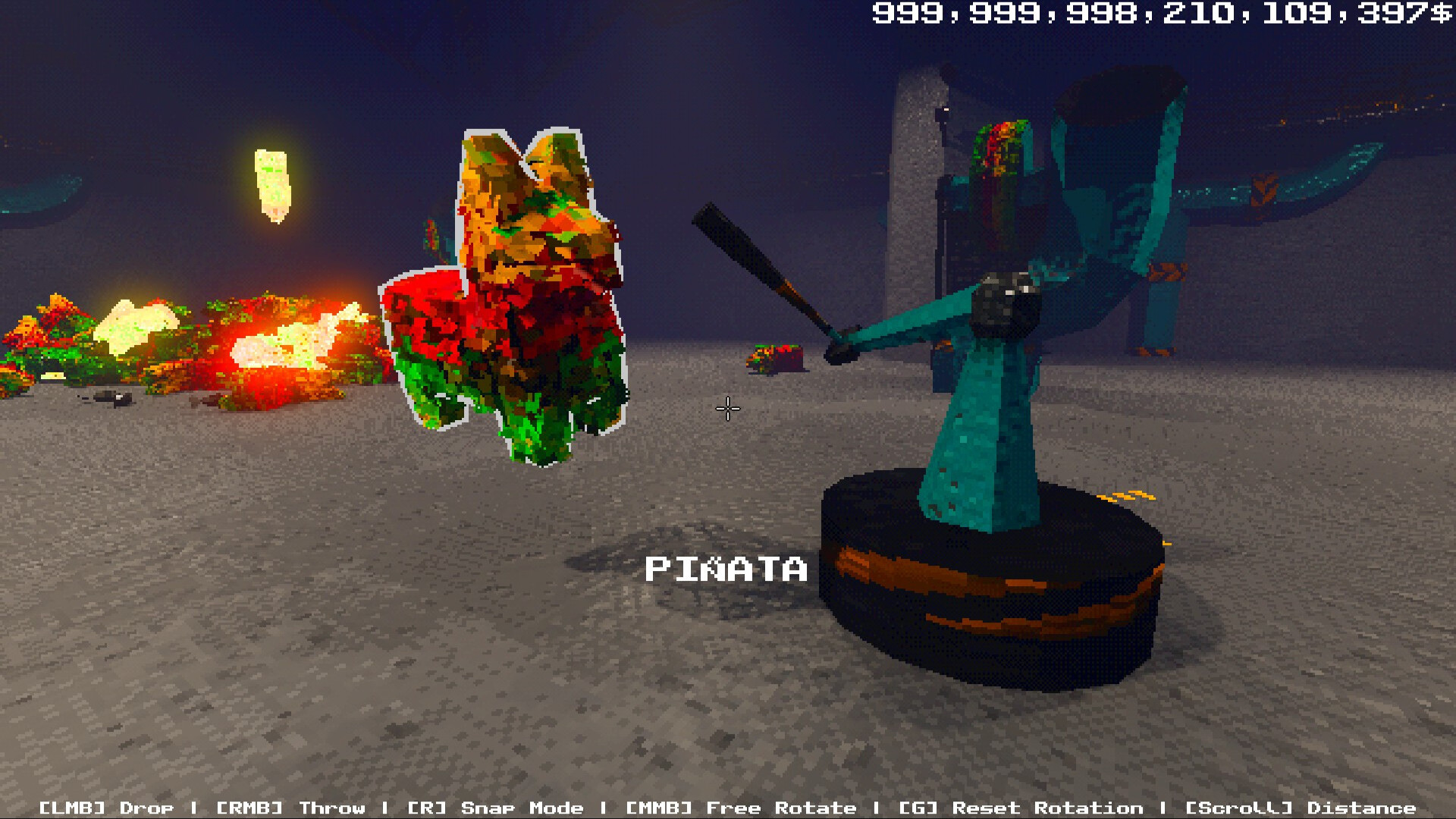
After the initial duck phase, you can unlock a variety of tools such as magnets, fans, panels, pistons and launchers. These devices let you manipulate objects and automate parts of the line. Each new tool adds a layer of complexity, encouraging you to build more efficient and chaotic setups.
- Experiment with magnets to redirect falling items.
- Combine pistons and launchers for high‑speed delivery.
03 / THE GUIDE
Physics‑Based Production
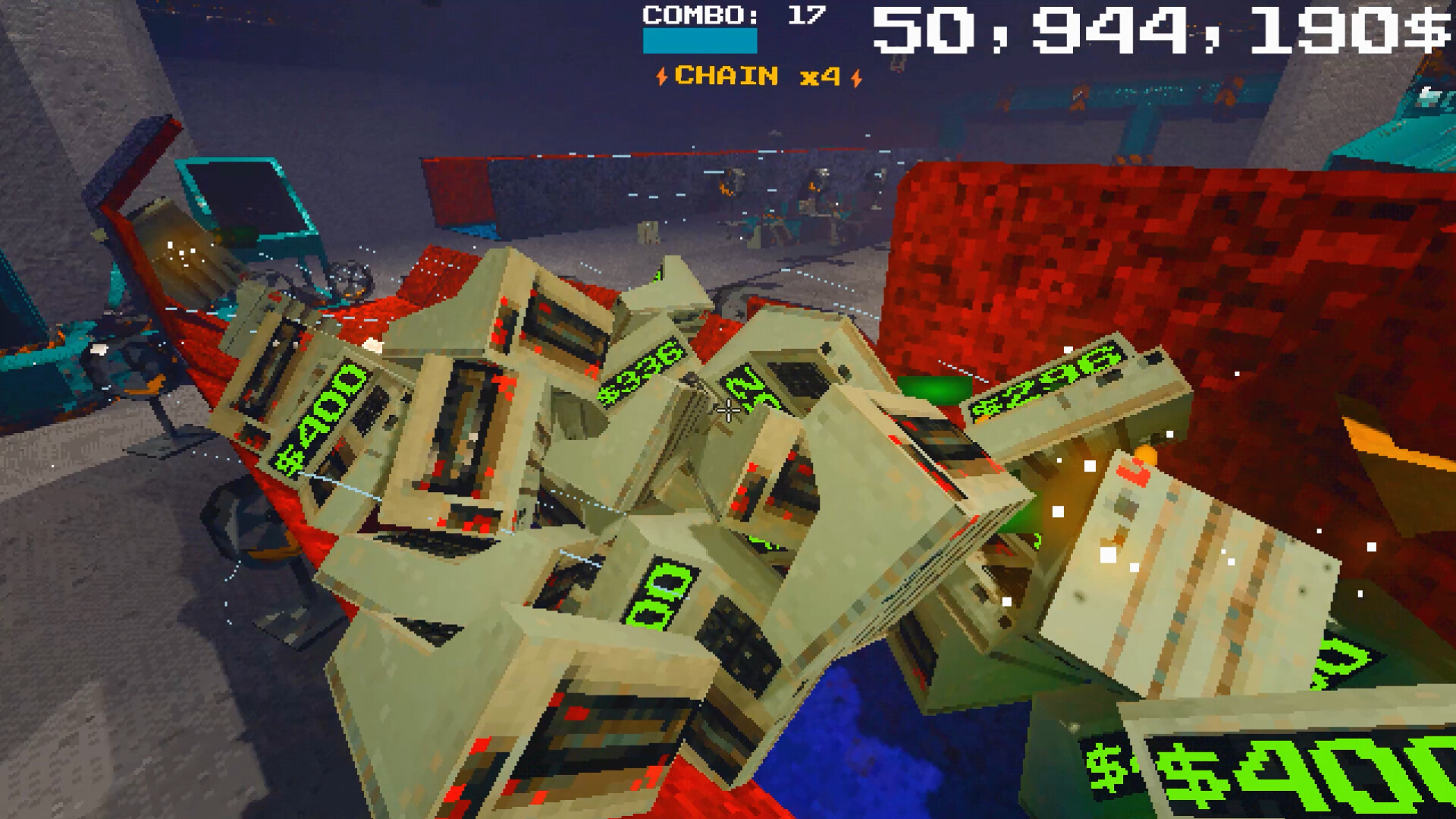
The game relies on absurd physics, allowing objects to interact in unpredictable ways. Chains of combos can be created to boost throughput and increase payouts. Physics interactions are central to optimizing your line, as each added component changes how items move toward the Maw.
- Test small setups before scaling up.
- Watch for unintended collisions that may boost output.
04 / THE GUIDE
Maw Growth and Facility Shifts
Each production phase causes the Maw to expand, and the facility’s layout shifts to reflect the growing demand. This visual growth signals when you need to upgrade or redesign your line. The escalating challenge turns simple duck making into complex assembly, prompting deeper strategic planning.
- Keep an eye on the Maw’s size to time upgrades.
- Adapt your layout as the facility changes.
05 / THE GUIDE
Platform Support and Accessibility
Project P.I.T.T. runs on Windows, macOS and Linux, offering full controller support including DualShock and DualSense. Features like adjustable text size, camera comfort and custom volume controls improve accessibility. Steam Cloud saves and family sharing let you continue progress across devices without losing data.
- Use adjustable text size for clearer UI.
- Enable Steam Cloud to keep saves synced.
COMMUNITY
Player discussion