 GameWiki

GET YOUR BEARINGS
About Project Hospital
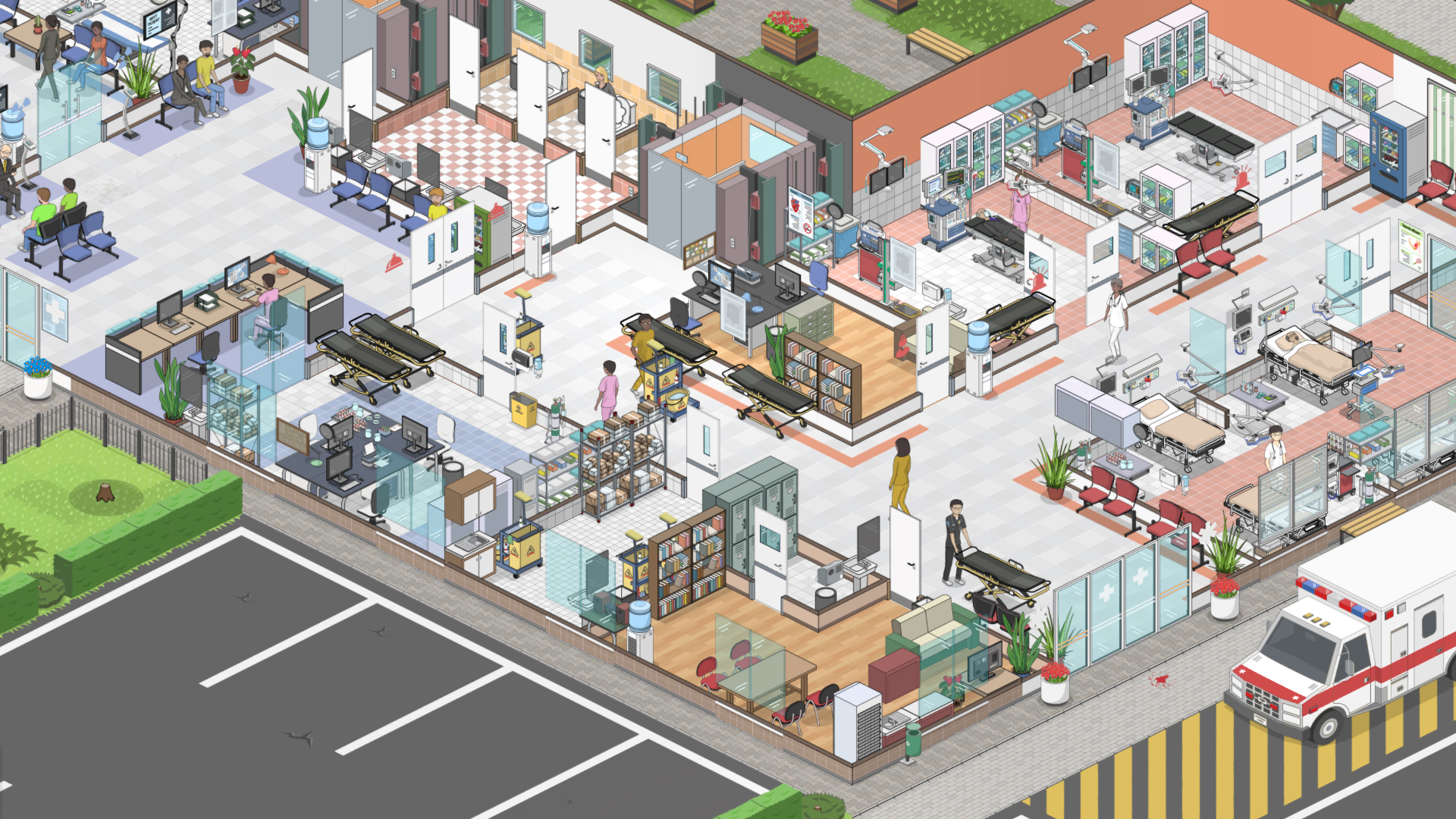
Project Hospital lets you act as a doctor, architect, and manager, building a medical facility from the ground up. You can design every detail with objects, materials, and colors, or start with pre‑built scenarios and focus on treating patients, hiring staff, and handling emergencies.
The game includes tutorial levels, a sandbox mode, a crisis‑management campaign, and six specialized challenge levels. It runs on Windows, macOS, and Linux and supports Steam features such as achievements, cloud saves, and the Workshop.
01 / THE GUIDE
Hospital Design
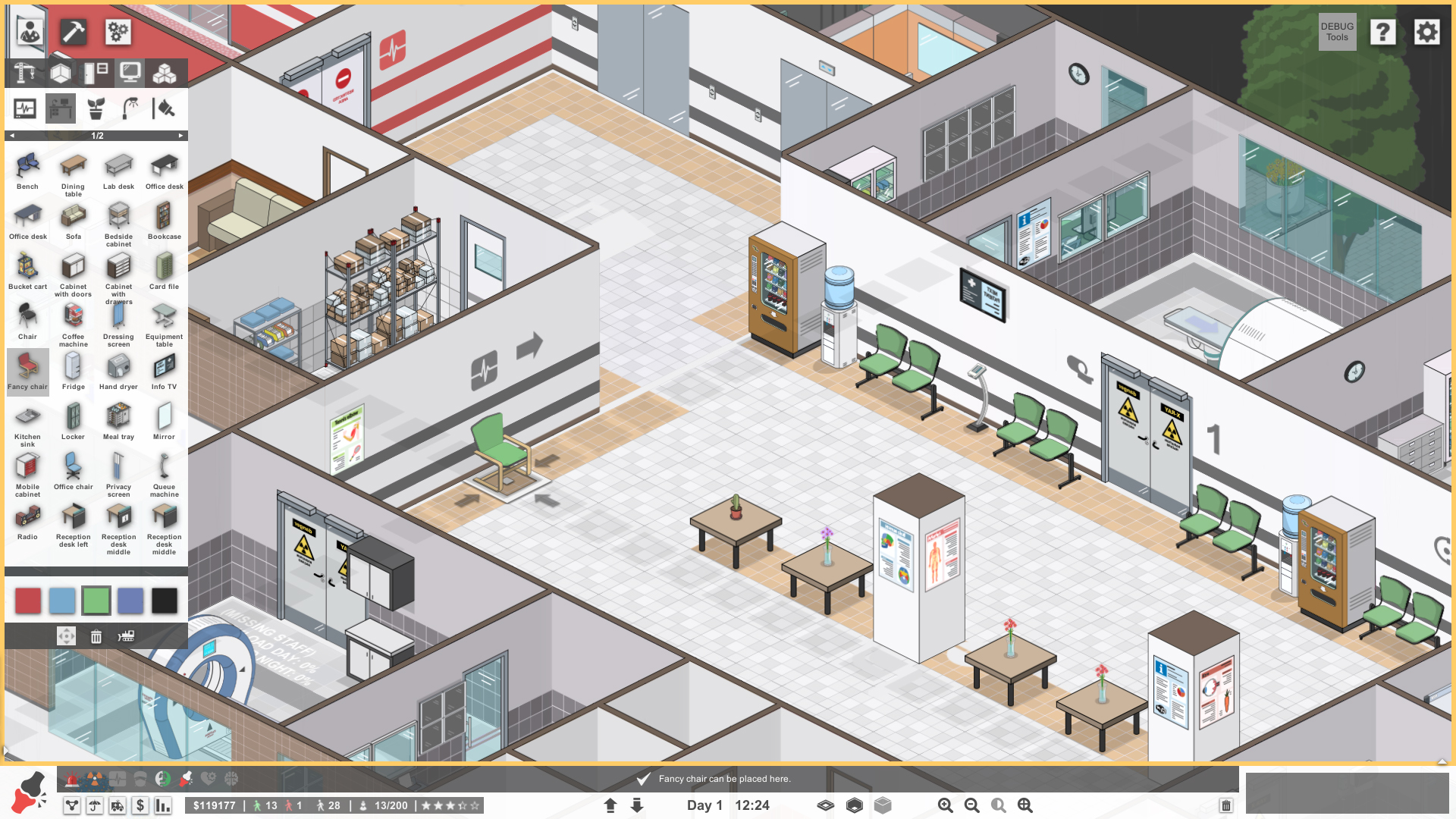
You can craft hospitals using a wide range of objects, materials, and colors, giving full control over layout and appearance. Prefabs are also provided, allowing you to place ready‑made rooms and corridors quickly without manual construction.
The design tools support anything from a small clinic to a multi‑storey complex. Every element can be tweaked, letting you balance aesthetic preferences with functional requirements such as patient flow and staff accessibility.
- Start with a prefab layout if you want to focus on management before refining aesthetics.
- Use consistent color coding to help staff and patients navigate more easily.
02 / THE GUIDE
Staff Management
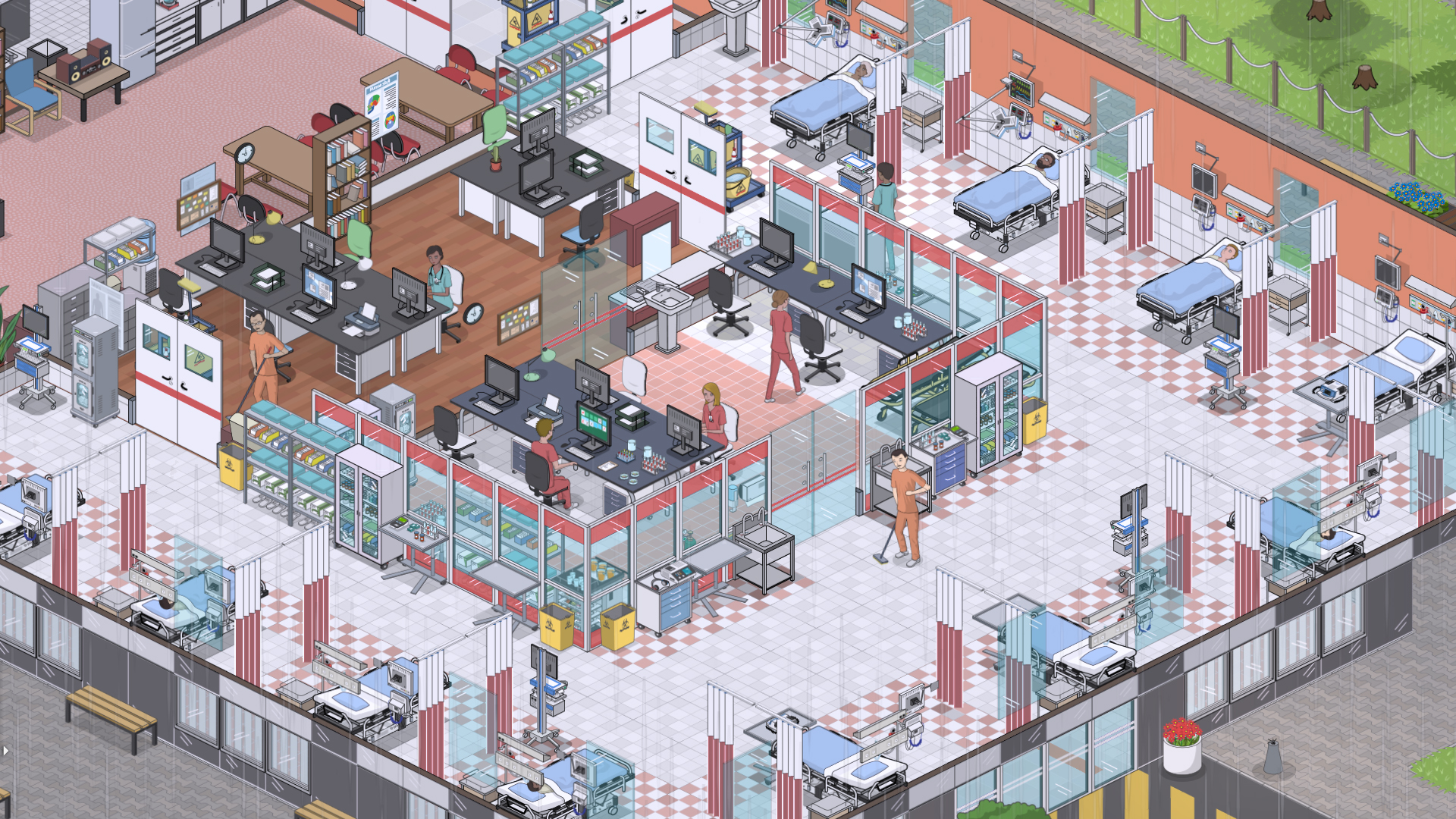
Hiring covers doctors, janitors, and other personnel, each with specializations that affect performance. You must assign staff to appropriate roles and ensure they have the tools needed for their duties.
The game tracks staff satisfaction, encouraging you to balance workloads, provide suitable equipment, and address issues that arise. Satisfied employees contribute to smoother hospital operation and better patient outcomes.
- Monitor staff satisfaction regularly to prevent burnout.
- Match doctors to departments that align with their specializations for improved results.
03 / THE GUIDE
Medical Gameplay
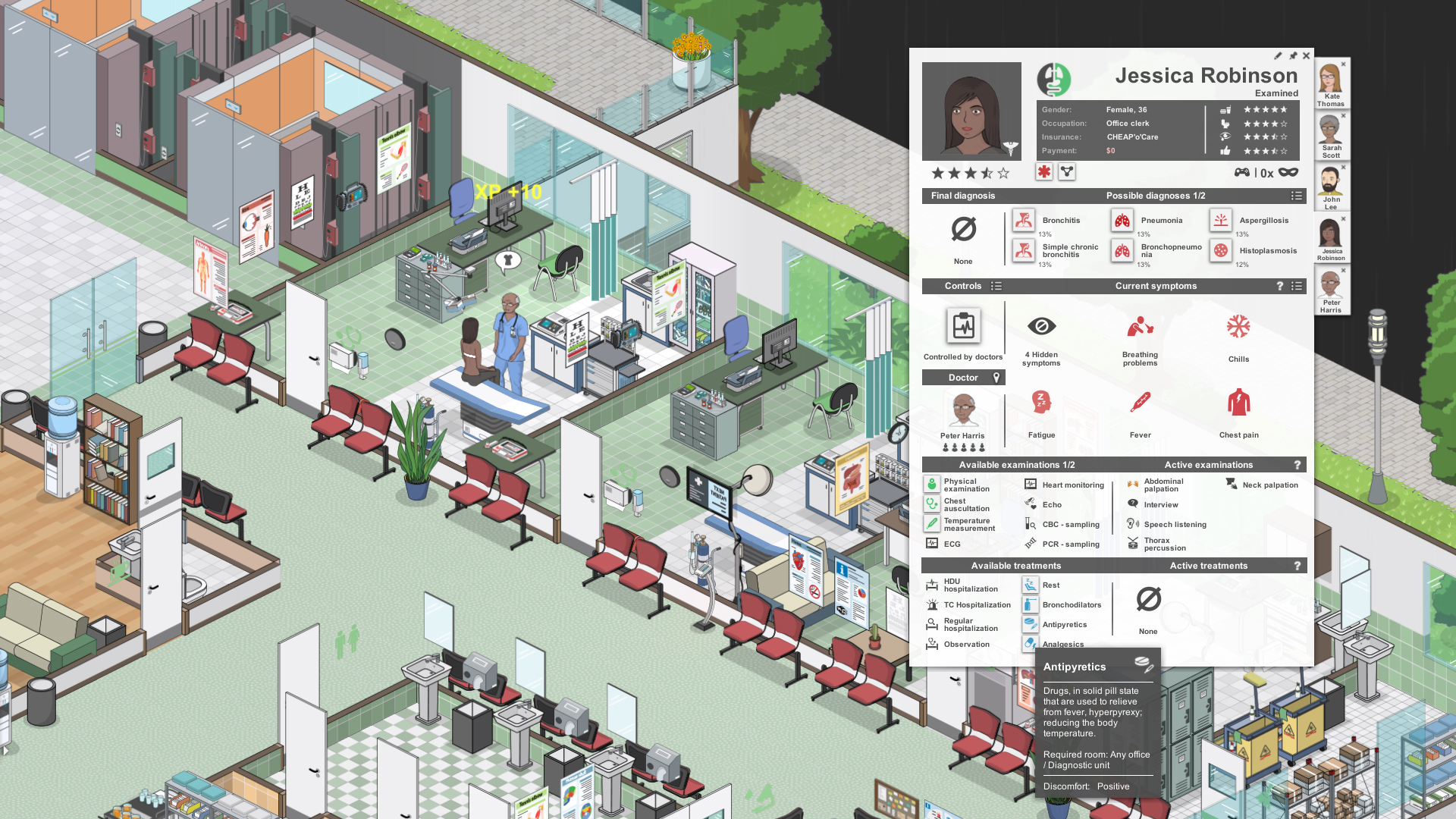
Patients arrive with varied conditions, and you can contract different insurance companies to gain access to diverse cases. Diagnostic puzzles involve examinations, laboratory tests, and equipment usage to determine illnesses.
After diagnosis, you can hospitalize patients, perform surgeries, and guide doctors through complex cases. The system lets you follow individual patients or focus on broader treatment strategies.
- Use laboratory tests early to narrow down diagnoses quickly.
- Follow the most complicated cases to learn advanced treatment steps.
04 / THE GUIDE
Game Modes
Tutorial levels guide you through the basics of patient care and hospital operation, introducing core mechanics step by step. These levels are separate from other modes and focus on learning.
Sandbox mode offers endless building possibilities, starting from scratch or a pre‑built facility. The campaign places you as a crisis manager rescuing failing hospitals, while six challenge levels test skills in specialized departments.
- Complete tutorials before entering sandbox for a smoother start.
- Try challenge levels to practice managing specific departments.
05 / THE GUIDE
Language & Compatibility
A special Thai translation is available via the beta properties menu. Enabling it requires selecting the Thai language option under Properties → BETAS → thai-language-support.
For Asian languages and Steam Deck users, running the game with Proton (Properties → Compatibility) ensures correct font display. The game also supports Windows, macOS, and Linux, and integrates with Steam features such as achievements and cloud saves.
- Enable Proton in Properties → Compatibility if fonts appear garbled.
- Select the Thai language in Properties → BETAS for localized text.

COMMUNITY
Player discussion