 GameWiki
GET YOUR BEARINGS
About Prodeus
Prodeus is a first‑person shooter that blends retro aesthetics with modern rendering. It offers a hand‑crafted single‑player campaign, co‑op and competitive multiplayer, and a built‑in level editor with a community map browser. The game’s visual style mixes lo‑fi pixel explosions with high‑tech particle effects, while a metal soundtrack reacts to player actions. Designed by veteran FPS developers, Prodeus delivers fast, chaotic combat across a variety of classic modes.
01 / THE GUIDE
Retro Visuals
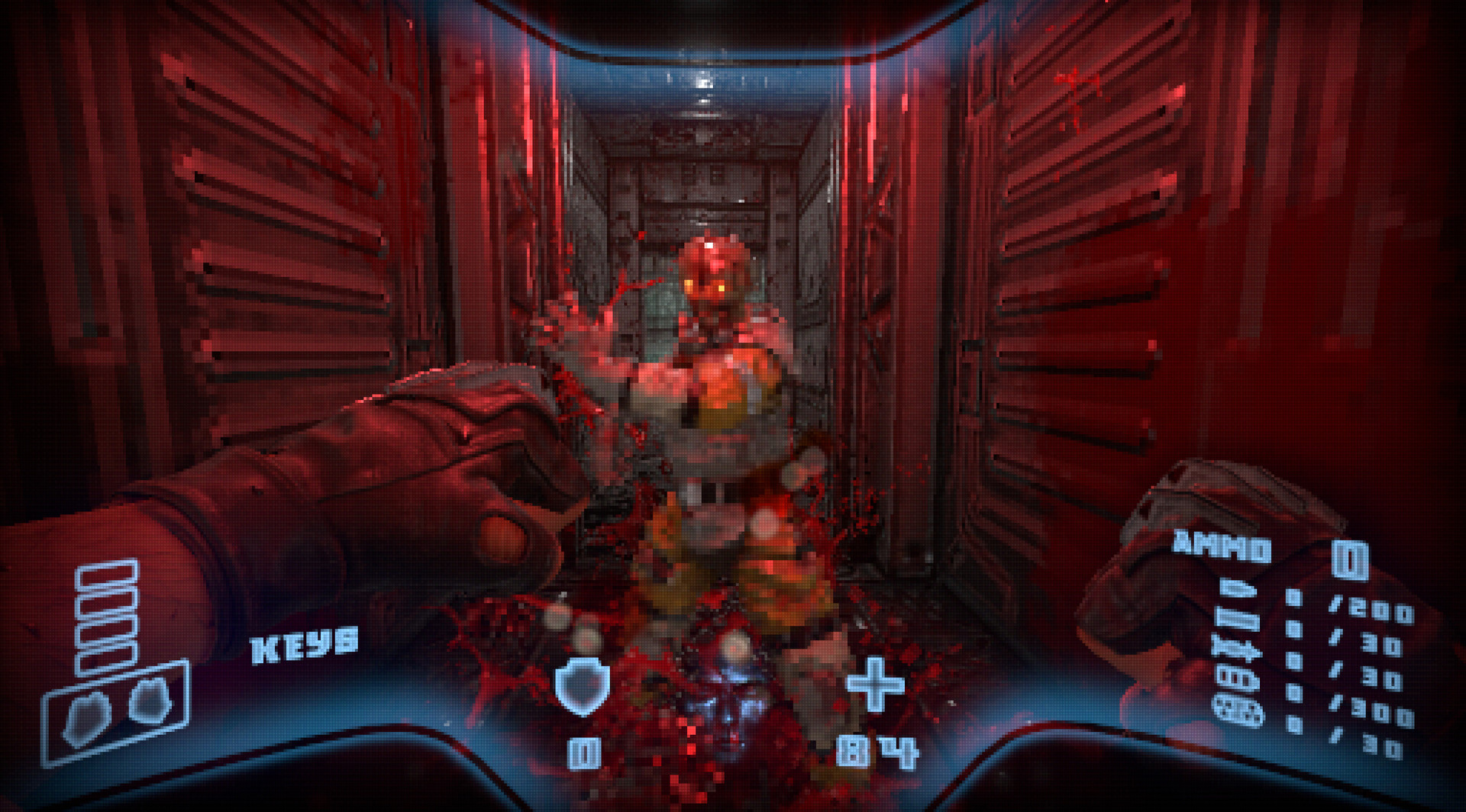
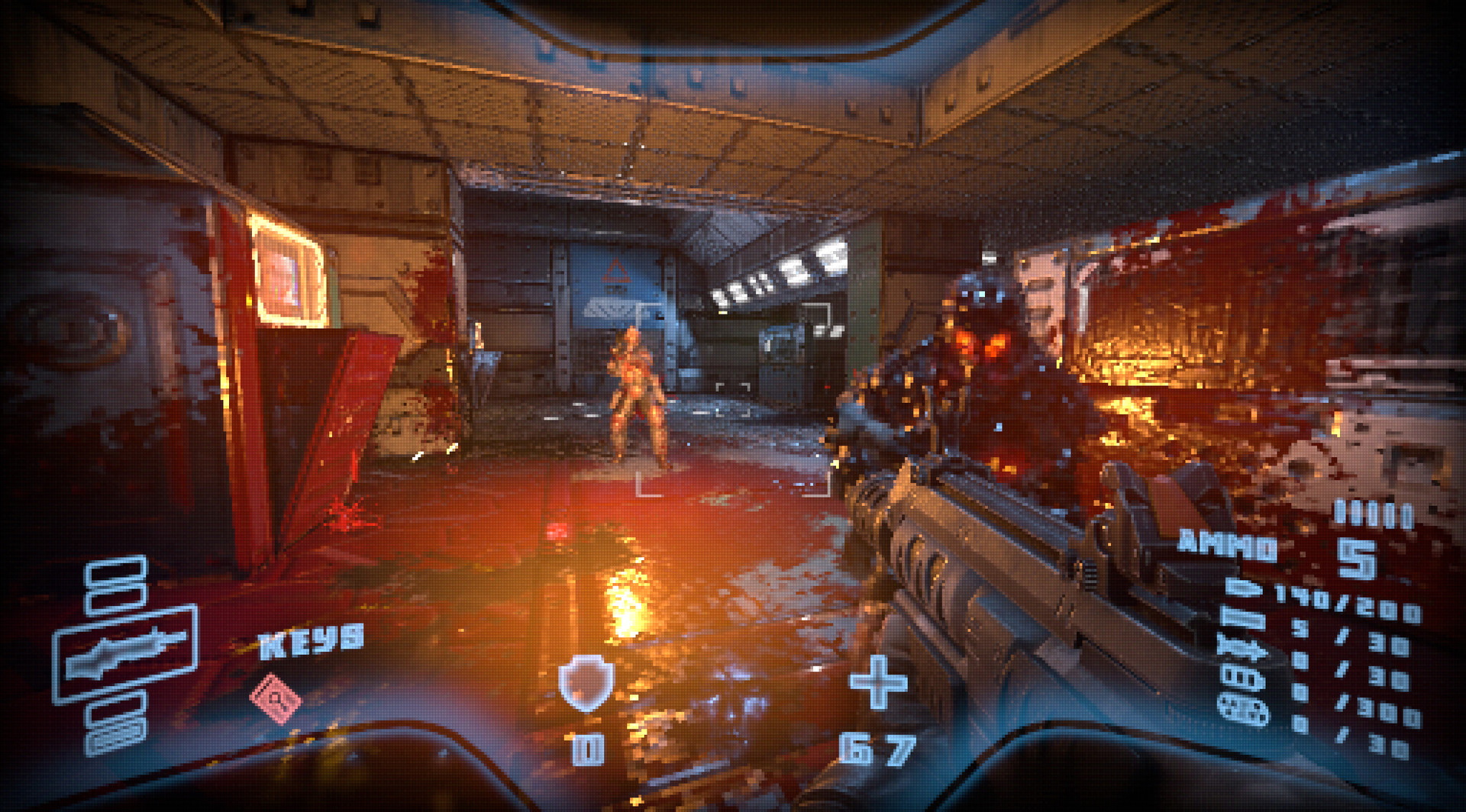
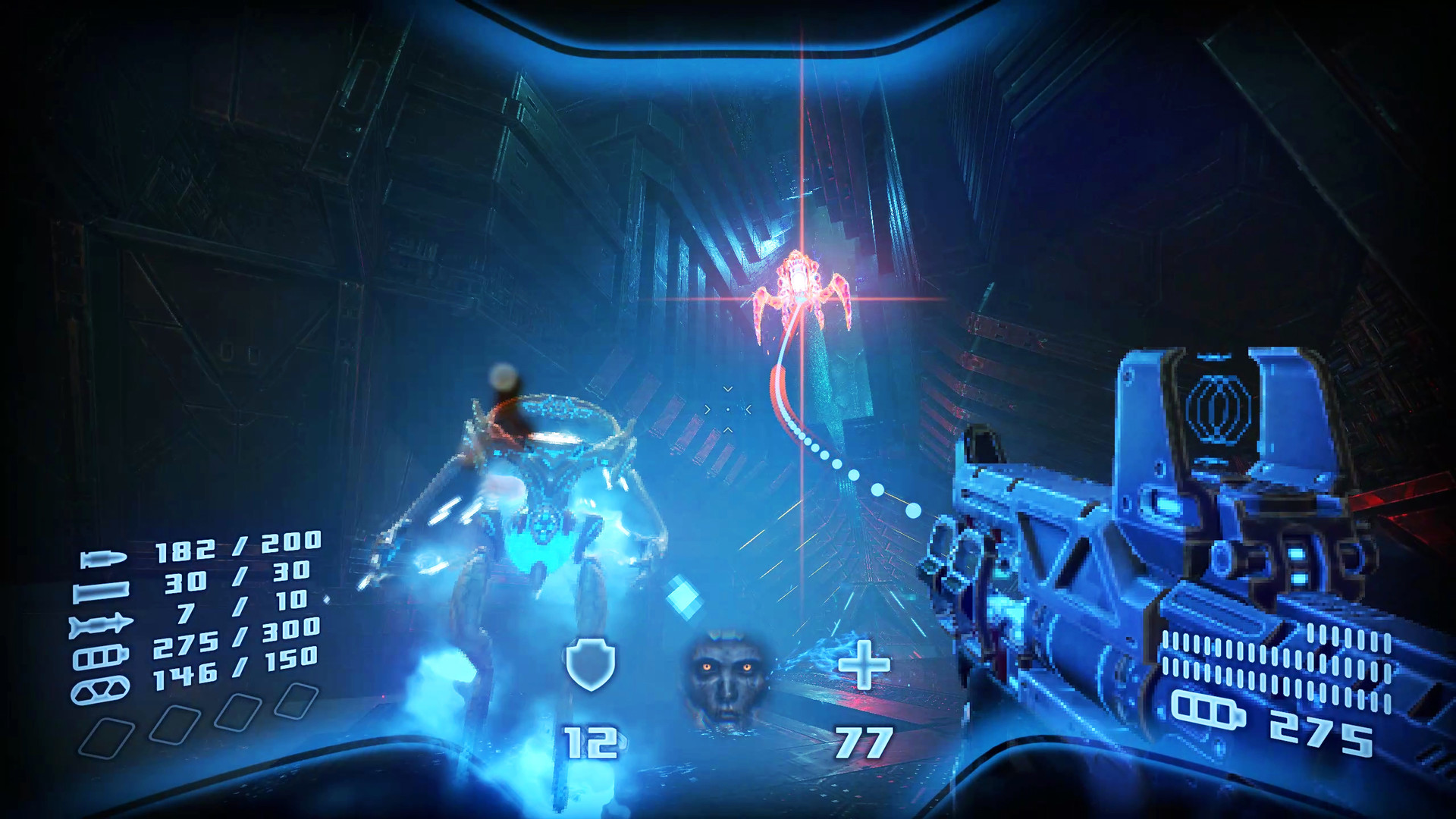
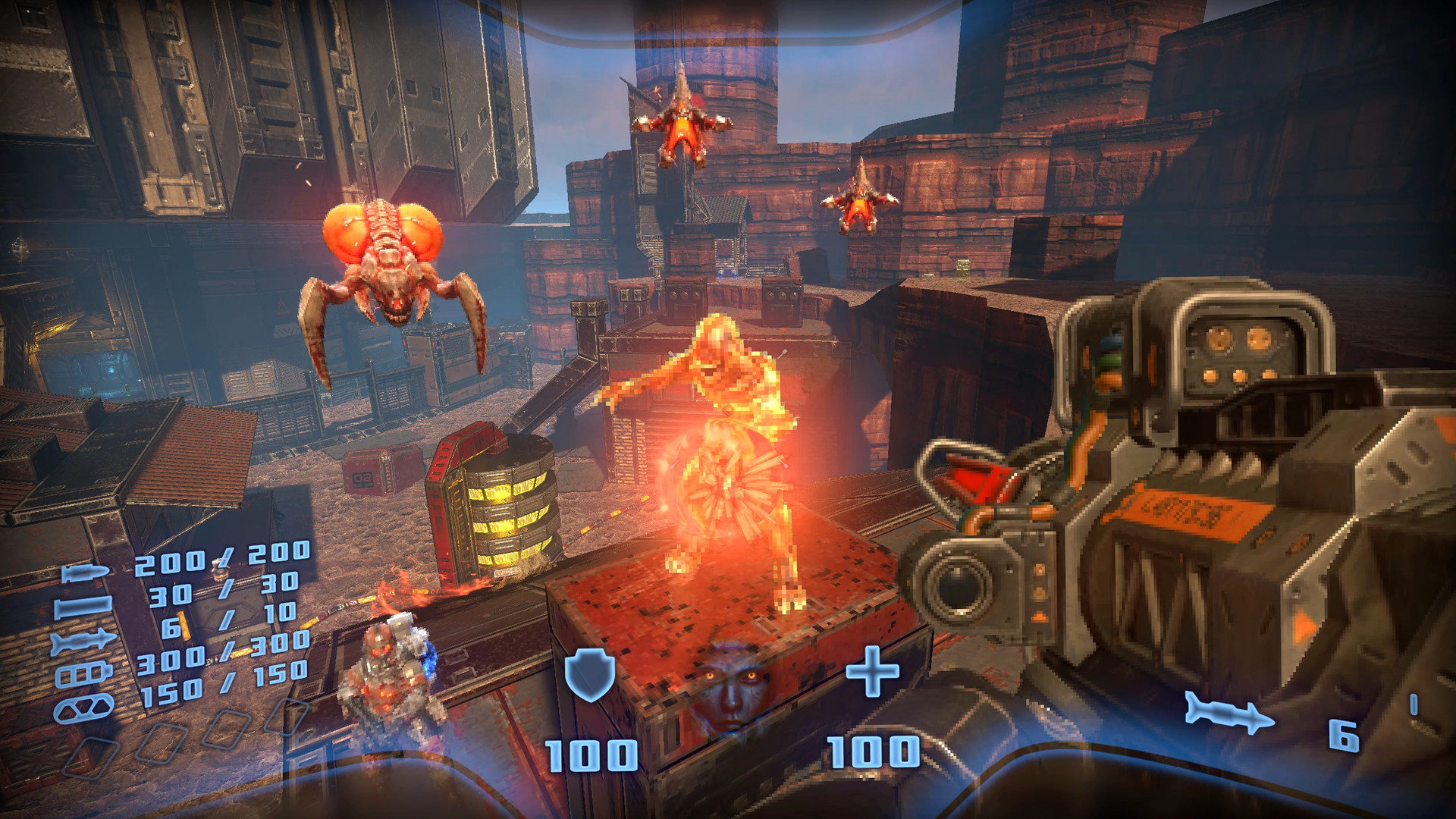
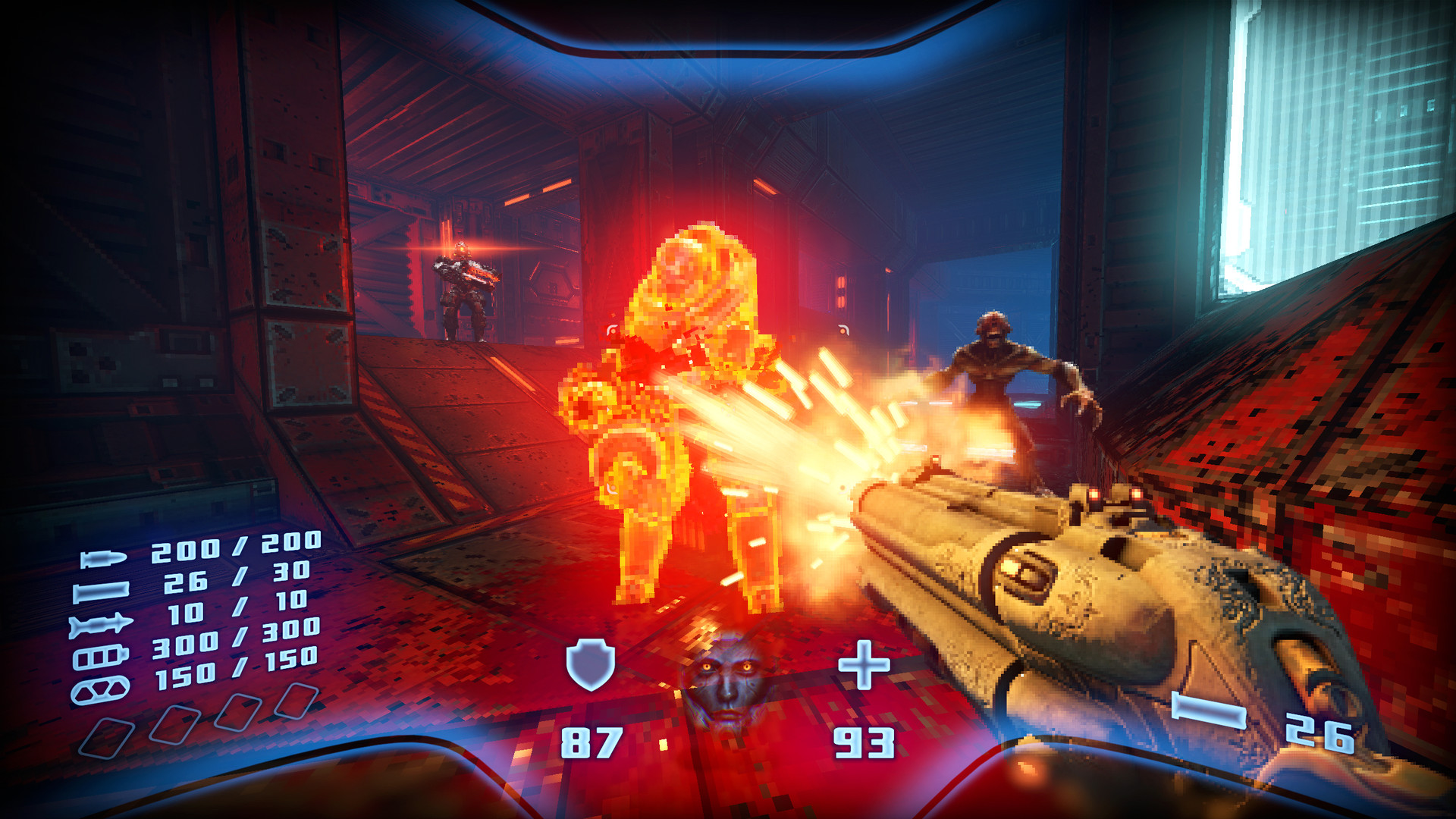
Prodeus combines today’s high‑quality 3D technology with retro‑style graphics, creating a look that feels both nostalgic and fresh. Over‑the‑top explosions of lo‑fi pixels sit alongside hi‑tech particle effects, giving each encounter a distinctive visual punch. The art direction intentionally evokes the limits of older hardware while leveraging modern rendering for clarity and performance. This blend reinforces the game’s identity as a “Boomer Shooter” that respects its roots. The visual style extends to environments, where steel walls and alien halls are splattered with vivid blood. The dismemberment system adds gory detail, amplifying the classic shooter feel. Together, the graphics and effects deliver a striking, fast‑paced aesthetic that stands out among contemporary FPS titles.
- Compare the pixel‑style explosions with the particle effects to appreciate the hybrid visual approach.
- Notice how the blood splatter reinforces the retro shooter atmosphere during combat.
02 / THE GUIDE
Multiplayer Modes
Prodeus supports a range of multiplayer experiences, from 4‑player co‑op campaign runs to 16‑player Deathmatch, Team Deathmatch, Capture the Flag, and more. Players can compete head‑to‑head or collaborate against AI foes, using the same fast‑paced combat found in the single‑player campaign. The game also allows creators to design and share custom game modes, expanding the multiplayer variety. All multiplayer options are accessible online, and the built‑in community map browser supplies fresh arenas for each match. This structure encourages both competitive play and cooperative teamwork, catering to different player preferences within the same engine.
- Try both co‑op and PvP modes to see how the same weapons feel in teamwork versus competition.
- Explore community‑created maps for fresh layouts beyond the default arenas.
03 / THE GUIDE
Level Editor
Prodeus includes a powerful yet easy‑to‑use level editor, enabling players to craft their own maps. The editor integrates directly with the game, allowing creators to place geometry, enemies, and weapons without external tools. Finished maps appear instantly in the built‑in browser, where the community can download and play them. This workflow keeps the combat experience fresh, as new community‑crafted levels continuously expand the game’s content. The editor’s accessibility encourages both novice and experienced designers to contribute to the shared map pool.
- Start with simple geometry to learn the editor’s placement tools before tackling complex designs.
- Test your map in single‑player mode to ensure flow before sharing it online.
04 / THE GUIDE
Audio Dynamics
The soundtrack, composed by Andrew Hulshult, delivers a supercharged metal score that reacts to player actions. As combat intensifies, the music shifts gears to match the pace, reinforcing the chaotic atmosphere. This dynamic audio design ties directly into the visual and gameplay tempo, creating a cohesive sensory experience. The music’s responsiveness ensures that each encounter feels unique, with the soundtrack amplifying moments of high tension or rapid gunfire. Players can notice how the audio cues align with in‑game events, enhancing immersion.
- Pay attention to how the music changes during large battles versus quieter moments.
- Use headphones to fully experience the dynamic shifts in the metal soundtrack.
05 / THE GUIDE
Platform Support
Prodeus runs on Windows and macOS, offering full controller support on both platforms. Players can enjoy the game using a gamepad without needing additional peripherals. The cross‑platform availability ensures that a broad audience can experience the retro‑modern shooter. While the game does not list Linux support, its Windows and macOS availability covers the game’s core offerings, including single‑player, multiplayer, co‑op, and the level editor.
- Test controller input on both Windows and macOS to confirm consistent handling.
- Check the platform’s system requirements before installing to ensure smooth performance.
COMMUNITY
Player discussion