 GameWiki
GET YOUR BEARINGS
About Primitier
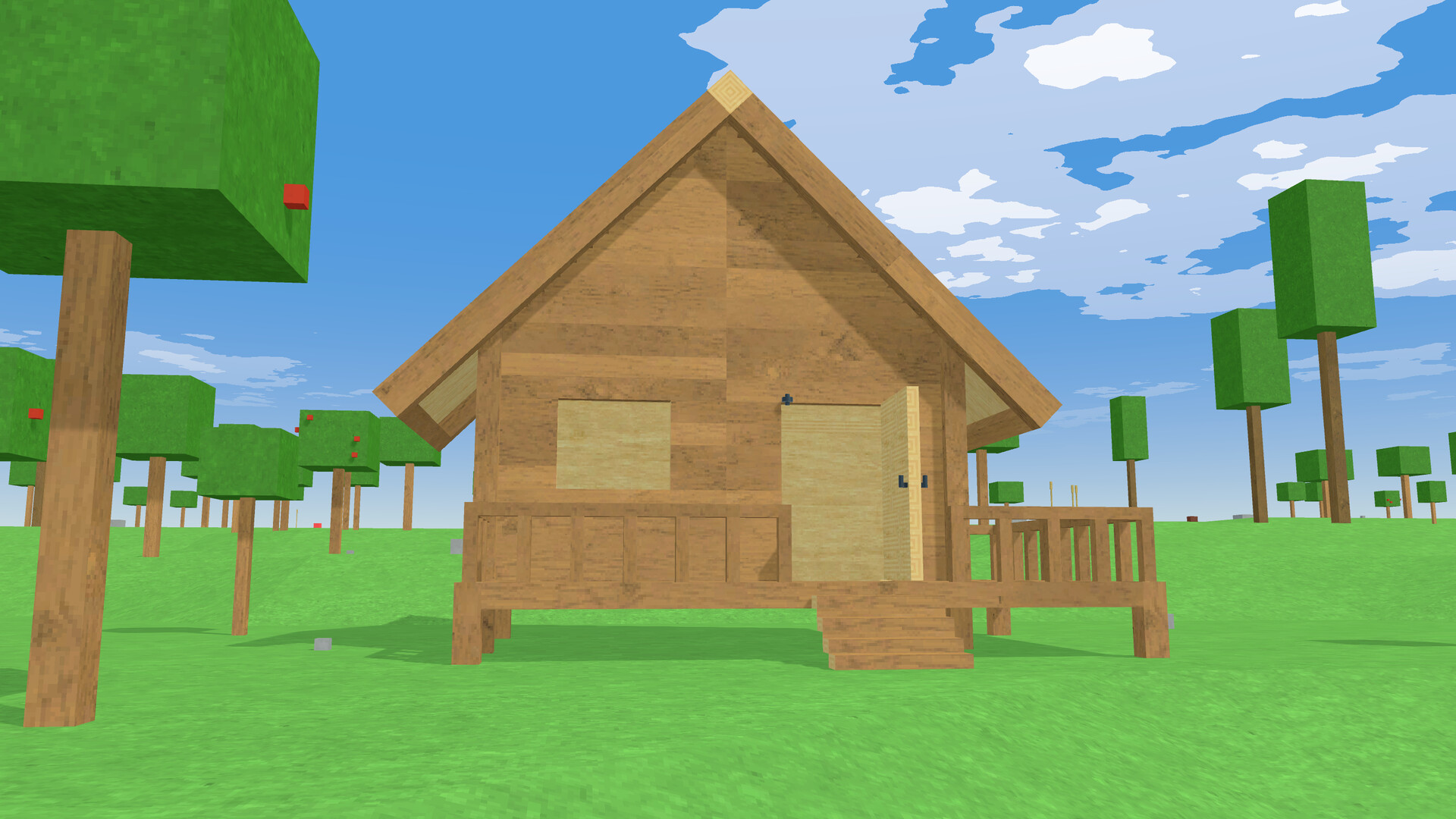
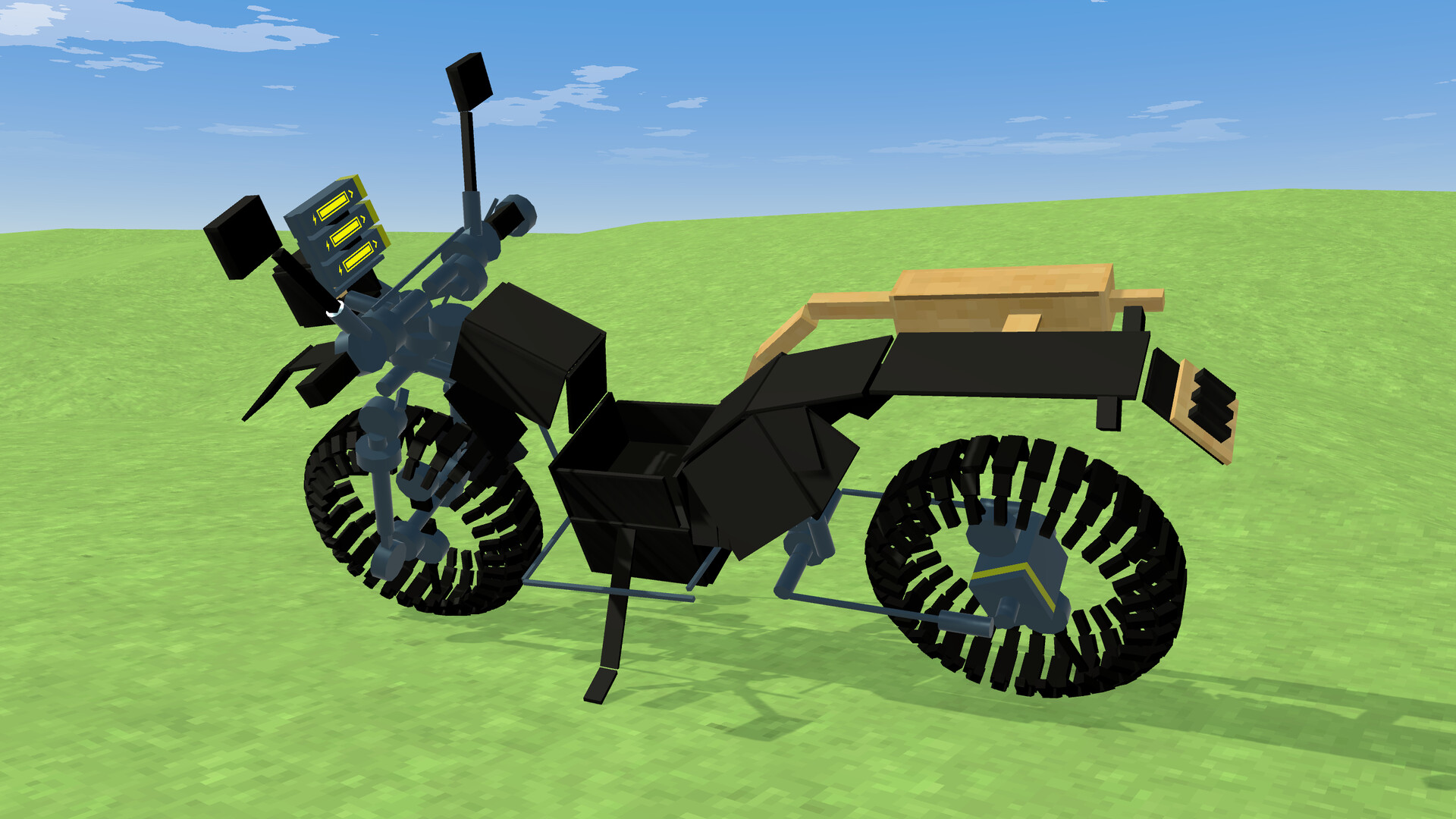
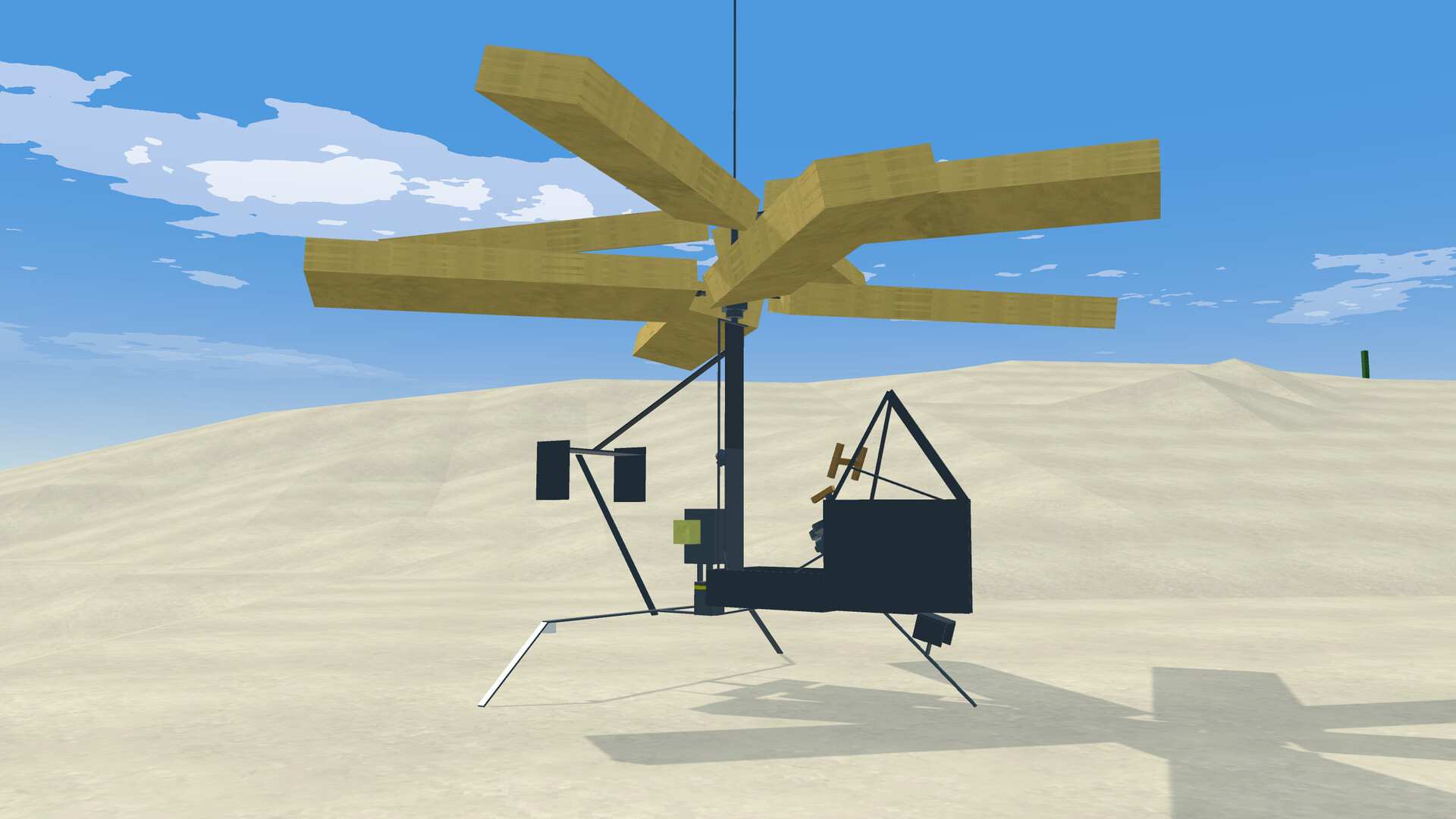
Primitier is a VR‑only sandbox where players shape tools and machines by cutting and joining objects in a physics‑driven world. The game emphasizes realistic craftsmanship, letting you turn a struck tree into a functional axe or build complex contraptions like carts and airplanes.
The procedurally generated landscape is vast and can be explored freely, with enemies that encourage weapon creation. Players may also import custom VRM avatars, hide them, and capture gameplay from a third‑person view for sharing, all while the game supports tracked controllers, Steam Cloud, and family sharing.
01 / THE GUIDE
True Craft System
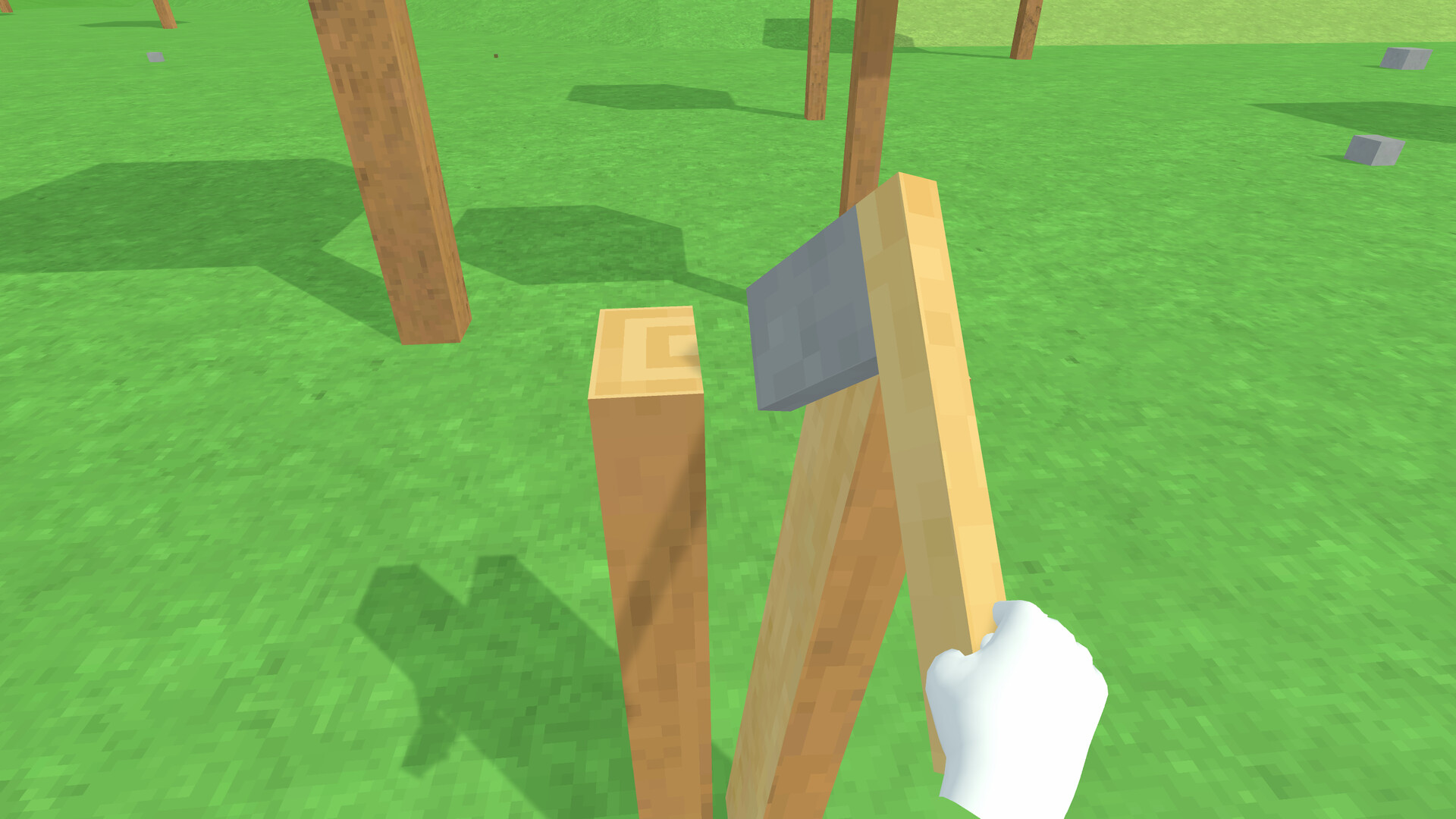
Tools are made by physically cutting objects and attaching parts. Striking a tree with a stone cuts the wood at the impact point, allowing you to attach the stone as an axe head. This method works with wood, stone, and most objects found in the game.
The resulting tool’s performance depends on its physical attributes, such as handle length and stone weight, creating a realistic sense of craftsmanship.
- Experiment with different handle lengths to see how swing speed changes.
- Try attaching heavier stones to observe increased destructive power.
02 / THE GUIDE
Expansive Procedural World
The game generates a vast landscape that can be traversed seamlessly. Exploration reveals varied terrain and occasional enemies, prompting players to craft defensive weapons.
Because the world is procedurally generated, each playthrough offers new routes and resource locations, encouraging continual discovery.
- Move slowly in new areas to spot hidden resources.
- Prepare a basic weapon before venturing far from your starting point.
03 / THE GUIDE
Advanced Physics Simulation
All crafted items and objects obey a detailed physics engine. Swinging a stone axe feels different depending on the handle’s length and the stone’s mass.
Machines such as carts and airplanes also follow physical rules, including air resistance, lift, and buoyancy, allowing realistic vehicle construction.
- Balance weight and length when building tools for smoother handling.
- Test small prototypes of machines before scaling up.
04 / THE GUIDE
Avatar Importing
Players can load custom avatars using VRM files, though not all VRM formats are supported. The avatar can be displayed or hidden at any time.
Avatar importing is described as a way to change your avatar's appearance, offering a personalization option for VR immersion.
- Check VRM compatibility before importing to avoid loading issues.
- Hide the avatar when focusing on precise tool crafting.
05 / THE GUIDE
Posting and Broadcasting Gameplay
The game permits recording and streaming of gameplay within official guidelines. An in‑game camera can output a third‑person perspective to the PC screen.
These features enable creators to share their builds and adventures while complying with the provided posting rules.
- Use the third‑person camera for clearer demonstrations of large machines.
- Review the official guidelines to ensure your videos meet posting standards.
COMMUNITY
Player discussion