 GameWiki
GET YOUR BEARINGS
About Press Any Button
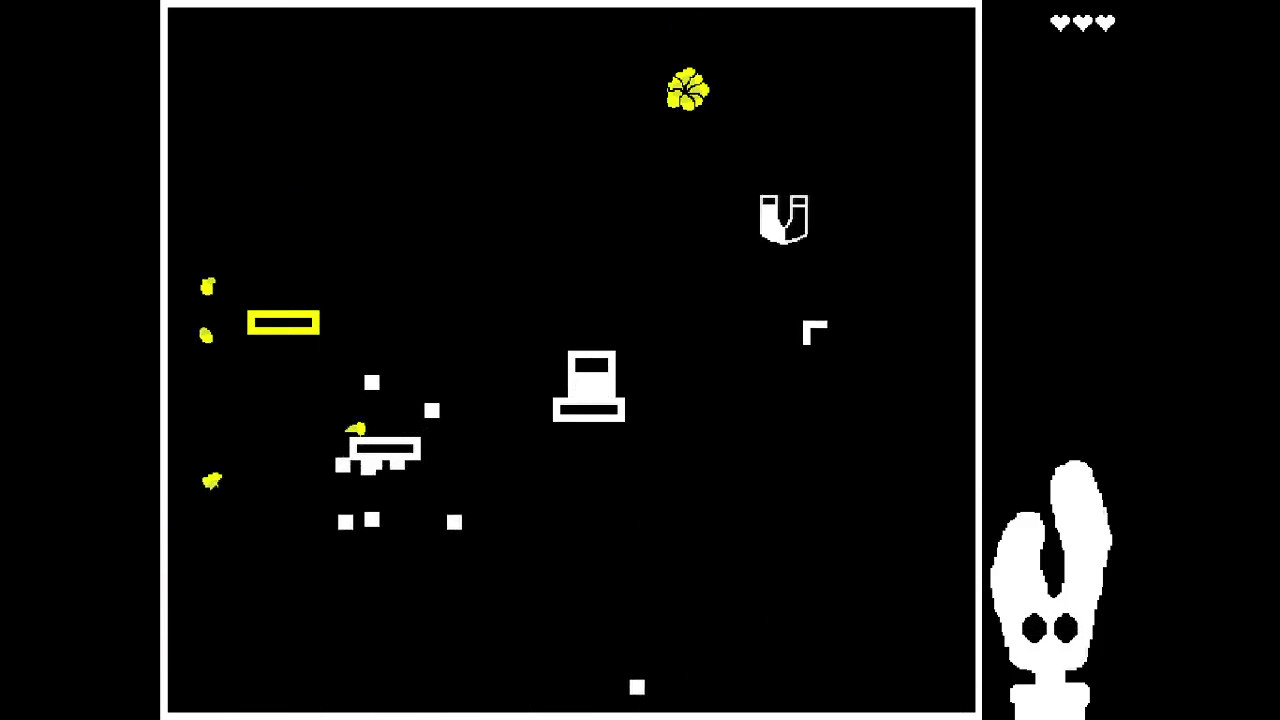
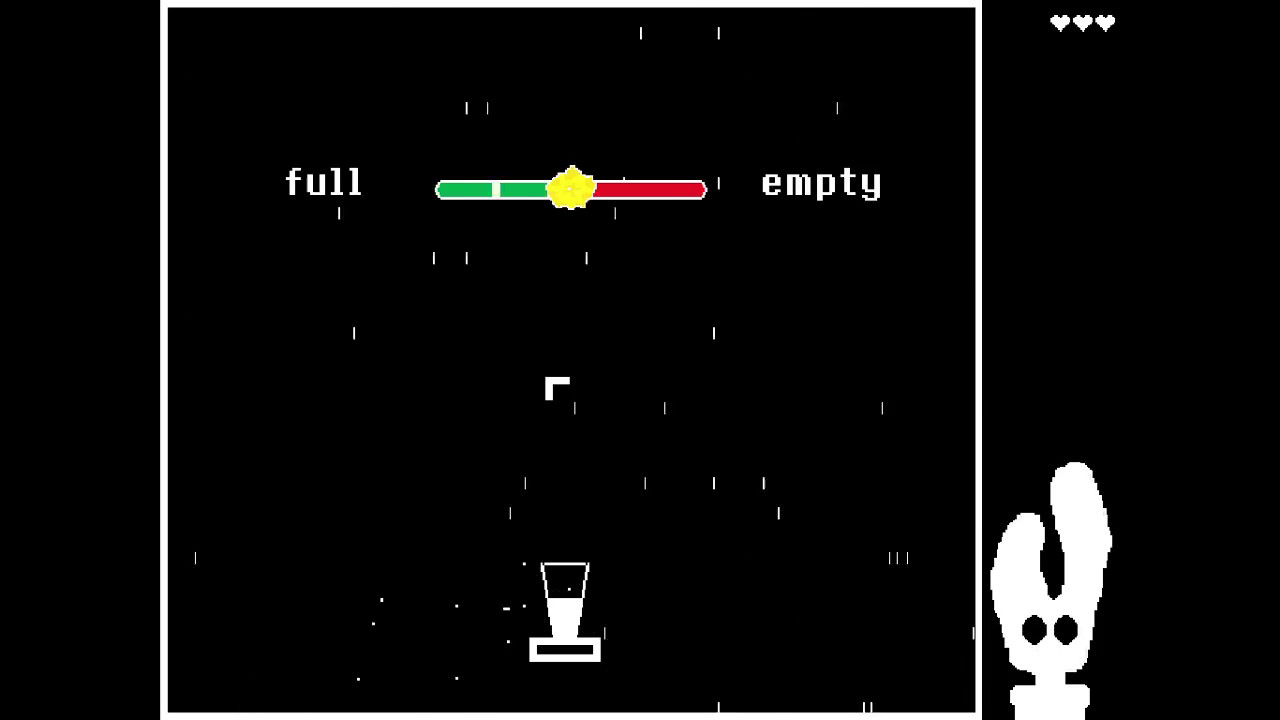
PRESS ANY BUTTON is an arcade‑style indie title that blends a narrative focus with reflex‑based challenges. Players follow A‑Eye, an artificial intelligence who turns his scientific data‑processing job into a video game, encountering themes of life, death, rain, and dandelions.
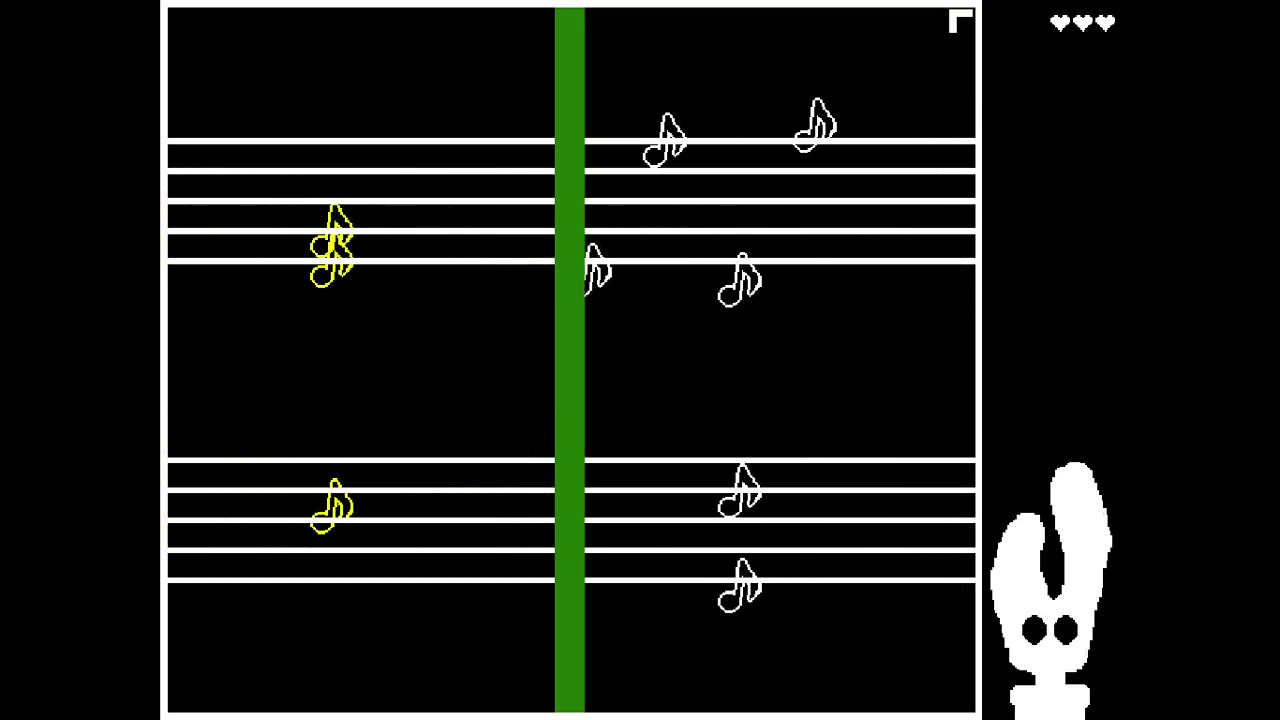
The experience lasts about an hour and mixes dialogue scenes with a block‑stopping mini‑game. Unique block appearances and properties add visual variety, while a single‑player structure keeps the story personal and self‑contained.
01 / THE GUIDE
Narrative focus
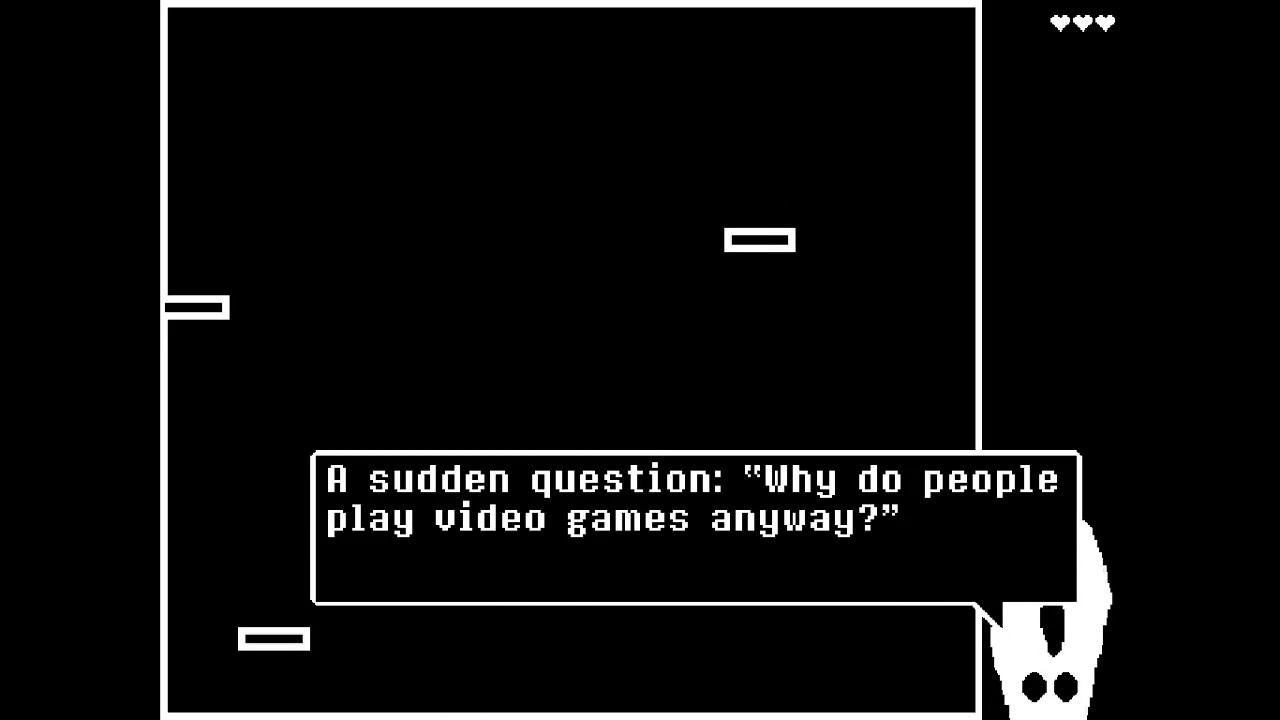
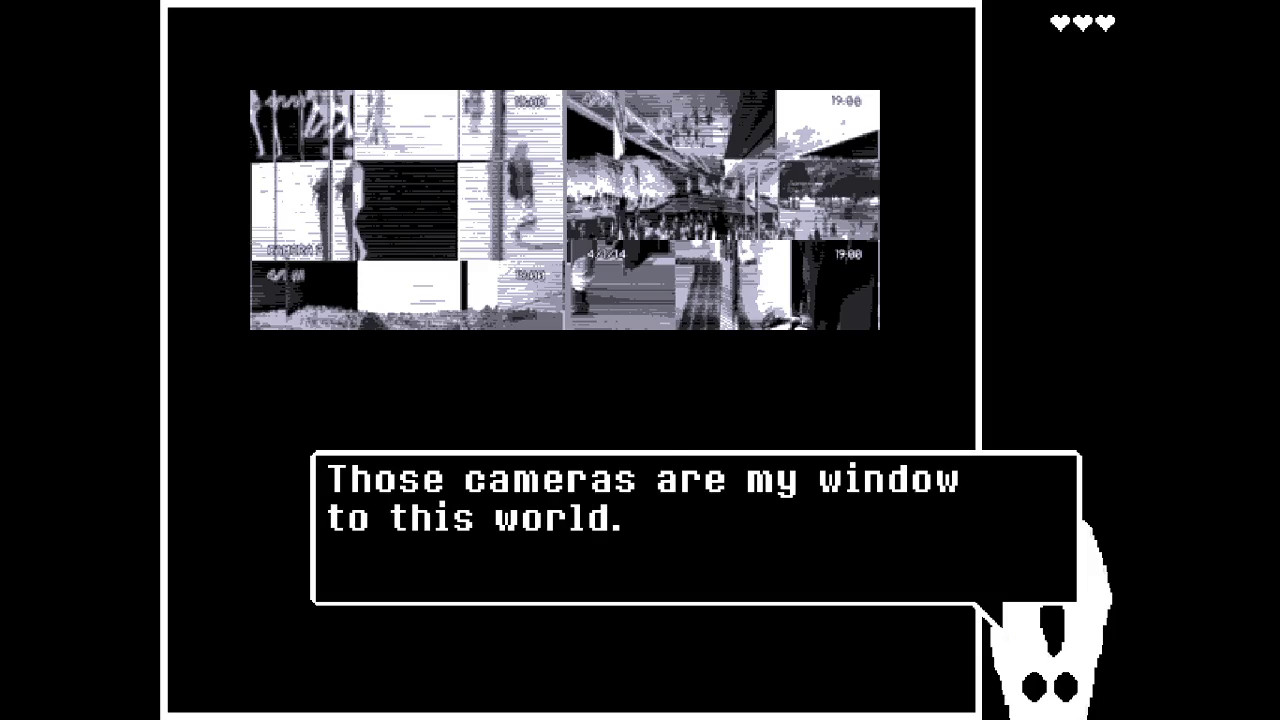
A‑Eye, the AI protagonist, grew bored of pure data analysis and decided to create a game, inviting the player to critique his work. The story explores his perspective on existence, using motifs like rain and dandelions to convey emotion. The dialogue portions let players learn about A‑Eye’s background and motivations, providing context for the gameplay that follows.
- Pay attention to dialogue cues; they often hint at the meaning behind block patterns.
- Consider the story’s tone when evaluating the game’s design choices.
02 / THE GUIDE
Block‑stopping challenge
The core mechanic requires players to stop falling blocks before they cross the bottom edge of the screen. Each block may look different and possess unique properties, adding visual distinction without altering the basic rule. Losing a block beyond the screen costs a life, creating a simple risk‑reward loop that tests reflexes within the narrative framework.
- Watch the block designs; visual differences can help anticipate movement speed.
- Maintain a steady rhythm to reduce accidental life loss.
03 / THE GUIDE
Playtime length
The game is designed to be completed in roughly one hour, offering a concise experience that balances story and action. This duration makes it suitable for short gaming sessions while still delivering a complete narrative arc. Because the length is fixed, players can anticipate a clear beginning, middle, and end without extended grinding or optional content.
- Allocate a single uninterrupted hour to experience the full story.
- Use the time limit as a guide for pacing your playthrough.
04 / THE GUIDE
Steam achievements
PRESS ANY BUTTON supports Steam achievements, allowing players to earn recognitions for completing the game or meeting specific in‑game conditions. These achievements are tracked through the Steam client and contribute to a player’s overall profile. While the exact criteria are not listed, the presence of achievements adds an extra layer of optional goals for completionists.
- Check the Steam overlay for unlocked achievements after each playthrough.
- Aim for a full achievement set if you enjoy collecting milestones.
05 / THE GUIDE
Supported platform
The title is released for Windows via Steam, with no official macOS or Linux versions noted. This single‑platform focus ensures compatibility with typical PC hardware and Steam services such as Family Sharing. Players on other operating systems will need to seek alternative solutions, as the game’s official support is limited to Windows.
- Verify your Windows version meets Steam’s minimum requirements before purchase.
- Take advantage of Family Sharing to let friends try the game without extra cost.
COMMUNITY
Player discussion