 GameWiki
GET YOUR BEARINGS
About Preserve
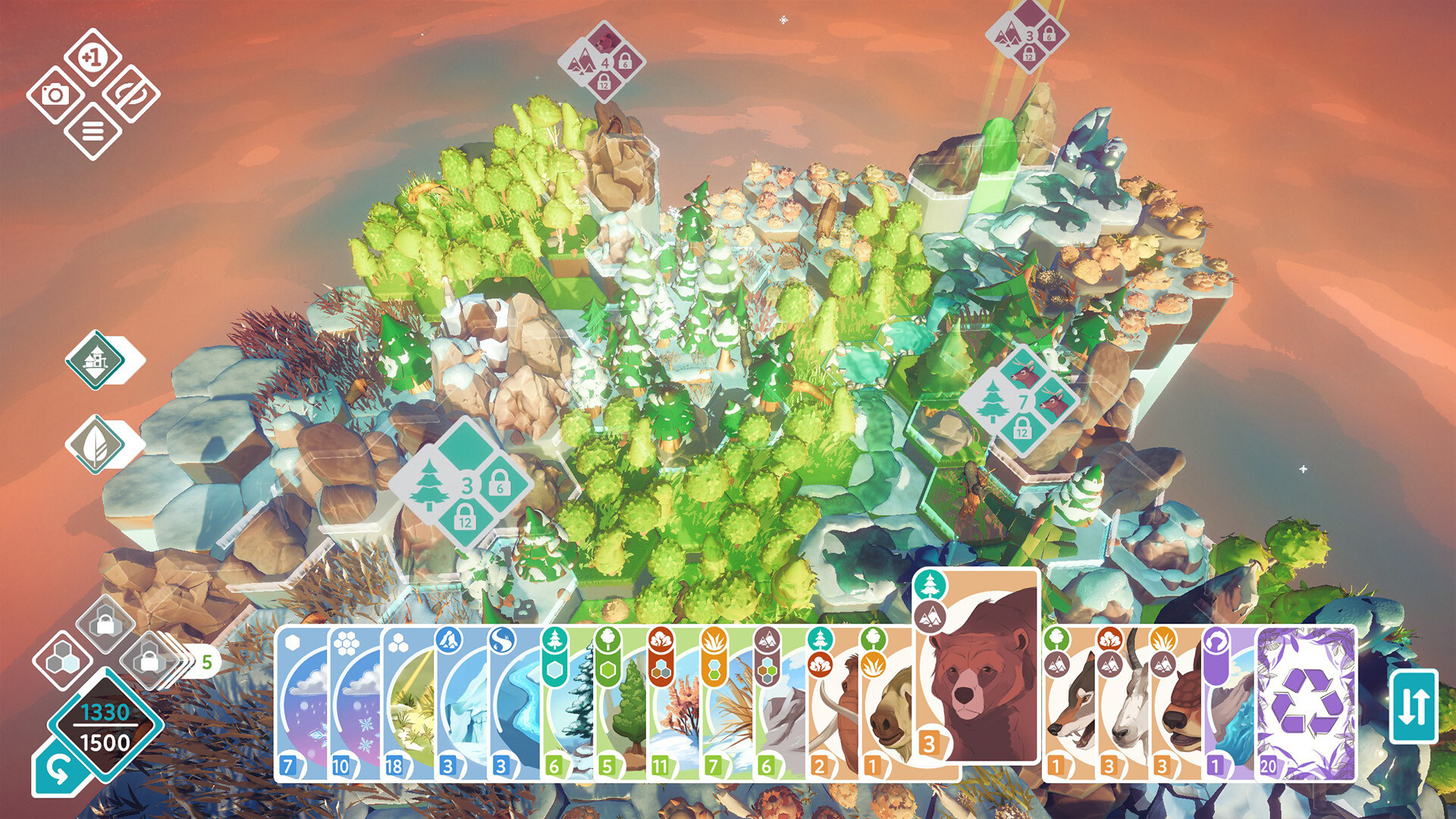
Preserve is a puzzle‑style nature‑building game where players arrange plants and animals to create thriving biomes. Success depends on keeping each ecosystem in a balanced, symbiotic state.
The game lets you expand maps horizontally and stack layers vertically, forming multi‑level habitats. Creative mode removes placement limits, while a Card Upcycle System provides natural wonders such as the snowy Alps and redwood forests.
01 / THE GUIDE
Biome Building
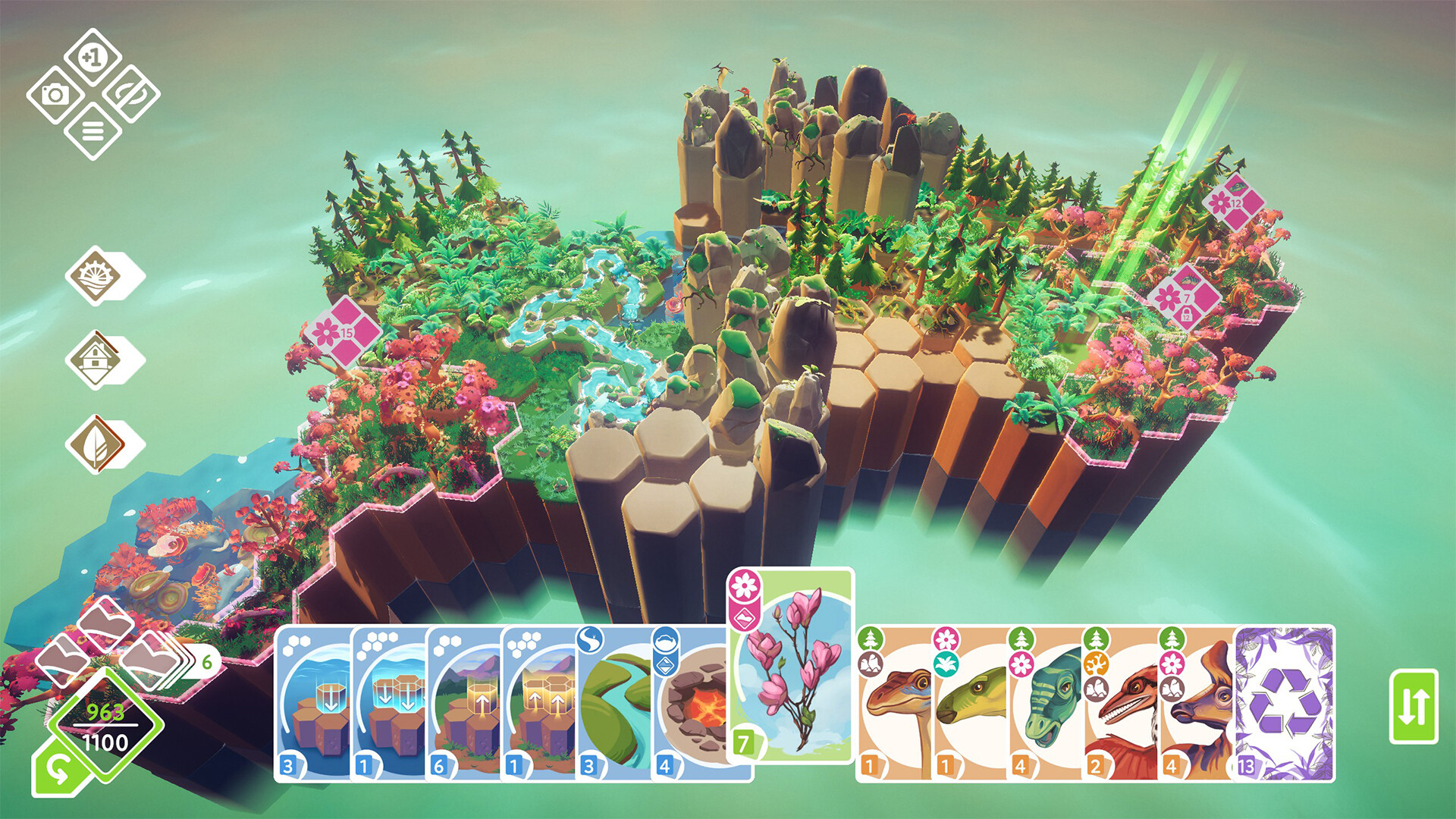
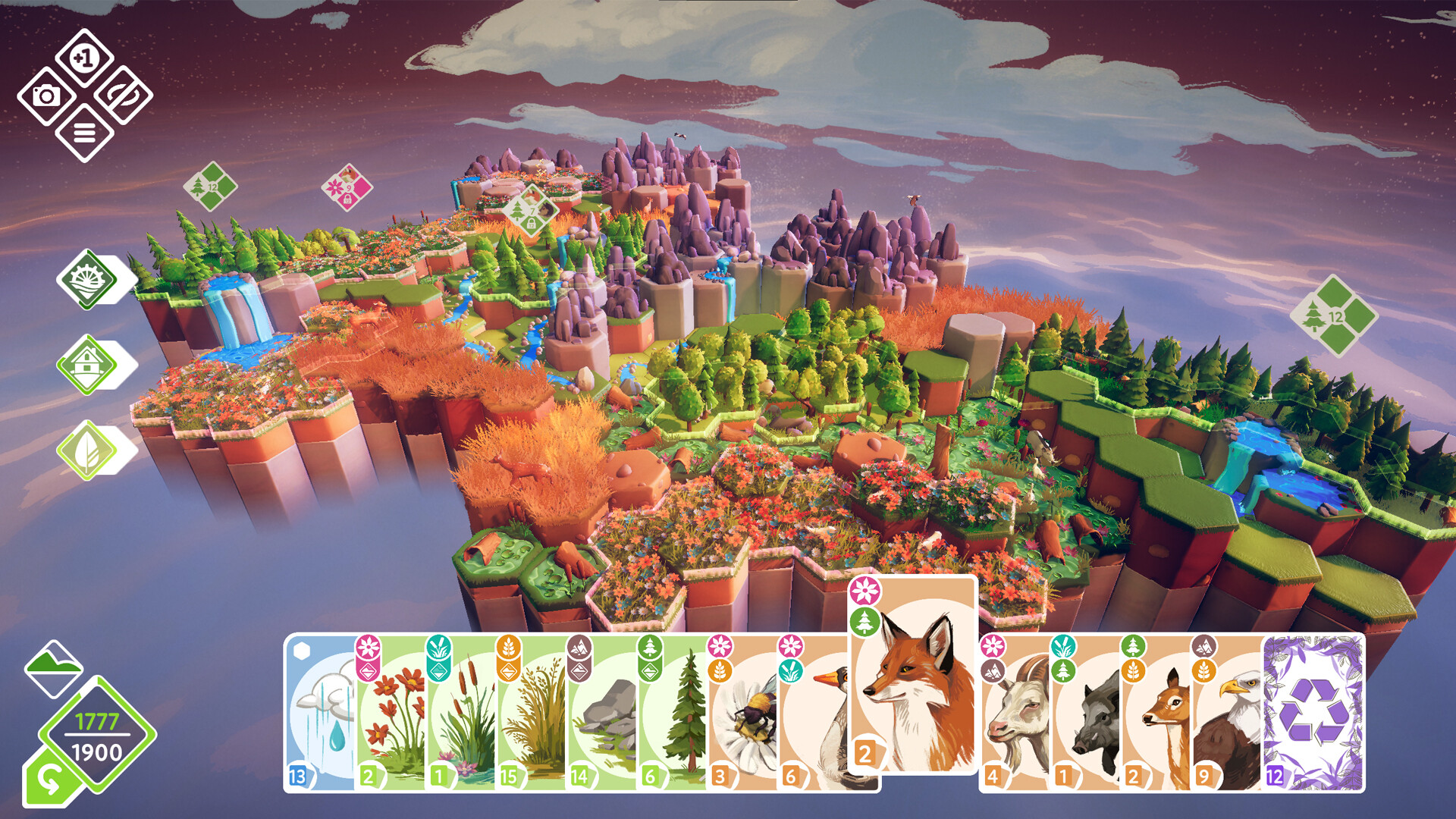
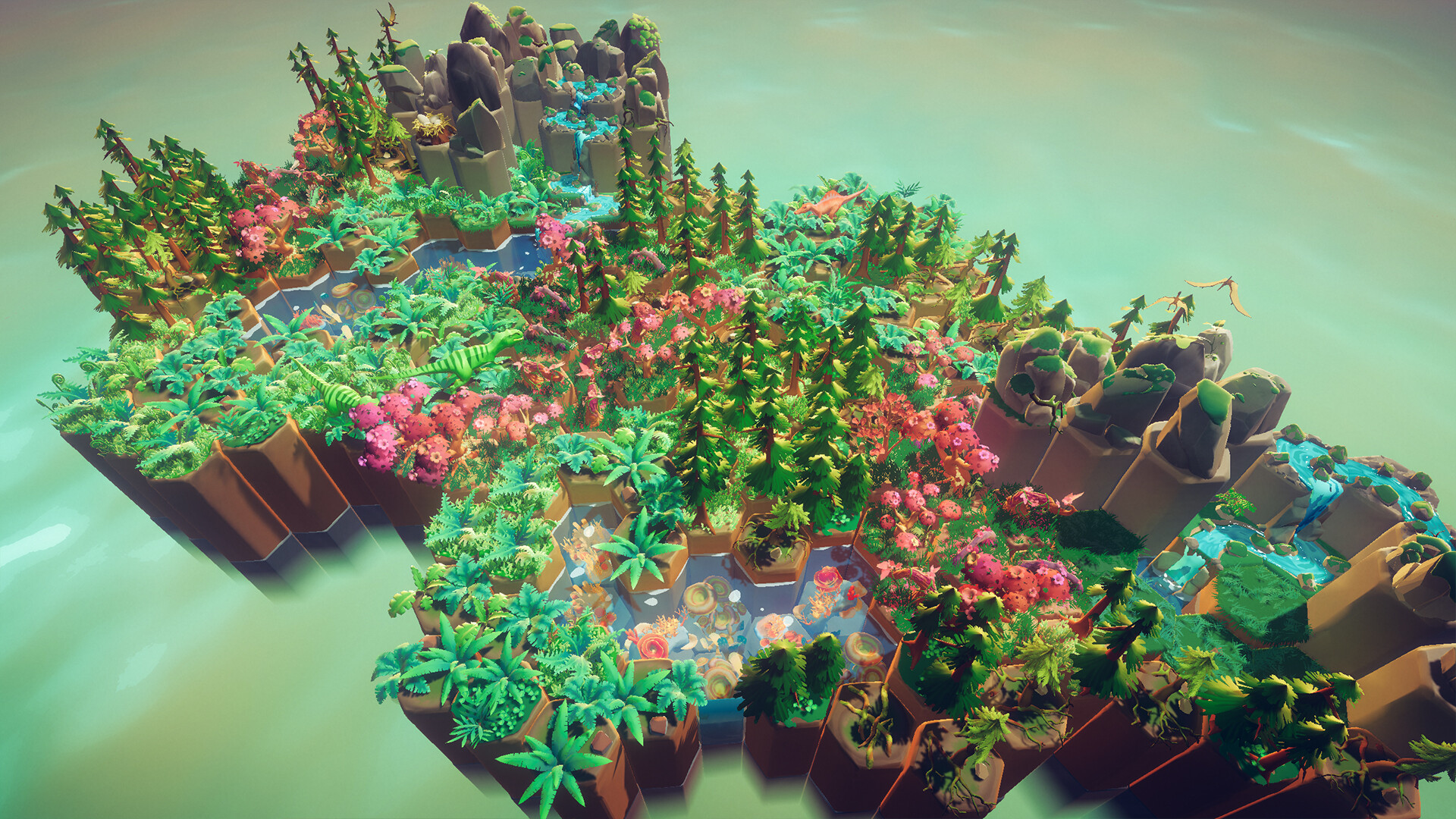
Players place a wide variety of flora and fauna to shape distinct biomes, from savannas to Caribbean reefs. Each biome comes with its own set of species and environmental challenges.
Balancing these components requires strategic thinking; a harmonious ecosystem rewards careful placement and consideration of how species interact.
- Observe how a new species affects existing ones before final placement.
- Start with a few core species and expand gradually to maintain balance.
02 / THE GUIDE
Vertical Layering
Beyond horizontal growth, Preserve allows stacking of nature layers, creating a vertical network of interconnected habitats. This adds depth to the map and introduces new spatial relationships.
Stacking lets you combine different kinds of nature within a single vertical network of habitats.
- Use vertical space to separate species that compete on the same plane.
- Experiment with contrasting biomes stacked together for visual interest.
03 / THE GUIDE
Game Modes
Preserve includes regular harmony and puzzle modes that test ecosystem balance, as well as a Creative mode that removes placement limits.
A photo mode is provided for capturing the finished map at the end of each session, allowing players to share their creations.
- Try puzzle mode first to learn species requirements before entering Creative.
- Use photo mode to review your layout and spot potential improvements.
04 / THE GUIDE
Card Upcycle System
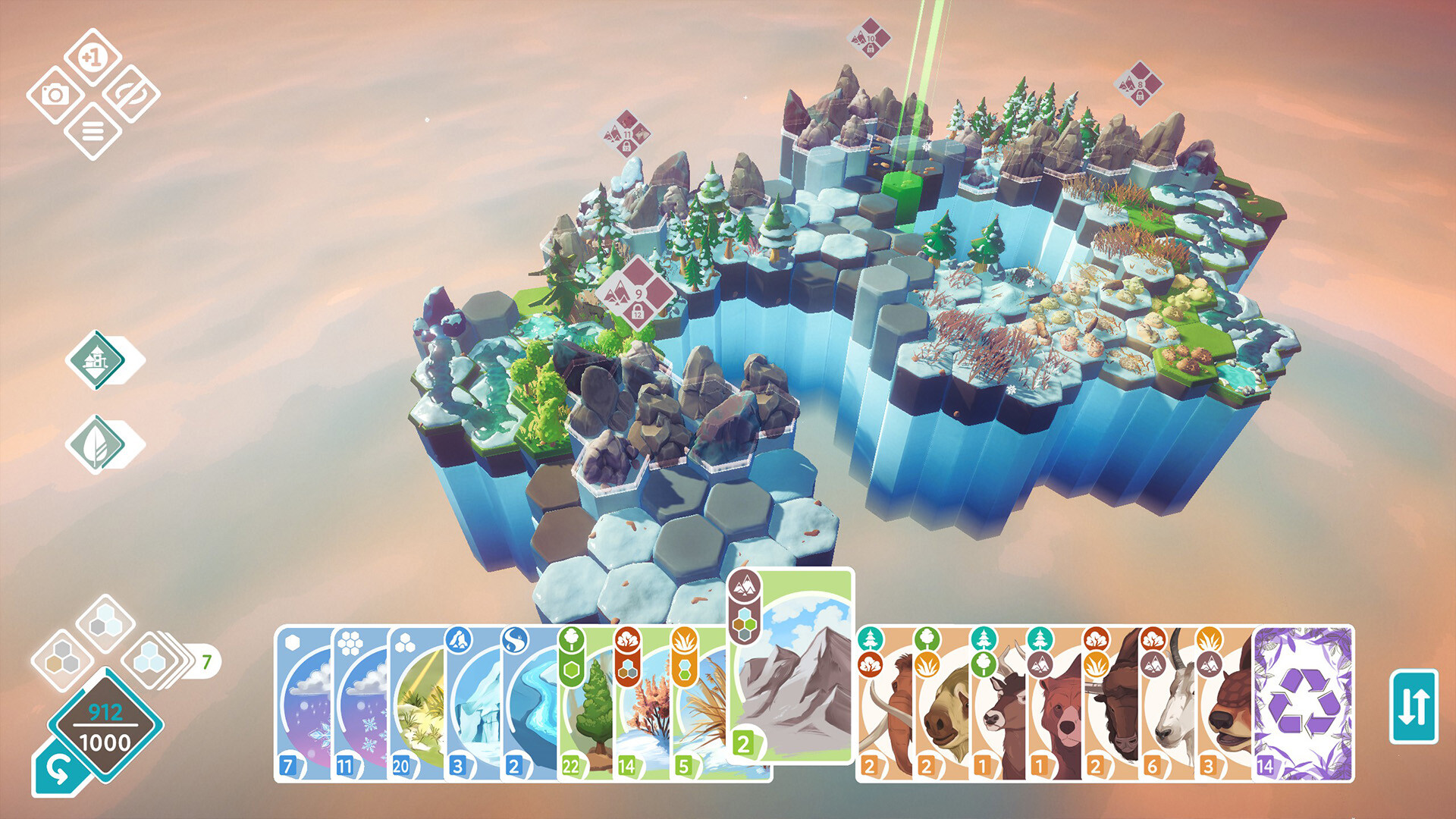
The Card Upcycle System lets players acquire natural wonders such as snowy Alps, lavender fields, or redwood forests. These cards add unique visual elements to a map.
Integrating a wonder can beautify your map, offering new thematic options.
- Collect a variety of cards to keep your map visually diverse.
- Consider how a new wonder fits with existing habitats before placing it.
05 / THE GUIDE
Platform Features
Preserve runs on Windows, macOS, and Linux and supports single‑player play, Steam Achievements, full controller support, Steam Cloud, and Family Sharing.
These listed features indicate the game is accessible across major PC platforms and includes optional cloud‑based data handling.
- Experiment with controller input if you prefer that style of placement.
- Enable Steam Cloud if you wish to use the provided cloud feature.
COMMUNITY
Player discussion