 GameWiki
GET YOUR BEARINGS
About Premium Bowling
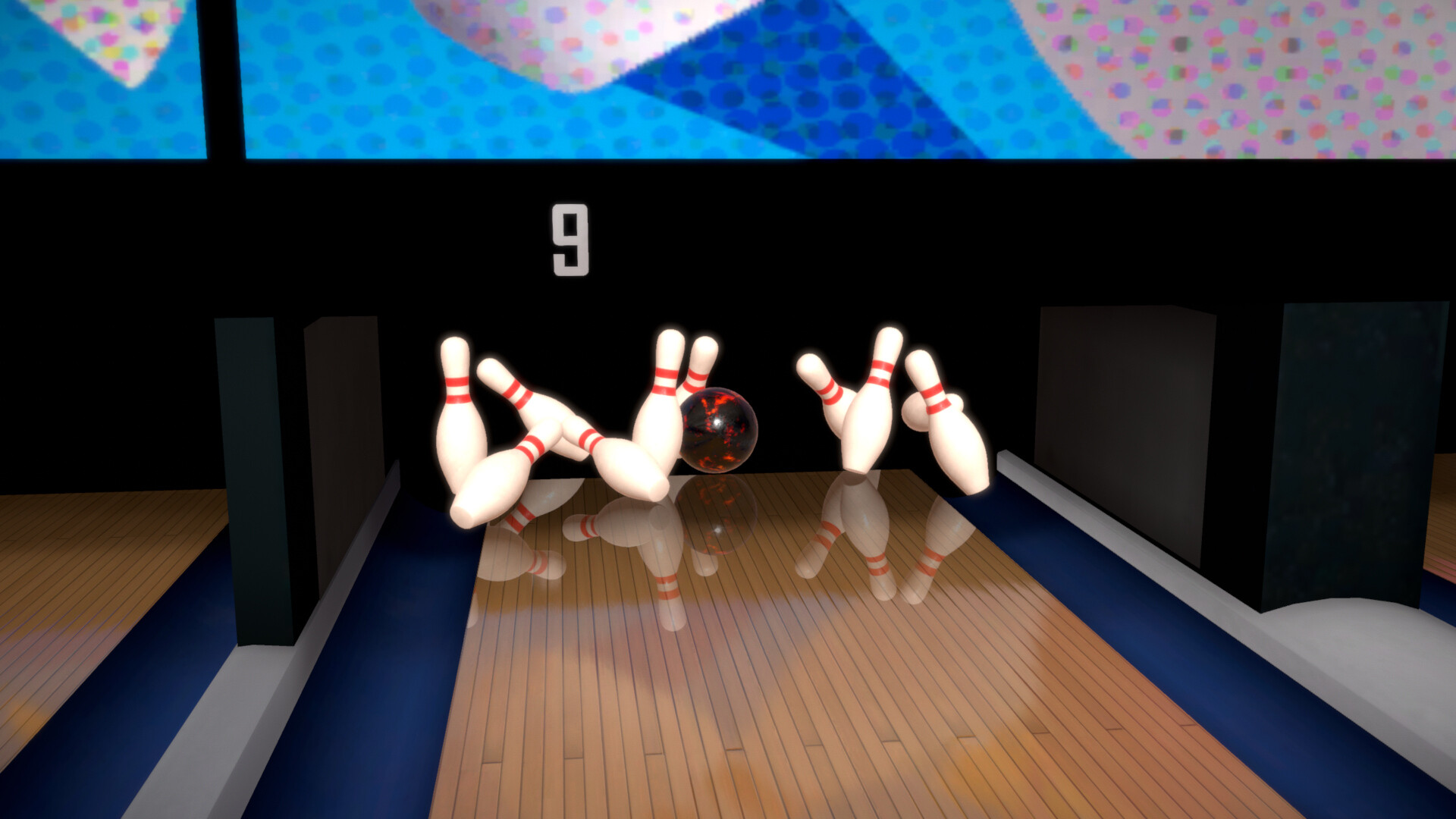
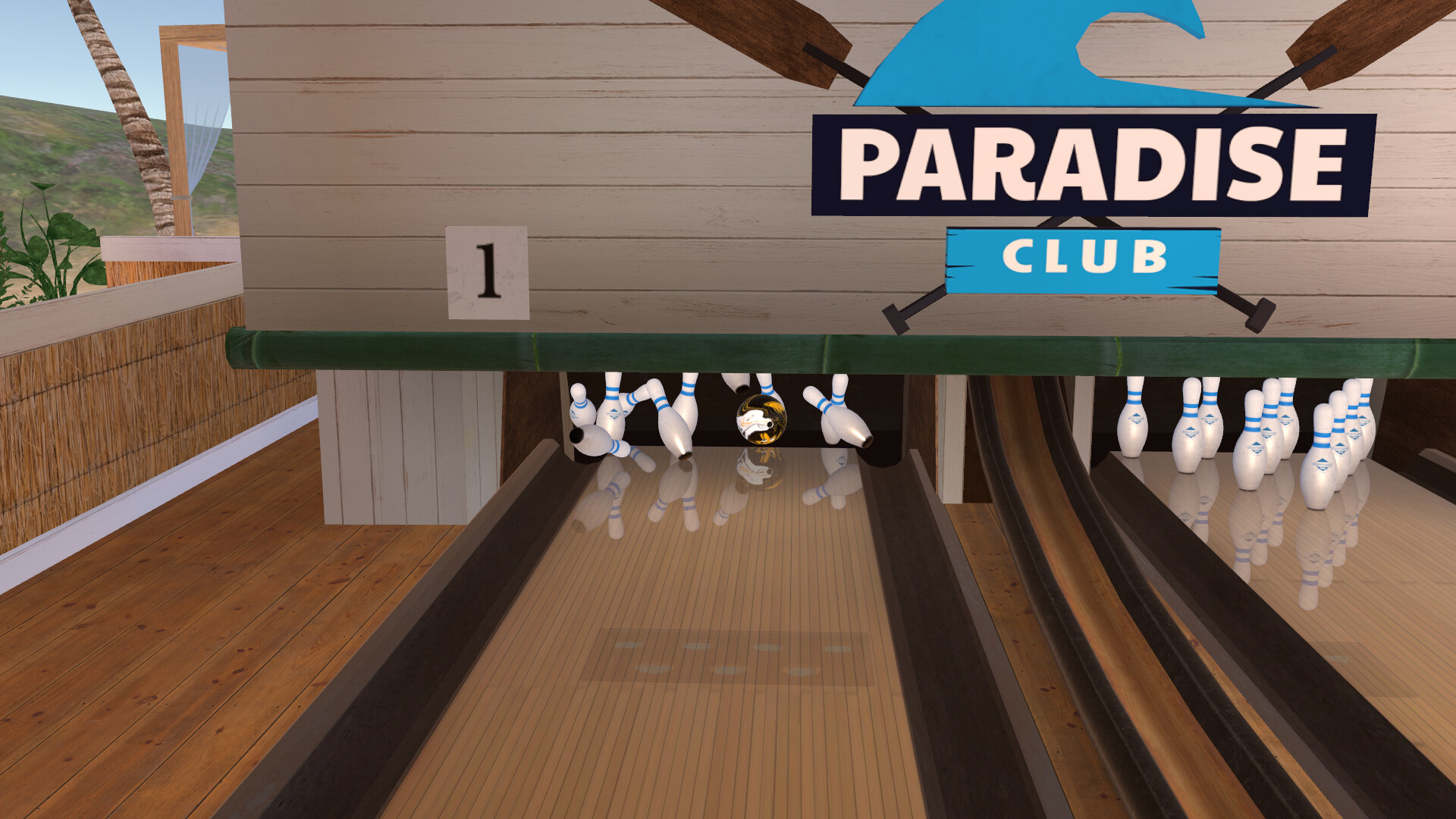
Premium Bowling aims to replicate the feel of a real bowling alley on Windows PCs, offering realistic ball physics and an oil‑wear system that changes lane conditions as you play. The game can be experienced in VR or on a monitor with partial controller support.
Multiplayer options include local headset passing and online matches, while competitive modes feature live tournaments, weekly leagues, and ranking oil patterns that rotate each week. Players can also stream music or video to the lane display and design custom‑appearance balls.
01 / THE GUIDE
Advanced Oil Simulation
At the start of each game an oil pattern is applied to the lane. As frames progress the pattern gradually wears out, altering the surface conditions for later throws.
Because the oil changes during a game, the ball’s path may differ between early and later frames. Observing this shift helps players decide how to adjust their aim for each subsequent throw.
- Watch the ball’s reaction after each frame to notice the oil’s wear.
- Make small aim adjustments when the lane feels less oily.
02 / THE GUIDE
Multiplayer Variants
The game supports local headset passing, allowing friends in the same room to take turns bowling while using the in‑game voice chat.
Online play lets you join matches with players worldwide, using the same voice chat system to communicate as if you were side‑by‑side.
- Use headset passing for a quick, social session with nearby friends.
- Test online matches to experience the global player community.

03 / THE GUIDE
Competitive Structures
Live tournaments and weekly leagues introduce ranking oil patterns that change each week, giving each competition a distinct lane condition to master.
Teams can be created with friends, providing a private meeting space and the ability to compete against other teams in organized matches.
- Join a team to access private meetings and coordinated practice.
- Check the weekly oil pattern before entering a league.
04 / THE GUIDE
Ball Customization
A built‑in creator lets you design the visual appearance of your bowling ball, saving custom designs for use in the game.
Custom balls let you add personal expression while you bowl.
- Experiment with colors and patterns to find a design you enjoy.
- Use the video player to showcase your custom ball during a match.
05 / THE GUIDE
Platform and Input Support
Premium Bowling runs on Windows and supports both VR and partial controller input. Steam achievements are available, and the game works with Family Sharing.
Features such as Cross‑Platform Multiplayer, Remote Play Together, and Shared/Split Screen PvP are listed, indicating various ways players can connect.
- Enable Steam achievements to track progress across sessions.
- Try Remote Play Together to invite a friend to your session.


COMMUNITY
Player discussion