 GameWiki
GET YOUR BEARINGS
About Prehistoric Kingdom
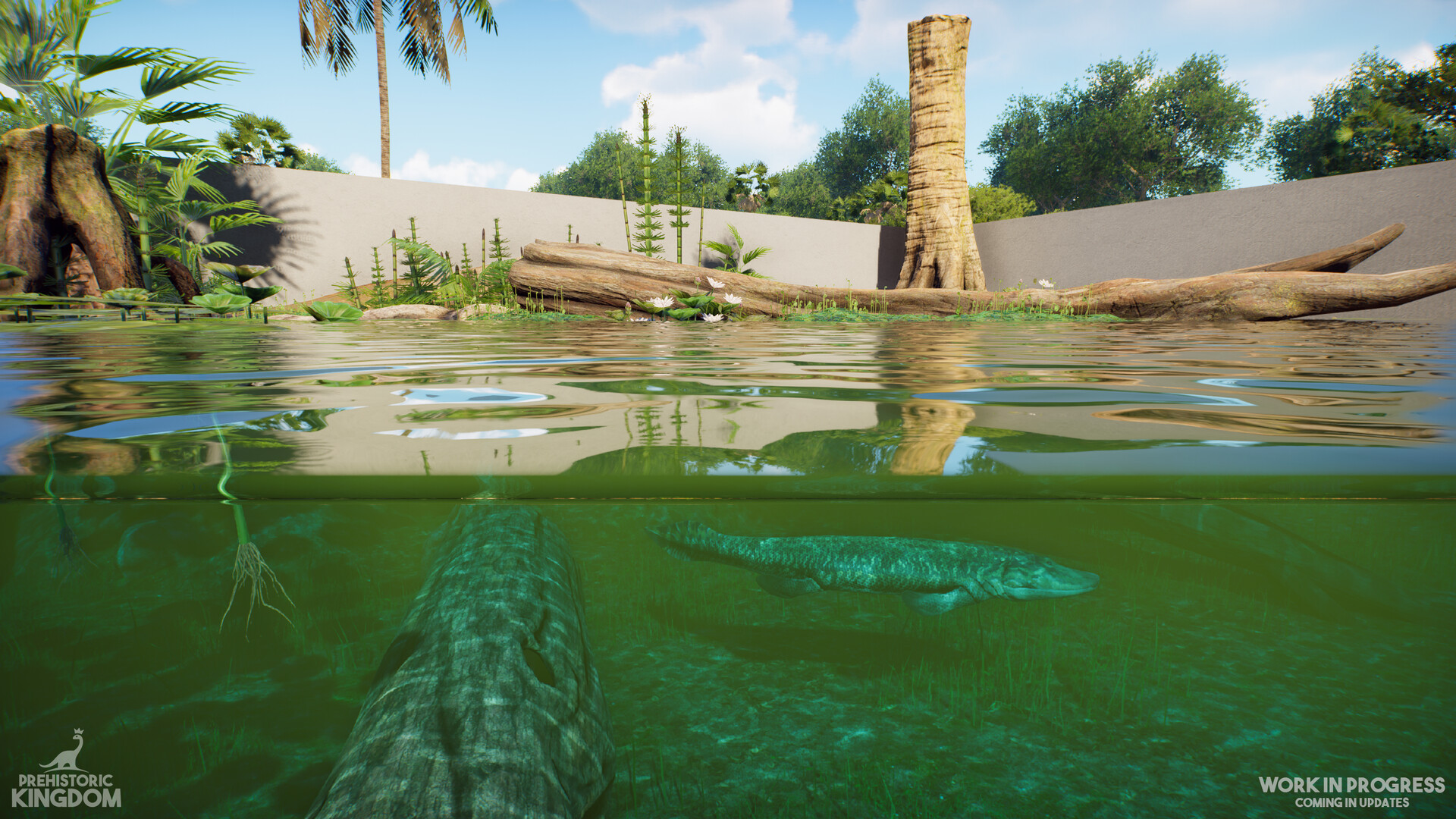
In Prehistoric Kingdom you become a park manager tasked with reviving extinct wildlife. Over fifty prehistoric species—from Woolly Mammoths to Spinosaurus—can be discovered, incubated, and released, each growing from infant to adult with changing sounds and behaviors. The game provides expansive terrain where you can carve rivers, raise mountains, and place themed prefabs or Workshop‑downloaded structures. First‑person mode lets you explore habitats up close, while staff and logistics tools keep animals fed, watered, and the park tidy.
01 / THE GUIDE
Animal Lifecycle
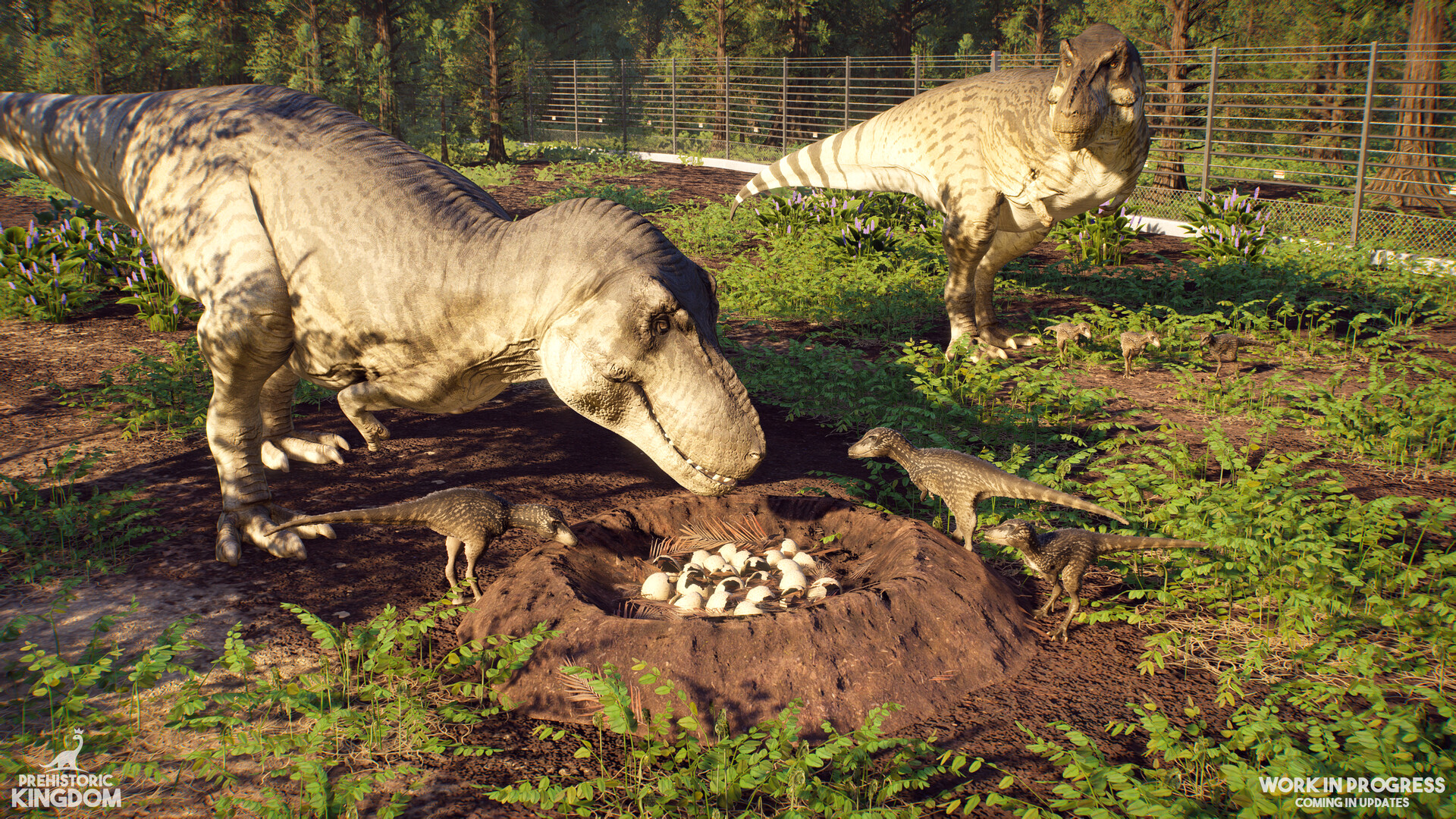
Animals progress from hatchlings to fully grown adults, with size, sounds, and animations updating in real time as they mature.
Throughout life they must eat, drink, sleep, and engage in herd or social activities, creating dynamic interactions that respond to the park’s environment.
- Observe growth stages to adjust enclosure size before animals reach adult dimensions.
- Provide varied feeding stations to support both solitary and herd‑living species.
02 / THE GUIDE
Park Construction Tools
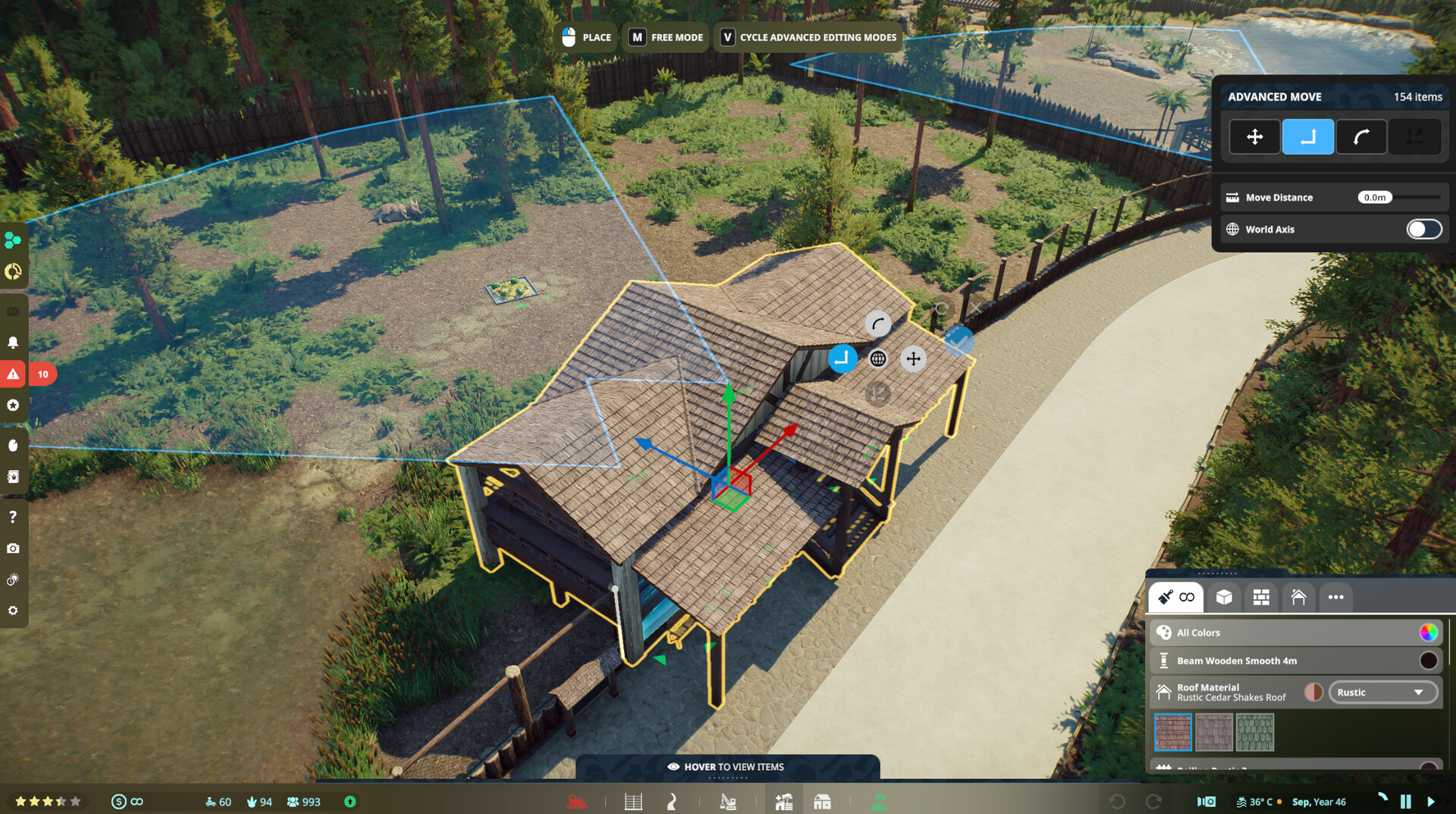
The terrain editor lets you sculpt the landscape, carving rivers, raising mountains, and flattening ground to fit habitats.
You can place prefabricated structures or build facilities piece‑by‑piece using precise creative tools, shaping every detail of the zoo.
- Use prefabs for quick guest amenities while reserving custom builds for unique animal enclosures.
- Test water flow after carving rivers to ensure habitats stay hydrated.
03 / THE GUIDE
Logistics and Staff
Resources such as food, water, and cleaning supplies are imported or generated and then distributed across the park by trainable staff.
Strategic placement of kiosks, feeders, and waste stations, combined with staff routes, keeps animals satisfied and the environment tidy.
- Position feeders near social areas to reduce travel time for herd animals.
- Schedule regular cleaning routes to prevent dung buildup that could affect guest comfort.
04 / THE GUIDE
First Person Exploration
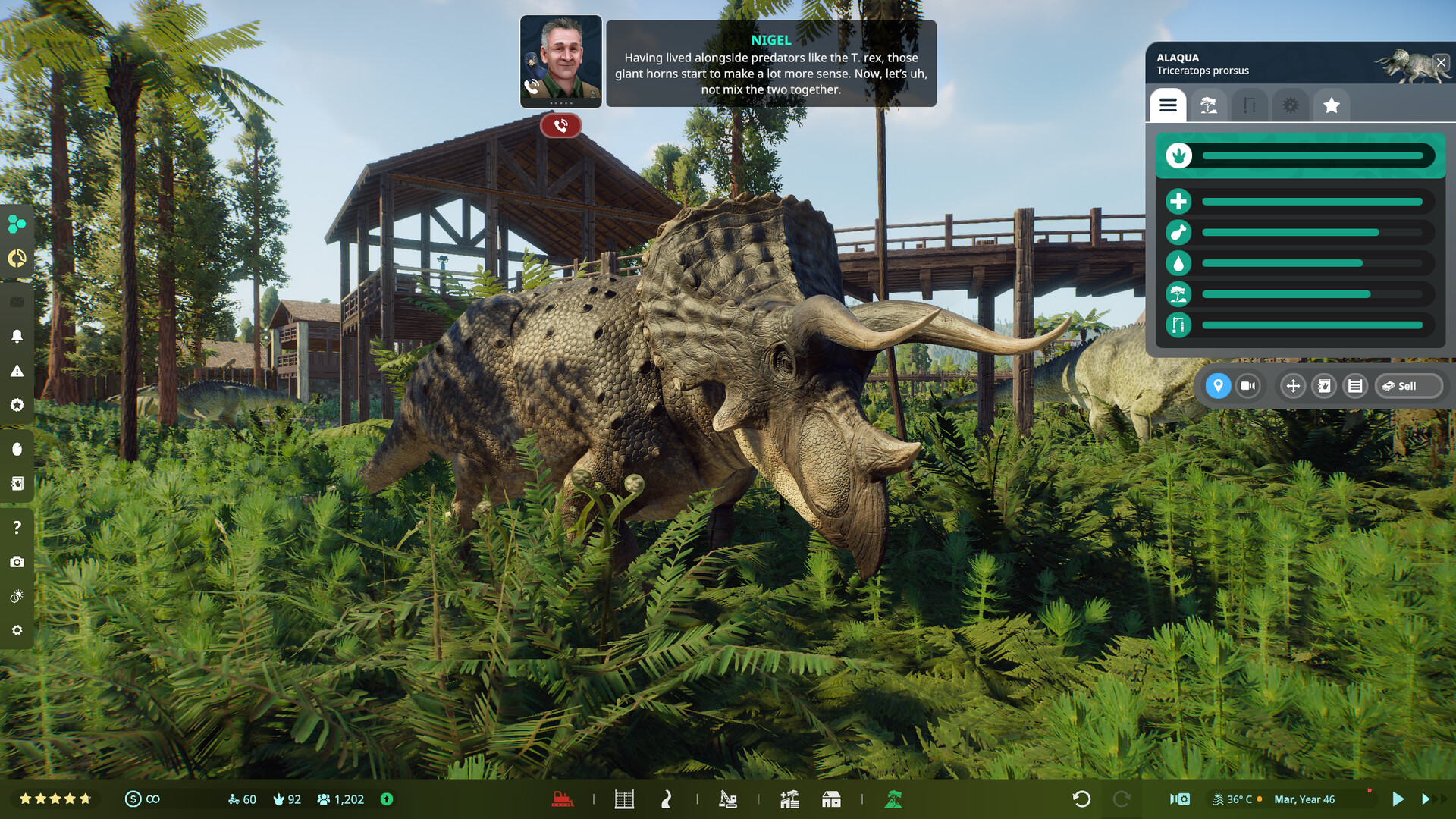
First Person Mode switches the view to a ground‑level perspective, allowing you to walk through habitats and observe animals up close.
You can use binoculars, sit on benches, or enter enclosures, making the experience immersive and interactive.
- Bring binoculars into dense foliage to spot shy species without disturbing them.
- Pause on benches to listen for animal calls that indicate social activity.
05 / THE GUIDE
Steam Workshop Integration
The game supports the Steam Workshop, offering a library of themed prefabs created by the community.
You can download structures such as restaurants, toilets, and viewing platforms, or share your own designs for others to use.
- Browse the Workshop for habitat-specific structures that match your animal’s environmental needs.
- Upload your custom prefabs to receive feedback and inspire new park layouts.
COMMUNITY
Player discussion