 GameWiki
GET YOUR BEARINGS
About Powerplay
Powerplay puts you in charge of an industrial nation’s economy and military. You build bases, secure resources, and follow a classic technology tree while navigating a harsh, finite world. The game blends strategic resource handling with large‑scale RTS battles across land, air, and sea.
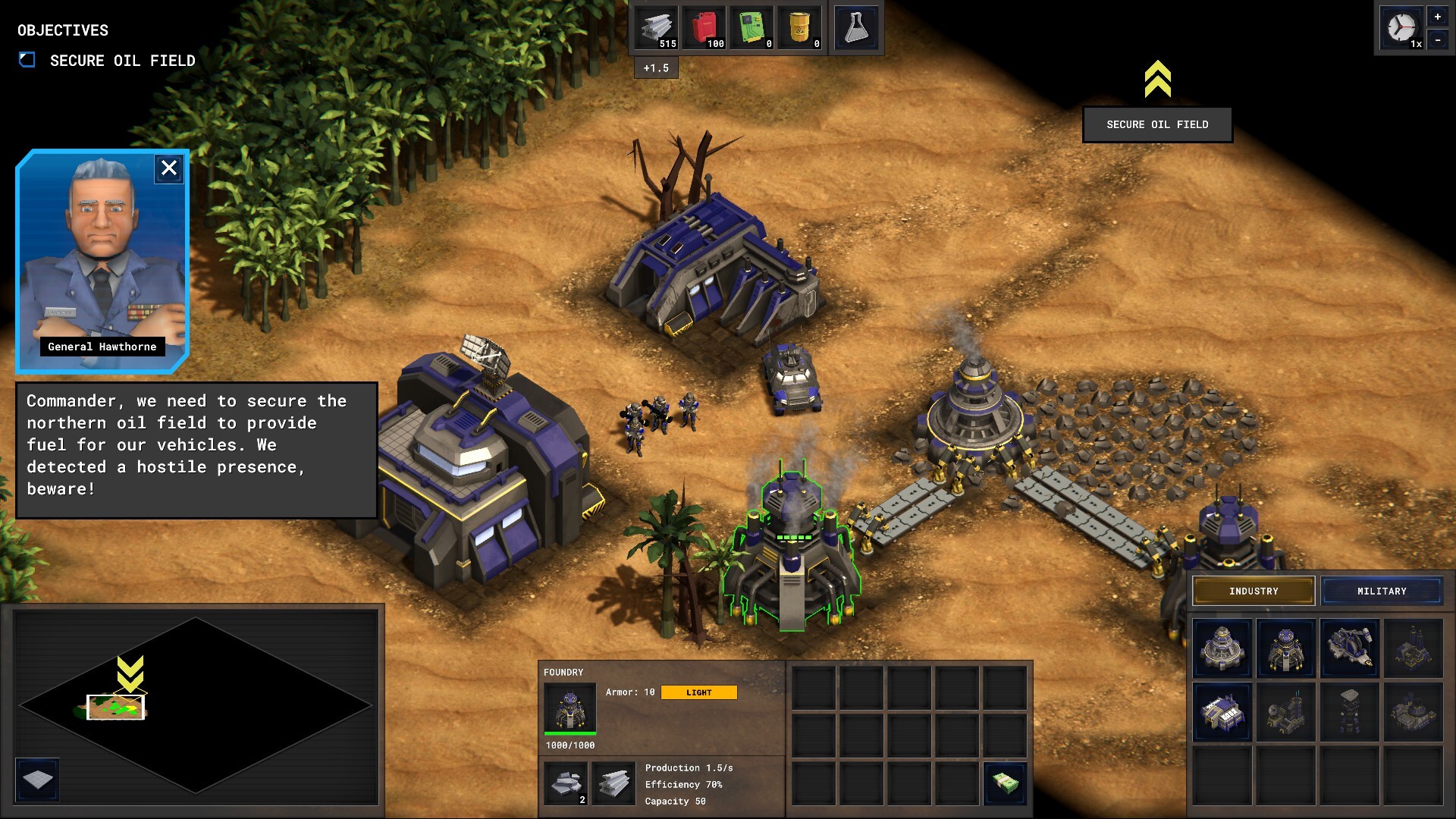
Supply chains are central: conveyor belts move raw materials to factories, which produce intermediate goods and weapons. Decisions about weapon production, terrain use, and supply‑line protection shape every conflict, whether you expand outward or defend strongholds.
01 / THE GUIDE
Economy Management
Powerplay requires you to extract raw resources and transport them to processing facilities. Efficient allocation of these resources determines the strength of your military and the stability of your nation. The technology tree guides upgrades that improve extraction, processing, and overall economic output.
Balancing resource allocation with space management is a constant challenge. You must decide which weapons to produce and how to leverage terrain and supply lines to sustain your forces. Every decision impacts your nation’s survival in the finite world.
- Prioritize early technologies that boost raw resource extraction.
- Monitor space usage to avoid bottlenecks in factory placement.
02 / THE GUIDE
Supply Chain Design
Conveyor belts form the backbone of Powerplay’s logistics. They move raw materials to factories where they become intermediate resources and weapons. Designing efficient networks reduces delays and keeps your armies supplied.
Protecting these supply lines is essential; disrupted transport can cripple production. The game encourages you to create and defend routes that connect extraction sites, factories, and front‑line units, integrating terrain advantages where possible.
- Use elevation changes to protect belts from enemy fire.
- Create redundant paths to safeguard against single‑point failures.
03 / THE GUIDE
Combat Operations
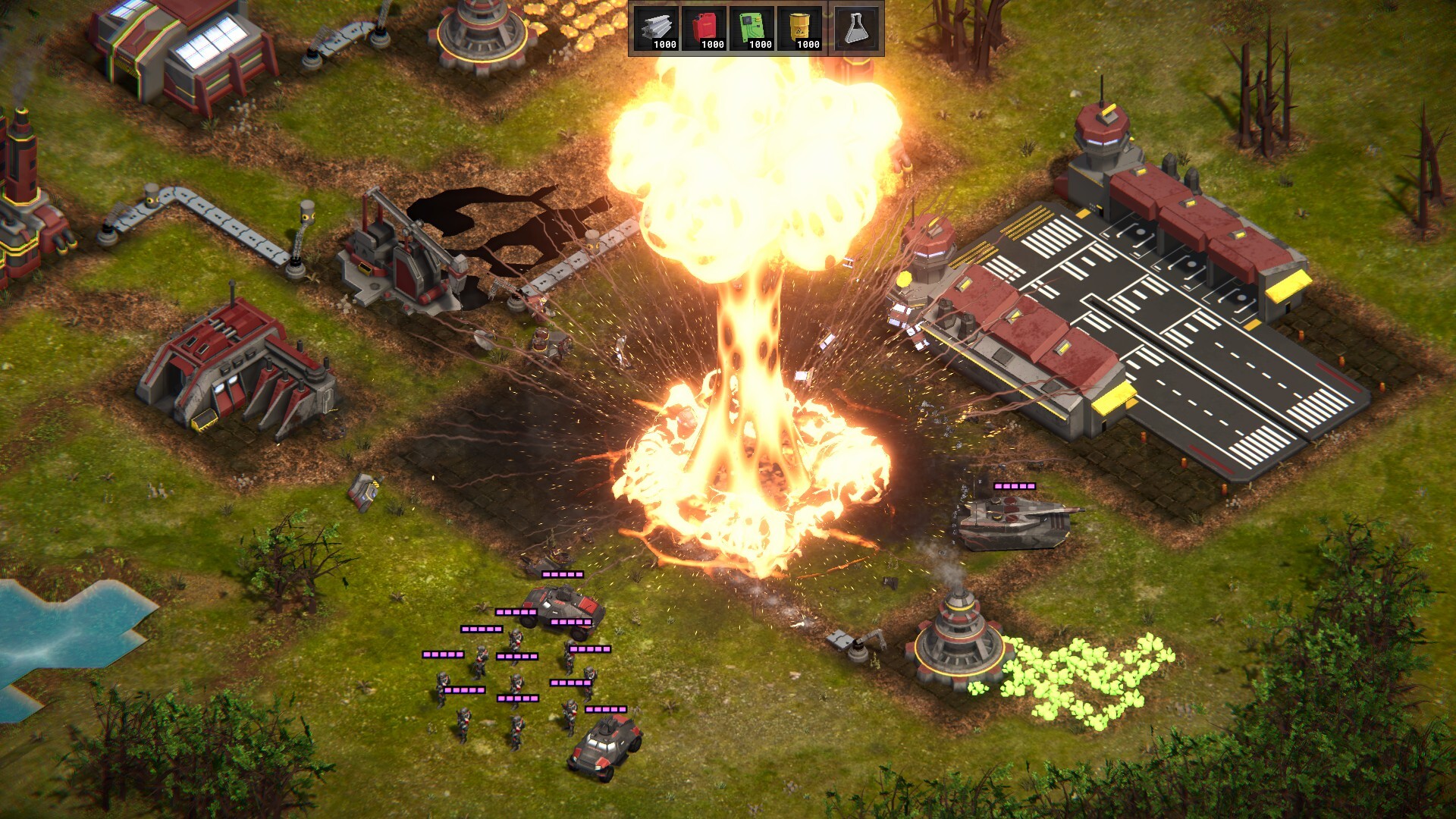
Powerplay features classic RTS combat with hundreds of units across land, air, and sea. You can build, equip, and deploy massive armies using the resources and technology you develop. Nuclear weapons are also available for decisive strikes.
Fog of war adds uncertainty, requiring careful scouting and strategic positioning. Terrain and supply lines influence battle outcomes, making logistics as important as firepower in engagements.
- Combine land and air units to exploit terrain advantages.
- Maintain supply lines to keep front‑line units reinforced.
04 / THE GUIDE
Game Modes
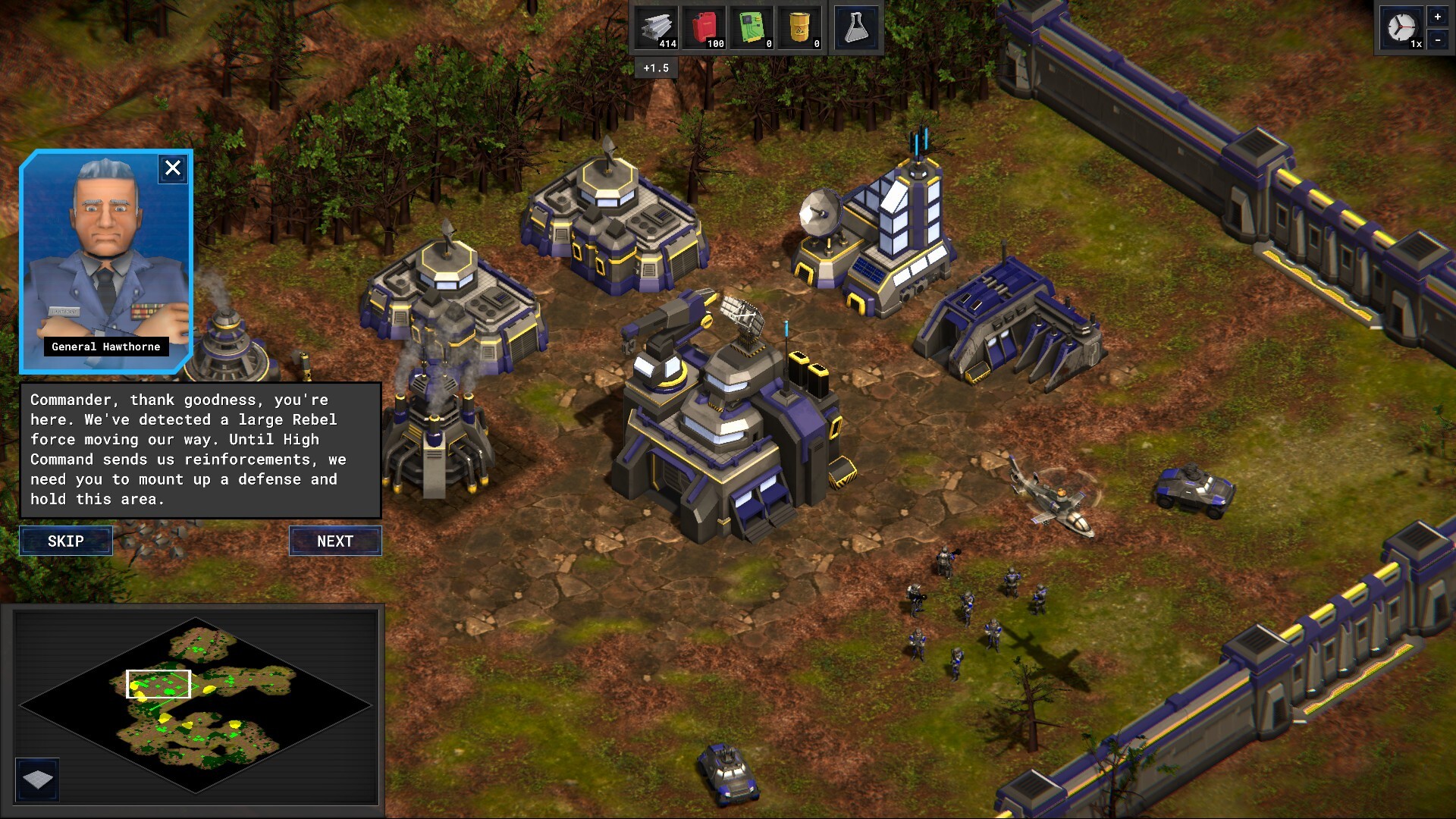
Powerplay offers a Campaign mode for single‑player story progression and a Skirmish mode that supports both single‑player and PvP matches. Each mode utilizes the same core mechanics, allowing you to test strategies in varied contexts.
A sandbox editor lets you create custom scenarios, supporting community sharing via Steam Workshop. This flexibility encourages experimentation with different economic and combat setups beyond the provided campaigns.
- Try Skirmish to practice supply‑line defense before tackling Campaign.
- Use the editor to prototype new resource layouts.
05 / THE GUIDE
Editor Tools
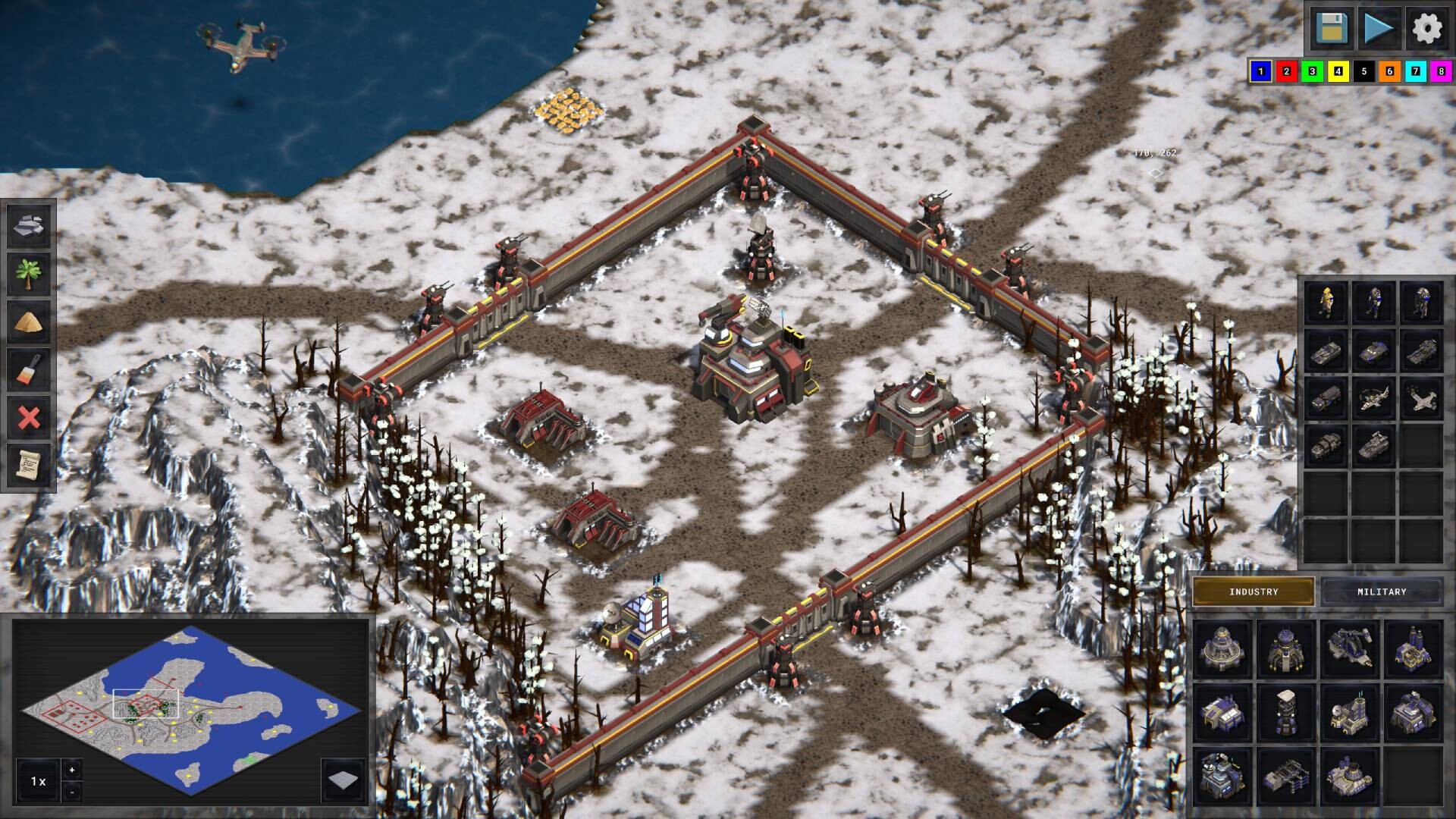
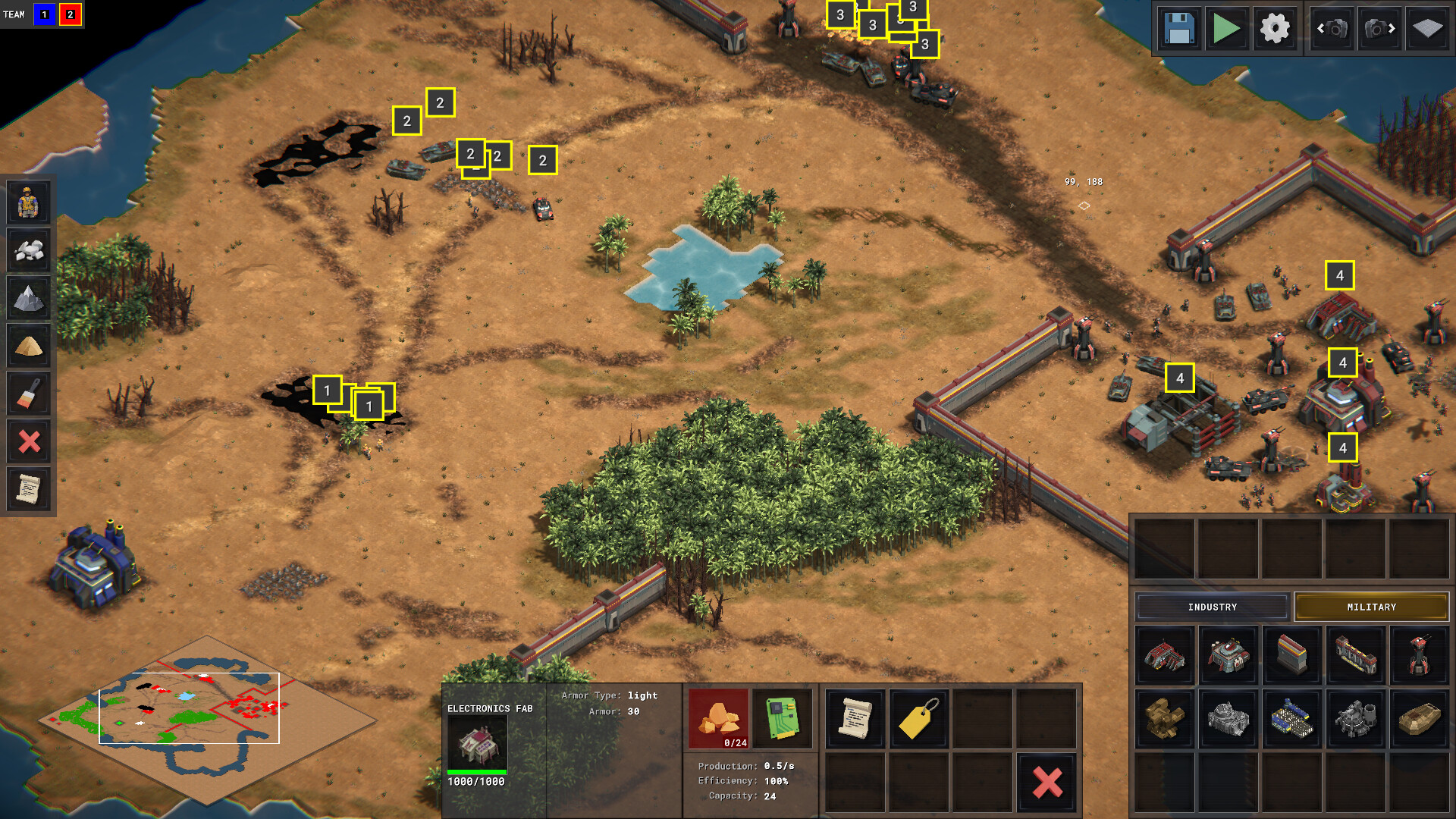
The built‑in game editor includes elevation support, allowing you to shape terrain for strategic depth. You can design maps, place resources, and set up conveyor systems, then share them through Steam Workshop.
These tools enable players to craft unique challenges and test novel economic or combat strategies, extending replayability beyond the base content.
- Experiment with elevation to create natural choke points.
- Share your maps to gather feedback from the community.
COMMUNITY
Player discussion